Discover the best ai music generator: Top Picks & Reviews

best ai music generator
Welcome offer — 56% OFF



Discover the 12 best AI video creation tools of 2025. In-depth reviews, pros & cons, and pricing to find the perfect platform for your next project.
Remember when making a video required a camera, a crew, and a budget bigger than your lunch money for a year? Those days are officially history. Welcome to the new era of content creation, where the best AI video creation tools have turned everyone into a potential director, animator, and marketing guru, practically overnight.
Whether you're trying to create a viral TikTok, a slick corporate training video, or even a personalized message from a 'celebrity,' there's an AI tool ready to do the heavy lifting. But with a flood of new platforms hitting the market, which ones are actually worth your time and money? How do you pick the right one without spending weeks in trial-and-error mode?
Forget the hype and the confusing tech jargon. We’ve dived deep, tested the limits, and sorted through the digital noise to bring you the definitive guide. This isn't just another roundup; it's your practical playbook. We're breaking down the top 12 AI video creators you need to know about, complete with their standout features, real-world use cases, honest pros and cons, and pricing.
Our goal is simple: to help you find the perfect platform for your specific project. While this list covers our top picks in detail, to further explore the diverse landscape of options, you can also find a comprehensive list of AI video tools available in the market.
Ready to find your new favorite creative partner? Let’s roll the digital film.
SendFame establishes itself as a standout choice by bundling an ambitious suite of AI-powered creative tools into one remarkably accessible platform. While many of the best AI video creation tools focus on one specialty, SendFame is an all-in-one powerhouse, generating everything from dynamic videos and custom images to complete, fully produced songs. Its core philosophy revolves around speed and simplicity, making it a go-to for creators, marketers, and even event planners who need professional-grade content without a steep learning curve.
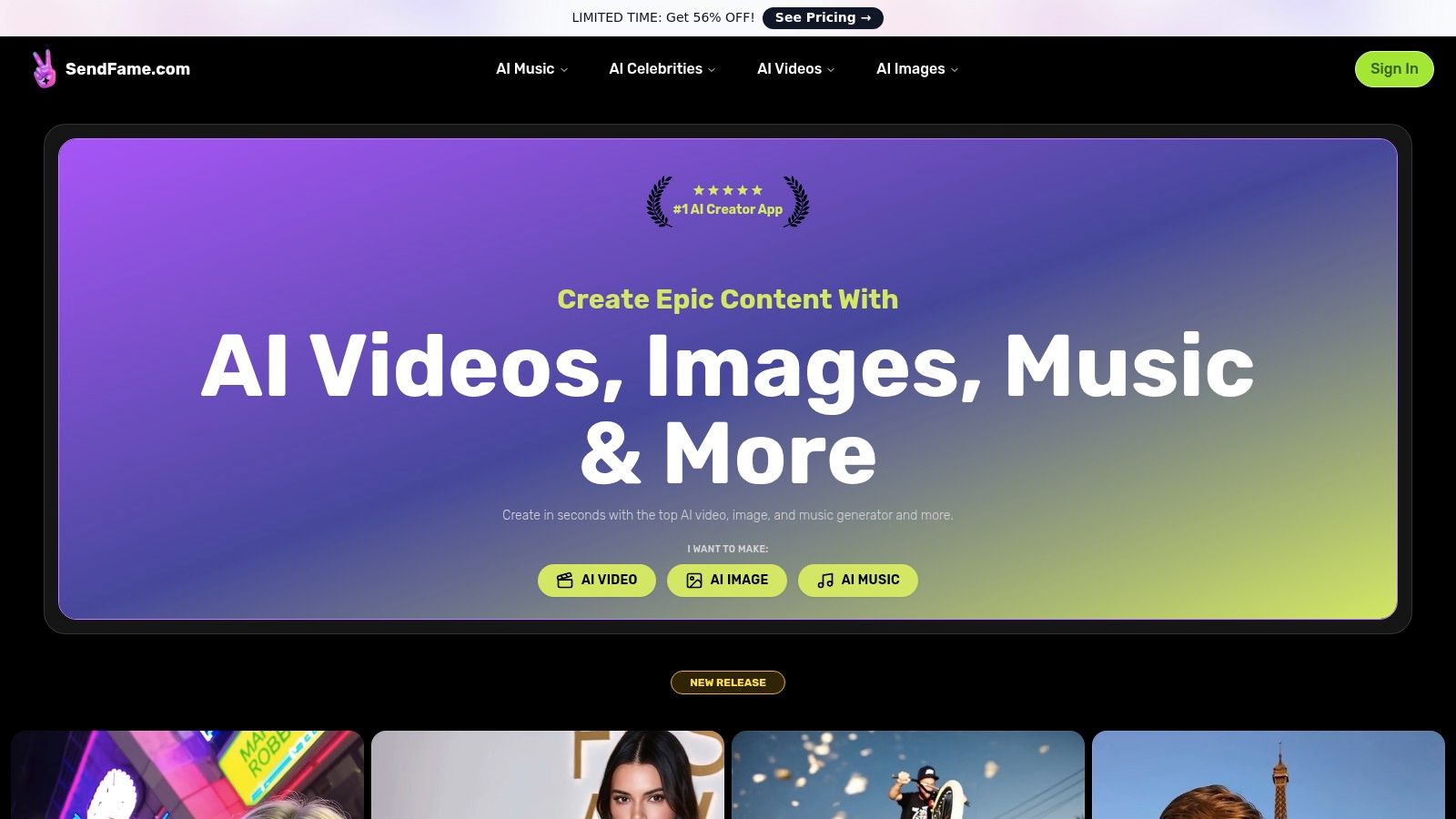
The platform's one-click workflow is a game-changer. You simply choose a persona or style, type in a script or prompt, and the AI handles the heavy lifting, delivering produced voice, video, or music almost instantly. This ease of use, backed by a massive community of over 500,000 users and a gallery brimming with user-generated content, provides powerful social proof of its capabilities.
What truly sets SendFame apart are its unique, specialized generators that you won't easily find elsewhere.
AI Celebrity Video Generator: This is the platform's most distinctive feature. You can create hyper-realistic, personalized messages in the style of various celebrities. It's perfect for crafting unforgettable birthday greetings, event announcements, or viral marketing clips that grab immediate attention. AI Music Generator: Far beyond simple background tracks, SendFame can generate complete songs with lyrics, vocals, and an accompanying music video. Aspiring artists can prototype ideas for rap, country, or pop tracks in minutes, while marketers can produce custom jingles on the fly. Image-to-Video Tool: Breathe new life into static photos by transforming them into dynamic, animated video clips. This is invaluable for social media managers looking to create engaging posts from existing image assets.
SendFame operates on a credit-based system, with various subscription tiers available. The platform frequently advertises promotions, such as a significant 56% discount, making it an affordable entry point into AI content creation.
Pros & Cons
| Pros | Cons |
|---|---|
| All-in-One Suite: A comprehensive toolkit for video, images, full songs, and celebrity-style messages. | Legal/Ethical Gray Areas: Users must carefully review the terms of use regarding celebrity likeness and commercial rights before monetizing deepfake-style content. |
| Extreme Ease of Use: A simple, prompt-based workflow produces polished content in seconds with no prior skill. | Variable Output Quality: The final quality can depend heavily on the prompt's quality and the specific generator used. |
| Unique Generators: The celebrity persona and full song generators are powerful differentiators. | Pricing Clarity: The exact credit cost per generation requires a visit to the pricing page to fully understand the value of each plan. |
| Strong Community: A large user base and active community gallery provide inspiration and social proof. |
Best For: Marketers seeking viral content, event planners creating personalized messages, and creators who need a versatile, fast, and fun tool for rapid experimentation.
Check it out here:SendFame Website
Synthesia has earned its spot as a heavyweight champion among the best AI video creation tools, especially for corporate and educational content. Think of it as your in-house video production studio, minus the cameras, mics, and temperamental actors. It excels at turning scripts into polished, professional videos fronted by eerily realistic AI avatars, making it a go-to for training modules, HR announcements, and complex explainer videos.
Its biggest flex is the sheer quality and variety of its digital presenters. The platform’s core strength lies in its hyper-realistic lip-syncing across a staggering number of languages, which makes global content localization a breeze rather than a logistical nightmare.
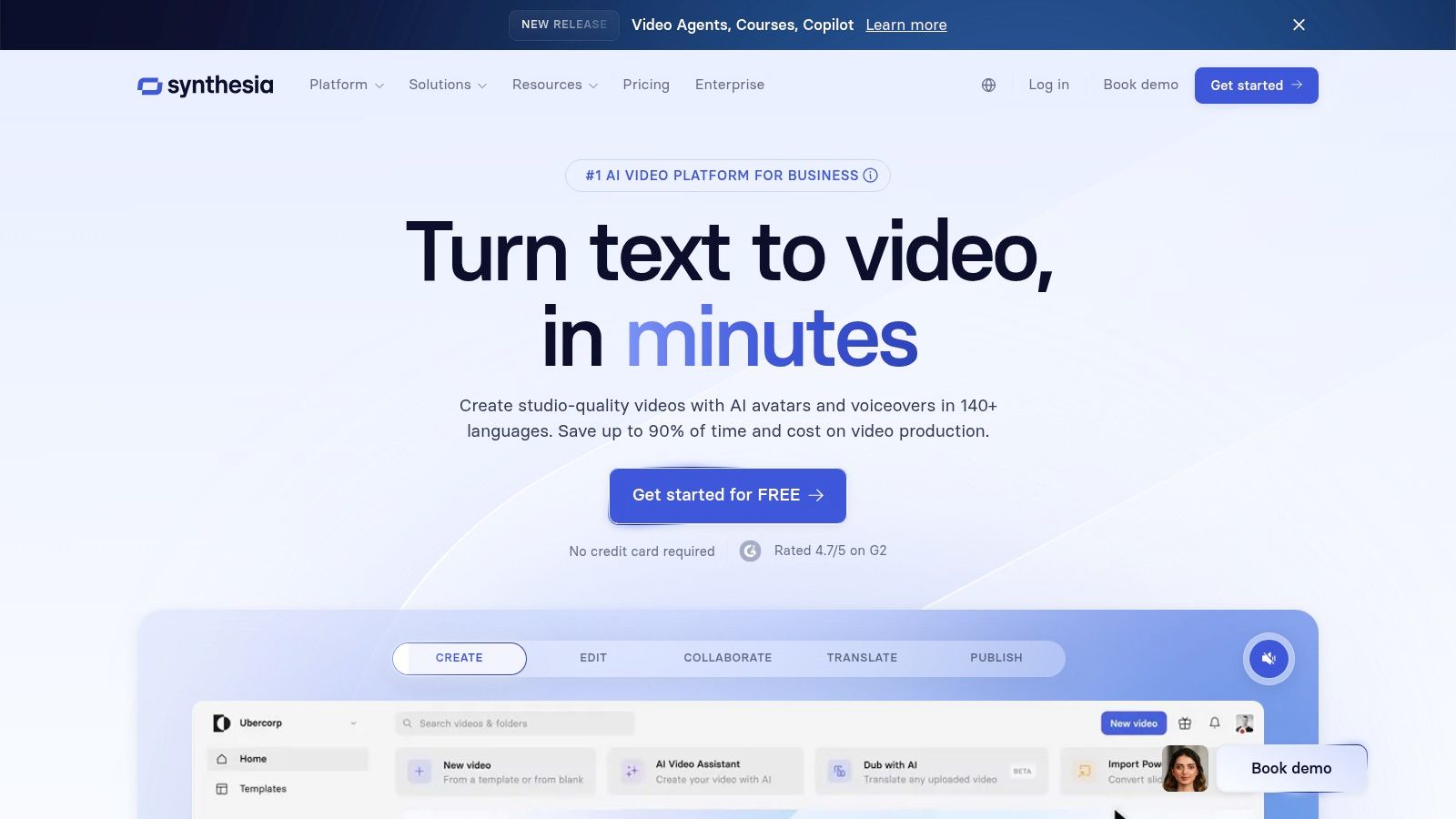
Synthesia is built for teams. Its interface is clean and collaboration-focused, allowing multiple users to comment on and edit projects in real-time. This is a game-changer for corporate environments where videos need to pass through several layers of approval. For businesses needing to maintain brand consistency, the ability to create custom avatars and branded video templates is invaluable. If you're looking for different options, you can find a breakdown of top Synthesia alternatives here.
Key Features: 230+ stock AI avatars, custom avatar creation, 140+ languages with AI-powered voice cloning and dubbing, collaborative workspaces, and SCORM exports for LMS integration. Pricing: Plans start with a Personal tier at $22/month (billed annually) for 10 minutes of video per month. The Enterprise plan offers custom pricing for more extensive needs, including more video minutes and advanced features. Best For: Corporate training teams, marketing departments localizing content at scale, and any business that needs consistent, high-quality instructional videos without the overhead of traditional production.
| Pros | Cons |
|---|---|
| Top-tier avatar quality and lip-syncing | Credit-based system can feel restrictive |
| Robust collaboration and enterprise features | Custom avatars are a significant additional cost |
| Excellent for multilingual content creation | Less suited for creative, narrative-driven videos |
Check it out at:https://www.synthesia.io
Runway has positioned itself at the bleeding edge of the best AI video creation tools, serving as a creative powerhouse for artists, filmmakers, and anyone looking to push generative video to its limits. This isn't just a tool for simple edits; it's a full-fledged creative suite where you can turn text prompts and images into cinematic, often surreal, video clips. It’s the platform you turn to when your goal is to create something visually stunning and entirely new, not just assemble existing assets.
Its main draw is the sheer quality and artistic potential of its generative video models, like the much-hyped Gen-3 Alpha. Runway excels at producing high-fidelity, dynamic video from simple inputs, giving creators a sandbox to explore visual storytelling in ways that were previously the domain of high-budget VFX studios.
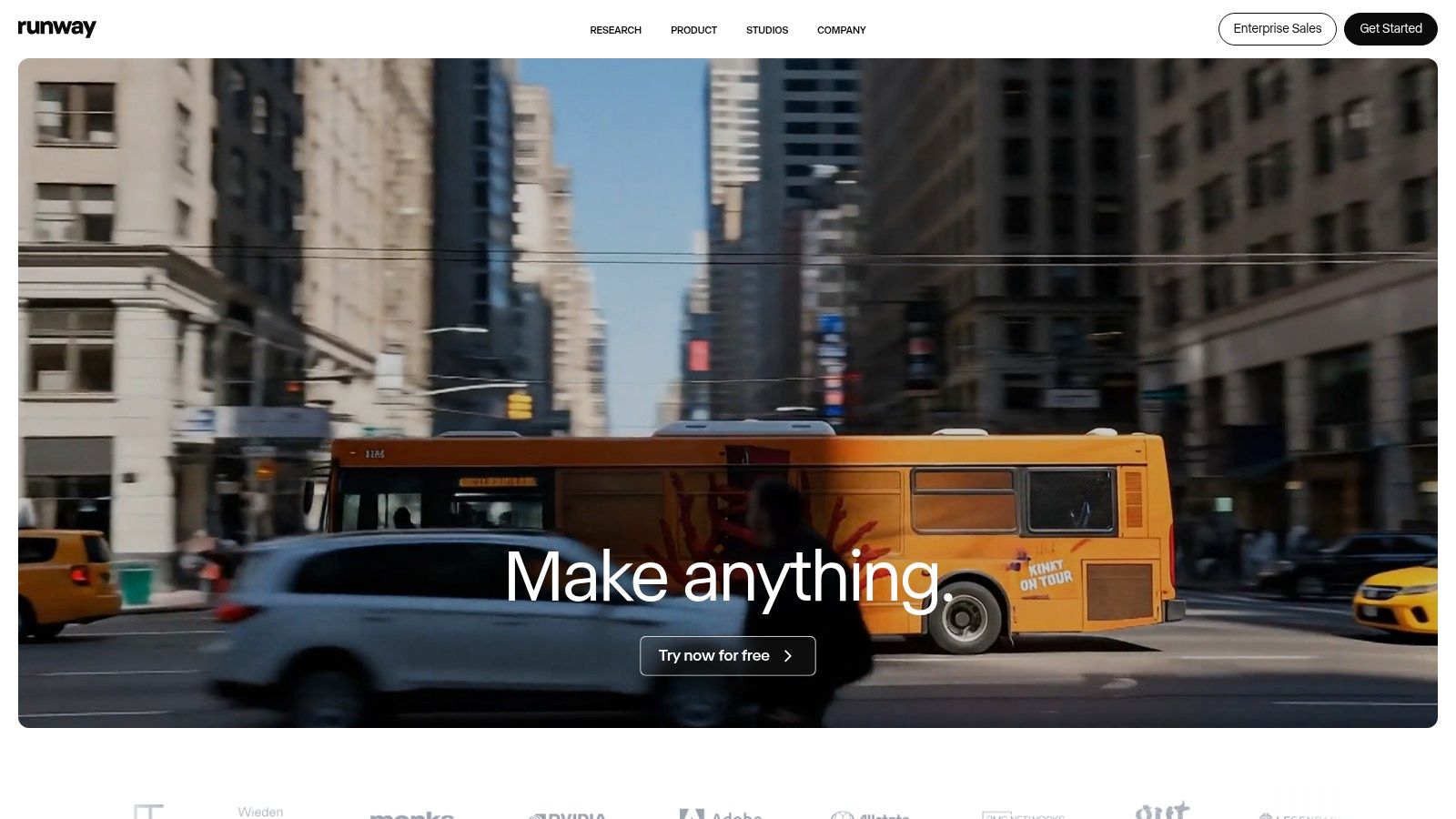
Runway is built for the creator who sees AI as a collaborator. Its suite goes beyond simple generation, offering tools for video-to-video transformations, infinite image expansion, and motion tracking. This makes it a comprehensive platform for experimental filmmaking and advanced content creation. While it has a powerful editor, you can learn more about other top-tier options in our guide to the best AI video editing software. The platform's constant innovation and community of artists make it a hub for what's next in generative media.
Key Features: Gen-3 Alpha text-to-video model, image-to-video and video-to-video tools, AI-powered motion tracking, in-painting, upscaling, and a full multi-track video editor. Pricing: Starts with a free plan offering 125 credits. Paid plans include Standard at $12/user/month (billed annually) for 625 credits/month, up to Unlimited at $76/user/month for unlimited relaxed-speed generations. Best For: Digital artists, independent filmmakers, marketing creatives, and anyone focused on producing high-quality, artistic, and experimental generative video content.
| Pros | Cons |
|---|---|
| Industry-leading generative video quality | Credit system can be complex to calculate |
| Comprehensive suite of creative AI tools | "Unlimited" plan has caveats for certain features |
| Strong community and focus on artistic use | Steep learning curve for advanced features |
Check it out at:https://runwayml.com
Pika has burst onto the scene as one of the best AI video creation tools for the fast-paced, experimental creator. It’s less of a corporate presentation builder and more of a creative playground for generating short, dynamic, and often surreal video clips from text or image prompts. Think of it as a video-generation sprint, built for artists, social media mavens, and developers who want to iterate quickly and see what sticks.
Its biggest flex is its rapid evolution and the sheer number of models and tools it puts at your fingertips. Pika is constantly rolling out new versions and features, encouraging users to blend, twist, and add to their creations, making it a powerful engine for visual brainstorming and content that needs a unique, eye-catching flair.
Pika is built for speed and experimentation. Its transparent credit system, where every action has a clear cost, allows users to manage their resources effectively while churning out variations. For developers, its pay-as-you-go API is a major draw, offering a scalable way to integrate powerful video generation into their own applications without a hefty upfront commitment. It’s the go-to platform for anyone who values creative freedom and rapid production cycles over polished, avatar-led presentations.
Key Features: Multiple generation models (Turbo, Pro), scene extension tools (Pikadditions, Pikatwists), transparent credit-based actions, 720p/1080p resolution options, and a developer-friendly API with per-second billing. Pricing: A free tier is available with a watermark. Paid plans start with the Standard plan at $8/month (billed annually) for 700 credits. The Unlimited plan is $28/month (billed annually) for unlimited fast-generation credits. Best For: Social media content creators, digital artists, developers, and anyone needing to quickly generate unique, short-form video clips for creative projects or rapid prototyping.
| Pros | Cons |
|---|---|
| Competitive pricing with generous monthly credits | Credit menu and cost structure can feel complex at first |
| Rapid iteration and fast generation at higher tiers | New features and models roll out frequently, creating a learning curve |
| Developer-friendly API pricing | Not designed for longer, narrative-driven video projects |
Check it out at:https://pika.art
Adobe has officially entered the AI video ring, and when a titan like this makes a move, everyone pays attention. Firefly for video isn't just a standalone tool; it's a powerful generative engine being woven directly into the fabric of Adobe's creative ecosystem, primarily Premiere Pro. It aims to be one of the best AI video creation tools by integrating text-to-video and image-to-video capabilities right where editors and creators already live, eliminating the clunky process of exporting and importing assets.
Its primary strength lies in its "commercially safe" approach, training its models on licensed content, which provides enterprise-level IP indemnity. This is a massive selling point for brands and professional creators who can't afford the legal gray areas of other models. Firefly is less about replacing the editor and more about giving them an impossibly powerful new set of brushes.
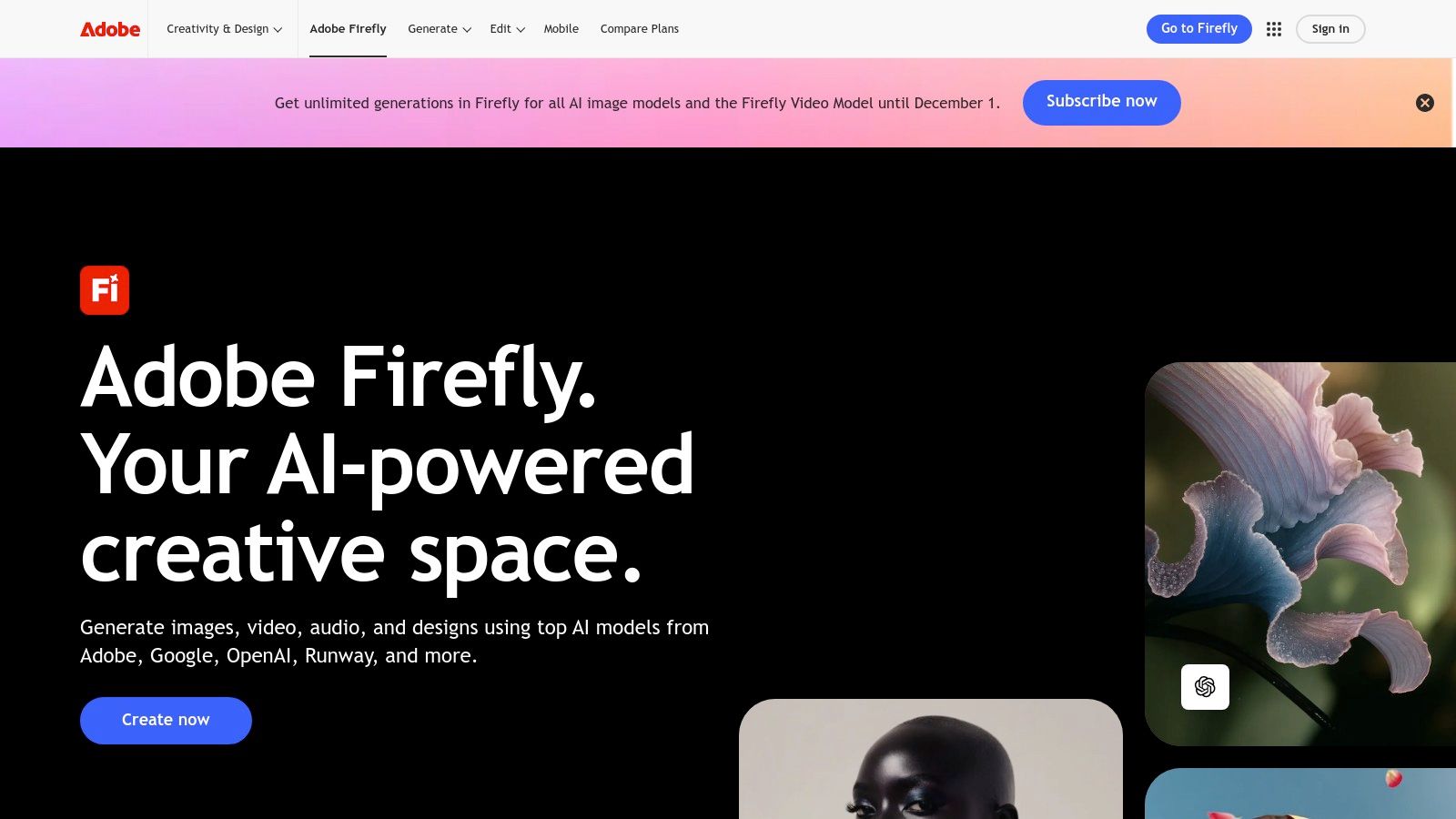
The seamless integration with Adobe Creative Cloud is Firefly's knockout punch. The ability to generate a B-roll clip, extend a scene, or create an animated background directly within your Premiere Pro timeline is a workflow revolution. For businesses already invested in the Adobe suite, this isn't just another tool; it's a superpower upgrade for their existing software, complete with the credit-based accounting and team management features they are accustomed to.
Key Features: Native text-to-video and image-to-video generation, deep integration with Premiere Pro and After Effects, trained on commercially safe data, and enterprise-grade IP indemnity. Pricing: Firefly is integrated into Creative Cloud plans. Individual plans start at around $9.99/month for 100 generative credits. Team and Enterprise plans offer pooled credits and advanced management features with custom pricing. Best For: Professional video editors, creative agencies, and marketing teams already embedded in the Adobe ecosystem who need a reliable, legally-sound way to inject AI-generated content into their workflows.
| Pros | Cons |
|---|---|
| Unbeatable integration with Adobe Creative Cloud | Credit-based system adds complexity to project budgeting |
| Enterprise-focused with IP indemnity for commercial use | Initial video model capabilities may have length/resolution limits |
| Strong brand reputation and a focus on ethical AI | Best value is for existing Creative Cloud subscribers |
Check it out at:https://www.adobe.com/creativecloud/business/teams/firefly.html
Descript flips video editing on its head, making it as simple as editing a text document. It’s one of the best AI video creation tools for anyone who cringes at the thought of complex timelines and keyframes. Instead of slicing clips, you just edit the auto-generated transcript, and the video cuts follow suit. This makes it an absolute powerhouse for editing podcasts, interviews, and any dialogue-heavy content.
Its standout feature is the text-based editing workflow, which is a massive time-saver for both beginners and seasoned editors. The platform also packs a suite of AI "magic" tools, like removing filler words ("ums" and "ahs") with a single click and cloning your voice to fix audio mistakes without re-recording.
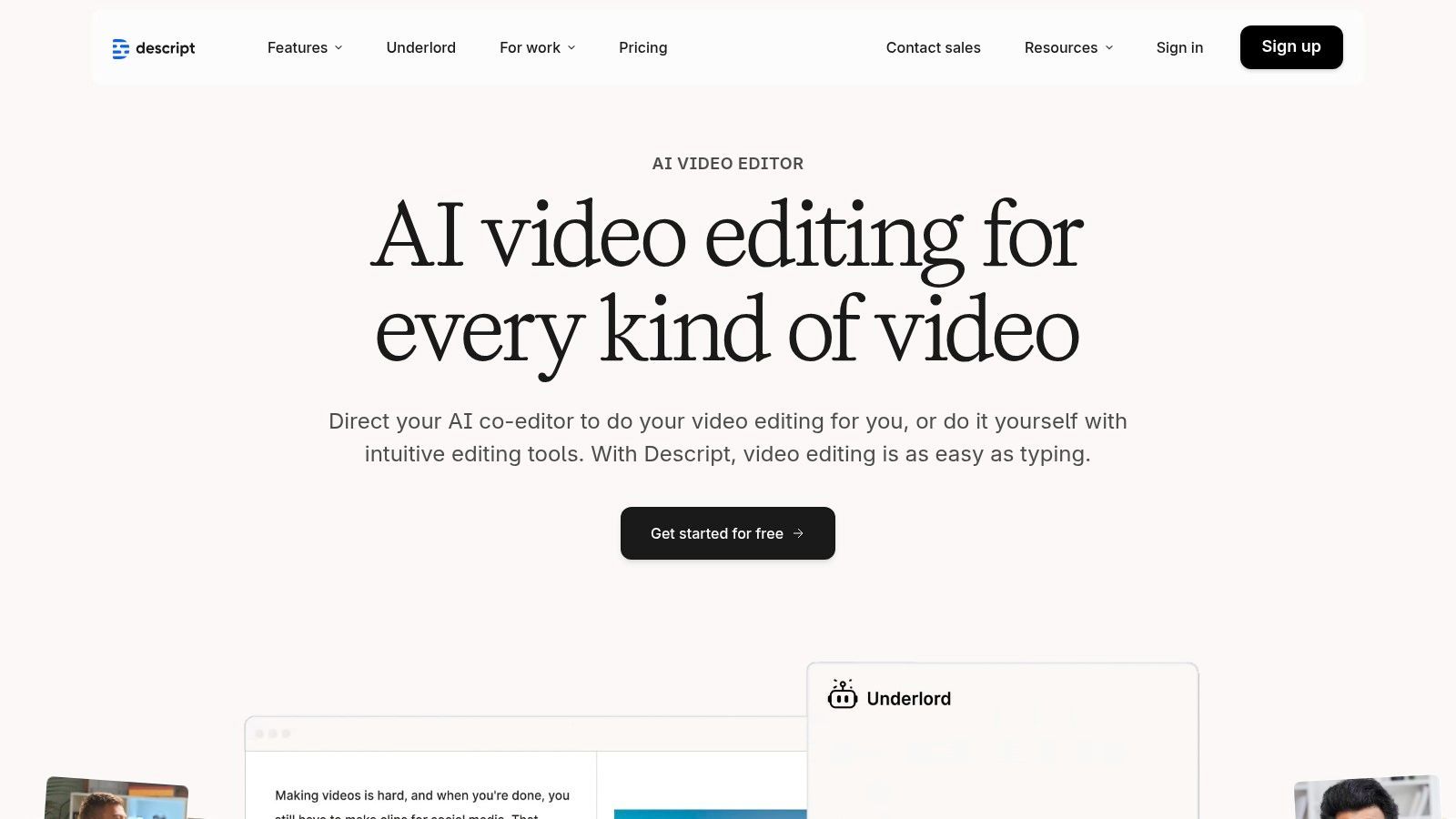
Descript is built for speed and collaboration, especially for creators who repurpose long-form content into social media clips. The AI-powered clip maker can automatically find the most engaging snippets, while features like Studio Sound clean up audio to a professional standard. Team workspaces allow for seamless project sharing and feedback, making it ideal for content teams that need to move fast without sacrificing quality.
Key Features: Text-based video editing, AI filler-word removal, Studio Sound audio enhancement, Overdub voice cloning, multi-language dubbing, screen recording, and automated captions. Pricing: A Free plan is available for basic use. The Creator plan is $12/editor/month, with the Pro plan at $24/editor/month (billed annually) offering more AI features and transcription hours. Best For: Podcasters, YouTubers, marketers, and educators who need to edit spoken-word video quickly and efficiently without a steep learning curve.
| Pros | Cons |
|---|---|
| Incredibly fast learning curve for non-editors | AI speech and dubbing minutes are metered by plan |
| Powerful AI speech tools and captioning | Some users report occasional performance glitches |
| Excellent collaborative workflows and 4K export | Less focused on cinematic or highly visual effects |
Check it out at:https://www.descript.com
Kapwing positions itself as the scrappy, browser-based AI video studio built for the speed of social media. Where other tools focus on hyper-realistic avatars, Kapwing is a full-fledged collaborative editor supercharged with AI, making it one of the best AI video creation tools for teams that live and breathe short-form content. It’s the digital equivalent of a high-energy creative space designed for churning out trendy reels, TikToks, and Shorts.
Its core strength is combining a traditional timeline editor with a suite of practical AI features. From one-click subtitling and translation to an AI video generator that can spin up content from a simple prompt, it removes the tedious friction points in the social video workflow, letting creators focus on being creative.
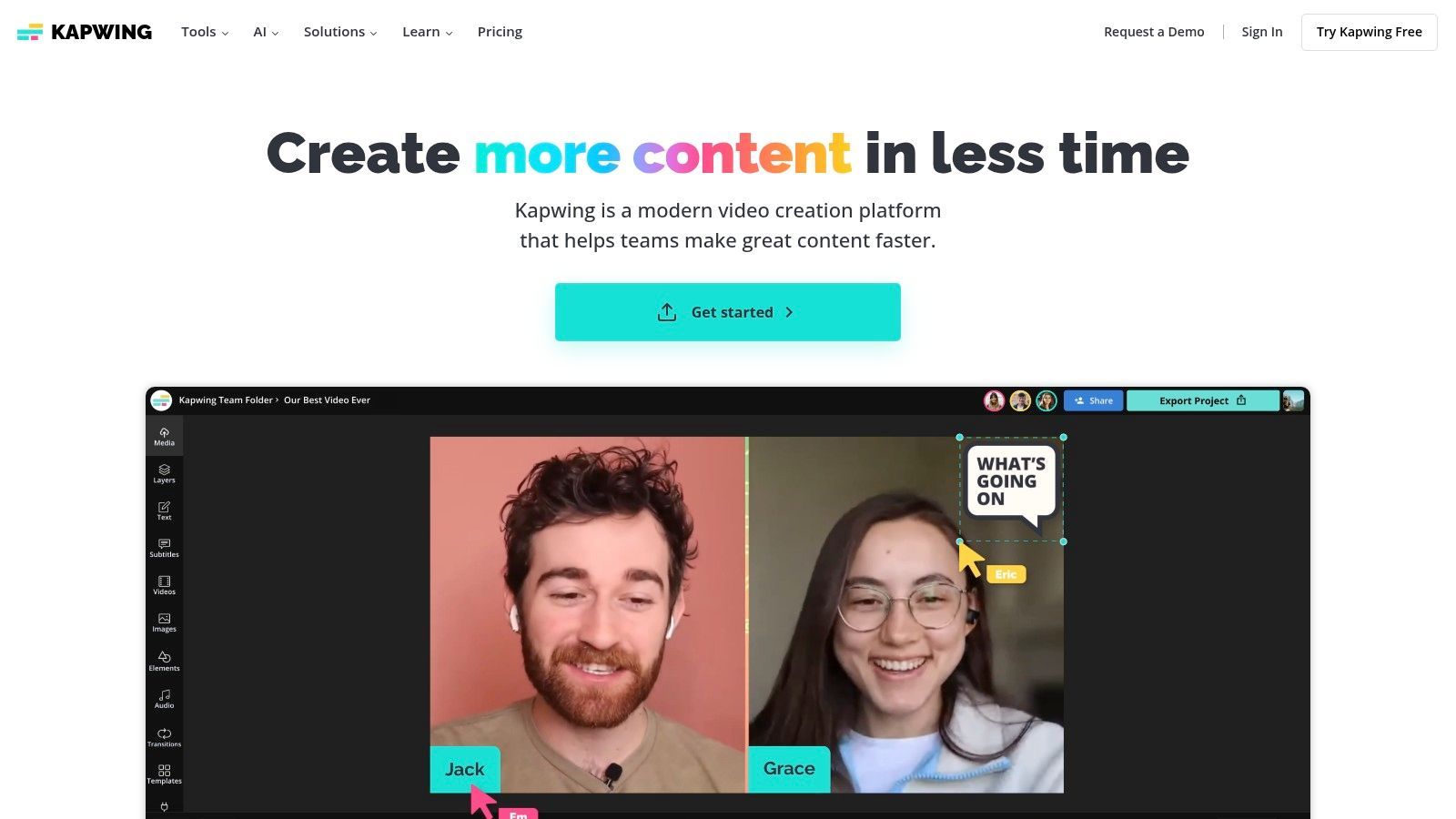
Kapwing is built for speed and teamwork. Its all-in-one browser interface means no downloads are necessary, and shared workspaces allow teams to collaborate on projects from anywhere. The platform shines with features like automatic subtitling and translation, which are critical for maximizing reach on social platforms. For teams on a budget, its generous free tier provides a fantastic way to experiment, making it an accessible entry point. To see how it stacks up against other no-cost options, check out this review of the top free AI video makers.
Key Features: AI Video Generator, browser-based timeline editor, auto-subtitle and translation at scale, text-to-speech voices, 4K export, brand kits, and shared workspaces. Pricing: Offers a generous Free tier with watermarked exports. The Pro plan is $16/month (billed annually) for watermark-free 4K exports and more features. The Business plan adds more storage and team-focused tools. Best For: Social media managers, content creation teams, and small businesses that need a fast, collaborative tool for producing high-volume social video content without a steep learning curve.
| Pros | Cons |
|---|---|
| Simple and fast for social content workflows | Free exports are watermarked |
| All-in-one browser editor suitable for teams | Some AI features have monthly minute caps |
| Reasonable annual pricing for Pro/Business | Web-based performance depends on network/connection |
Check it out at:https://www.kapwing.com
InVideo AI positions itself as the approachable workhorse in the lineup of the best AI video creation tools, designed for users who need to go from idea to finished video at lightning speed. It's the digital equivalent of a "just add water" video kit, taking a simple text prompt and transforming it into a fully fleshed-out video complete with stock footage, a script, and a voiceover. This makes it an absolute gem for YouTubers, marketers, and small businesses who prioritize speed and efficiency over granular control.
Its core strength is its workflow simplicity. You give it a topic, and it builds the entire structure for you, acting as a creative partner that handles the heavy lifting of sourcing media and assembling scenes. This template-driven approach dramatically lowers the barrier to entry for video production.
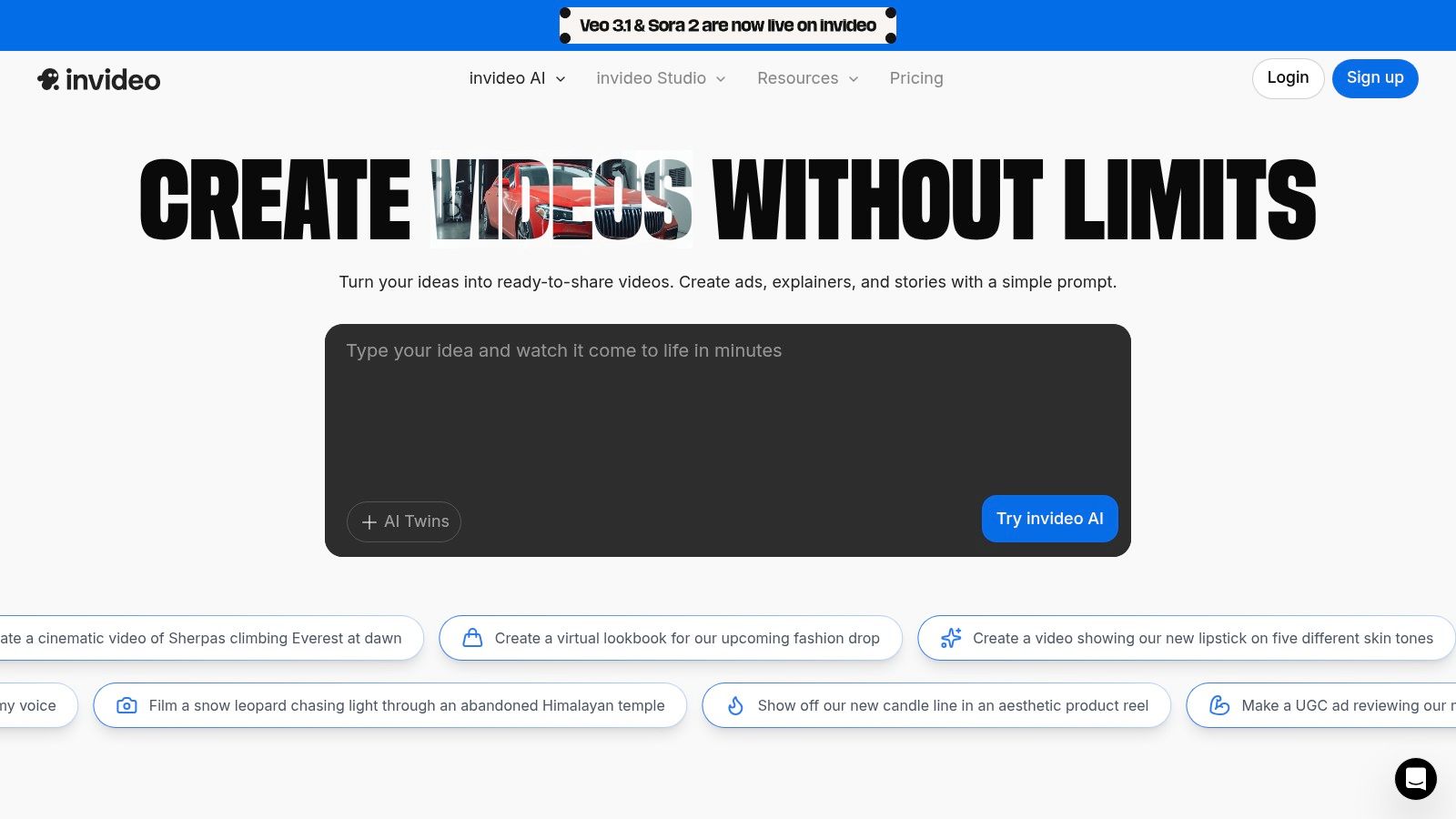
InVideo AI makes the cut for its sheer accessibility and rapid content generation. While some tools focus on hyper-realistic avatars, InVideo AI doubles down on a massive library of templates and stock media, ensuring you can create content for almost any niche without ever leaving the platform. Its AI-powered editor allows for intuitive tweaks using simple text commands, like "make this scene more dramatic" or "change the music to something upbeat," which is perfect for non-editors.
Key Features: AI script generation, automated scene and voiceover creation, large stock media library (IStock), AI-powered text-based editing, and a generous free plan for testing. Pricing: A Free plan is available, offering 10 minutes of AI generation per week with watermarks. Paid plans start with Plus at $20/month (billed annually) for 50 minutes of AI generation and no watermarks. The Max plan at $48/month (billed annually) offers 200 minutes and more stock media access. Best For: Content creators and marketers who need to produce a high volume of videos quickly, such as listicles, social media ads, or informational content, without getting bogged down in a complex editor.
| Pros | Cons |
|---|---|
| Extremely approachable for non-editors | Free plan includes watermarks and has quotas |
| Good template volume and stock media access | Plan details can be confusing; watch for look-alike sites |
| Free plan is great for testing the workflow | Lacks the advanced avatar customization of competitors |
Check it out at:https://invideo.io
VEED positions itself as the Swiss Army knife in the world of the best AI video creation tools, especially for social media managers and content creators who live and breathe fast-paced content. It’s less of a specialized avatar generator and more of a complete online video suite supercharged with AI. Think of it as a powerful, browser-based editor that can also auto-subtitle, translate, and generate video from a text prompt, all in one cohesive workflow.
Its main draw is its all-in-one nature. VEED’s strength lies in combining a traditional video editor with a powerful set of AI features, allowing you to go from a simple idea to a fully-edited, multi-format social media video without ever leaving the platform. This makes it incredibly efficient for repurposing content across different channels.
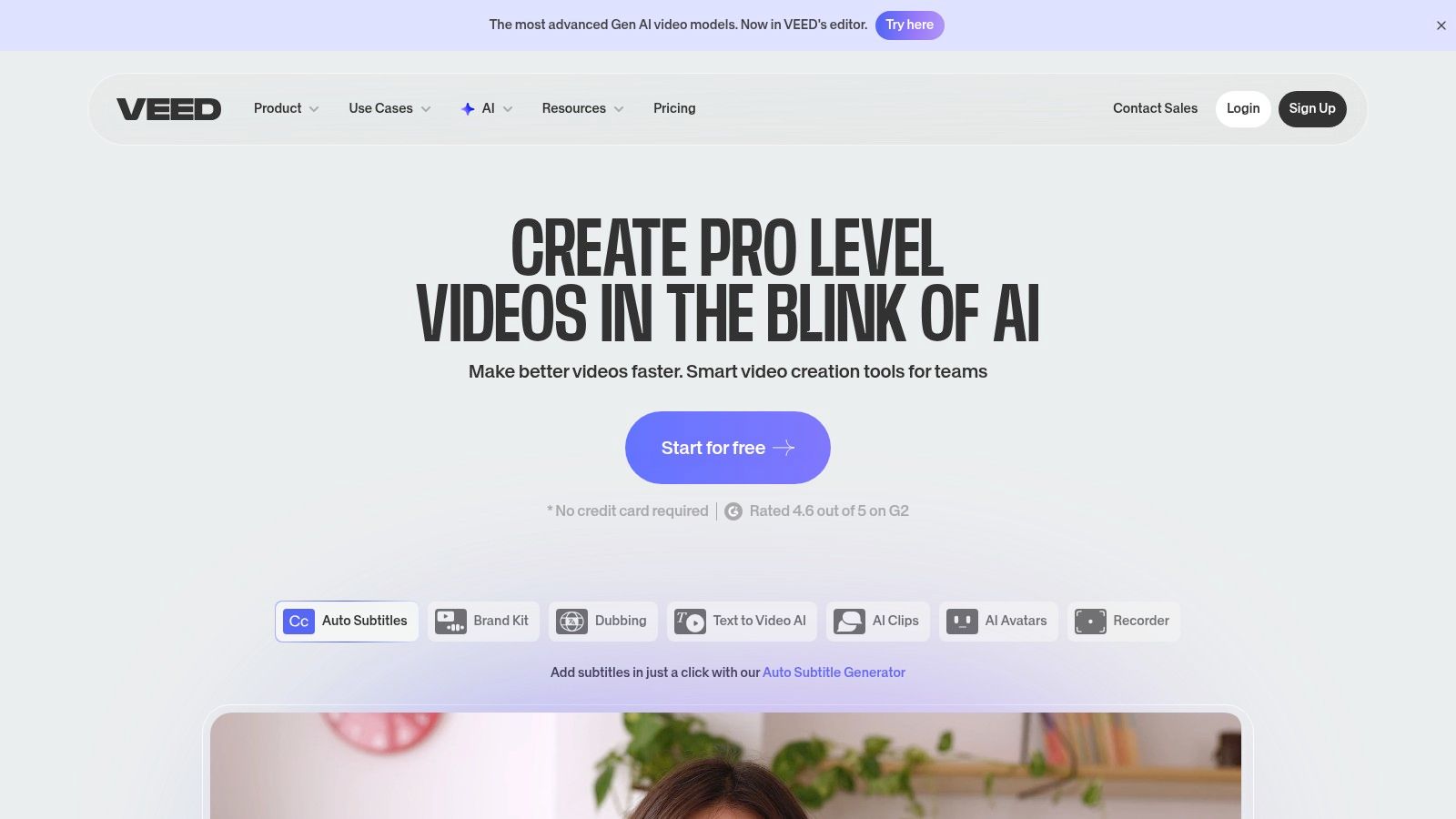
VEED makes the cut because it masterfully bridges the gap between AI generation and hands-on editing. The platform is designed for speed and social media workflows. Its automatic subtitling and translation tools are a massive time-saver for anyone looking to maximize content reach globally. For small teams, features like brand kits and shared workspaces streamline the creation process, ensuring a consistent look and feel without needing a dedicated video editor on staff.
Key Features: Gen-AI Studio for text-to-video creation, powerful auto-subtitle and translation tools, AI avatars and voice cloning, 1080p-4K exports, and a massive stock media library. Pricing: A Free plan is available with watermarked exports. Paid plans start at Basic ($12/user/month, billed annually) and go up to Pro ($24/user/month) and Business ($59/user/month) for more AI credits and advanced features. Best For: Social media marketers, content creators needing to repurpose videos quickly, and small businesses looking for an accessible, all-in-one video editing and AI solution.
| Pros | Cons |
|---|---|
| Quick to learn with strong social workflow tooling | Some AI features are capped or only on higher-tier plans |
| Subtitling and translation minutes are great for repurposing | Community reports of support and credit confusion; verify plan inclusions |
| Business and enterprise options for larger teams | The interface can feel crowded with so many features |
Check it out at:https://www.veed.io
HeyGen has carved out a significant space for itself among the best AI video creation tools, positioning itself as a highly versatile and accessible avatar-first platform. It’s the Swiss Army knife for anyone needing to create talking-head videos for sales outreach, educational tutorials, or social media content without stepping in front of a camera. Its main draw is the sheer volume of high-quality stock avatars and its powerful localization features that make creating global content straightforward.
The platform distinguishes itself with features like interactive avatars and a developer-friendly API, pushing the boundaries of what AI-generated video can do. HeyGen is less about cinematic scene generation and more about creating a powerful, personal connection through a digital presenter.
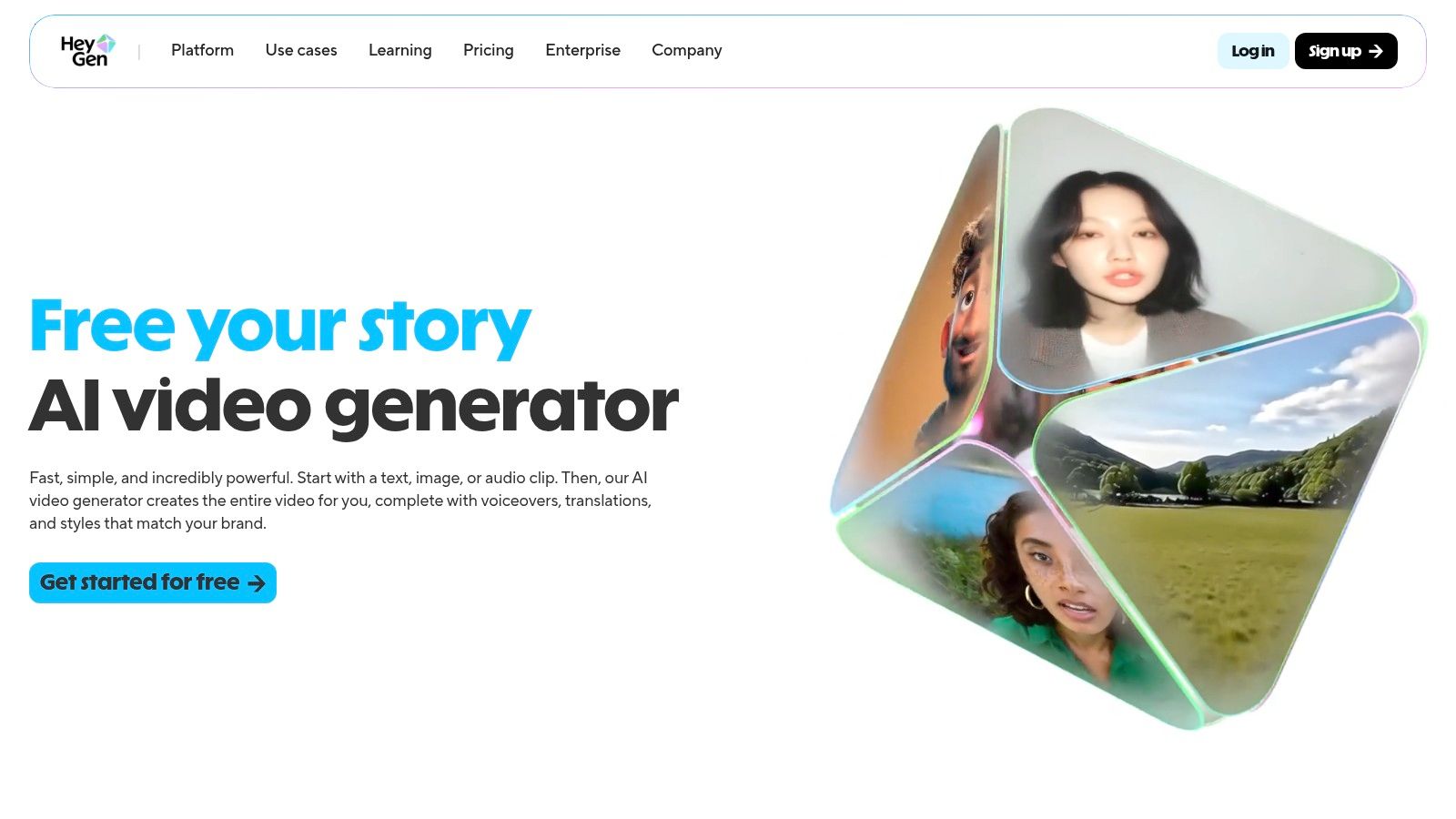
HeyGen stands out for its generous free tier and competitive pricing, making it an excellent entry point for individual creators and small businesses. The "Creator" plan, which offers unlimited avatar videos, is particularly disruptive. The platform is built to scale, easily accommodating team workspaces for collaborative projects. Its focus on providing an API also empowers developers to integrate its powerful video generation capabilities directly into their own applications and workflows, a feature many competitors lack.
Key Features: 500+ stock avatars, custom and interactive avatar options, 175+ languages with voice cloning, high-resolution exports up to 4K, and an API for developers. Pricing: Starts with a generous Free plan (3 videos/month). The Creator plan is $24/month (billed annually) for unlimited avatar videos, while Team and Enterprise plans offer more features and credits for collaborative work. Best For: Sales teams creating personalized outreach videos, educators developing training materials, marketers localizing ad campaigns, and developers needing a robust video generation API.
| Pros | Cons |
|---|---|
| Genuine free plan for testing and light use | Less suited for cinematic or non-avatar videos |
| Competitive pricing for unlimited video creation | Advanced features like interactive avatars cost extra |
| Strong API and developer-focused options | Custom avatar quality can vary |
Check it out at:https://www.heygen.com
Canva, the darling of DIY design, has powerfully stepped into the ring of the best AI video creation tools, proving it's more than just a platform for static graphics. It has evolved into a full-fledged video editor that empowers non-designers to create stunning social media content, ads, and presentations. Its genius lies in its simplicity and template-driven workflow, making video creation feel less like a technical chore and more like creative play.
The platform's recent AI upgrades, like Magic Media's text-to-video generator and the effortlessly cool Beat Sync feature, have supercharged its capabilities. Now, users can generate unique video clips from a simple text prompt and automatically sync footage to a music track's rhythm, all within the familiar, user-friendly Canva interface.
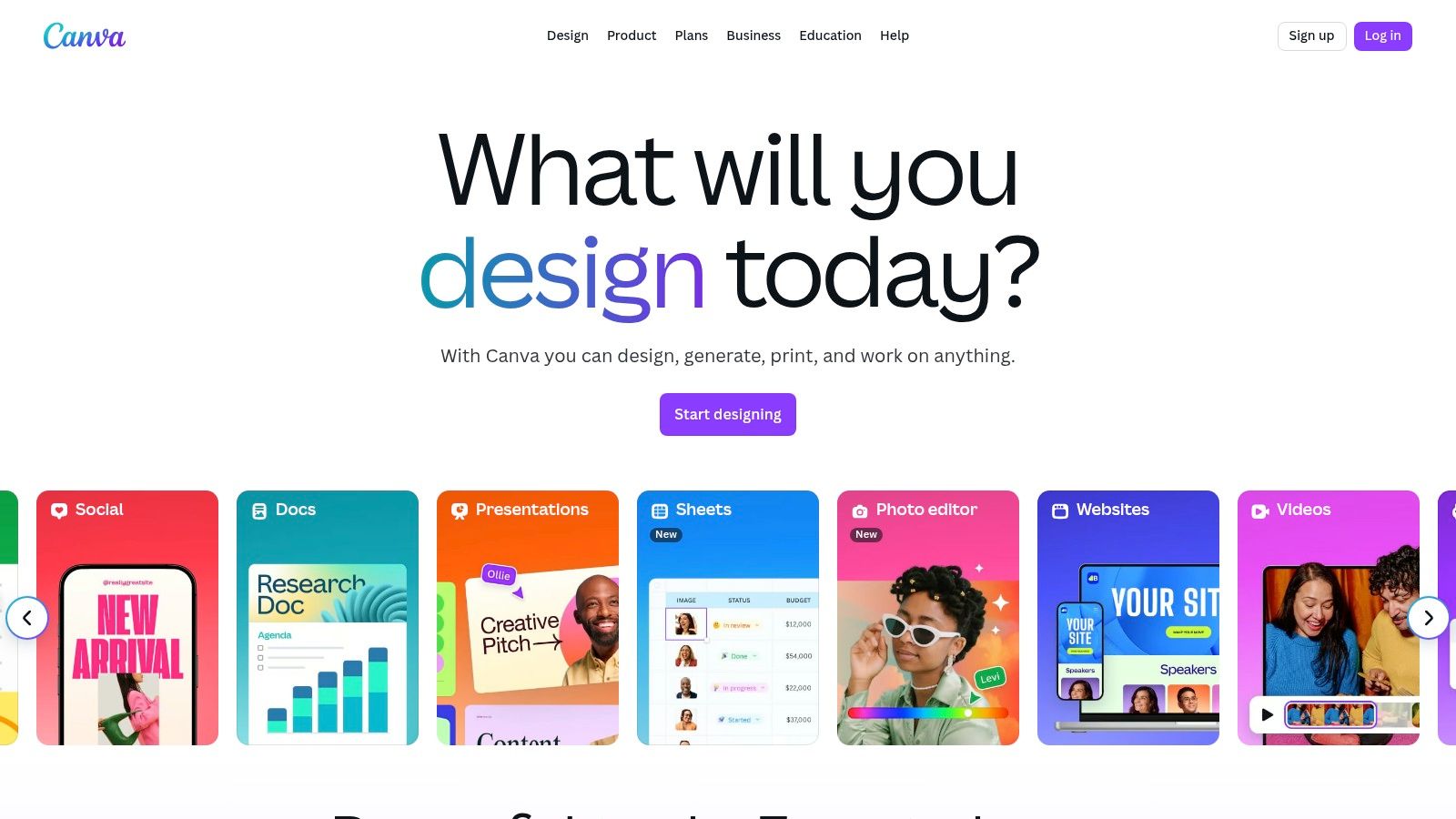
Canva makes the list for its sheer accessibility and comprehensive ecosystem. It’s the ultimate all-in-one tool for small businesses and content creators who need to produce a high volume of quality content quickly. With its massive library of templates for Reels, Shorts, and ads, you can go from idea to a finished, on-trend video in minutes. The collaborative features, including Brand Kits and team folders, ensure brand consistency even when multiple people are creating content.
Key Features: Magic Media text-to-video generator, huge library of video templates, Beat Sync for automatic audio-video synchronization, Brand Kits, and collaborative team workflows. Pricing: A robust Free plan offers basic tools. Canva Pro starts at $14.99/month for one person, unlocking premium features, while Canva for Teams starts at $29.99/month for the first 5 people. Best For: Social media managers, small business owners, and marketing teams who need to create professional-looking social videos quickly and efficiently without a steep learning curve.
| Pros | Cons |
|---|---|
| Extremely easy for non-designers to use | AI video features are simpler than dedicated generative tools |
| Massive template library for quick video creation | Past pricing changes for Teams have caused user frustration |
| Great value with plans aimed at U.S. SMBs | Can feel less powerful for complex, long-form video editing |
Check it out at:https://www.canva.com
Lumen5 has carved out a niche as one of the best AI video creation tools for content marketers who believe their blog posts deserve a second life on social media. It's designed to effortlessly transform long-form text content like articles, white papers, or even simple scripts into engaging, shareable videos. Think of it as a content repurposing wizard, grabbing your best written work and giving it a dynamic, visual makeover in minutes.
The platform’s core strength is its blog-to-video functionality. You simply drop in a URL, and its AI gets to work summarizing the content, pulling out key phrases, and matching them with relevant stock footage and music. It’s a brilliant shortcut for marketing teams looking to maximize their content's reach without sinking hours into manual video editing.
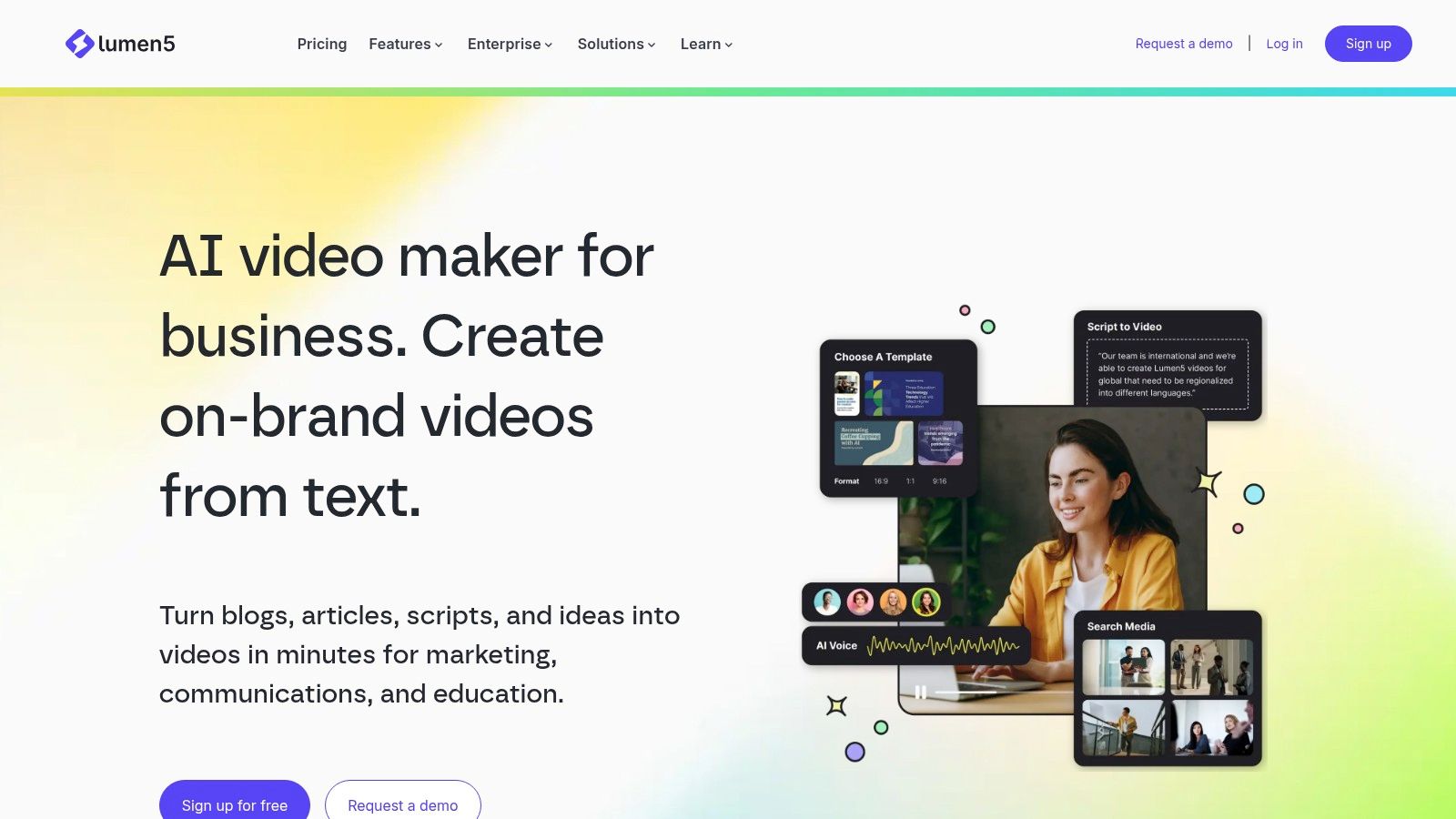
Lumen5 is built for speed and simplicity. The user interface is incredibly intuitive, making it accessible for marketers and business owners who aren't trained video editors. Its AI Script Composer and automated scene generation handle the heavy lifting, while brand kit controls ensure every video aligns perfectly with your company's aesthetic. This focus on repurposing makes it a powerful tool for any content strategy. For a deeper dive into similar tools, you can explore the best AI text-to-video generators available.
Key Features: AI-powered blog-to-video creation, vast stock media library (photos and videos), brand kit customization, AI voiceovers in 35+ languages, and team collaboration features. Pricing: A free Community plan is available with watermarked videos. Paid plans start with the Basic tier at $29/month ($19/month billed annually) for 720p videos. The Starter and Professional plans unlock 1080p output and more features. Best For: Content marketers, social media managers, and small businesses aiming to quickly repurpose blog content into promotional videos for platforms like LinkedIn, Facebook, and Instagram.
| Pros | Cons |
|---|---|
| Excellent for repurposing blog posts into video | Advanced cinematic generation is limited |
| Very simple and intuitive user interface | Pricing can be gated; confirm current plan details |
| Strong brand kit and template controls | AI suggestions sometimes require significant manual tweaking |
Check it out at:https://www.lumen5.com
| Product | Core features | Quality & UX | Value & Pricing | Target audience | Unique selling points |
|---|---|---|---|---|---|
| SendFame 🏆 | AI Music (song+video), celeb-style vids, Image→Video, image/video/lyrics tools | ★★★★☆ one-click, very fast | 💰 Mid / promo 56% OFF (limited) | 👥 Marketers, creators, event planners, gift-givers | ✨ Celebrity persona generator; full-song+video in minutes; large community |
| Synthesia | AI avatars, 140+ languages, templates, team workspaces | ★★★★☆ studio-style lip-sync | 💰 Enterprise / credits model | 👥 Enterprises, training & localization teams | ✨ Big avatar library; multilingual dubbing; strong compliance |
| Runway | Gen‑3/4 text/image→video, upscaling, editor pipeline | ★★★★☆ cutting-edge generative results | 💰 Credits tiers; flexible API | 👥 Creators, studios, advanced users | ✨ State-of-the-art generative video; keyframing & upscaling |
| Pika | Multiple models, scene tools, transparent per-action credits, API | ★★★★☆ very fast; rapid iterations | 💰 Competitive pay-as-you-go / monthly credits | 👥 Developers, rapid-iteration creators | ✨ Transparent credit pricing; fast generation |
| Adobe Firefly (video) | Text/image→video, Firefly credits, Adobe app integration | ★★★★☆ tight Creative Cloud workflow | 💰 Credit-based; enterprise pricing | 👥 Adobe teams, agencies, enterprises | ✨ Premiere/After Effects integration; IP indemnity focus |
| Descript | Text-based editing, overdub voice clone, auto-subtitles, AI co-editor | ★★★★☆ intuitive for non-editors; strong audio tools | 💰 Tiered plans; metered AI minutes | 👥 Podcasters, editors, content repurposers | ✨ Overdub voice cloning; text-first editing workflow |
| Kapwing | Browser timeline, AI video gen, auto-subtitles, TTS | ★★★☆☆ simple & fast; web-dependent | 💰 Free tier (watermarked); Pro annual | 👥 Social creators, small teams | ✨ Templates + browser editor; generous free trial |
| InVideo AI | Script-to-video, avatars, stock media, AI scene assembly | ★★★☆☆ template-driven, approachable | 💰 Free with quotas/watermarks; paid plans | 👥 YouTubers, marketers, SMBs | ✨ Script-driven templates; large stock library |
| VEED | Gen-AI studio, subtitles, translations, social resizing | ★★★☆☆ quick social workflows | 💰 Pro/Business tiers; some caps | 👥 Creators, small teams, marketers | ✨ Scaled subtitling & translations; social sizing tools |
| HeyGen | 500–700+ avatars, interactive avatars, 175+ languages, API | ★★★★☆ avatar-first, polished | 💰 Free (3/mo) + Creator/enterprise tiers | 👥 Tutorial creators, localization, sales | ✨ Massive avatar catalog; interactive/live avatars |
| Canva | Magic Media text-to-video, Beat Sync, templates, brand kits | ★★★★☆ extremely easy for non-designers | 💰 Freemium; Business for teams | 👥 SMBs, social marketers, non-designers | ✨ Massive template ecosystem; cross-platform access |
| Lumen5 | AI Script Composer, auto-layouts, stock library, voiceover | ★★★☆☆ strong for blog→video repurposing | 💰 Paid plans for 1080p; gated pricing | 👥 Marketing teams, bloggers | ✨ Blog-to-video automation; extensive stock assets |
Well, if you've made it this far, your brain is probably buzzing with more creative possibilities than a Hollywood soundstage. We’ve journeyed from text-to-video wizards to full-blown AI editing suites, and one thing is crystal clear: the title of the absolute "best AI video creation tool" is less of a crown and more of a director's hat, and you get to decide who wears it. The right tool for you depends entirely on the story you're trying to tell.
The landscape is vast and incredibly specialized. Choosing a tool is like casting an actor for a specific role. You wouldn't cast a slapstick comedian in a serious historical drama, right? Similarly, you wouldn't use a corporate avatar generator for a mind-bending, artistic short film.
Let's break down the final decision with a quick recap of the casting call:
For the Avant-Garde Auteur: If you're aiming to create surreal, cinematic, and visually stunning clips that push the boundaries of reality, your go-to collaborators are Runway and Pika. They are the undisputed champions of pure, unadulterated video generation, perfect for artists and filmmakers who want to craft something truly unique from a simple prompt. For the Polished Professional: Corporate trainers, educators, and marketers who need flawless, scalable presentations will find their perfect match in Synthesia and HeyGen. These platforms excel at creating lifelike AI avatars that can deliver your script in hundreds of languages, saving you immense time and resources on traditional video shoots. For the All-in-One Content Machine: If your workflow involves more than just generation, tools like Descript, VEED, and Kapwing are your workhorses. They blend powerful traditional editing features with slick AI enhancements, like automatic transcription, background removal, and social media resizing. They are the Swiss Army knives for social media managers and content creators. For the Creative Swiss Army Knife: Then there's SendFame. It carves out its own unique niche by refusing to be just one thing. It's the only tool on our list where you can generate a personalized celebrity-style greeting, animate a static photo into a viral social post, and create a full-length, AI-generated music video. It’s built for the creator who bounces between wildly different projects and craves a platform that can keep up with their eclectic imagination.
Ultimately, reading about these tools is like reading a movie script; you don't know how good it is until you see it on screen. The most crucial step you can take is to dive in and play. Nearly every platform we’ve covered offers a free trial or a freemium plan. Use them. Test their limits. See which interface feels intuitive and which workflow sparks your creativity.
Remember that while mastering AI video platforms is key, a successful creator's toolkit often extends to other essential resources. Explore the broader landscape of the best UGC creator tools to discover other assets that can elevate your content strategy and help you manage your entire creative ecosystem.
The world of AI video is evolving at a breakneck pace. The tool that feels like science fiction today will be the industry standard tomorrow. By embracing these platforms now, you’re not just creating content; you’re future-proofing your skills and positioning yourself at the forefront of a creative revolution. So, pick your co-pilot, start experimenting, and get ready to direct your next masterpiece. The director’s chair is yours.
Ready to stop just reading and start creating something truly unique? Jump into the most versatile and fun AI creative suite on the market. Try SendFame today and see how easy it is to make everything from personalized celebrity videos to full-blown AI music videos. Start your next viral project with SendFame now!
Create Epic

SendFame

Create Epic with SendFame!
Questions: info@sendfame.com