Offer

Welcome offer: 56% off

AI images

The Ultimate AI Image Generator

Type a prompt and get an image in seconds. Then edit or upscale it right here.

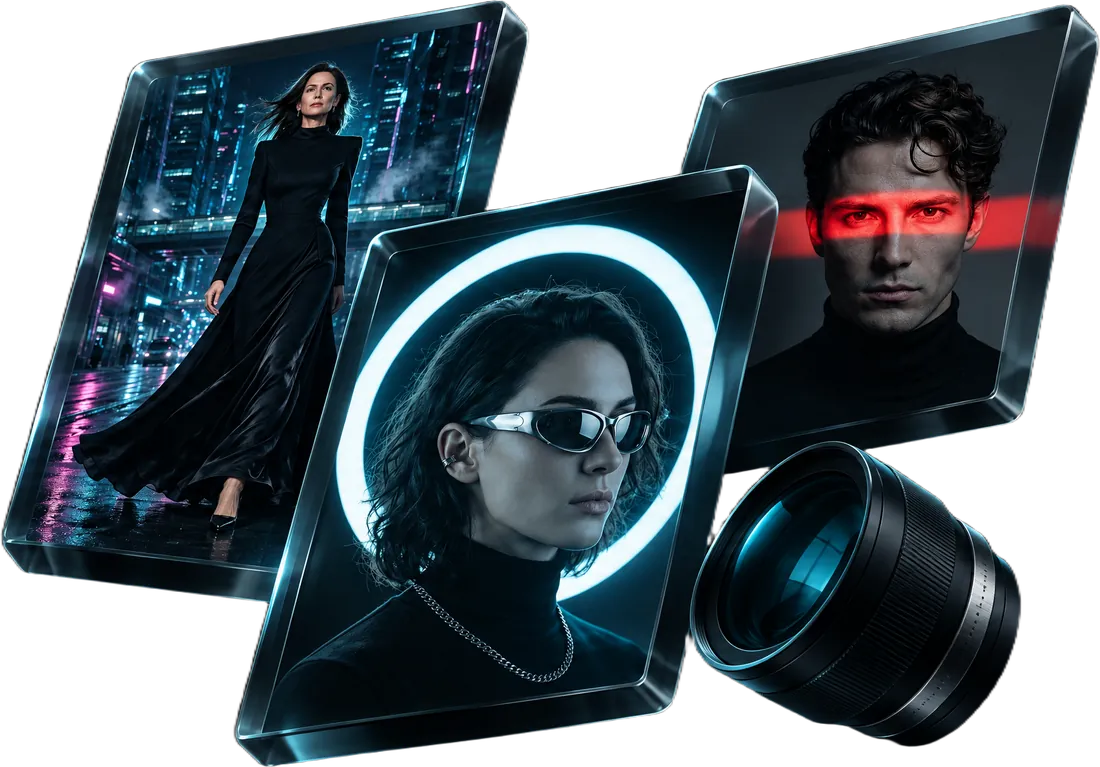
Three covers made with the AI image generator, set in glass
Try the video generator
Enhance prompt

✨ New: keep creating while others are loading — queue up to 8 at once, results land in Recent below.

Generated image 1
Sample

Made with the image generator

14 samples

Covers, posters and scenes with readable text, each from a single prompt.

AI image generator features

6 reasons

What you get with every image.

  • Lightning Fast Generation

    Create stunning AI images in seconds with our optimized generation pipeline
  • Multiple Art Styles

    Choose from 10+ artistic styles or describe your own unique style
  • High Quality Output

    Generate high quality images with a variety of formats and sizes
  • Advanced Controls

    Fine-tune your results with seed control and quality adjustments
  • Flexible Formats

    Export in WebP, PNG, or JPG formats to suit your needs
  • Multiple Aspect Ratios

    Create images in 9 different aspect ratios from square to ultrawide
Next step

AI Picture To Video Generator

Upload an image and generate a video with a custom prompt.

Try it now
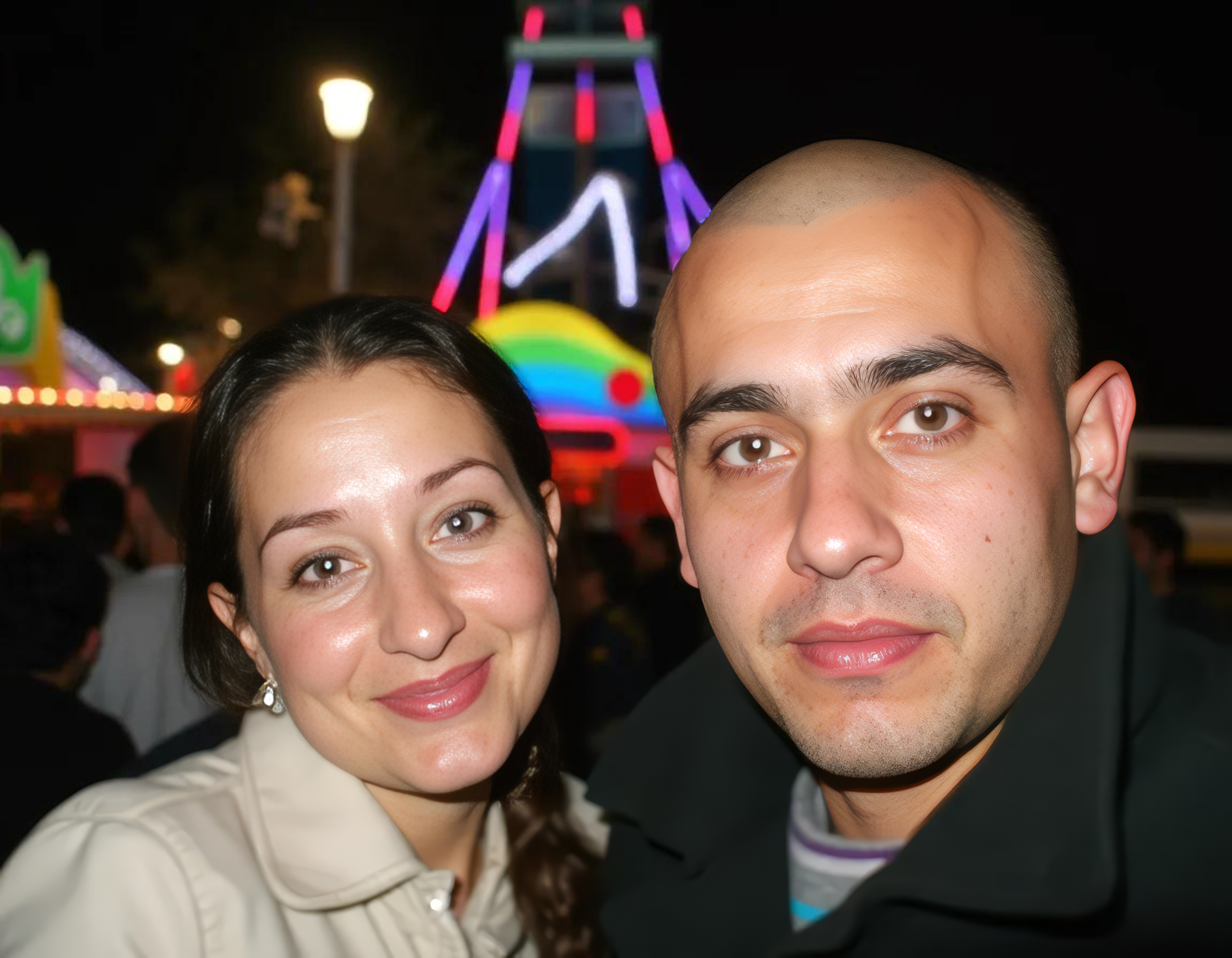
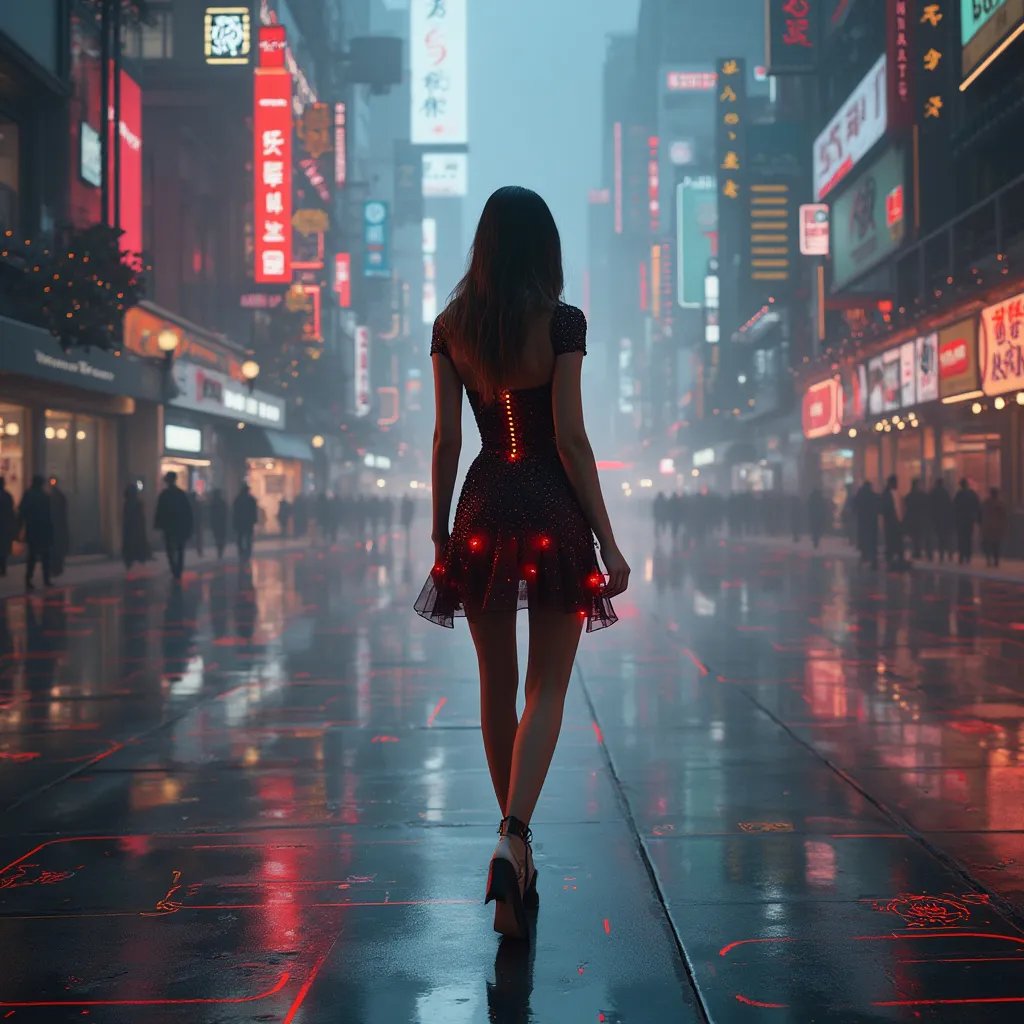
The image that was uploadedYour image
Your video

Prompt: “Woman walking on the street”

How AI image generation works

The short guide.

What Can You Create with AI Image Generation?

AI image generation is transforming how people create visuals. Designers use it to rapidly prototype concepts and explore ideas. Marketers generate on-brand visuals for campaigns and social media. Authors and publishers create book covers and illustrations. Game developers produce concept art and character designs. Whether you need photorealistic product shots, stylized illustrations, or abstract art, AI image generation makes it possible to go from idea to finished image in seconds.
How to Get Started

Getting started is simple — type a prompt describing the image you want, choose a style and aspect ratio, and hit generate. The AI handles the rest. You can refine results by adjusting your prompt, trying different models, or tweaking parameters like seed values. Experiment with different styles — photorealistic, anime, watercolor, 3D render — to find what works best for your project. Each generation takes just a few seconds, so iteration is fast and easy.

Multiple AI Models in One Place

Different AI models have different strengths. Some excel at photorealism, others at illustration or text rendering. With access to models like Flux, SDXL, and Stable Diffusion variants, you can compare outputs and pick the best result for each project. Switch between models instantly without leaving the platform, and find the one that best matches your creative vision.

Advanced Controls for Better Results

Fine-tune your generations with advanced controls. Use seed values to reproduce or iterate on specific results. Choose from 9 aspect ratios for the perfect composition. Select from 10+ art styles to guide the aesthetic. Adjust guidance strength to control how closely the AI follows your prompt. These tools give you precise control over the output, making it easy to get exactly the image you envision.

FAQ

Got questions?

The short answers are here. For anything else, email us about tools, credits or billing.

Email support

An AI image generator uses machine learning models to create images from text prompts. You describe what you want, and the AI produces a unique image matching your description. It can generate anything from photorealistic scenes to illustrations, digital art, and abstract compositions.