Your Guide to a Viral AI Music Video Creator

ai music video creator
Welcome offer — 56% OFF


Discover the top 12 AI image to video tools for 2026. Turn your static pictures into dynamic videos with our detailed reviews, pros, cons, and tips.
Ever stared at a stunning AI-generated image and thought, "This needs to move"? You're not alone. That static masterpiece in your camera roll is bursting with potential, waiting for a spark of life. Welcome to the wild, wonderful world of AI image to video tools, where your still images can become mesmerizing animations, dynamic social media clips, or even short cinematic scenes with just a few clicks. These platforms are absolute game-changers, turning the once complex process of animation into an accessible and thrilling creative endeavor.
This isn't just another list. It's your definitive guide to navigating the best options available today. We're cutting through the hype to give you the real scoop on what each tool does best. For every platform, you'll find a no-fluff breakdown of its standout features, practical use cases, and honest pros and cons. We're talking direct comparisons to help you decide if you need a simple GIF maker or a powerful cinematic generator.
Our goal is simple: to help you find the perfect tool to transform your vision into motion, whether you're a marketer trying to stop the scroll or an artist exploring new mediums. Once you've created your AI-powered clips, you'll likely want to stitch them into a polished final product. For that, exploring the best software for editing videos for YouTube can provide the comprehensive toolkit you need to level up your entire production workflow. Let’s dive in and find the right AI video tool for you.
SendFame establishes itself as a powerful, multi-talented AI creation suite, designed for speed and simplicity. While many platforms focus on a single function, SendFame bundles a suite of playful yet potent tools, making it a standout choice for creators who need variety without a steep learning curve. Its core strength lies in its one-click workflow, which translates a simple script or prompt into a fully produced video in seconds.
The platform's new image-to-video feature is a formidable entry among the best ai image to video tools, allowing users to animate static photos with impressive ease. This complements its other unique generators, such as the AI Celebrity Video tool for creating hyper-realistic personalized messages and a full-fledged AI Music Generator that can produce complete songs with accompanying music videos.
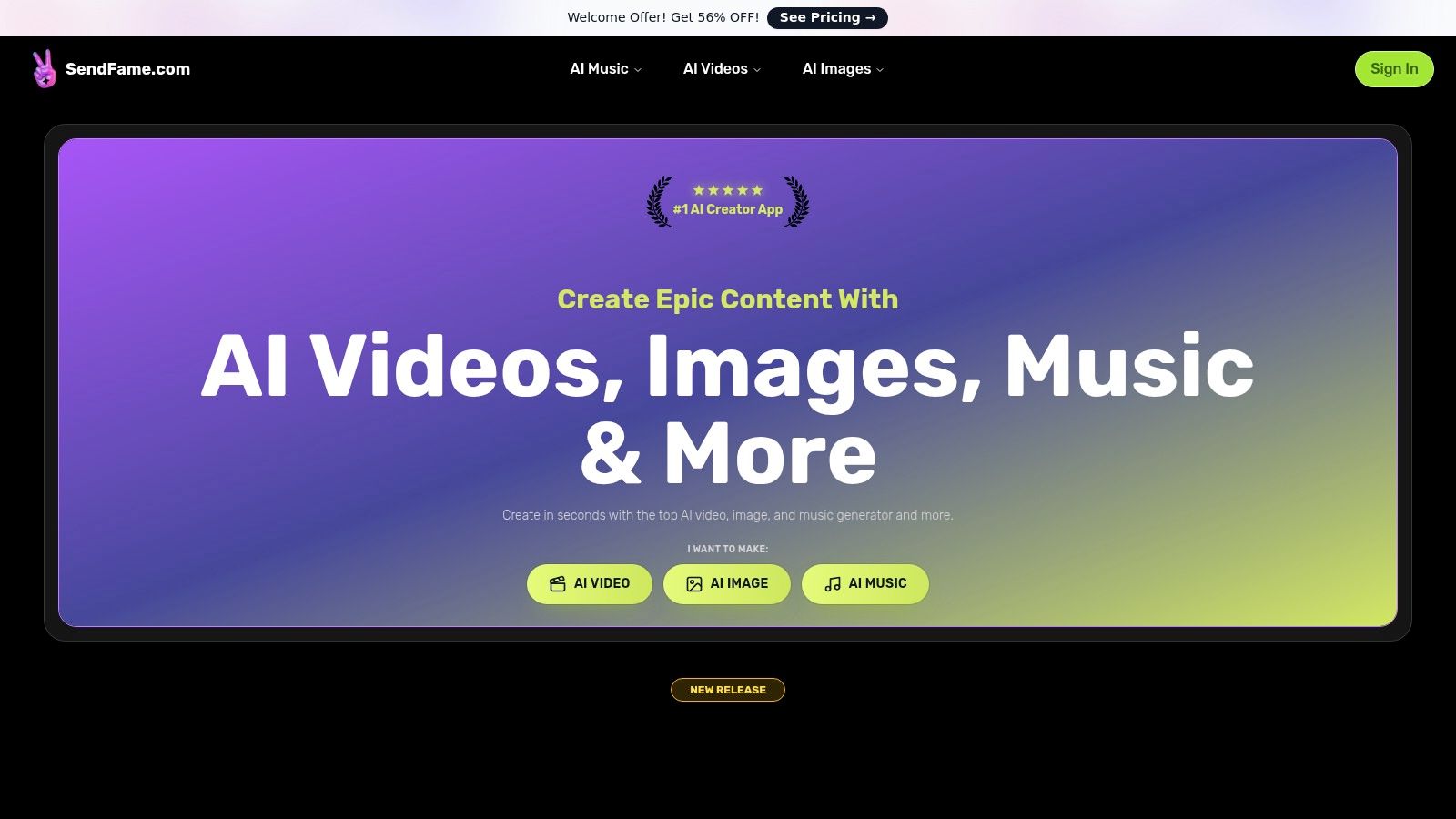
All-in-One Creator Hub: Beyond just animating images, you can generate original songs, album art, lyrics, and celebrity-style video messages. This makes it ideal for marketers creating a cohesive social media campaign or an influencer looking to produce diverse content from a single dashboard.Rapid, User-Friendly Workflow: The platform is built for accessibility. No technical skills are needed, making it perfect for event planners crafting a quick, personalized greeting or a small business owner producing a social media ad on the fly. You can explore a detailed walkthrough in their guide on how to turn an image into a video using AI.Specialized Generators: Fun, niche tools like AI rap battle and diss track generators offer unique creative outlets, appealing to casual users and digital artists looking for something different.
SendFame excels by combining breadth of features with a frictionless user experience. The platform boasts significant social proof with over 750,000 claimed users and glowing testimonials. However, users should be mindful of the ethical and legal implications when using hyper-realistic celebrity likenesses for commercial purposes. Pricing is currently promotion-focused, with a "56% OFF" welcome offer, but you will need to click through to view specific subscription tiers and credit limits.
Best For: Marketers, influencers, and event planners who need a versatile, fast, and easy-to-use tool for creating a wide range of engaging content.Website: https://sendfame.com
If you're tired of AI video tools that feel like a slot machine, meet Runway. This platform swaps guesswork for granular control, making it a go-to for creators who need production-grade features. Runway’s Gen-3 Alpha model is a powerhouse among AI image to video tools, letting you guide your creation with motion-focused prompts, keyframes, and extensions. The real magic, however, lies in its director-level toolset.
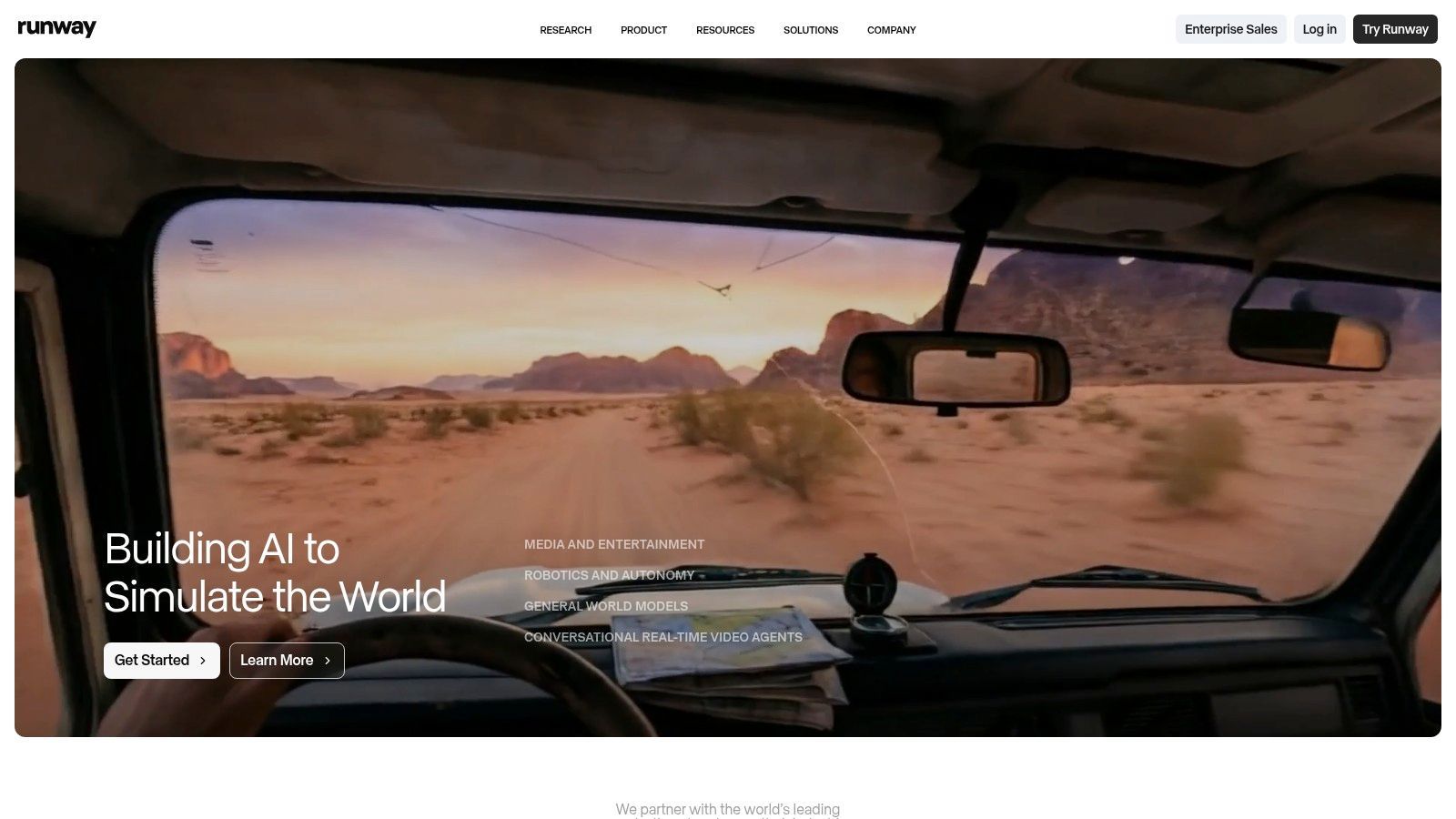
The "Act-One" feature is a standout, allowing you to animate a still image with a performance video, mapping facial expressions and head movements with startling accuracy. This is perfect for bringing characters to life without complex rigging. While the base video generations are short (often 5-10 seconds), Runway’s transparent credit-per-second pricing makes it easy to budget your projects. For a deeper dive into the technical side, you can learn more about how to create videos with AI and see how these tools stack up.
Best For: Creators and marketers needing fine-tuned control for short cinematic clips and character animations. Standout Feature: Act-One for precise, performance-driven facial animation from a single image. Pricing: Offers a free tier with limited credits. Paid plans start at $12/user/month (billed annually) for more credits and features. Pros: Excellent creative control, transparent pricing, and powerful production tools. Cons: Short generation lengths can make longer projects costly and time-consuming.
Website: https://runwayml.com
If you’re chasing cinematic realism and buttery-smooth camera motion, Luma AI’s Dream Machine is your new best friend. This platform excels at transforming static images into high-fidelity video clips that look like they were shot by a professional. Powered by its advanced Ray2/Ray3 models, Dream Machine understands physics and lighting, producing dynamic scenes with a sense of weight and presence that many other AI image to video tools struggle to replicate.

The platform is designed for creators who value quality, offering multiple output modes from a quick draft to stunning HDR. Its keyframing and extension workflows allow you to reframe, modify, and extend your clips, giving you the flexibility to build out more complex sequences. While the initial prompt gets you started, understanding the fundamentals of how to generate AI images can significantly improve your input and lead to more predictable, higher-quality results from the video model.
Best For: Creators and marketers aiming for photorealistic and cinematic video clips with natural camera movement. Standout Feature: High-fidelity physics and motion, which creates incredibly realistic and fluid video from a single image prompt. Pricing: A free tier is available with limited credits. Paid plans start at $29.99/month for more credits and faster generation times. Pros: Excellent physical realism and camera motion, transparent credit system, and available on both web and iOS. Cons: Higher-quality renders consume credits quickly, and creating longer videos requires chaining multiple generations.
Website: https://lumalabs.ai
If you’re looking for a creative playground that balances simplicity with powerful options, Kaiber is your jam. It stands out by offering multiple AI models, including its own Wan variants and Google's Veo, giving you the flexibility to choose between speed and cinematic quality. This makes it one of the most versatile ai image to video tools for creating eye-catching social media clips without a steep learning curve. Kaiber lets you control the first and last frames, stitch multiple images together, and even generate audio, all within a clean workflow.
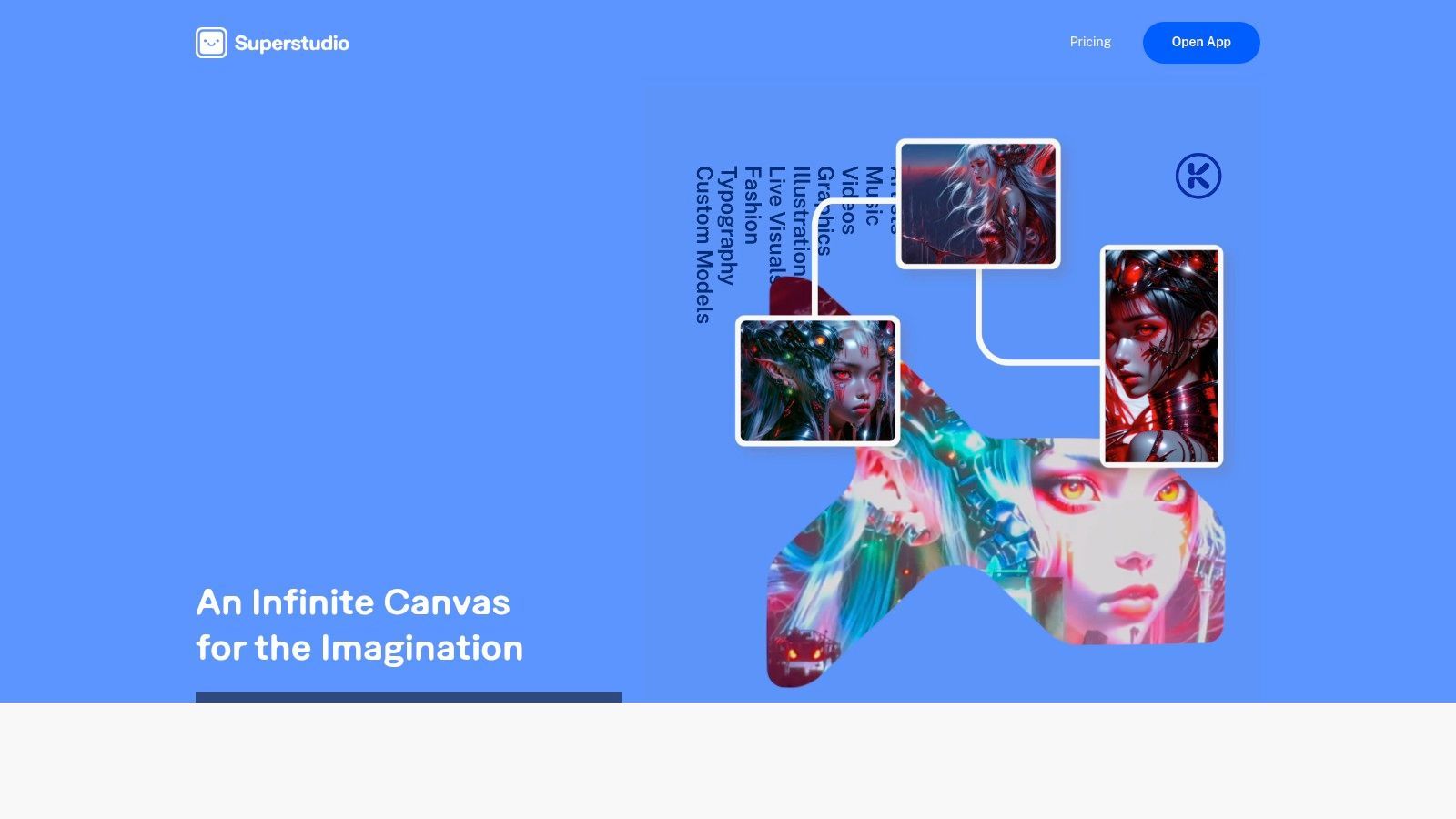
The platform’s Superstudio, featuring Canvas and Video Flows, unlocks more complex edits for ambitious projects. It’s a great middle-ground for creators who want more than a one-click solution but aren't ready for a full-blown video editor. While model selection can initially feel a bit confusing, the clear documentation helps you get up to speed quickly. It shares some DNA with other platforms that you can find in a free text to video generator roundup, but its multi-model approach is a unique advantage.
Best For: Social media creators and artists wanting a flexible tool for quick, stylized video clips. Standout Feature: Multi-Model Access lets you switch between different AI engines (like Wan and Veo) to find the perfect style. Pricing: Offers a free trial with watermarked exports. Paid plans begin at $5/month (billed annually) for 300 credits. Pros: Flexible model choices for different creative needs, excellent balance of speed and control, and strong documentation. Cons: The variety of models and features can be confusing for new users, and high-quality outputs consume credits fast.
Website: https://www.kaiber.ai
If rapid-fire creation is your goal, Pika is the AI video generator built for the speed of social media. Instead of overwhelming users with complex timelines, Pika focuses on quick iteration through a straightforward interface, making it one of the most accessible AI image to video tools for fast-paced projects. It allows you to upload an image, apply motion with simple text prompts, and use creative toolsets like Pikaswaps or Pikadditions to refine your clip.
Pika thrives on community and experimentation, offering a gallery of templates and user-generated examples to spark inspiration. The platform's credit-based system is ideal for testing different styles and effects without committing to a hefty subscription upfront. This makes it perfect for creators who need to produce a high volume of short, eye-catching videos for platforms like TikTok or Instagram Reels and value speed over cinematic precision.
Best For: Social media creators and marketers who need to produce short, engaging video clips quickly. Standout Feature: Creative Toolsets (Pikaswaps, Pikadditions) for easy, post-generation video modifications. Pricing: A free tier is available with watermarks. Paid plans start at $8/month (billed annually) for more credits and no watermark. Pros: Extremely fast for iterating on short clips, active community with tons of templates, and a lower entry price. Cons: Commercial use generally requires a paid plan, and lower tiers include a watermark.
Website: https://pika.art
If you're already crafting stunning images with AI, Leonardo.Ai invites you to make them move without leaving its creative ecosystem. Known primarily as an image generation suite, its Motion feature is a surprisingly powerful tool for animating your creations. It bypasses the need for complex, standalone AI image to video tools by building video generation directly into a familiar workflow. Simply take any image you've generated or uploaded and bring it to life with a click.
The platform gives you control over motion strength, letting you decide between a subtle shimmer or a dynamic, sweeping camera movement. While the base resolution is often capped at 480p or 720p, features like Smooth Video can enhance frame rates for a more fluid result. The tight integration is the real win here; it’s perfect for artists and designers who want to add an extra layer of engagement to their existing visual projects without jumping between multiple platforms.
Best For: Artists and creators already using Leonardo.Ai for image generation who want a simple, integrated video animation tool. Standout Feature: Motion Strength control lets you fine-tune the intensity of the animation applied to your still images. Pricing: Motion features are available on paid plans, which start at $10/month (billed annually) and operate on a token-based system. Pros: Seamlessly integrated into a robust image toolset, simple user interface, and good control over motion intensity. Cons: Video features are behind a paywall, resolution is limited, and high-quality settings can consume tokens quickly.
Website: https://leonardo.ai
For creators who value artistic flair over photorealism, PixVerse is the digital playground you've been looking for. This platform excels at transforming static images into vibrant, stylized animations perfect for catching eyes on social media. Instead of chasing hyper-realistic outputs, PixVerse gives you tools to get creative, offering controls for camera motion, lighting, and distinct artistic styles. It’s one of the more expressive AI image to video tools available today.
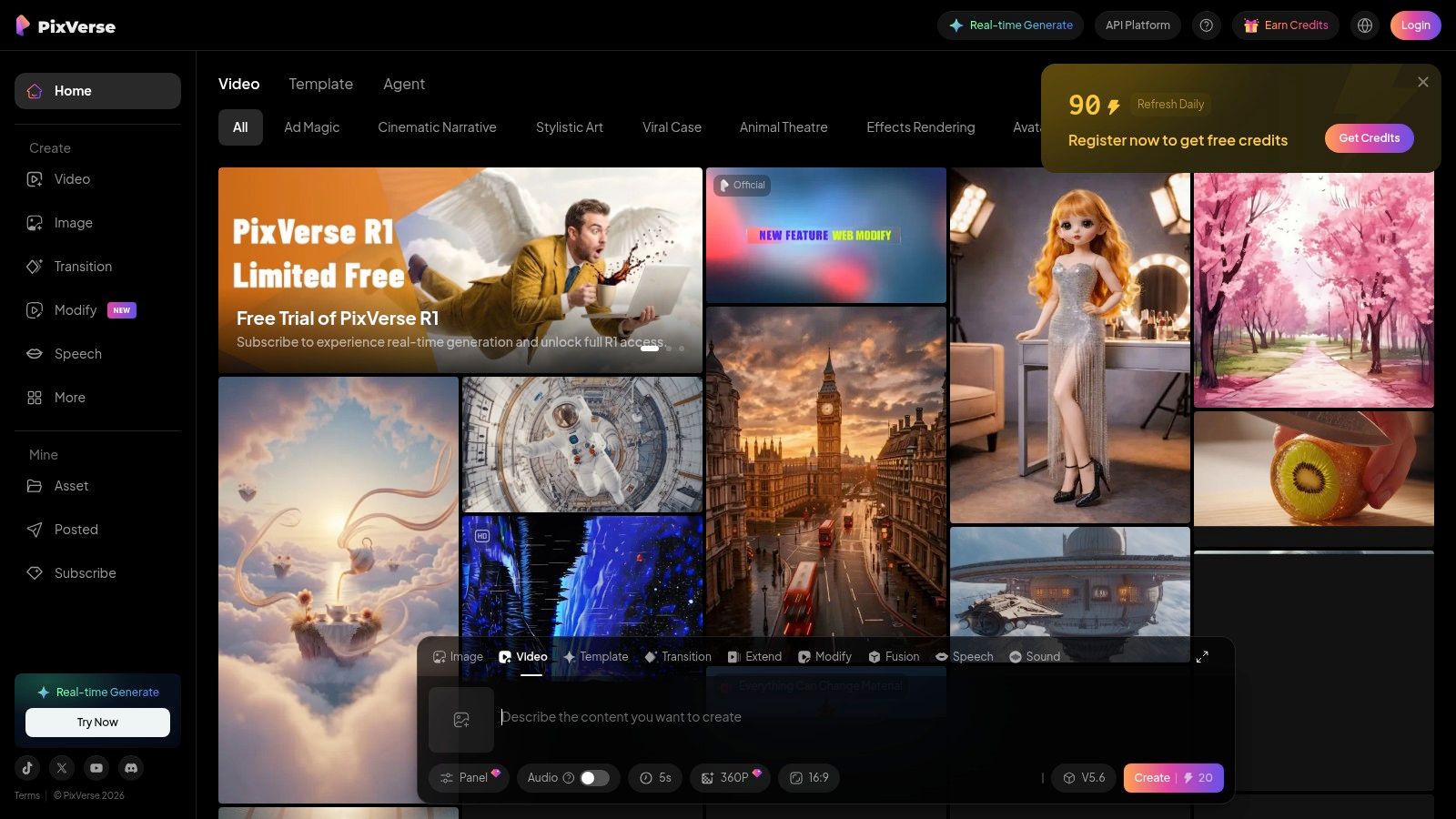
Its standout feature is multi-image fusion, which lets you combine separate images for characters, props, and backgrounds to build a richer, more complex scene. This moves beyond simple animation into true digital storytelling. For developers, PixVerse also offers an API, opening the door for automated video creation and custom app integrations. It's a fantastic choice when the goal is to produce something visually striking and unique.
Best For: Short-form content creators and developers who need stylized, effects-driven video outputs and API access. Standout Feature: Multi-image fusion for combining different visual elements into a single, cohesive animated scene. Pricing: Offers a free plan with a generous number of credits. Paid plans with more features are expected soon. Pros: Excellent for artistic and stylized animations, API access for automation, and creative multi-image inputs. Cons: Less focused on photorealism, which may not suit corporate or brand-centric projects.
Website: https://pixverse.ai
If you think powerful AI video tools require a steep learning curve, CapCut is here to prove you wrong. Known as the go-to editor for TikTok and Instagram creators, this platform has seamlessly integrated AI image to video tools into its already user-friendly, browser-based suite. It's less about granular motion control and more about getting a polished social media video from a single image, complete with scripts, AI voices, and trendy templates in just a few clicks.
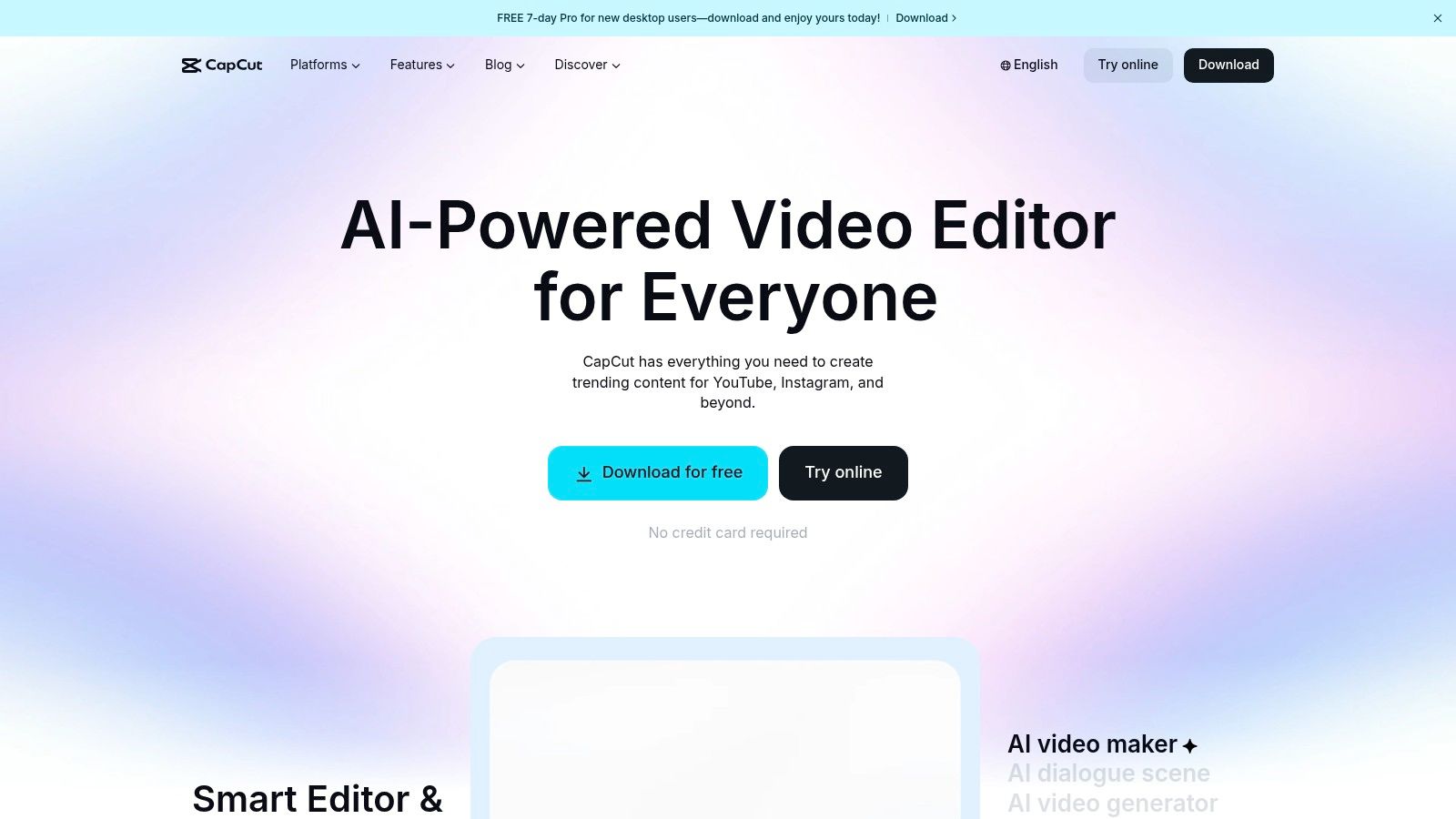
CapCut’s strength lies in its all-in-one workflow. You can generate a video from a photo, add auto-captions, drop in a viral audio track, and export a high-resolution MP4 without ever leaving your browser. This makes it an incredibly efficient solution for marketers and creators who need to produce content at scale. While it lacks the deep generative motion of specialized tools, its end-to-end editing capabilities make it a social media powerhouse.
Best For: Social media managers and creators needing a fast, end-to-end workflow for producing trendy videos. Standout Feature: One-click image-to-video with script generation and integrated AI voices for rapid content creation. Pricing: Offers a generous free version. Paid plans with more features and cloud storage start at $7.99/month. Pros: Extremely beginner-friendly, complete editing and publishing workflow, and excellent for batch-creating social content. Cons: Less control over generative motion compared to specialized platforms; advanced features require a subscription.
Website: https://www.capcut.com
If your goal is to make a static photo speak volumes, literally, then HeyGen is your platform. It specializes in transforming a single image into a polished talking-head video, complete with eerily accurate lip-sync and natural-sounding AI voices. This isn't about creating sprawling cinematic scenes; it's about giving a face a voice for explainers, corporate training, or personalized messages without ever stepping in front of a camera. The platform’s strength is its hyper-focus on human-centric video generation.
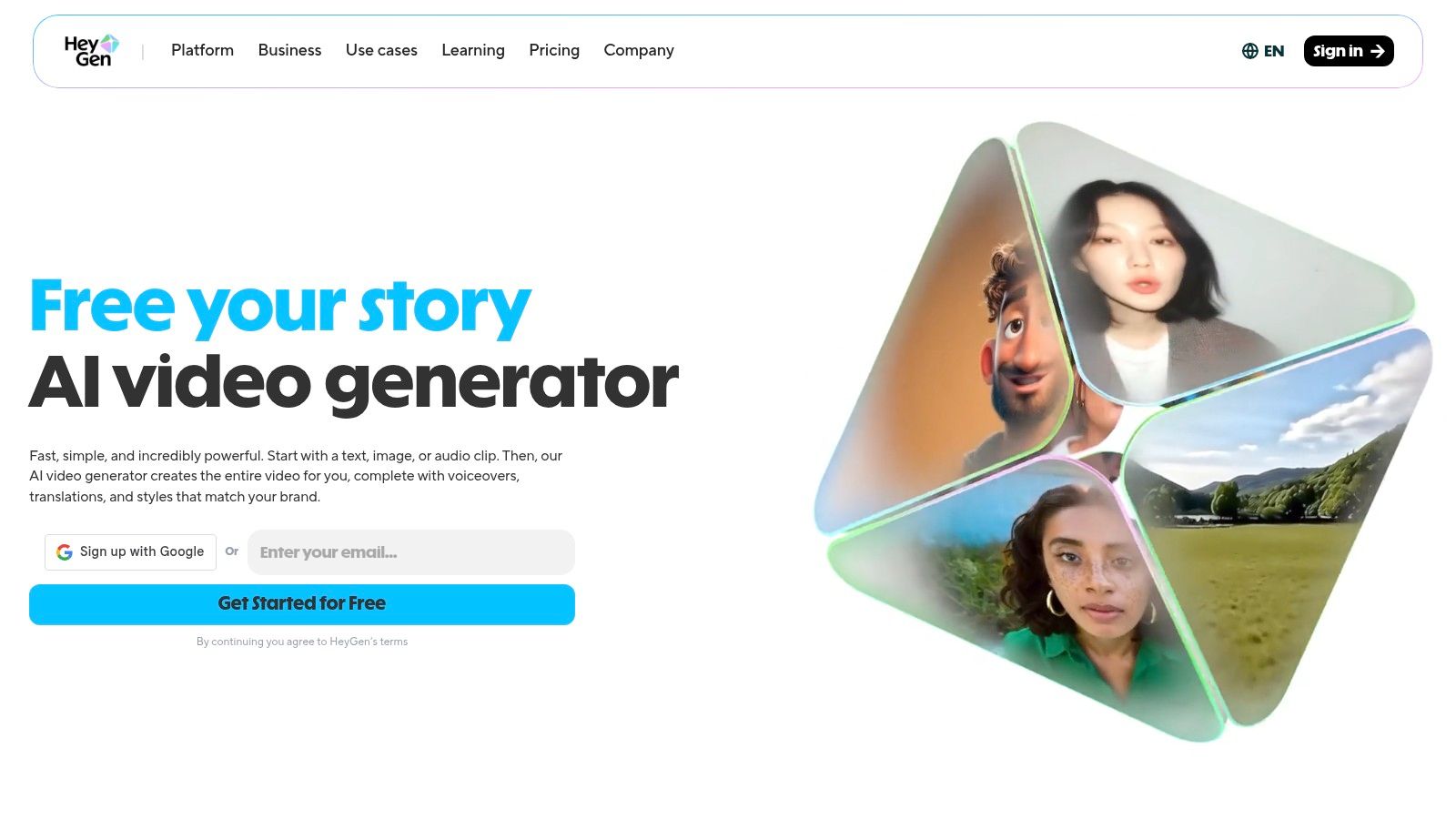
HeyGen's "Photo Avatar" feature lets you upload a picture, type a script, and generate a high-quality spokesperson clip in over 175 languages. This makes it an invaluable tool for creating localized content at scale. While it’s one of the more specialized ai image to video tools, its precision in the talking-head niche is nearly unmatched, offering an accessible web studio and API options for deeper integration.
Best For: Marketers and educators creating multilingual spokesperson videos, tutorials, and personalized outreach. Standout Feature: Photo Avatar for generating high-quality talking-head videos with precise lip-sync from a single image. Pricing: Offers a free trial with 1 minute of credit. Paid plans start at $24/month (billed annually) for more credits and features. Pros: Excellent lip-sync quality, extensive language support, and a user-friendly interface for quick video creation. Cons: Limited to talking-head style videos; does not generate full-scene motion or dynamic backgrounds.
Website: https://www.heygen.com
If you need to turn a static portrait into a compelling narrator, D-ID's Creative Reality Studio is your go-to stage. Forget complex scene generation; this platform excels at one thing: creating polished, voice-synced talking head videos from a single image. It’s an incredibly efficient tool for generating presenter-style content, perfect for corporate training, explainer videos, or adding a human touch to automated messages without booking a studio.
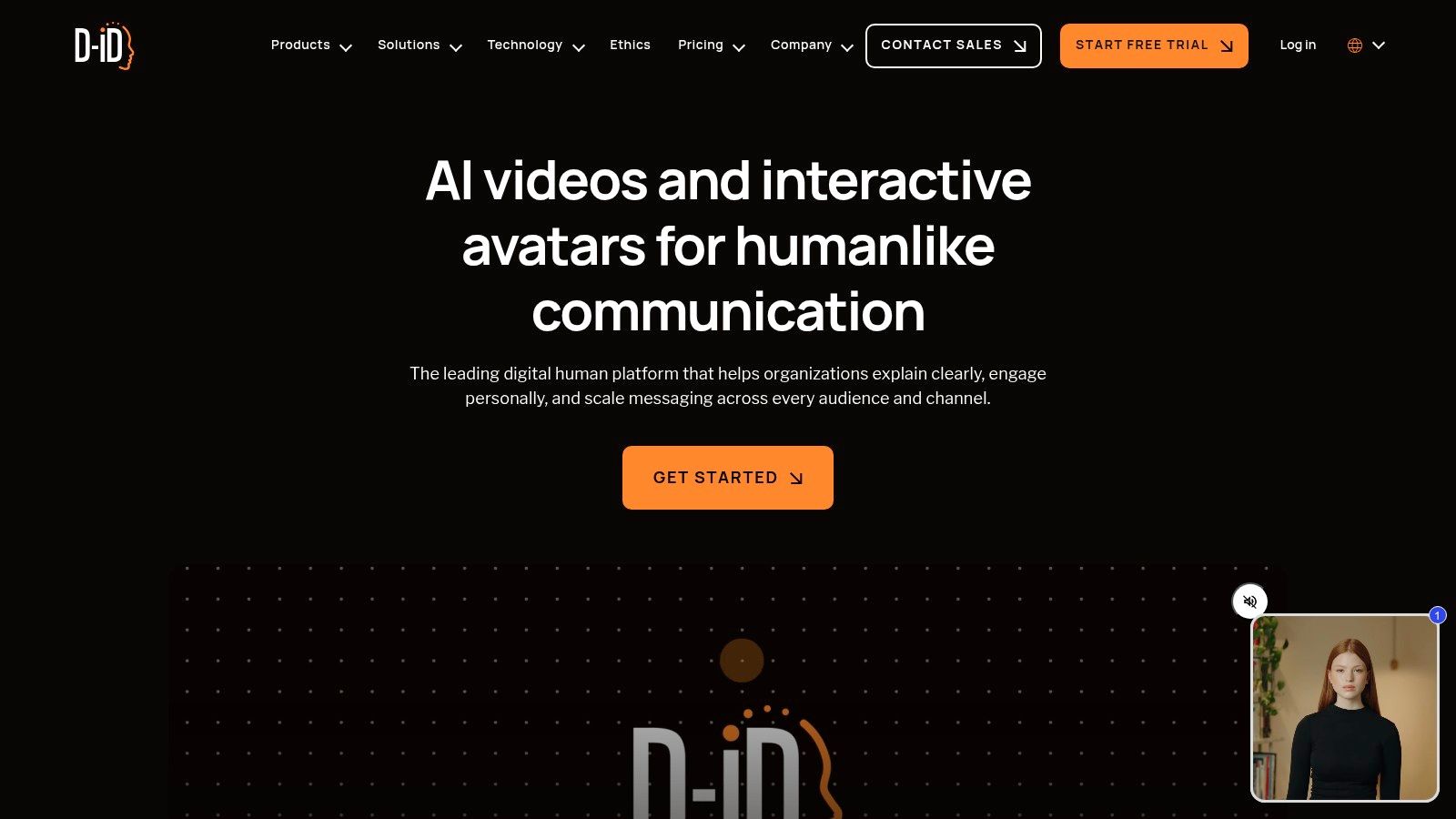
Simply upload a photo, type or upload your script, and choose from a vast library of voices and languages. The platform then animates the facial features to match the audio, delivering a surprisingly lifelike performance. While its focus is narrow, this specialization makes it one of the most effective AI image to video tools for anyone producing educational or informational content. The available API also allows for powerful integration into marketing and learning management systems.
Best For: Businesses and educators creating training modules, tutorials, and presenter-led content. Standout Feature: Voice-sync technology that accurately maps audio narration to facial movements on a still image. Pricing: A free trial is available. Paid plans start at $4.70/month (billed annually) for 10 minutes of video. Pros: Simple and fast workflow for creating talking-head videos, robust API for automation, and extensive language support. Cons: Limited to talking-head animations; not suitable for generating full-scene dynamic videos.
Website: https://www.d-id.com
For developers who want to look under the hood, Stability AI offers a different flavor of AI image to video tools. Instead of a polished web interface, Stable Video Diffusion (SVD) is an open model you can integrate directly into your own applications via API or self-hosting. This approach ditches the point-and-click simplicity for ultimate flexibility, allowing you to build custom workflows, batch process images, and control costs with precision. It’s the engine, not the entire car.
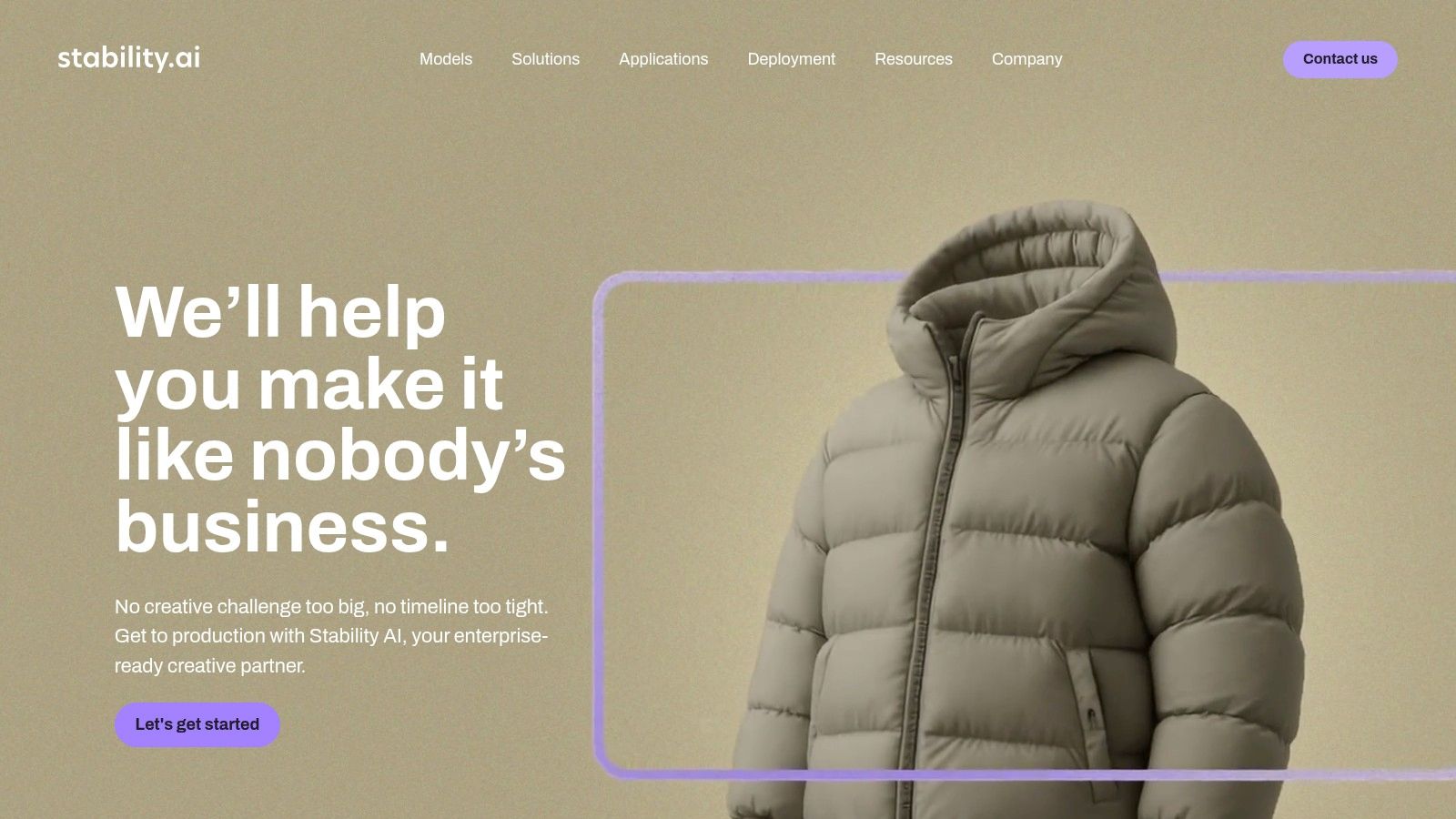
The model excels at creating short, dynamic clips from a single image, with controls for motion strength to dial in the desired effect. Its SV3D variant is particularly noteworthy, generating captivating orbital videos that give static objects a 3D-like quality. While this requires more technical know-how than other platforms, it's a powerful choice for teams wanting to build proprietary video generation features without being locked into a specific service.
Best For: Developers and tech-savvy teams building custom applications or automated content pipelines. Standout Feature: Deployment Flexibility via API access or self-hosted models for complete control. Pricing: Available via API with pay-per-use credits or through various membership tiers for self-hosting licenses. Pros: Open model ecosystem, excellent developer documentation, and great for custom integrations. Cons: Requires significant engineering effort and technical expertise; not a user-friendly, out-of-the-box solution.
Website: https://stability.ai
If you want to create engaging video content without a steep learning curve, Haiper is your entry point. This platform simplifies the animation process, making it one of the more accessible AI image to video tools for quick, social-media-ready clips. It's designed for speed and ease, allowing you to upload a static image, add a simple text prompt, and generate a short video in just a few clicks.
Haiper is particularly useful for creators who need content on the go, thanks to its streamlined web and mobile app workflow. While it lacks the intricate director-level controls of more complex platforms, its 'Animate Your Image' feature provides enough customization, including adjustable duration and aspect ratios, to fit platforms like TikTok and Instagram. It also offers video-to-video repainting, giving you a way to stylize or extend existing clips.
Best For: Social media creators and marketers needing fast, simple animations for short-form content. Standout Feature: A straightforward Image-to-Video workflow combined with a mobile app for creating content anywhere. Pricing: Currently free to use. Pros: Extremely simple UI, multiple creation modes (image, text, video) in one tool, great for non-technical users. Cons: Limited pro controls for fine-tuning motion, and generation results can sometimes feel overly intense at default settings.
Website: https://haiper.ai
| Product | Core features | Quality ★ | Value 💰 | Audience 👥 | Unique ✨ |
|---|---|---|---|---|---|
| SendFame 🏆 | Videos, images, full songs; AI Celebrity Video; Image→Video; one‑click workflow | ★★★★☆ | 💰 Promo offers; subscription/credits (check terms) | 👥 Marketers, influencers, event planners, creators, casual users | ✨ All‑in‑one music + celeb videos + image→video; fast output; large community |
| Runway | Gen‑3 image→video; keyframes; extensions; Act‑One facial control | ★★★★☆ | 💰 Credit-per-sec; transparent pricing | 👥 Pro creators, filmmakers, VFX artists | ✨ Act‑One performance capture; fine keyframe control |
| Luma AI – Dream Machine | Ray2/Ray3 image conditioning; Draft→HDR; keyframing & extend | ★★★★☆ | 💰 Tiered credits; HDR costs more | 👥 Cinematic creators, product/scene work | ✨ High physical realism; HDR/HDR+EXR outputs |
| Kaiber | Wan/Veo models; multi-aspect outputs; optional audio; Superstudio | ★★★★☆ | 💰 Flexible models; credits scale with quality | 👥 Social creators, quick editors | ✨ Model variety; canvas + video flows |
| Pika | Image/text→video; templates; effects; frequent model updates | ★★★☆☆ | 💰 Lower entry price; Pro for commercial use | 👥 Experimenters, short‑form creators | ✨ Fast iteration; community templates |
| Leonardo.Ai | Motion 2.0 / Veo 3; motion strength & smooth video; upscales | ★★★☆☆ | 💰 Token-based; video paywalled on some tiers | 👥 Artists integrating image & video workflows | ✨ Integrated image→video pipeline; collaboration tools |
| PixVerse | Image/text→video; multi-image fusion; camera & lighting controls; API | ★★★☆☆ | 💰 API plans; licensing varies by model | 👥 Stylized short‑form creators, developers | ✨ Multi-image fusion; developer API |
| CapCut | One-click image→video; templates, AI voices, full editor & export | ★★★☆☆ | 💰 Free entry; subscription for advanced features | 👥 Beginners, social teams, casual creators | ✨ End‑to‑end editor with templates & publishing |
| HeyGen | Photo→talking‑video; 175+ languages; avatars; voice cloning | ★★★★☆ | 💰 Tiered plans; 4K on paid tiers | 👥 Localized content creators, explainers | ✨ Multilingual lip‑sync; speaking avatar quality |
| D‑ID – Creative Reality Studio | Photo→presenter videos; voice‑sync; API; up to 1080p on plans | ★★★★☆ | 💰 Plan-gated premium presenters | 👥 Training, tutorials, marketing teams | ✨ Presenter-style videos; robust API integration |
| Stability AI – Stable Video Diffusion | Image→video models (SVD/SV3D); API & self‑host options; seed controls | ★★★☆☆ | 💰 Open models/self-hosting for cost control | 👥 Developers, teams, researchers | ✨ Self‑host & API flexibility; SV3D orbital effects |
| Haiper | Image/text/video modes; mobile app; repaint & extend; aspect/duration control | ★★★☆☆ | 💰 App-based pricing; quick creation | 👥 Non‑technical creators, mobile users | ✨ Mobile-first workflow; repaint/extend modes |
And there you have it, a whirlwind tour through the dazzling, and sometimes dizzying, world of AI image to video tools. We’ve journeyed from the personalized celebrity shout-outs of SendFame to the cinematic powerhouse that is Runway, and explored everything in between. It’s clear the digital canvas is no longer static; with a few clicks and a spark of imagination, your still images can now dance, morph, and tell stories in ways that were once the exclusive domain of professional animators and VFX artists.
The key takeaway? The "best" tool is less about a universal crown and more about the perfect fit for your specific quest. Are you a social media influencer needing quick, engaging content? A tool like Pika or CapCut might be your new best friend. Are you a digital marketer aiming for hyper-realistic avatars in your campaigns? HeyGen or D-ID are likely your go-to solutions. For the artist pushing creative boundaries, platforms like Luma AI’s Dream Machine or Kaiber offer a playground of stylistic possibilities.
Navigating this new frontier requires a bit of a treasure map. Before you commit your time and budget to a single platform, consider these critical factors:
Your End Goal: What are you actually trying to create? A simple animated logo has vastly different needs than a short, narrative film. Define your objective first. Ease of Use vs. Control: Some tools, like SendFame, are built for speed and simplicity. Others, like Runway, offer a steeper learning curve but provide granular control over the final output. Be honest about how much time you're willing to invest in learning the software. Budget and Scaling: Many of these AI image to video tools offer free tiers, which are perfect for experimentation. However, if you plan to produce content at scale, carefully examine the credit systems and subscription costs to avoid any surprise expenses down the road. Quality and Style: Does the tool’s aesthetic match your brand or creative vision? Watch plenty of examples and test the free versions to see if the video quality and artistic style align with your expectations.
The landscape of AI-driven media is evolving at a breakneck pace. What seems like science fiction today will be a standard feature tomorrow. As AI tools continue to evolve, they will simplify complex tasks, making high-quality video production more accessible for a wider range of creators and businesses. The real magic isn't just in the technology itself, but in how you, the creator, wield it. So go ahead, pick a tool from this list, upload an image, and see what story it wants to tell. The era of the static image is over; it's time to make your visuals move.
Ready to create a truly unforgettable and personalized video message? For a fast, fun, and incredibly easy way to turn a single photo into a celebrity greeting, look no further than SendFame. Start creating your unique video shout-out in just a few clicks at SendFame.
Create Epic

SendFame

Create Epic with SendFame!
Questions: info@sendfame.com