Celebrity Text to Speech Your Ultimate AI Voice Guide

celebrity text to speech
Welcome offer — 56% OFF



Discover the best ai tools for content creators to boost efficiency and creativity. Explore top picks for 2025.
Welcome to the new creator economy, where the biggest bottleneck isn't talent-it's time. You have the ideas, the voice, and the vision. What you need are force multipliers. AI has moved beyond a fun novelty and into an essential part of the modern creator's stack. But with a new tool launching every week, who has time to separate the game-changers from the gimmicks? We do. This guide isn't just a list; it's a strategic arsenal designed to help you find the absolute best AI tools for content creators that fit your specific workflow.
We've done the heavy lifting, hand-picking and battle-testing 12 powerful platforms. We will dive deep into each one, from video and audio editors like Descript and Runway to design powerhouses like Canva and Adobe Firefly, and even hyper-personalization tools like SendFame. For those wanting an even broader perspective, some analyses offer a comprehensive look at the best AI tools for content creation in 2025, which can supplement the curated options we present here.
Forget generic feature lists copied from a marketing page. Prepare for a full breakdown with screenshots, direct links, and actionable insights. We'll explore:
Who it's truly for: Are you a solo vlogger or a full-scale marketing team? Real-world use cases: How to actually integrate these tools to save hours. The honest limitations: No tool is perfect, and we'll tell you why.
This is your roadmap to building a smarter, faster, and more creative workflow today. Let's get started.
Best All-in-One AI Studio for Viral Multimedia
SendFame positions itself as a powerhouse in the race for the best AI tools for content creators, and for good reason. It’s an all-in-one, AI-powered studio designed to transform a single text prompt into polished videos, unique images, and even full-length songs in seconds. This isn't just about single-task generation; it's about a complete multimedia workflow under one roof.
For creators aiming for high engagement and shareability, SendFame offers a distinct edge. Its ability to generate content across multiple formats (video, image, music) from a unified platform streamlines the creative process immensely. You can brainstorm a concept, generate a visual, animate it into a video, and then create a custom soundtrack for it without ever leaving the site.
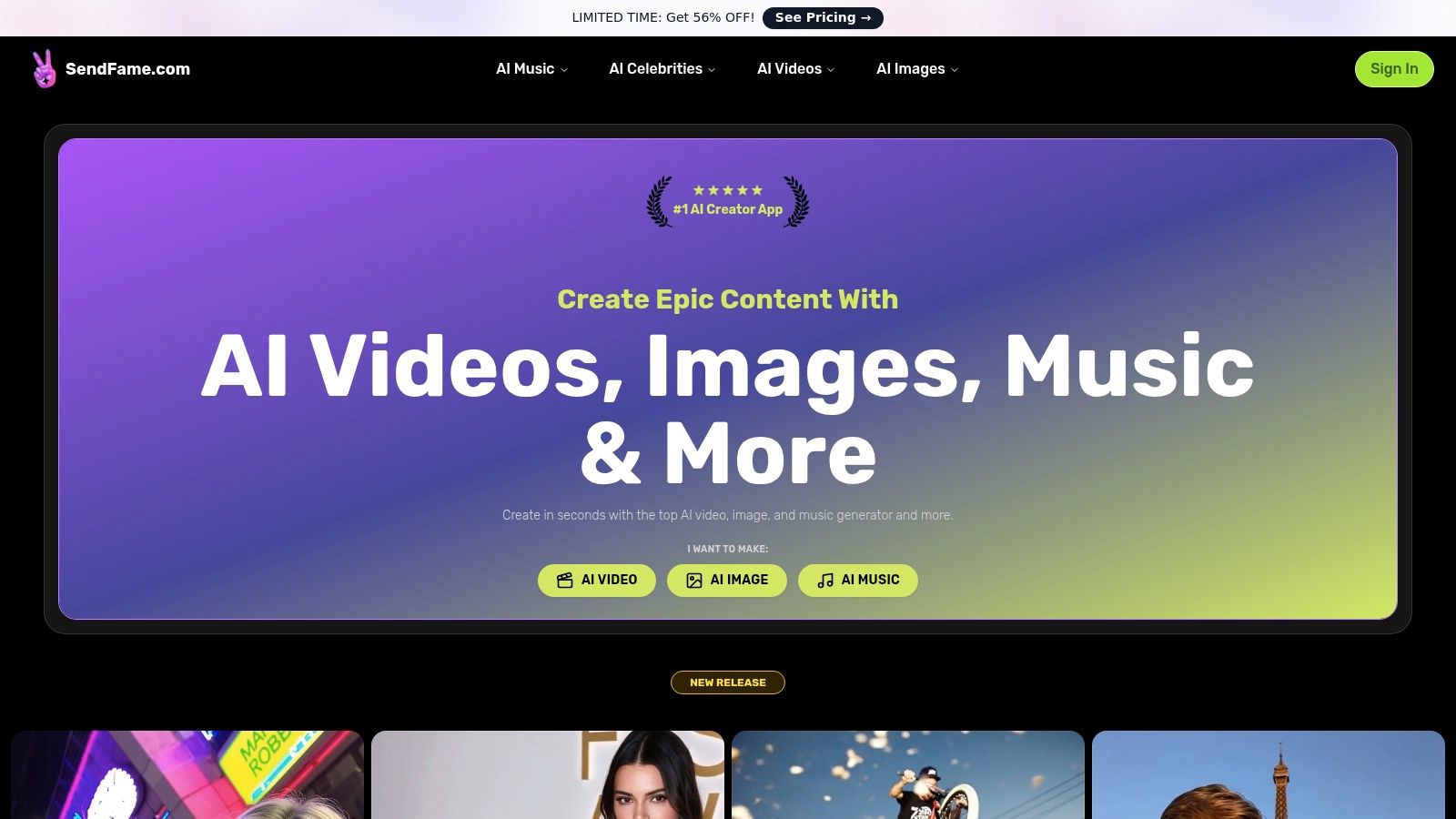
Multi-Format Creation: Generate videos, images, and complete songs (including lyrics, vocals, and cover art) from a single prompt. This is ideal for social media managers needing to produce a campaign's worth of assets quickly. Hyper-Realistic AI Celebrity Videos: This is SendFame’s standout feature. Create personalized messages, marketing clips, or parody videos using AI-generated celebrity likenesses. It’s a game-changer for event planners creating custom invitations or marketers looking to craft a viral ad. Integrated Music and Video Workflow: The platform’s ability to create a full song and a music video from one idea is unparalleled. Aspiring artists can visualize their tracks instantly, while video creators can get a truly custom, royalty-free score. One-Click Simplicity: The user-friendly interface makes complex productions accessible to creators without technical editing skills, which is a major win for solo entrepreneurs and influencers.
Why It's Our Top Pick: SendFame excels by integrating multiple AI creative tools into a seamless, user-friendly experience. Its unique celebrity video generator provides a powerful hook for creating viral, highly personalized content that other platforms simply can't match.
While powerful, the AI celebrity feature walks a fine line. Users must be cautious about the ethical and legal implications of using deepfakes, especially for commercial purposes, as copyright and likeness rights can be complex. Additionally, pricing details are not immediately transparent on the homepage, so users will need to click through to the "See Pricing" page to understand costs and usage limits.
Website:https://sendfame.com
If you live and breathe inside Adobe’s Creative Cloud, Firefly is less of a new tool and more of a superpower upgrade for your existing workflow. Instead of exporting a photo from Lightroom to a separate AI tool, you can now use Generative Fill right inside Photoshop to magically remove photobombers or expand a scene with context-aware content. This deep integration is Firefly’s killer feature and a massive time-saver for serious creators.
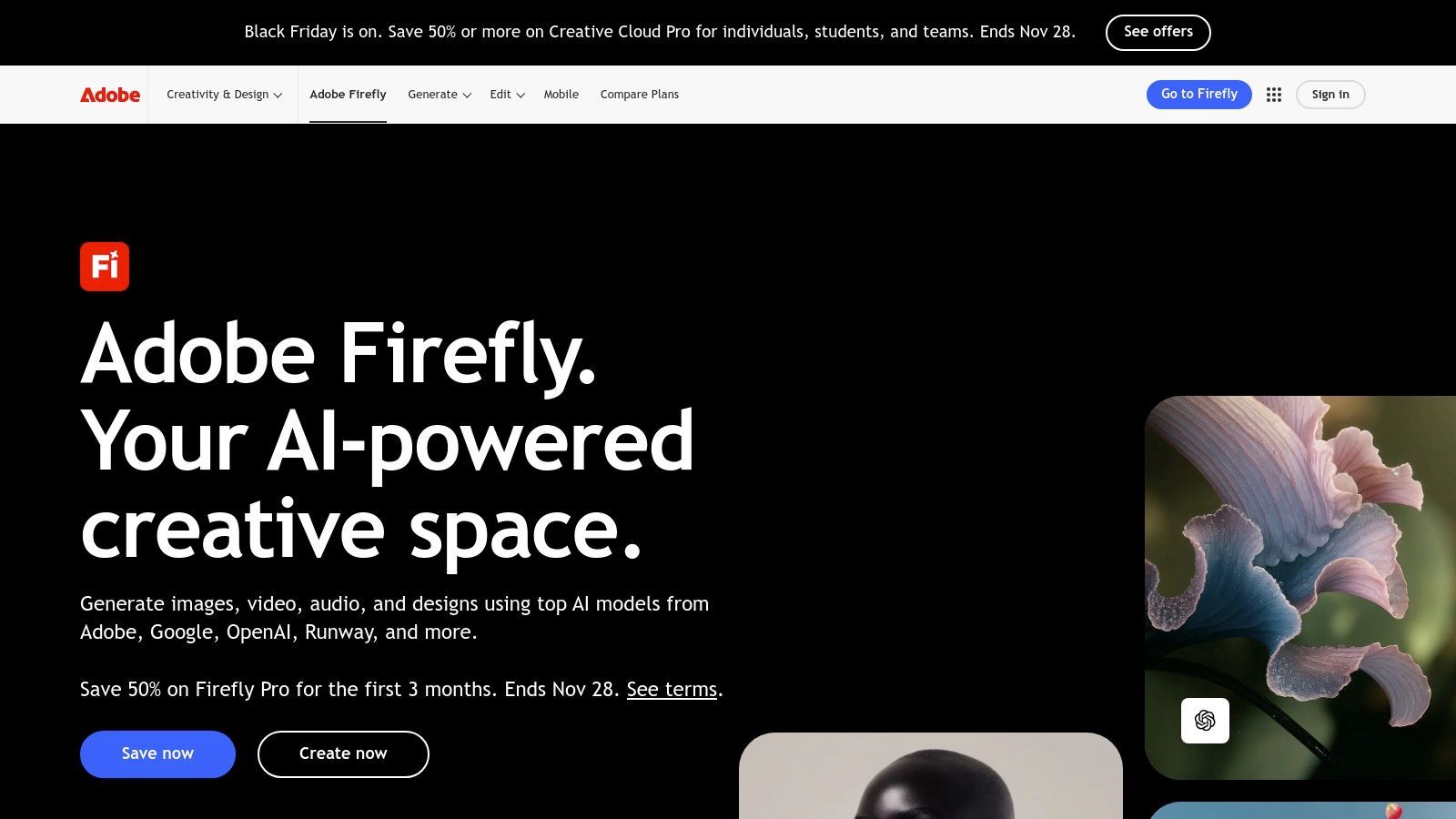
Adobe trained Firefly on its own Adobe Stock library, meaning the assets you generate are commercially safe, sidestepping the murky copyright waters of other AI models. For professional creators and production teams, this provides invaluable peace of mind. Firefly isn’t just for images; it’s creeping into Premiere Pro for AI-powered audio editing, translation, and video generation, making it one of the most comprehensive best AI tools for content creators who need an all-in-one ecosystem.
Generative Fill in Photoshop: Instantly add, remove, or expand elements in your photos. Perfect for fixing compositions or creating surreal, imaginative scenes for social media. Text to Image/Vector: Generate high-quality images and SVGs directly from a text prompt in the web app or Adobe Express. Video & Audio AI: Use AI-powered features in Premiere Pro for tasks like automatic transcription, dubbing, and eventually, text-to-video generation.
Pros & Cons
Pros: Seamless integration with industry-standard Adobe apps. Strong IP and creator-safe model. Scalable credit plans for individuals and large teams. Cons: The credit-based system and plan names can be confusing. High-volume video generation can get expensive on higher tiers.
Website:https://www.adobe.com/firefly
For creators who value speed and simplicity, Canva's Magic Studio has turned a beloved design platform into a full-fledged AI content powerhouse. It's built for the fast-paced world of social media, where you need to go from a simple idea to a published carousel post or video in minutes, not hours. Instead of juggling multiple apps, you can generate an image with Magic Media, write caption ideas with Magic Write, and then instantly resize it for every social platform with Magic Switch. This all-in-one, template-driven workflow is its standout feature.
Canva's strength lies in its accessibility. It democratizes design and AI, making powerful tools feel intuitive for solo creators and small teams without a dedicated design department. With a massive library of templates and assets, you’re never starting from a blank page. The platform also includes Canva Shield, providing enterprise-grade safety and trust controls for teams, ensuring content remains on-brand. For anyone needing to produce a high volume of quality visual content quickly, Canva is one of the best AI tools for content creators available.
Magic Media: Instantly generate images and short videos from a text prompt. Ideal for creating custom blog headers, social media graphics, or background clips. Discover more in our guide to the best AI image generators.Magic Switch: Magically transform a single design into different formats (e.g., a presentation into a blog post) or translate content into multiple languages with one click.Magic Write: An AI writing assistant that helps you brainstorm, summarize text, or craft on-brand copy directly within your designs.
Pros & Cons
Pros: Extremely fast prompt-to-publish workflow thanks to a massive template library. Great for collaboration and scales well from individual to team use. Includes brand safety and admin controls for businesses. Cons: Advanced AI features and higher usage limits require paid tiers. Recent plan and pricing changes can be confusing for new users.
Website:https://www.canva.com
If you think of video or podcast editing as a tedious timeline-scrubbing chore, Descript will feel like a revelation. It turns your audio and video into a text document, allowing you to edit your content by simply editing the words. Cutting a segment is as easy as highlighting and deleting text, while rearranging scenes is a simple copy-paste. This text-based approach is its superpower, dramatically lowering the editing learning curve and speeding up the workflow for podcasters and YouTubers.
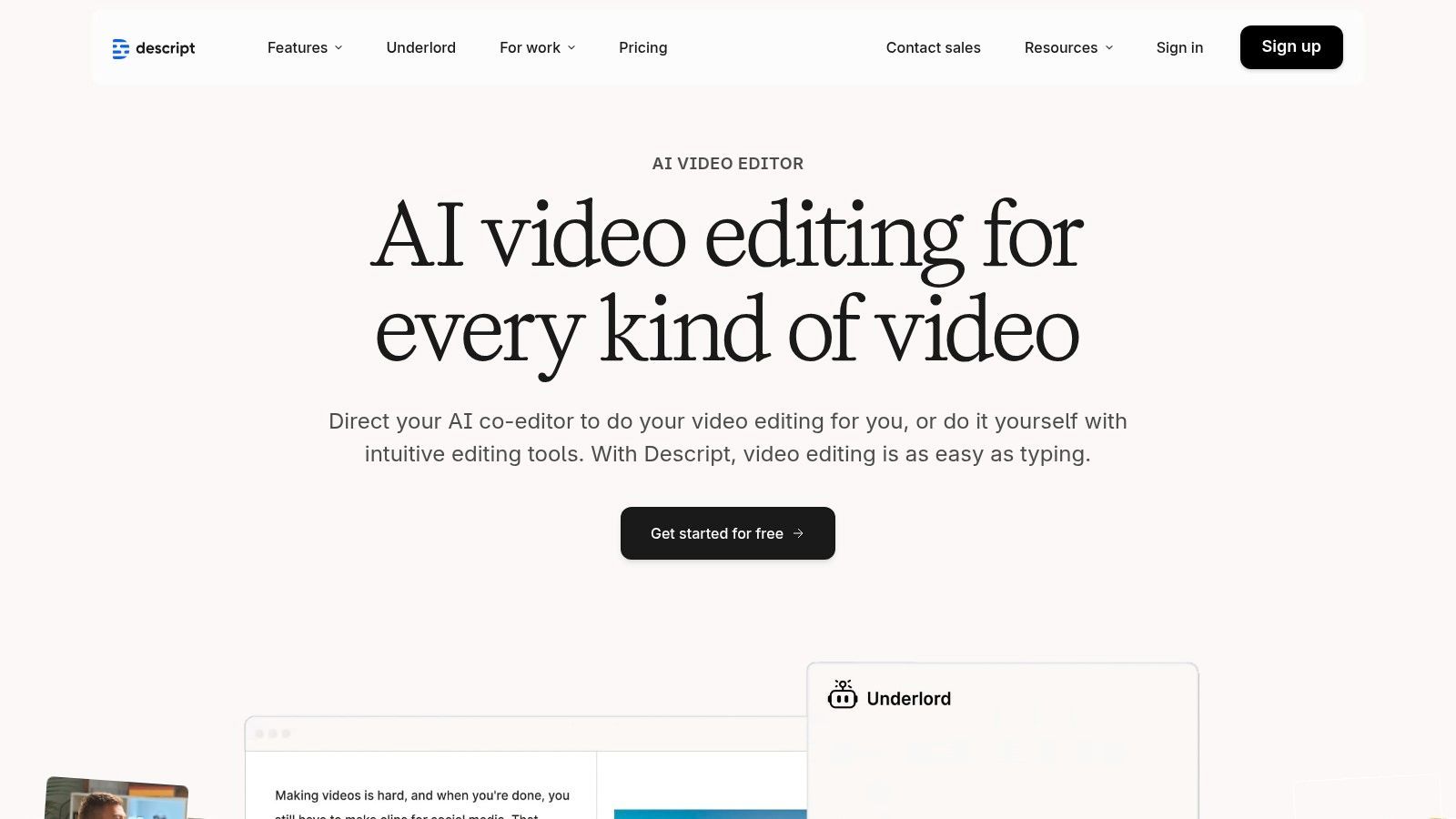
But Descript is more than just a novelty editor. It’s a full-fledged production suite packed with powerful AI. Its Studio Sound feature can make amateur audio sound like it was recorded in a professional studio with a single click. The platform also automatically removes filler words like "um" and "uh," saving hours of painstaking manual cuts. For creators focused on dialogue-heavy content, Descript is easily one of the best AI tools for content creators available, making the entire post-production process faster and more intuitive.
Text-Based Video & Podcast Editing: Edit complex multi-track recordings just like a text document. Ideal for interview-based content, educational videos, and narrative podcasts.Studio Sound & Filler Word Removal: Instantly enhance audio quality and clean up dialogue with one-click AI tools, perfect for creators without professional audio gear.AI Voices & Dubbing: Create high-quality voiceovers using AI or clone your own voice for corrections without re-recording. Explore how Descript's AI enhances vocal content by learning more about text-to-speech creation.
Pros & Cons
Pros: Massive speed-ups for editing and repurposing content. Clear plan tiers with watermark-free exports on paid plans. Includes a stock media library. Cons: Plan and allowance terminology (media minutes/AI credits) can be confusing. Team billing per Drive may require some initial setup understanding.
Website:https://www.descript.com
If you’re looking to operate on the bleeding edge of AI video, Runway is the mad scientist’s lab you need to be in. More than just a tool, it’s a full-fledged creative suite that puts futuristic video generation and editing capabilities directly into your browser. For creators focused on cinematic experiments, mind-bending social media clips, or conceptualizing ad campaigns, Runway delivers a playground of generative models that often feel like they’re a year ahead of everyone else.
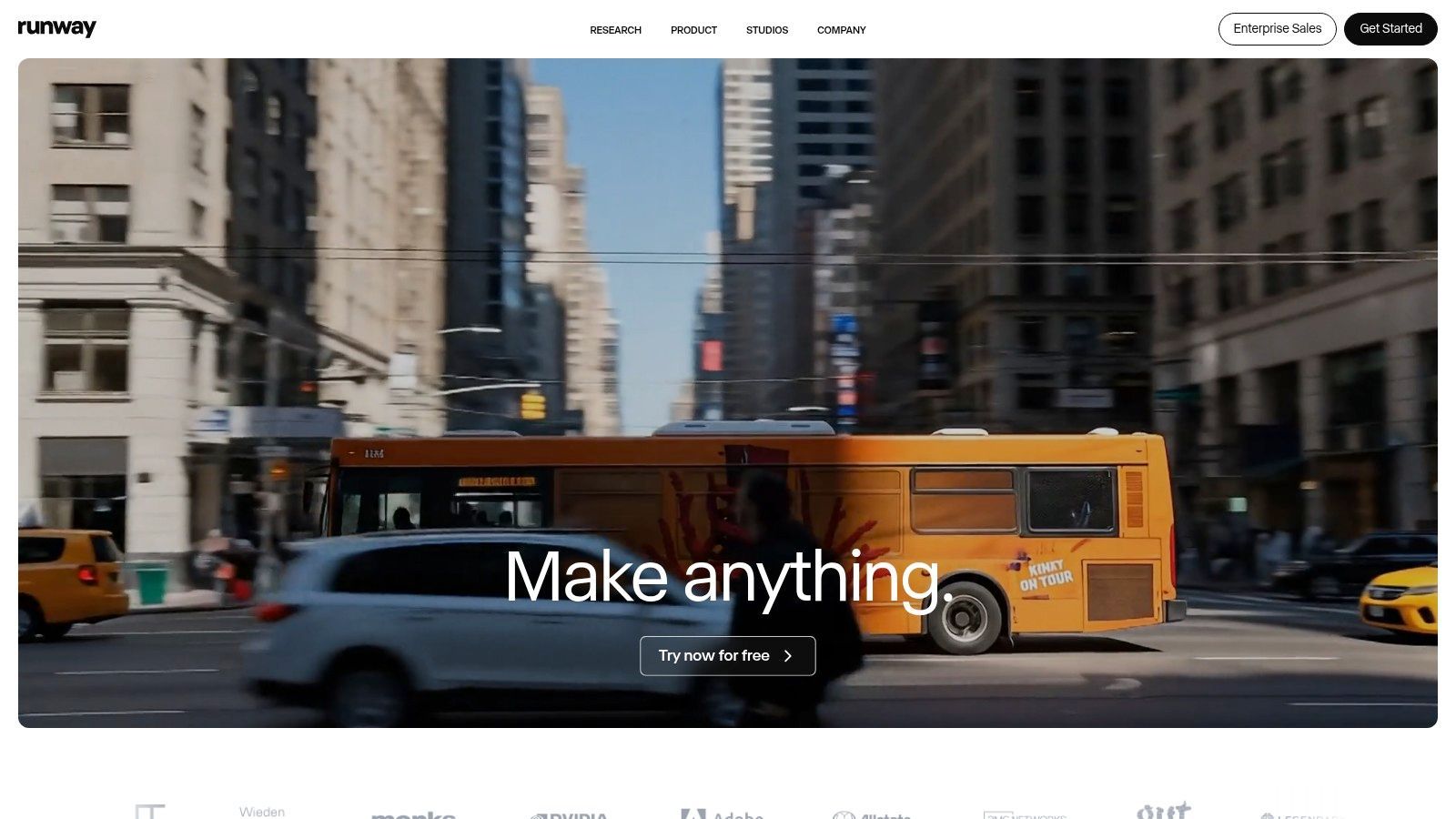
What makes Runway one of the best AI tools for content creators is its commitment to pushing boundaries with features like Gen-2 for text-to-video and its impressive suite of AI "Magic Tools." You can do everything from removing video backgrounds with pinpoint accuracy to painting motion onto a still image. While other platforms are just getting started with AI video, Runway is already refining pro-level features, offering export options like 4K and ProRes that integrate directly into professional post-production workflows. For a deeper dive into its latest model, you can learn more about Runway's generative capabilities.
Generative Video (Gen-2): Create video clips from text prompts, images, or existing video footage. Ideal for generating B-roll, animated storyboards, or surreal visual effects. AI Magic Tools: A collection of over 30 AI-powered editing tools, including Green Screen, Inpainting (removing objects), and Motion Tracking for advanced VFX work. Pro Export Options: On higher-tier plans, you can export in professional formats like 4K, ProRes, and even transparent PNG sequences for compositing.
Pros & Cons
Pros: Cutting-edge video models with frequent product updates. Export options suitable for pro workflows on higher tiers. Team workspaces and credit-based usage for collaboration. Cons: The credit system and team credit sharing require careful planning to manage costs. Pricing varies by tier and should be checked on their current pricing page.
Website:https://runwayml.com
If you’re a content creator swimming in the fast-paced currents of TikTok, Reels, and YouTube Shorts, CapCut is your AI-powered life raft. Initially a mobile-first editor, it has evolved into a formidable cross-platform tool that makes creating slick, engaging social videos astonishingly easy. Its secret sauce is a massive library of templates and one-click AI features, like auto-captions and background removal, that take the grunt work out of editing and let you focus on going viral.
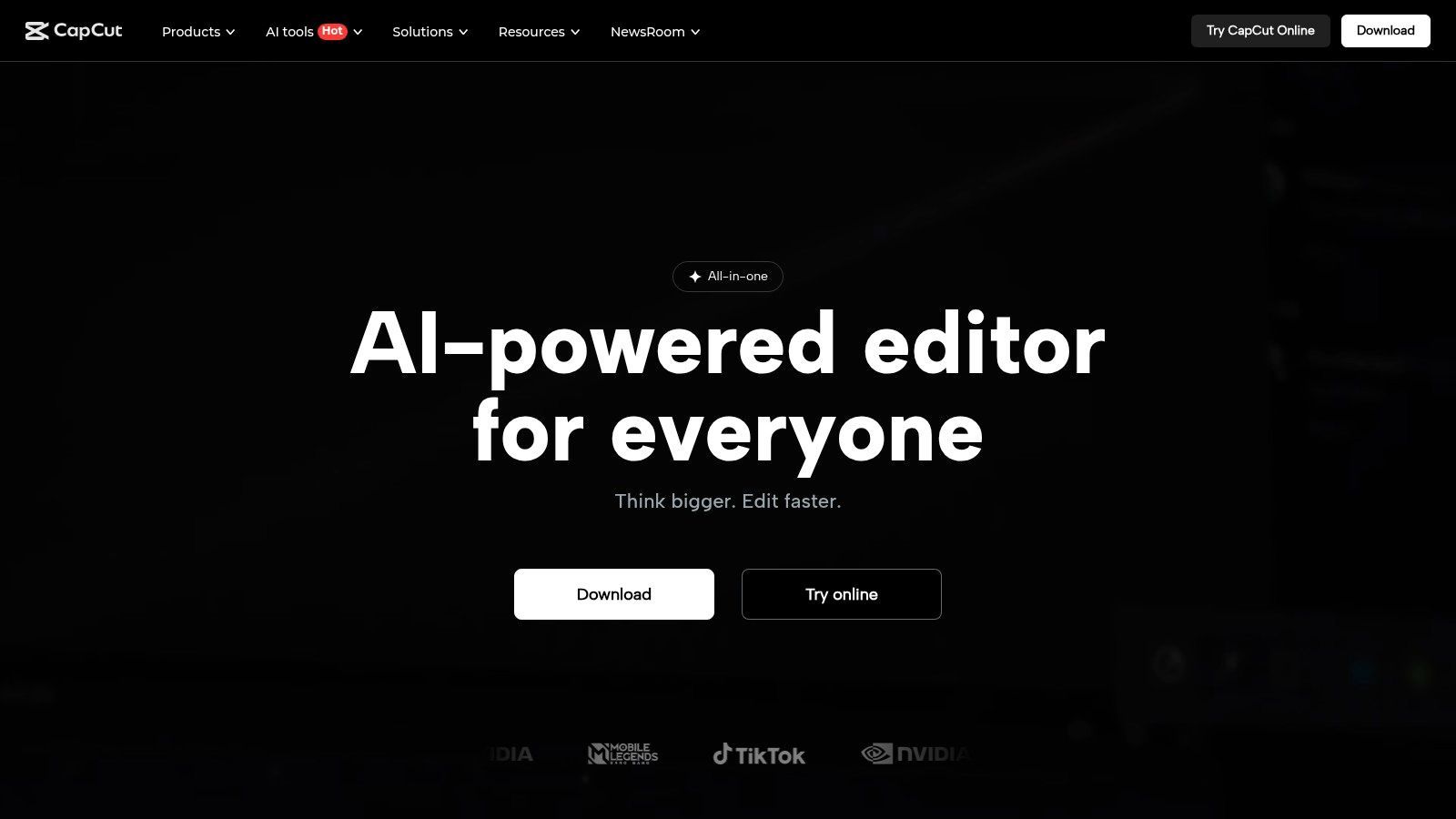
While professional editors might stick to more complex software, CapCut’s accessibility and speed are unmatched for its target audience. It’s designed for rapid-fire production, syncing projects seamlessly between your phone, desktop, and the web. This makes it one of the best AI tools for content creators who need to produce high volumes of trendy, polished short-form video content without a steep learning curve or a Hollywood-sized budget. The platform even offers team collaboration plans, making it a viable choice for small social media teams.
One-Click AI Effects: Instantly add trending captions with animations, remove video backgrounds without a green screen, or apply beauty filters. Massive Template Library: Tap into thousands of pre-made video templates, effects, and sounds to quickly jump on trends and create content in minutes. Cross-Platform Syncing: Start a project on your phone during a commute and finish it with more precision on the desktop app, with all assets synced to the cloud.
Pros & Cons
Pros: Extremely fast learning curve and optimized for social video formats. Extensive library of free assets and templates. Frequently offers discounts and promotions. Cons: Most powerful AI features are gated behind a subscription. Feature parity can vary between mobile, web, and desktop versions.
Website:https://www.capcut.com
For creators whose brains are a chaotic tangle of content calendars, video scripts, and half-formed blog post ideas, Notion AI is the ultimate organizational sidekick. It lives directly inside the Notion workspace you already use to plan everything, transforming it from a static documentation tool into a dynamic content engine. Instead of jumping to another app to brainstorm titles or outline a script, you can simply ask the AI to do it right on the page, streamlining the entire ideation-to-drafting process.
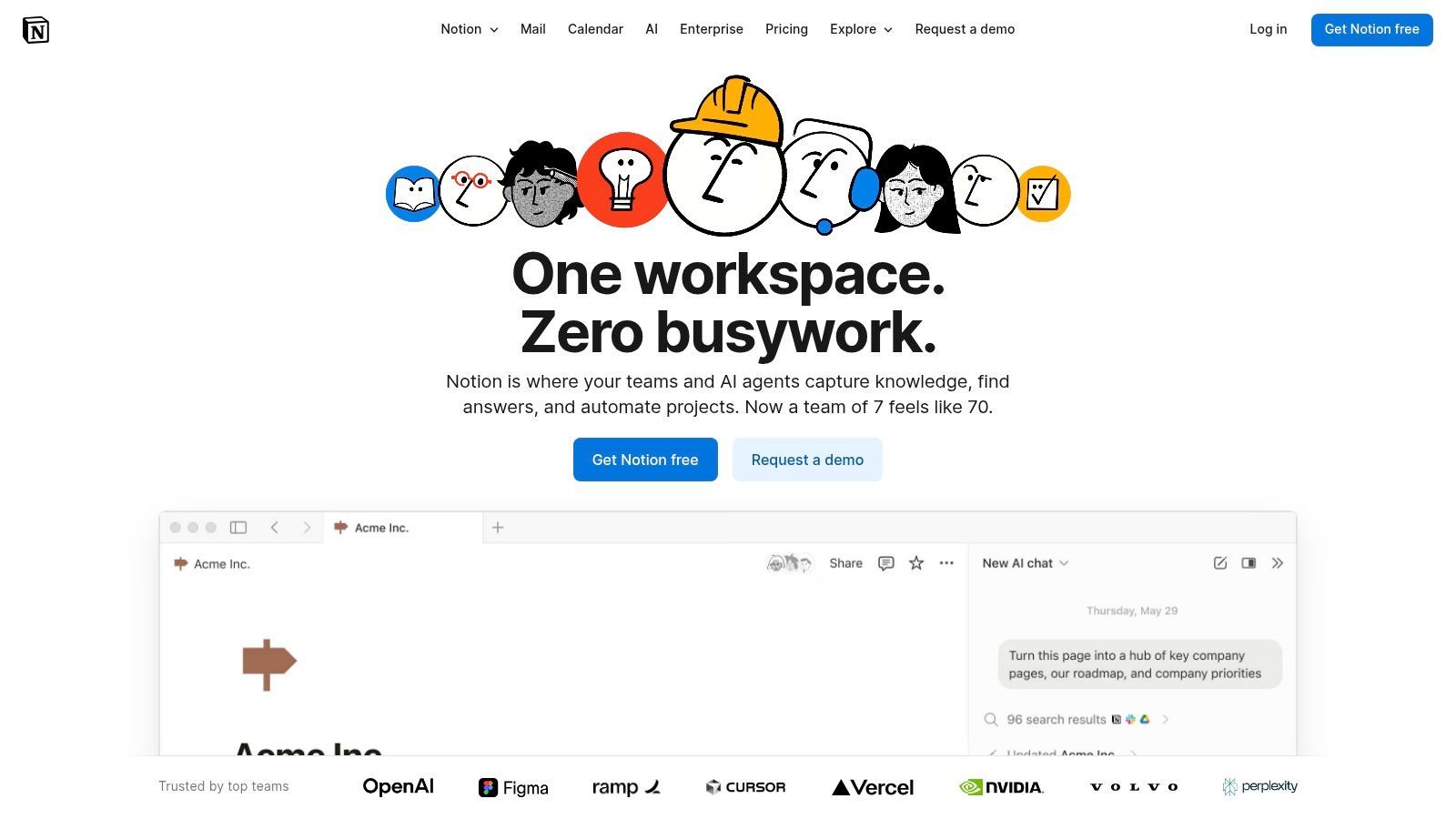
Notion AI’s strength is its context-awareness within your own ecosystem. The Q&A feature can search across all your project docs, meeting notes, and content databases to answer questions, instantly finding that one statistic you saved three months ago. This makes it one of the best AI tools for content creators who are part of a team, as it centralizes knowledge and speeds up the creation of briefs, outlines, and social media posts by pulling from existing work. It’s less about generating a masterpiece from scratch and more about making you a smarter, faster, and more organized creator.
In-line AI Assistance: Highlight any text to summarize, translate, improve writing, or change the tone. Perfect for refining scripts or adapting blog content for a different social platform. AI Blocks & Database Properties: Automatically generate summaries of meeting notes, extract key action items, or create content briefs from a template with a single click. Workspace Q&A: Ask questions about any content stored in your Notion workspace to quickly find information, links, or data without manual searching.
Pros & Cons
Pros: All-in-one content planning and drafting in a single workspace. Excellent for organizing briefs, scripts, and content calendars. Enterprise controls and procurement options for larger teams. Cons: AI features are tied to paid tiers, and the credit system has evolved. Can feel less powerful for pure creative generation compared to dedicated writing tools.
Website:https://www.notion.so
While many AI writers feel like a generic Swiss Army knife, Jasper is the finely tuned chef's blade built specifically for marketing teams and creators who live and die by brand consistency. It's designed from the ground up to learn your specific brand voice, product knowledge, and target audiences, ensuring every piece of content it generates sounds like it came from your team, not a robot. This focus on brand safety and scalability is what makes it a powerhouse for businesses.
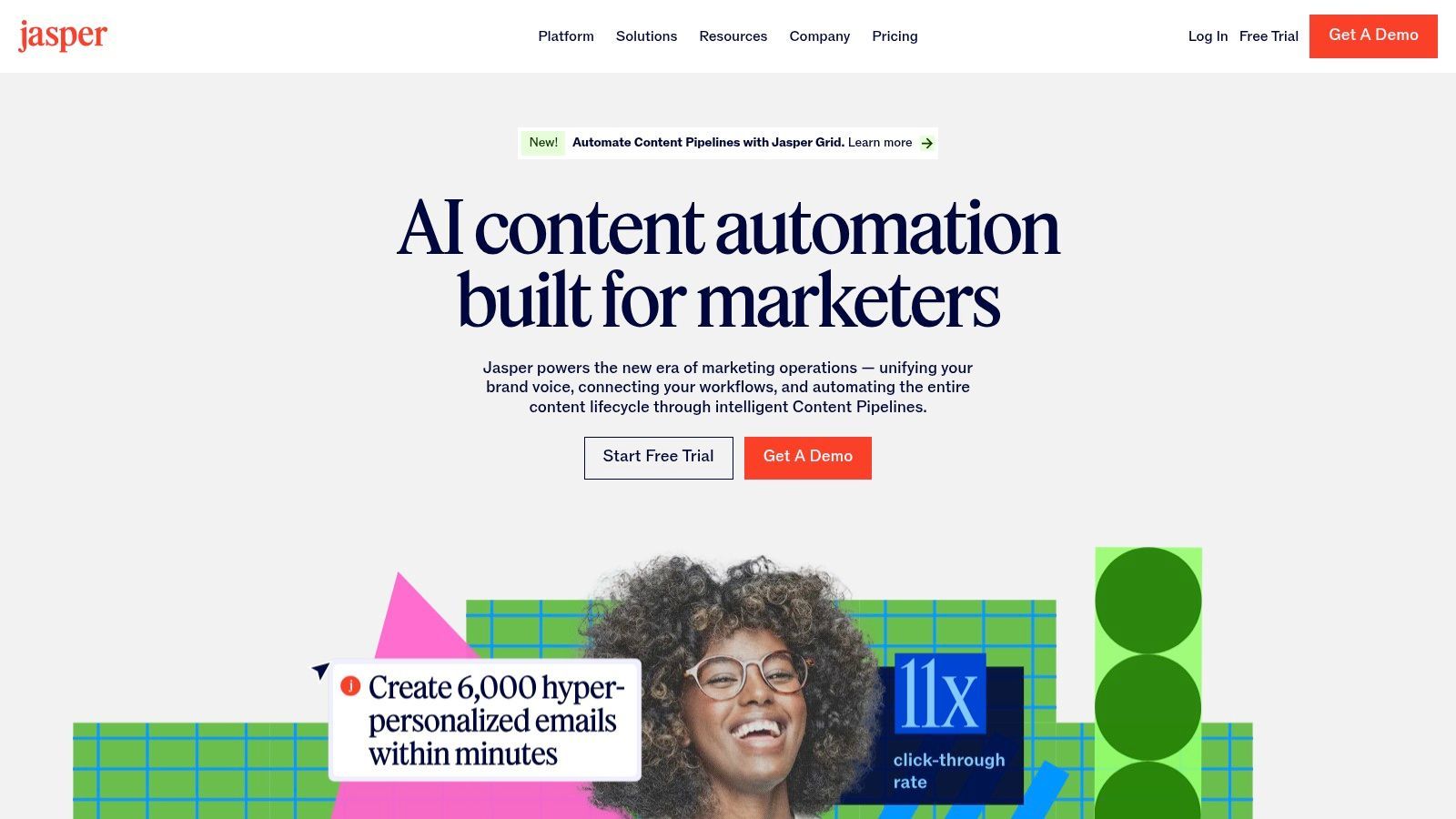
Instead of just prompting for a blog post, you can load your brand guidelines into Jasper’s "Memory" and have it create an entire multi-channel campaign, from ad copy and social media posts to email sequences and landing page text, all perfectly aligned. For creators and marketing teams struggling to maintain a consistent voice across platforms, this centralized "brand brain" is a game-changer. It’s one of the best AI tools for content creators who are scaling up and need to delegate content production without losing their unique identity.
Brand Voice & Knowledge: Upload style guides, product catalogs, and audience personas to train the AI on your specific brand, ensuring on-brand outputs every time. Campaign Creation: Use dedicated templates and workflows to generate cohesive assets for an entire marketing campaign across different channels. Jasper Canvas & Docs: A long-form editor that combines the power of AI commands with a traditional document interface, perfect for drafting blog posts, scripts, and ebooks.
Pros & Cons
Pros: Excellent brand-consistency controls designed for marketing teams. Transparent feature sets for Pro and Business plans. Powerful tools for creating integrated, multi-channel campaigns. Cons: Higher price point than general-purpose AI writers. Its best features are geared toward teams and businesses, making it overkill for casual users.
Website:https://www.jasper.ai
Grammarly is the seasoned veteran of AI writing assistants, acting as an ever-present editor that lives in your browser and apps to catch embarrassing typos and awkward phrasing. While newer AI writers focus on generating entire articles, Grammarly's strength has always been refining and polishing your own words. Its deep understanding of grammar, tone, and style makes it an indispensable safety net for everything from social media captions to detailed blog posts.
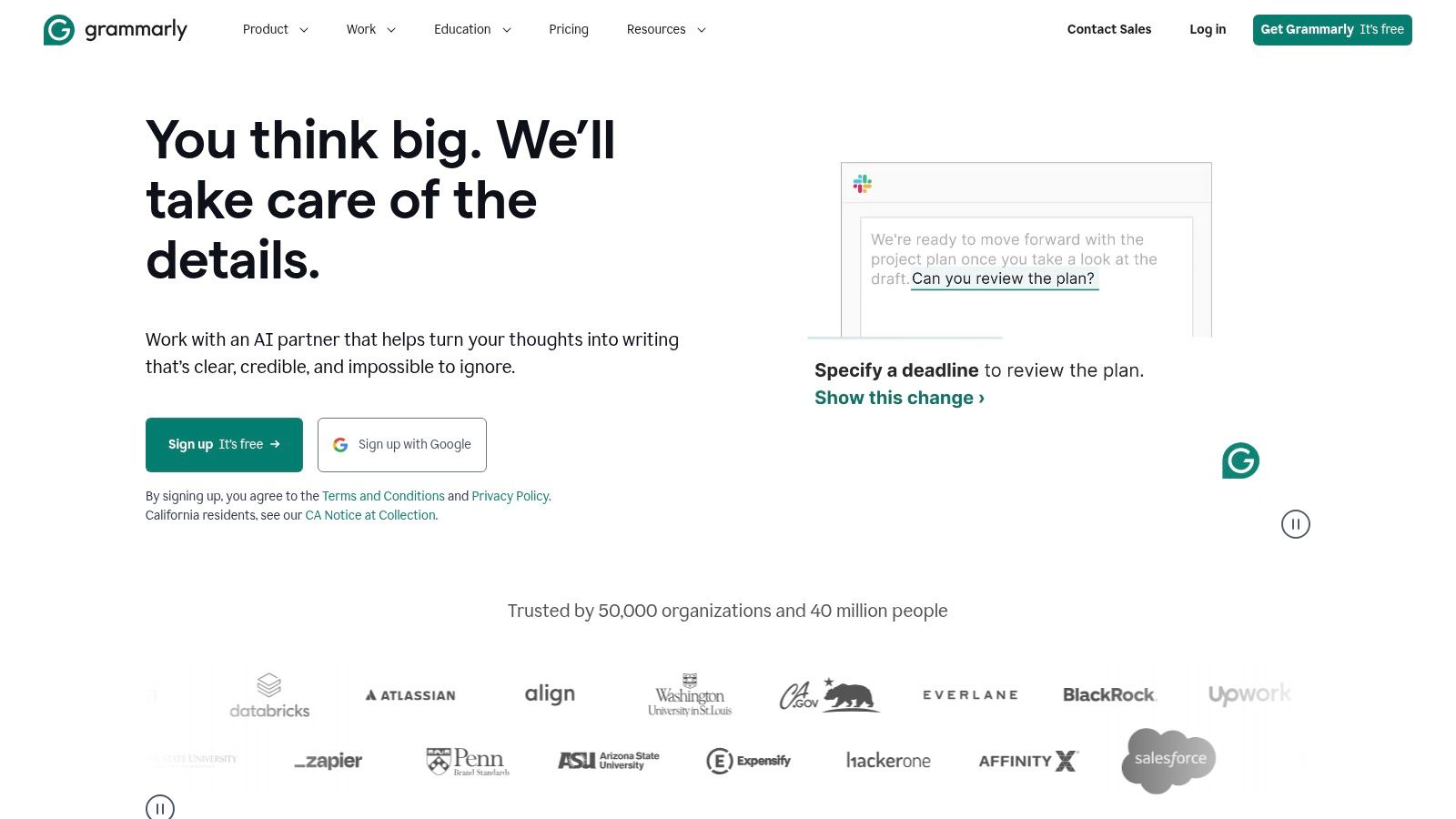
Now available as part of the Superhuman suite, its utility has expanded beyond simple text correction. With workflow automations and multi-app assistance via Superhuman Go, it helps streamline the entire content creation process. For creators who value clarity and professionalism, Grammarly isn't just a tool; it's a foundational part of a brand's voice. This makes it one of the best AI tools for content creators who need to ensure every piece of written content is flawless.
Grammar and Style Rewrites: Go beyond basic spell-check with suggestions for tone, clarity, and conciseness. Perfect for ensuring your newsletters, scripts, and captions match your intended brand voice. Plagiarism Checks and Citation Help: A crucial feature for academic or research-heavy content creators who need to maintain credibility and properly source their information. AI Chat & Workflow Automations: Use the AI assistant to brainstorm ideas, summarize long documents, or set up automations that connect your writing across different applications.
Pros & Cons
Pros: Mature and reliable writing guidance with wide app and browser support. Flexible subscription options, either standalone or bundled through Superhuman. Strong security features and controls for teams. Cons: The branding and plan changes in late 2025 require careful plan comparison. Some advanced AI features are gated to higher-tier or annual plans.
Website:https://www.grammarly.com
It's impossible to talk about AI without mentioning the tool that brought it into the mainstream. ChatGPT is the ultimate creative Swiss Army knife, acting as a tireless brainstorming partner, scriptwriter, and research assistant all in one. For creators, its power lies in speed and versatility. You can go from a blank page to a dozen YouTube video ideas, a complete podcast outline, or a month's worth of social media captions in minutes.
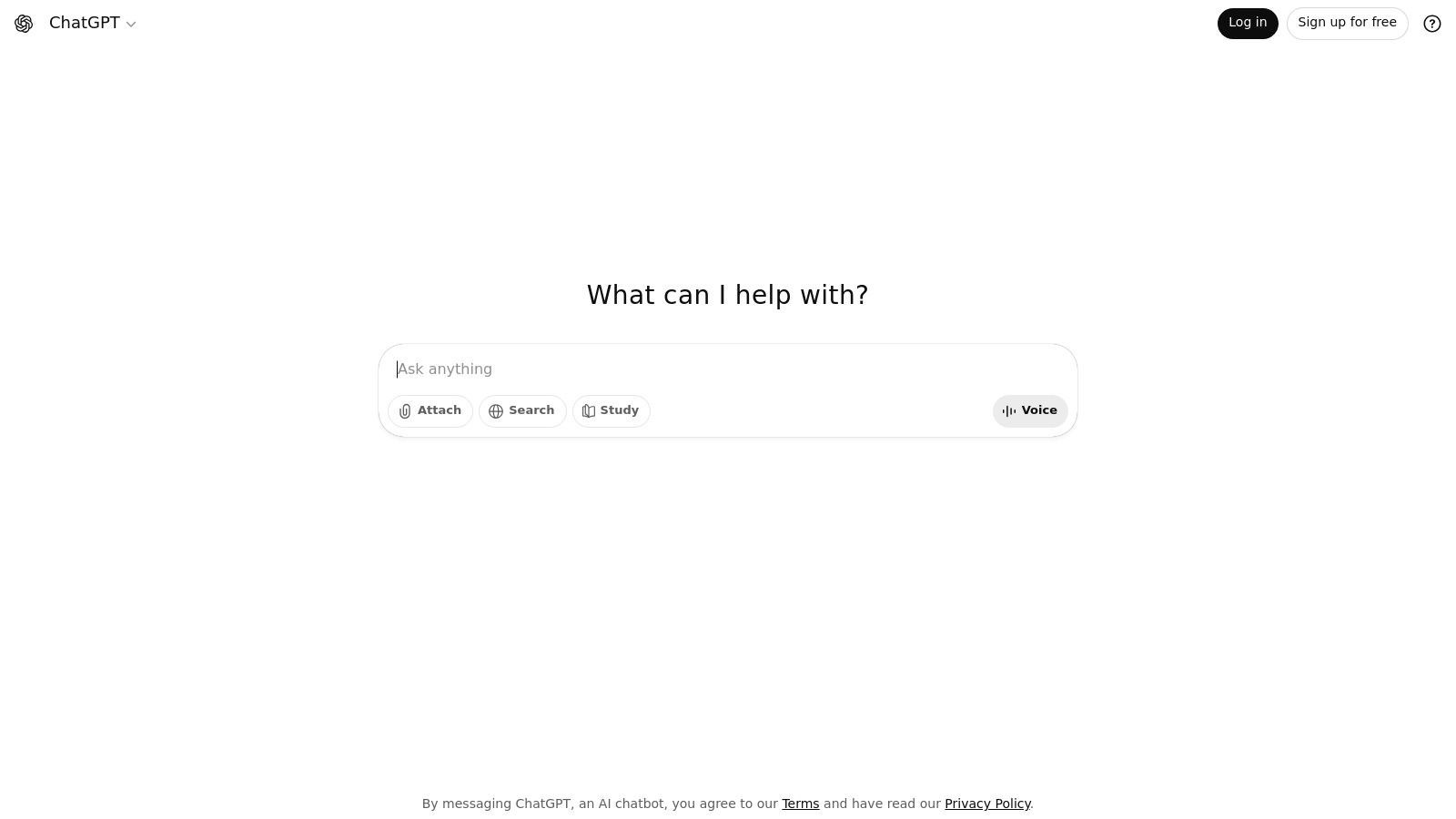
What makes ChatGPT one of the best AI tools for content creators is its conversational nature and the ability to build on ideas. You aren't just getting a one-off answer; you're having a dialogue. You can ask it to refine a script's tone, simplify complex topics for your audience, or even generate DALL-E 3 images for your blog posts right in the chat. With Custom GPTs, you can train it on your brand voice, making every output sound uniquely yours and saving countless hours on editing.
Content Ideation & Scripting: Quickly generate ideas for videos, blog posts, and podcasts. Draft full scripts and outlines tailored to specific platforms. Research & Summarization: Paste links or upload documents and ask for summaries, key takeaways, or explanations of complex topics. Custom GPTs: Create personalized versions of ChatGPT trained with your specific instructions and knowledge to streamline repetitive tasks. Image Generation: Use DALL-E 3 integration to create custom thumbnails, social media graphics, or illustrations directly from a text prompt.
Pros & Cons
Pros: Extremely versatile general-purpose assistant with a robust ecosystem. Business and Enterprise plans offer enhanced privacy and admin controls. Multiple plan tiers suit individuals and teams. Cons: Usage limits vary by plan and advanced features often require a paid subscription. Can sometimes produce generic or repetitive content without careful prompting.
Website:https://www.openai.com/chatgpt
For creators deeply embedded in the Microsoft ecosystem, Copilot is the AI assistant that lives right inside your most-used apps. Instead of exporting a script from Word to an AI editor, you can now use Copilot to summarize, rewrite, or brainstorm directly within the document. This seamless integration with Word, PowerPoint, and Excel is Copilot’s greatest strength, turning mundane office tasks into an accelerated creative process.
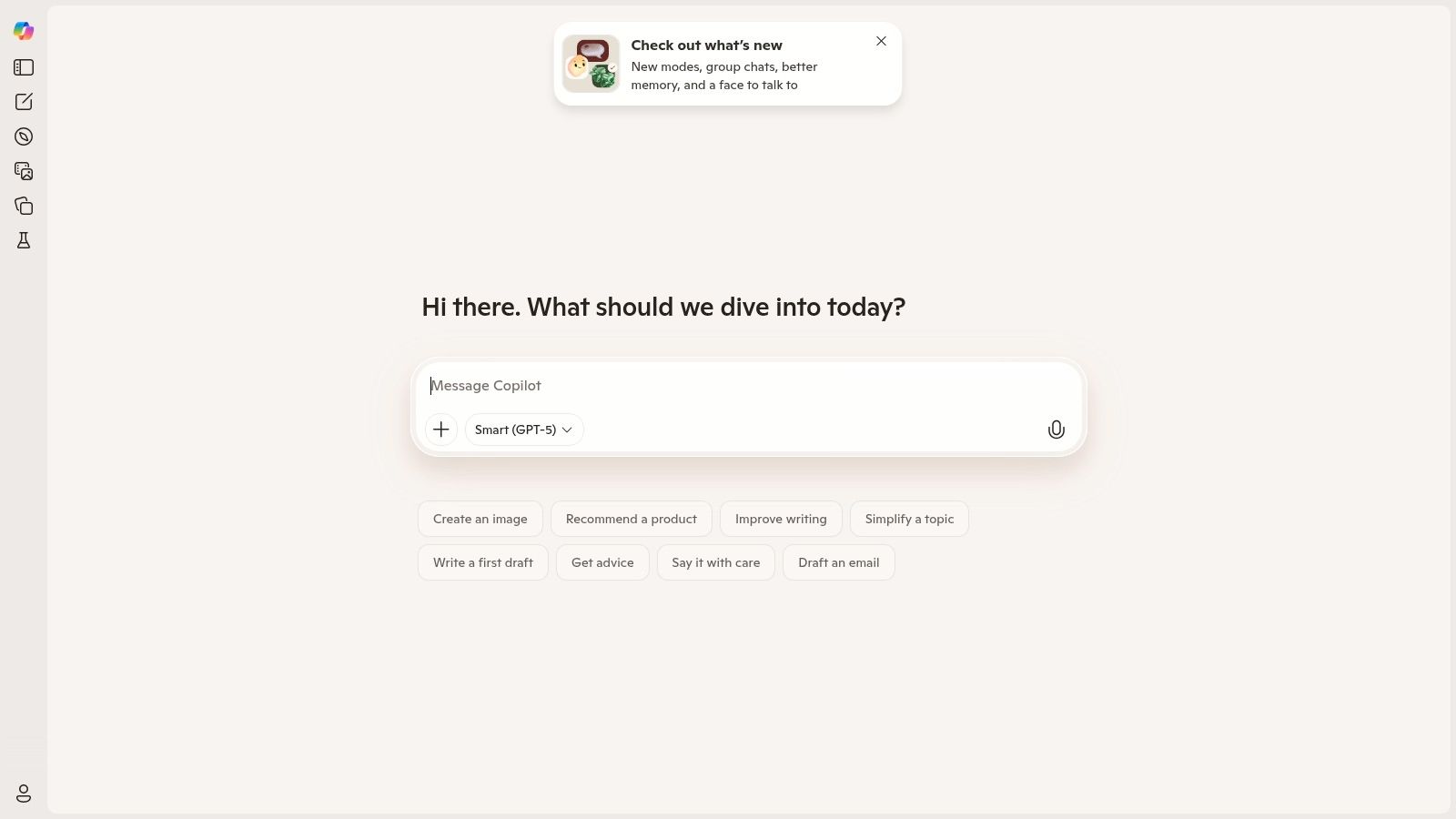
What makes Copilot stand out for professional creators and teams is its enterprise-grade foundation. Unlike many standalone tools, Copilot for Microsoft 365 inherits your organization's security and data privacy policies, a critical feature for businesses handling sensitive IP. It's not just a chatbot; it's a data-aware assistant that can pull information from your team’s SharePoint to help draft a presentation or analyze trends in an Excel sheet. This makes it one of the best AI tools for content creators who prioritize security, collaboration, and workflow automation within their existing Microsoft setup.
Document & Slide Generation: Draft entire blog posts in Word from a simple outline, or instantly generate a PowerPoint presentation from a document, complete with speaker notes. Data-Aware Assistance: Ask Copilot to analyze an Excel spreadsheet and create charts or summarize key findings for a content performance report. Designer & Image Creation: Generate unique images for social media posts and presentations using DALL-E 3, accessible directly within Copilot and other Microsoft apps. Custom Agents with Copilot Studio: Build specialized GPTs that can automate repetitive content tasks, like formatting weekly newsletters or creating social media captions based on brand guidelines.
Pros & Cons
Pros: Unbeatable integration with Microsoft 365 apps. Strong enterprise-level security and governance. Copilot Studio allows for powerful custom AI agent creation. Cons: Full capabilities require a Microsoft 365 subscription. The distinction between the free, Pro, and Microsoft 365 versions can be confusing.
Website:https://copilot.microsoft.com
AppSumo isn't a single AI tool but rather a treasure chest for discovering them. Think of it as a digital Costco where, instead of bulk snacks, you find lifetime deals (LTDs) and deep discounts on up-and-coming software, including a massive selection of AI-powered apps. For creators on a budget, it’s a goldmine for finding niche AI writing assistants, social media schedulers, or video editors before they hit mainstream subscription prices. This platform democratizes access to powerful tech, making it one of the best AI tools for content creators looking to build a versatile toolkit without breaking the bank.
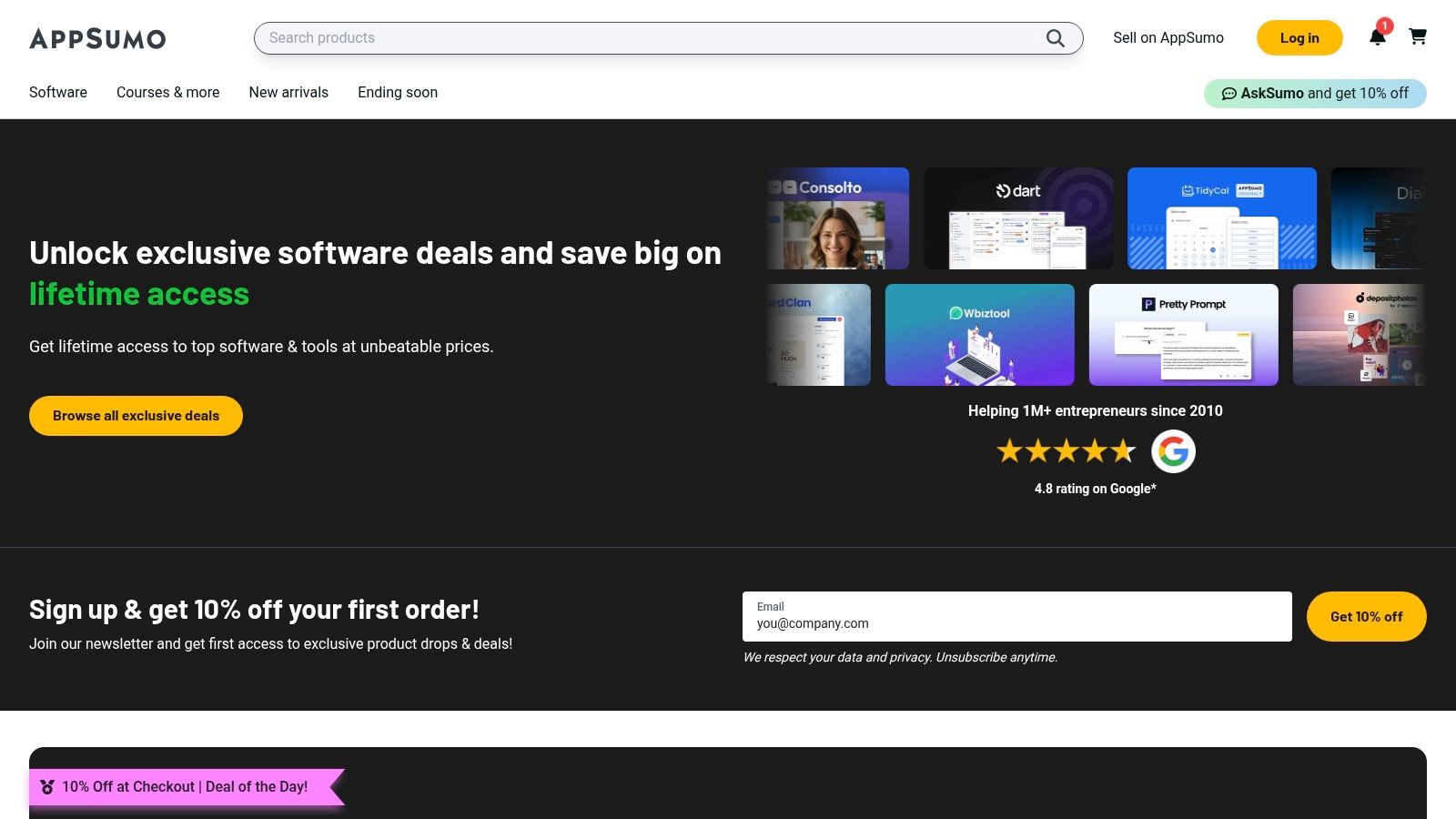
The real magic of AppSumo lies in community-driven discovery. Every deal is accompanied by candid user reviews and a Q&A section where you can grill the founder on their roadmap. This transparency helps you sift through the noise and find genuinely useful tools that solve specific creator problems, like an AI that turns blog posts into engaging social media videos or a tool that generates SEO-optimized content briefs. While it requires some digging, the potential payoff is a unique, cost-effective tech stack.
Curated Lifetime & Annual Deals: Secure access to emerging AI tools for a one-time fee, perfect for experimenting with new workflows without recurring costs. Broad AI Tool Categories: Discover everything from AI writers and image generators to SEO optimizers, chatbot builders, and social media automation platforms. Community Reviews & Vetting: Leverage honest feedback and questions from other "Sumo-lings" to gauge a tool's quality, support, and long-term potential before you buy.
Pros & Cons
Pros: Incredible value through lifetime deals on new AI apps. A great way to discover innovative tools beyond the big-name brands. The refund policy allows for risk-free trials. Cons: The quality and longevity of vendors can be inconsistent. Lifetime deals on credit-heavy AI tools can be risky if the company struggles with server costs and later pivots or shuts down.
Website:https://appsumo.com
| Product | Core features | UX & Quality (rating) | Price & Value | Target audience | Unique selling point |
|---|---|---|---|---|---|
| 🏆 SendFame | AI Music, Image→Video, Celebrity video, one‑click production | ★★★★☆ fast, playful outputs | 💰 Promo pricing; check plans | 👥 Creators, marketers, event planners, gift givers | ✨ 🏆 Hyper‑realistic celebrity vids + full song+video from one prompt |
| Adobe Firefly (Creative Cloud) | Image/audio/video gen integrated into Adobe apps | ★★★★☆ professional-grade | 💰 Credit tiers; costly for heavy video | 👥 Pro creators, agencies, teams | ✨ Creator‑safe IP + deep Creative Cloud integration |
| Canva (Magic Studio) | Text→image/video, templates, localization | ★★★★ very fast, template‑rich | 💰 Free + Pro; good scale for teams | 👥 Solo creators, small teams, marketers | ✨ Rapid prompt→publish with huge template library |
| Descript | Text‑based video/podcast editing, AI voices | ★★★★☆ huge editing speedups | 💰 Tiered (watermark‑free on paid) | 👥 Podcasters, YouTubers, editors | ✨ Text‑based editing + Studio Sound & voice cloning |
| Runway | Generative video, motion tracking, pro export | ★★★★ cutting‑edge models | 💰 Credit system; pro exports on higher tiers | 👥 Filmmakers, R&D, ad creators | ✨ Advanced generative video + ProRes/4K exports |
| CapCut | Short‑form editor, templates, cloud sync | ★★★★ social‑first, easy learning | 💰 Budget friendly; subs for pro features | 👥 TikTok/Reels creators, social teams | ✨ Fast social workflows + large template library |
| Notion AI | AI in docs, summaries, workspace Q&A | ★★★★ integrated planning UX | 💰 AI features tied to paid plans | 👥 Content planners, teams, product creators | ✨ All‑in‑one briefs, scripts, content calendars |
| Jasper | Marketing‑focused copy, brand voices | ★★★★ on‑brand content | 💰 Higher priced; best for teams | 👥 Marketing teams, agencies | ✨ Brand Voices & Knowledge for consistent tone |
| Grammarly (Superhuman suite) | Grammar, tone, citations, AI chat | ★★★★☆ mature, reliable | 💰 Subscription or bundle | 👥 Professionals, teams, writers | ✨ Trusted writing polish + multi‑app workflow |
| OpenAI ChatGPT | GPT‑powered ideation, scripting, images | ★★★★ versatile assistant | 💰 Free + Pro/Business tiers | 👥 General creators, researchers, teams | ✨ Custom GPTs, multimodal tools, strong ecosystem |
| Microsoft Copilot | AI across Word/Excel/PowerPoint/Designer | ★★★★ enterprise UX | 💰 License/tenant pricing; enterprise focus | 👥 Microsoft 365 users, enterprises | ✨ Deep Office integration + Copilot Studio agents |
| AppSumo | Marketplace for lifetime/sub deals | ★★★☆ discovery UX, varied quality | 💰 Deals/lifetime offers; high variability | 👥 Budget buyers, indie makers | ✨ Curated discounted access to emerging AI tools |
And there you have it, a whirlwind tour of the AI content creator’s arsenal for 2025. We've navigated the all-in-one magic of platforms like SendFame and Canva's Magic Studio, delved into the specialized wizardry of Descript for audio and Runway for video, and even organized our chaotic brilliance with Notion AI. If your head is spinning with possibilities, good. That means you’re on the verge of a creative breakthrough.
The biggest mistake you can make after reading this guide is feeling overwhelmed and doing nothing. The second biggest mistake? Trying to master all twelve tools at once. The core takeaway isn’t to become a jack-of-all-AI, but a master of a select few. The era of the lone creator, bleary-eyed and drowning in tedious editing tasks, is officially over. The future belongs to the creator who can skillfully orchestrate a team of AI assistants.
Your mission, should you choose to accept it, is to build a personalized AI "stack" that attacks your biggest weaknesses and amplifies your greatest strengths. Think of it less like a shopping list and more like building a championship team.
Feeling stuck on where to start? Let’s make this simple. Look at your current workflow and identify the single most soul-crushing, time-sucking bottleneck.
Is it video editing? You’re drowning in jump cuts and syncing audio. Your first picks should be Descript to handle the rough edit like a document and CapCut for adding those viral finishing touches. Is it writing and ideation? The blank page is your mortal enemy. Start with ChatGPT or Notion AI for brainstorming and outlining, then polish your final draft with Grammarly to ensure it's flawless. Is it creating stunning visuals? You have amazing ideas but zero graphic design skills. Adobe Firefly and Canva are your new best friends. Let them handle the heavy lifting of image generation and design. Is it monetization and fan engagement? You're struggling to connect with your audience on a personal level and turn followers into superfans. This is where a unique tool like SendFame becomes the cornerstone of your stack, automating personalized video shoutouts and creating new revenue streams.
Once you’ve identified your primary pain point, commit to integrating just one or two of these tools into your process. Use the workflow examples we discussed. Pair Jasper with Canva. Use Runway to generate b-roll for a video you edit in Descript. See what sticks. The goal is progress, not perfection.
Remember, these are not just tools; they are collaborators. The true power of the best AI tools for content creators isn't that they replace your skills, but that they free you up to focus on what truly matters: your unique voice, your story, and your connection with your audience. AI can generate a script, but it can't replicate your personality. It can edit a video, but it can't fake your genuine passion.
The creative landscape is shifting at an incredible pace, and it’s undeniably exciting. By adopting an AI-assisted workflow, you're not just saving time; you're buying back creative energy. You're trading tedious tasks for more time to dream, experiment, and connect. So, pick your tools, start small, and get ready to co-create. The revolution is here, and you're now equipped to lead the charge.
Ready to build a deeper, more personal connection with your audience and unlock a powerful new revenue stream? SendFame uses AI to automate personalized video shoutouts, turning fan requests into a seamless, scalable part of your creator business. Check out SendFame to see how the top creators are leveraging AI-driven personalization to delight their communities.
Create Epic

SendFame

Create Epic with SendFame!
Questions: info@sendfame.com