How to Design Album Artwork That Captivates Listeners
how to design album artwork
Welcome offer — 56% OFF


Discover how to generate ai images with practical prompts, top tools, and techniques that transform ideas into stunning visuals.
Ever wanted to conjure a stunning image out of thin air, just by describing it? That's exactly what AI image generation is all about. You feed a creative idea into an AI tool, and poof—a completely original visual pops out in seconds.
Welcome to the weird and wonderful world of AI art. It feels like just yesterday this was a nerdy little experiment, and now it's an essential part of any creator's toolkit. So, what’s all the fuss about? Let's skip the tech-bro buzzwords and get right to what you actually care about: turning your brainwaves into scroll-stopping images.
Consider this your personal starting line. We'll get you up to speed on the basics and show you how platforms like SendFame make it ridiculously easy to produce professional-grade visuals, no art school debt required. This isn't just about making pretty pictures; it's about finding a completely new way to tell your story.
This whole shift to AI-made visuals isn't just a passing fad—it's rewriting the rules of content creation. The technology has rocketed from a niche research topic to a massive commercial industry. One report pegged the AI image and video generator market at roughly USD 8.7 billion in 2024, and it’s expected to explode to USD 60.8 billion by 2030. If you want to see just how bonkers that growth is, you can dig into more data on the AI image generator market.
What this explosion really means is that custom, high-quality visuals are no longer locked away for those with deep pockets or a full-time design crew. For creators, marketers, and small businesses, this is a massive unlock.
The real magic of AI image generation is that it puts a world-class artist in everyone's pocket. Suddenly, anyone with an idea can bring it to life with visuals that used to be impossible to create on your own.
Think of this guide as your complete playbook for getting great at AI image creation. We’ll take you from zero to hero, covering everything you need to know.
Here's what's on the docket:
Picking the Right Tools: We’ll break down the top platforms and show you why an all-in-one suite like SendFame gives you a serious advantage. The Art of the Prompt: You'll learn the secret sauce for writing prompts that get the AI to spit out exactly what's in your head. Fine-Tuning Your Masterpiece: We'll dive into advanced settings like negative prompts and seeds to give your images that final, professional polish. Putting It All to Work: Get inspired with real-world examples of how savvy brands are using AI visuals to completely up their content game.
To get a feel for how this fits into the bigger picture, check out this fantastic overview of AI Powered Content Creation.
Alright, let's dive in.
Picking an AI image generator is a bit like choosing a creative partner. Some are wild, abstract artists, while others are masters of photorealism. A few even act like an entire production studio rolled into one. The trick is finding the one that gets your visual language and slots right into your workflow, not the other way around.
Let's be real, the options out there can make your head spin. But it really just boils down to what you need to get done. Are you after slick, hyper-realistic product shots? Maybe some whimsical illustrations for a kid's book? Or are you running a full-blown marketing campaign and need a tool that can keep up? Every platform has its own vibe and its own superpowers.
To simplify things, here's a visual guide that breaks down the whole process, from that first spark of an idea to the finished image.
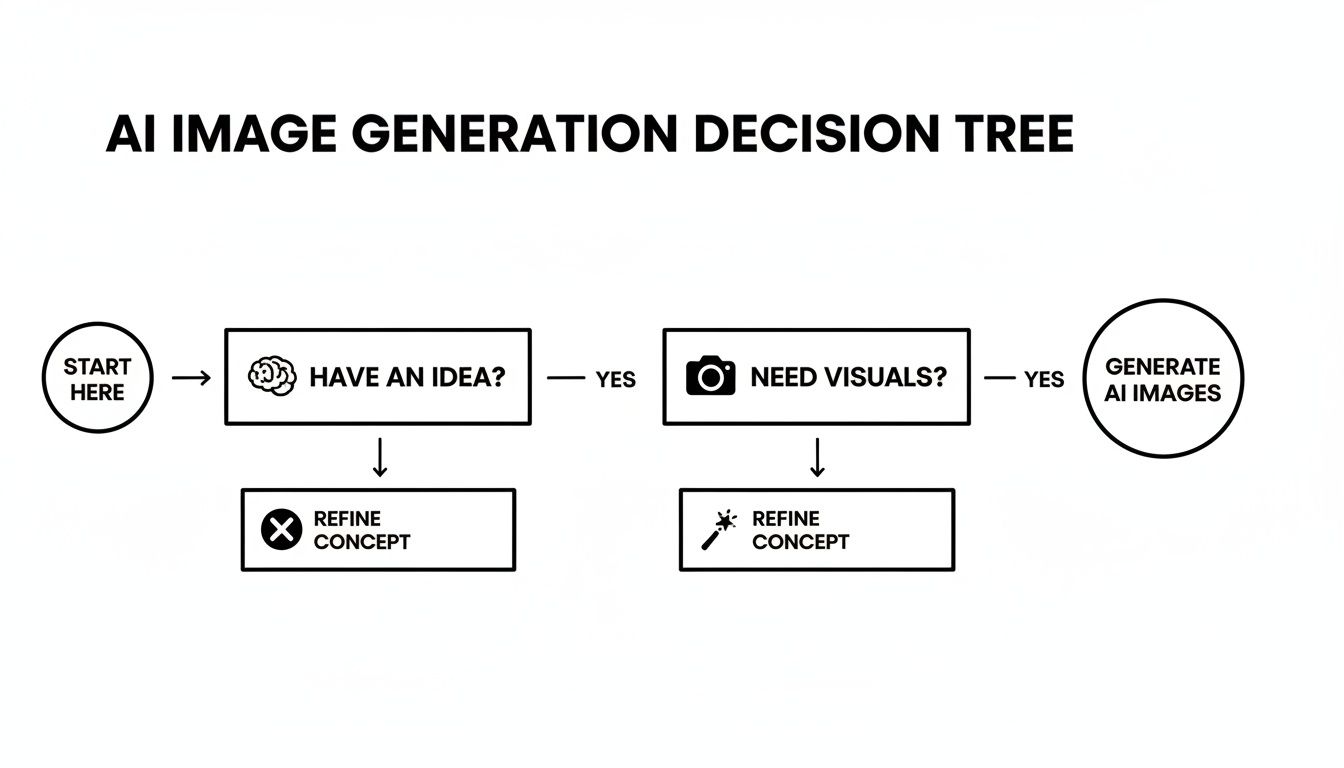
This flowchart really cuts through the noise, showing that the best tools are the ones that build a direct bridge from your brain to the final picture.
Look, lots of tools can spit out a pretty picture. That's cool, but the real magic for creators and marketers happens on platforms that do more. This is where a tool like SendFame really shines. It’s not just about making a single image; it's about building a complete creative asset from the ground up.
Imagine this: you generate a killer visual for your next social media post. Then, without leaving the app, you create a custom celebrity voiceover and a unique music track to go with it. Talk about a time-saver. This all-in-one approach gives your entire campaign a polished, cohesive feel. You should see how the SendFame AI image generator pulls all of this together in one place.
The best tool isn't the one with the most bells and whistles. It's the one that removes the most headaches between your idea and a finished piece of content you can actually share.
The AI scene has exploded, moving from dusty academic projects to seriously powerful commercial tools. Generative AI pulled in a staggering USD 33.9 billion in private investment, and get this—the private industry produced nearly 90% of the most notable AI models in 2024. That's a massive shift towards market-ready tools built specifically for people like us.
To help you figure out what’s what, let's put a few of the big players side-by-side. Each one has its own personality and is built for a different kind of creator.
Here’s a quick-and-dirty comparison to help you see where each platform excels and find the right fit for your creative projects.
| Feature | SendFame | Midjourney | DALL-E 3 |
|---|---|---|---|
| Primary Use Case | All-in-one content creation (images, voice, music) | Artistic and stylized image generation | Easy, high-quality images via natural language |
| Best For | Marketers & social creators needing full campaigns | Digital artists & designers seeking unique aesthetics | Beginners & users wanting straightforward results |
| Ease of Use | Very high (web-based, intuitive interface) | Moderate (requires Discord, specific commands) | Very high (integrated into ChatGPT) |
| Unique Feature | Integrated celebrity voice & music generation | Advanced artistic style controls & community focus | Excellent at understanding complex, conversational prompts |
So, what's the takeaway? If you’re focused on crafting a single, stunning piece of digital art, Midjourney gives you incredible control. If you just need a high-quality image from a simple sentence, DALL-E 3 is a dream.
But if you're thinking bigger picture—like a complete content strategy where the visual is just one piece of the puzzle—an integrated platform is going to make your life a whole lot easier. To take that even further, you can check out comprehensive AI Post Generator tools that help you bundle all these different content types together for maximum impact.
Think of a prompt as your direct line to the AI, your magic spell. A weak, vague spell gets you… well, a wobbly, uninspired blob. But a powerful, detailed incantation? That's how you summon a masterpiece.
This is the art and science of prompt engineering. Don't let the name scare you; it's less about coding and more about learning to speak the AI’s language to pull the exact image from your imagination onto the screen. It's about giving the AI a full director's brief instead of just mumbling "a cat."
The difference between a generic, forgettable image and a jaw-dropping one often comes down to just a few extra, well-chosen words.
A truly great prompt is a recipe, with each ingredient adding a new layer of flavor and texture. Once you know the components, you can mix and match them to create something truly unique.
Subject: This is your "what." But get specific. Don't just say "a car." Say "a vintage 1967 cherry red Mustang convertible, top down, on a coastal highway." See the difference? Style: This sets the whole artistic vibe. Want something dreamy? Add "in the ethereal style of Hayao Miyazaki." Going for a clean, modern look? Try "minimalist vector illustration" or "flat design." Composition & Framing: You're the camera operator here. Use terms like "dutch angle shot" for a dynamic, tilted feel, or "extreme close-up on the dragon's eye" to focus on a single, powerful detail. Lighting: Lighting is mood. "Cinematic golden hour lighting" gives you that warm, dramatic glow. "Eerie neon backlighting" screams cyberpunk. Details & Mood: These are the final flourishes, the emotional seasoning. Add words like "ethereal," "gritty," "vibrant," or "serene" to tell the AI how the image should feel.
Let's put this into practice.
Before: A dog in a library. Okay, you'll get a dog. It'll be in a library. Yawn.
After: A golden retriever wearing horn-rimmed reading glasses, sitting in a cozy, dimly lit library, cinematic golden hour lighting streaming through a dusty window, piles of old leather-bound books, detailed illustration, warm and inviting mood. Now that is an image with a story.
Staring at a blank prompt box can be intimidating. So, steal these! Here are a couple of plug-and-play formulas I use all the time. They're a fantastic starting point for building your own complex and powerful prompts.
The most effective prompts don’t just describe a scene; they evoke a feeling. They tell the AI not just what to draw, but how the final image should make the viewer feel.
The Photographer's Formula This is my go-to for creating realistic, photo-style images.
(Subject Description) + (Camera Shot) + (Specific Lens, e.g., 85mm f/1.8) + (Lighting Style) + (Time of Day)
Example: "Portrait of a smiling woman with freckles, medium close-up shot, 85mm lens with a shallow depth of field, soft morning sunlight, bokeh background of a bustling city street."
The Artist's Formula Use this to channel your inner artist or mimic famous styles.
(Subject Description) + in the art style of (Artist's Name) + (Medium, e.g., oil painting, watercolor) + (Color Palette) + (Mood)
Example: "A whimsical forest scene with glowing mushrooms, in the art style of Vincent van Gogh, vibrant oil painting, swirling impasto brushstrokes, palette of deep blues and bright yellows, magical and dreamlike mood."
Once you start thinking in these structured ways, you'll find you have incredible control over the AI's output. For an even deeper dive into techniques and inspiration, our full guide on how to create AI art is the perfect next step. Now, let’s talk about refining these creations.
That first "wow" moment when the AI spits out a great image is a genuine thrill. But let's be real—it's almost never the finished product. The real artistry comes next, in the refining and polishing stage. This is where you graduate from just pressing "generate" to truly directing the AI, turning a good draft into a knockout visual.
We've all been there. You get an otherwise perfect image, but the AI decided your character should have six fingers. Or maybe the face is just a little... off. This is precisely why negative prompts are your secret weapon. A negative prompt is just a list of things you want the AI to avoid. Think of it as telling a toddler what not to draw on the walls.
For instance, if you're getting those infamous mangled hands, slap "extra fingers, extra limbs, mutated hands" into your negative prompt. Is the image looking a bit fuzzy or weirdly compressed? Try adding "blurry, distorted, low quality, jpeg artifacts." It's an incredibly effective way to steer the AI away from common pitfalls and clean up your results on the fly.
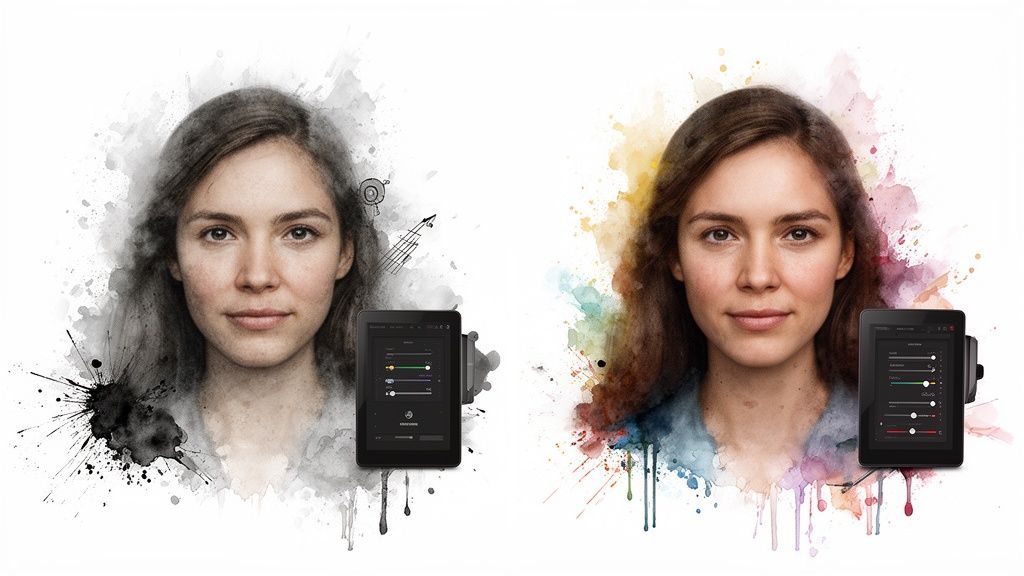
You know the feeling: you generate the perfect character, then try to create a new scene with them and... poof. They're gone, replaced by a completely different person. The fix for this is the seed number.
A seed is just the starting number for the AI's random generation process. By finding a seed you like and locking it in, you can tweak your prompt and still get variations of the same character or scene. It's an absolute game-changer for creating a cohesive series of images or a consistent brand look.
Another critical refinement is thinking about where your image will actually live. An image for an Instagram Story has totally different needs than a YouTube thumbnail. You have to get the framing right from the start.
Instagram Stories & Reels (9:16): Go tall and vertical. This format fills the whole phone screen and is your best bet for grabbing immediate attention. Instagram Feed Posts (1:1 or 4:5): The classic square still works, but a slightly taller portrait format (4:5) often performs better because it takes up more space as people scroll. YouTube Thumbnails (16:9): This is your standard widescreen format. Your image needs to be bold and clear enough to stand out in a sea of other videos and entice that click.
The best AI-generated images aren't just created; they're sculpted. Using negative prompts, seeds, and the right aspect ratio gives you the control to shape the AI's output with precision.
Okay, your image is generated, and it looks fantastic on your screen. But what if you need to blow it up for a poster or drop it into a high-resolution design? That's where you'll hit a wall with the default resolution.
The final, crucial step is upscaling. Modern upscaling tools use AI to intelligently increase the size and detail of your image without turning it into a pixelated mess. It’s like magic.
You don't need to spend a fortune, either. There are great free options out there. For instance, using a dedicated AI image upscaler and enhancer can take your image from "pretty good" to "absolutely stunning" in seconds.
A quick upscale, maybe a tiny color tweak in a free photo editor, and suddenly your AI creation has that professional, studio-quality finish.
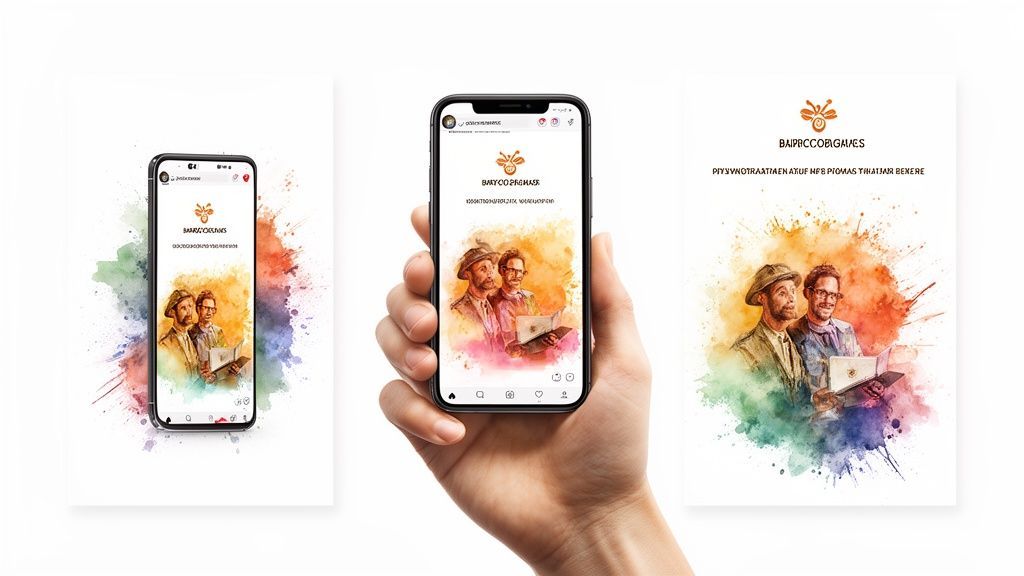
Alright, you’ve wrestled with prompts and wrangled the AI into creating some seriously cool pictures. Awesome. But let's be real—the big question is, how does this translate into more followers, more sales, or a stronger brand? Learning how to generate ai images is one part of the puzzle; the other is making them work for you.
The magic of AI visuals is just how fast and flexible they are. Think about it: a social media manager can sit down with their coffee on Monday and crank out an entire month's worth of custom, on-brand images before lunch. Gone are the days of aimlessly scrolling through stock photo sites, hoping to find something that sort of fits. Now you can just make the exact thing you need, right when you need it.
For startups or small businesses, this is a game-changer. You can completely sidestep the cost and hassle of traditional photoshoots.
Need to showcase your new app on a phone, but in a slick, cyberpunk-inspired cafe? You can whip that up in a few minutes. Want to see how your new t-shirt design looks on a dozen different models in different cities? Forget booking flights—you can generate those mockups in the time it takes to brew another pot of coffee.
This isn't just about pinching pennies. It's about being able to move as fast as your ideas come. This freedom lets you A/B test different visual styles for your campaigns without sinking a ton of cash into something that might not even work.
The real superpower here is how AI collapses the entire creative production timeline. A project that once required a photographer, a designer, and an editor can now be handled by one person with a clear idea.
Suddenly, your time is freed up to think about the big picture and strategy instead of getting bogged down in the nitty-gritty of execution. The creative bottleneck is gone.
Now, let's take it a step further. A fantastic image is a great starting point, but a truly unforgettable campaign needs more layers. This is where an all-in-one tool like SendFame really shines.
Let’s say you’ve just generated the perfect visual for a new product launch. Instead of just posting the picture, you can instantly bring it to life with an AI-generated celebrity video. Imagine Morgan Freeman's legendary voice congratulating your first 100 customers, or Snoop Dogg giving your launch a personal shout-out. You can do all of this in the same place.
This approach builds a knockout campaign that’s almost impossible for people to scroll past. You're not just showing your audience a product; you're creating an entire experience.
Here’s how you could stack these elements for maximum impact:
The Visual Hook: Generate a unique, on-brand image that grabs attention and tells your story. The Audio Punch: Use SendFame to create a personalized video message from a famous voice that reinforces your visual theme. The Finishing Touch: Layer on custom, AI-generated music to give the whole package a polished, professional feel.
By combining killer visuals with iconic voices and custom audio, you're crafting a brand story that people don't just see—they hear and feel it. That’s how you make an impression that sticks around long after they’ve left their feed.
Jumping into AI art is an absolute trip, but let's be real—it opens up a can of worms when it comes to questions. We've heard 'em all, so we've put together a little cheat sheet with straight-up answers to the stuff everyone seems to be wondering.
From making a buck with your creations to wrangling the AI into submission, here's what you need to know.
This is the big one, isn't it? The short answer is: most of the time, yes! But there's a catch, and it's a big one. It all boils down to the fine print in the terms of service for whatever tool you’re using.
Most of the newer players on the scene, like SendFame, hand over full commercial rights. That means you can slap those images on ads, merch, websites—go wild. The problem is, some other platforms have sneaky little clauses that can trip you up.
Before you bet your business on an AI art tool, do yourself a massive favor and read their commercial use policy. Seriously. Five minutes of scanning their terms can save you from a legal nightmare later. It's the easiest way to create with confidence.
Ah, the classic AI headache. You finally nail the perfect mascot, then ask for another pose and the AI gives you its weird-looking second cousin. This is where you need to get friendly with seed numbers.
Think of a seed as the AI's secret recipe starter. If you use the same prompt and the same seed number, you'll get a nearly identical image every single time. It's the magic trick for creating a whole series of images that actually look like they belong together.
And for keeping a consistent style? The pro move is to create a "style prompt" you can just copy and paste.
Start a note with all your favorite artistic descriptors. Get specific: "minimalist line art, pastel color palette, soft shadows." Reuse that same style prompt over and over again for a cohesive brand look.
A negative prompt is basically the bouncer at your creative nightclub. It's how you tell the AI what you absolutely do not want to see in the final picture. It's a surprisingly powerful way to get rid of all that classic AI weirdness.
Seeing a lot of creepy, six-fingered hands or wonky faces? Just toss words like "disfigured, ugly, extra fingers, blurry" into the negative prompt box. This one little step forces the AI to avoid its worst habits, giving you results that look way more polished and professional. You'll be amazed at the difference it makes.
Not even close! And honestly, this might be the coolest part about where AI art is at right now. The overwhelming majority of these generators are cloud-based.
That means their monster servers are doing all the hard work, not your laptop. You can cook up stunning, high-resolution masterpieces from a basic web browser on your computer, tablet, or even your phone. If you've got a stable internet connection, you've got everything you need to be an AI artist.
Ready to put this knowledge to work? SendFame combines all the tools for jaw-dropping AI images, celebrity videos, and custom music into one dead-simple platform. Start creating for free today!
Create Epic

SendFame

Create Epic with SendFame!
Questions: info@sendfame.com