creators
AI middle finger effect
Make anyone flip the bird in a 5-second video
Create Middle Finger Up Effect Videos with AI
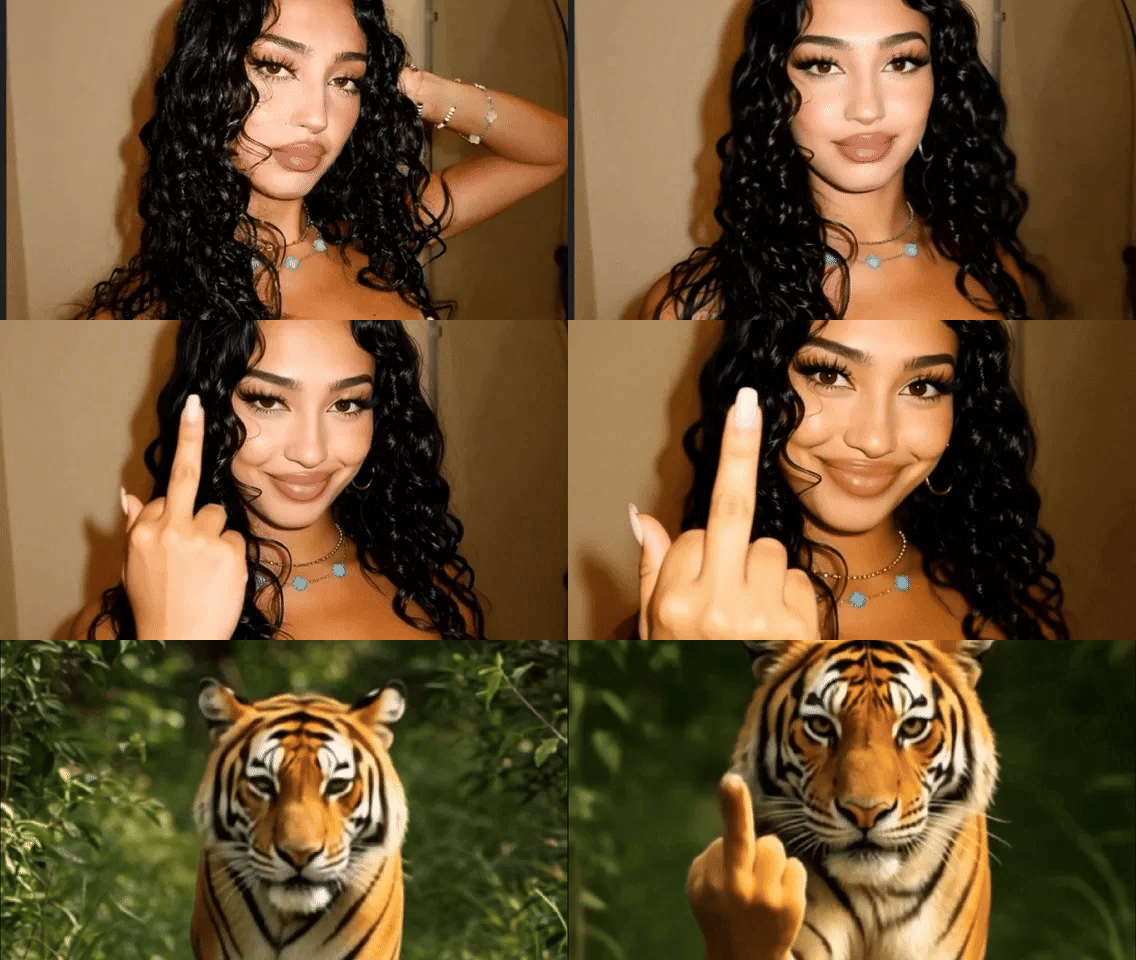
What the middle finger up effect does
The middle finger effect animates your photo into a cheeky middle-finger moment. It is a quick way to turn a straight-faced photo into a meme or a reaction clip.
How to use the middle finger up effect
- 1
Upload a photo
Pick a clear, well-lit photo. One subject in the center of the frame gives the most reliable result.
- 2
Generate
Press generate. Each middle finger up video costs a flat 10 credits.
- 3
Download and share
You get a 5-second MP4 to post on TikTok, Reels or Shorts, or to send in any chat.
Tips for the best result
- Use a photo with the upper body and at least one hand area visible.
- Straight-faced or serious photos make the punchline funnier.
- Only use photos of people who are in on the joke.
What people make with it
- Reaction memes.
- Inside jokes in group chats.
- Comedy skits.
Frequently asked questions
Is the AI middle finger effect free?
Each video costs a flat 10 credits. SendFame doesn't have a free plan because every generation runs on paid GPU time, but your first subscription payment is covered by a money-back guarantee.
More funny & meme effects
Crush, squish, inflate and cake-ify anything.
Want something that isn't an effect?
Describe any scene and turn your photo into a video with Seedance, Kling, Veo and more.
Create Epic

SendFame
Create Epic with SendFame!
Questions: info@sendfame.com