Welcome offer — 56% OFF

Image to Video AI: Turn Any Photo Into a Video

Any photo. Up to 30 seconds. Native audio. Plans from $25 a month.

Seedance 2.5

Six reasons your next video comes together easier

Animate a photo
1 photo

Start from a selfie, a pet, a product shot or an old family photo

30s

Up to 30 seconds of motion from a single image with Seedance 2.5

Audio

Sound is generated with the picture, not glued on after

End frame

Add an optional last frame and the video moves between the two

15credits

For a 5 second Seedance 2.0 Fast clip at 480p

720p

MP4 that follows the shape of your photo

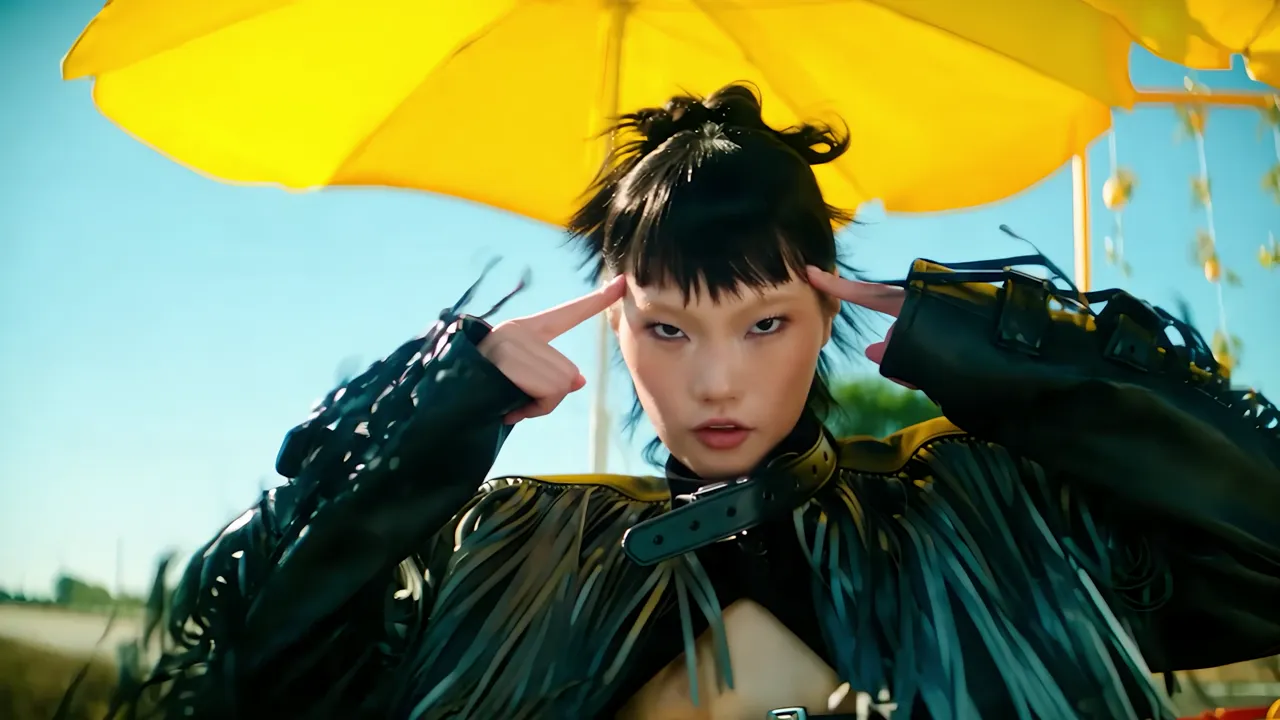
Seedance 2.5 sample · 9s · native audio
Seedance 2.5

Stills that move

Upload an image, describe what should happen and how the camera moves, and Seedance turns the still into a shot.

Animate a photo
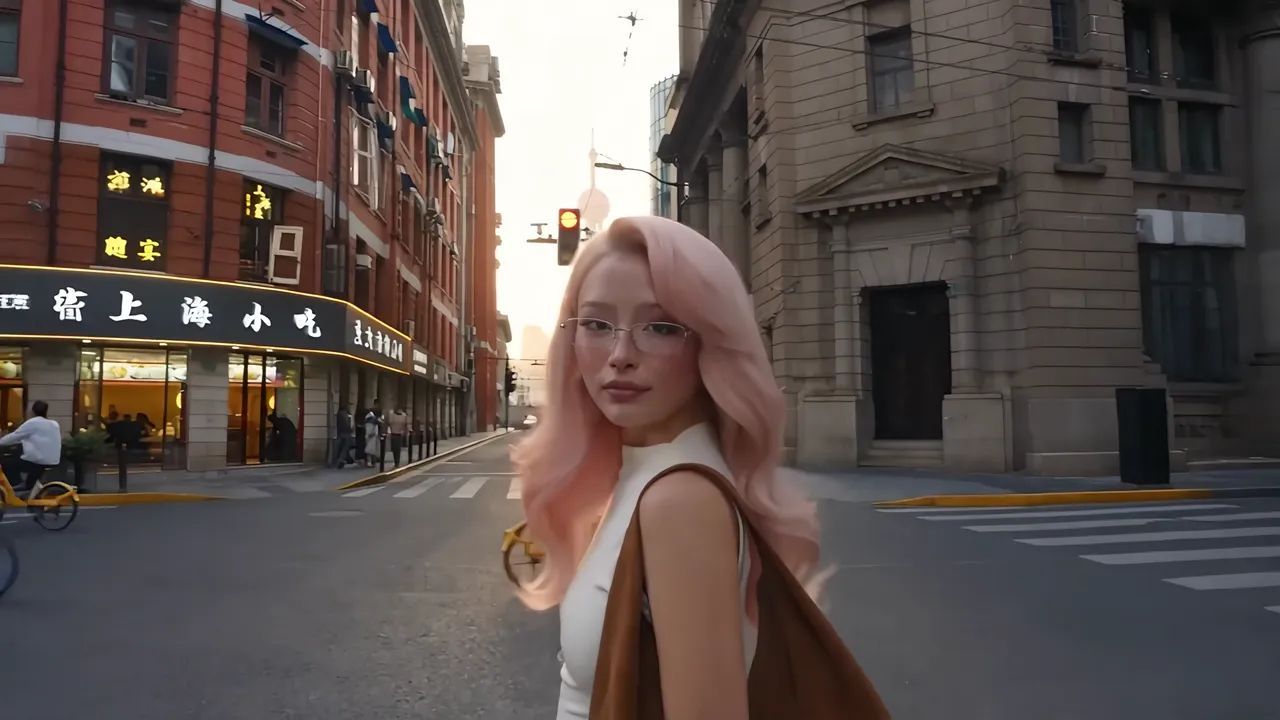
Seedance 2.5 sample · 26s · native audio
Seedance 2.5

Sound is born with the shot

Footsteps, impacts, engines and music come out of the same generation as the picture, matched to what happens on screen. Turn the sound on.

Animate a photo
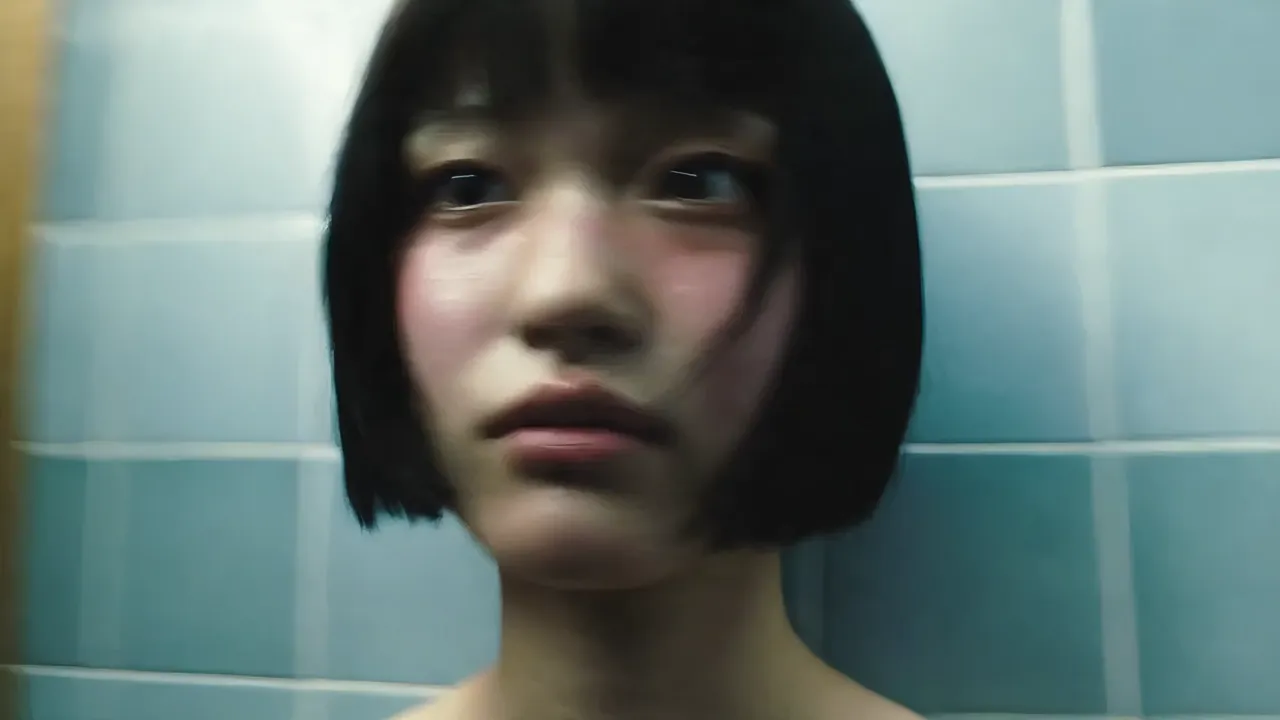
Seedance 2.5 sample · 27s · native audio
Seedance 2.5

One character, every shot

The same face, hair and outfit from the first frame to the last, across a whole day of scenes. Add reference images to lock a character in.

Animate a photo

Made with Seedance

Sci-fi, fantasy, action, fashion and vlogs. All generated by Seedance, sound included.

How image to video AI works

Turn a still photo into a moving shot, step by step.

What is image to video AI?

An image-to-video model takes a still photo as the first frame and generates the motion that follows it. People turn and smile, hair and fabric move, water flows and the camera pushes in. You describe what should happen, and the model keeps the look of your photo.

With Seedance, the sound is generated in the same pass, so the clip comes out with ambience, effects or music that match the motion.

How to turn a photo into a video

  • Upload a clear photo with one main subject and good light.
  • Describe the motion: what moves, how the camera moves and what it should sound like.
  • Optionally add an end frame, so the video travels between two images, or reference images to keep a face or outfit consistent.
  • Pick a length, up to 30 seconds with Seedance 2.5, and a resolution, then generate.
  • Download the MP4. A vertical photo gives a vertical video for TikTok, Reels and Shorts.

Which model should I use?

  • Seedance 2.5: up to 30 seconds with native audio. It is the default on this page.
  • Seedance 2.0 Fast: the cheapest way to try an idea, at 15 credits for a 5 second clip.
  • Wan 3.0 (up to 1080p, from 10 credits), Kling 3.0 and Veo 3.1 Lite animate photos in the same generator, so you can compare looks without leaving SendFame.

Ideas to try

  • Bring an old family photo to life with a smile, a glance or a slow push-in.
  • Animate a pet portrait, a selfie or a travel photo.
  • Turn a product shot into a short ad with a camera move and sound.
  • Make a landscape move: drifting clouds, waves, city lights at night.
  • Animate artwork, illustrations or AI images you made in the image generator.

Photo tips for better results

  • Use a sharp photo where the subject fills a good part of the frame and the face is visible.
  • Avoid heavy filters, collages and text overlays.
  • Crop to the shape you want the video in before you upload.
  • Ask for one main action per clip. For longer clips, describe the action in order.
Three steps. First video.

No software to install and nothing to configure.

01

Upload a photo

The generator opens in image-to-video mode with Seedance 2.5 selected.

02

Describe the motion

Say what should move, where the camera goes and what it should sound like.

03

Generate and download

Pick a length and resolution, generate, and download the MP4.

Every Seedance, one account

Switch between versions in the generator any time. Credits are shown before you generate.

Seedance 2.5

50 credits to start

Length
5, 15 or 30s
Native audio
Yes
References
30 images, 10 clips, 10 audio
Editing
Edit 4–30s clips, extend
Use Seedance 2.5

Seedance 2.0 Pro

20 credits to start

Length
5, 10 or 15s
Native audio
Yes
References
9 images, 3 audio
Editing
Not available
Use Seedance 2.0 Pro

Seedance 2.0 Fast

15 credits to start

Length
5, 10 or 15s
Native audio
Yes
References
9 images, 3 clips, 3 audio
Editing
Edit 2–15s clips, extend
Use Seedance 2.0 Fast

Questions

How does image to video work on SendFame?

Upload a photo, write what should happen, and generate. Seedance animates the image into a video with native audio. Add an end frame or reference images for more control.

How much does it cost?

There is no free plan, because every generation runs on paid GPU time. Plans start at $25 a month, or $16.50 a month billed yearly, and your first subscription payment is covered by a 30-day money-back guarantee. A 5 second clip at 480p costs 15 credits with Seedance 2.0 Fast and 50 with Seedance 2.5. You see the exact price before you generate.

What photos work best?

Clear, well-lit images with one main subject: portraits, pets, products, landscapes or old family photos.

Can I make vertical videos for TikTok and Reels?

Yes. Image-to-video follows the shape of your photo, so a vertical photo makes a vertical video.

How do I get the best results?

Write the prompt like a shot list: subject, camera, lighting, mood and sound. Add reference images for anything that must stay consistent, like a face or an outfit.

What resolution and aspect ratios do I get?

MP4 at 480p or 720p. Text-to-video comes in 16:9, 9:16, 4:3, 3:4, 1:1 or 21:9; image-to-video follows your photo.

Can I turn a photo into a video for free?

Not on SendFame: there is no free plan, because every generation runs on paid GPU time. The cheapest option is Seedance 2.0 Fast at 15 credits for a 5 second clip, and your first subscription payment is covered by a 30-day money-back guarantee.

Can I animate old photos?

Yes. Scan or photograph the print, crop it to the people you want to animate, and describe gentle motion such as a smile, a turn of the head or a slow camera push-in.

Does the video keep the look of my photo?

Your photo is the first frame, so its people, colors and style carry into the video. For long clips or big movements, adding reference images helps keep a face or an outfit consistent.

More ways to create

Image to Videois live

Type a prompt or drop a photo and get your first video in minutes. Join 1,000,000+ creators on SendFame.

Animate a photo

Seedance is a model by ByteDance; SendFame is not affiliated with ByteDance. Sample videos are official Seedance examples.