AI Dance Video Generator
Create Viral AI dance videos from any photo. Upload a photo, pick a dance and get a TikTok-ready dance video in minutes.

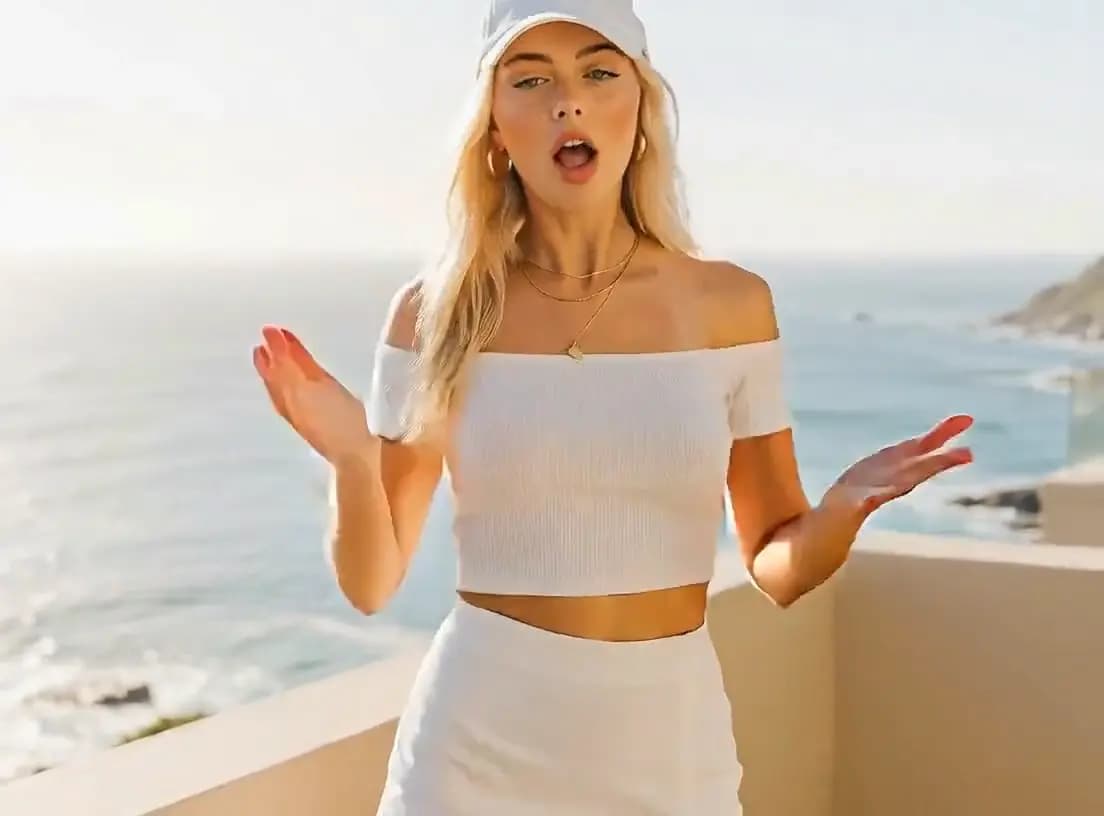

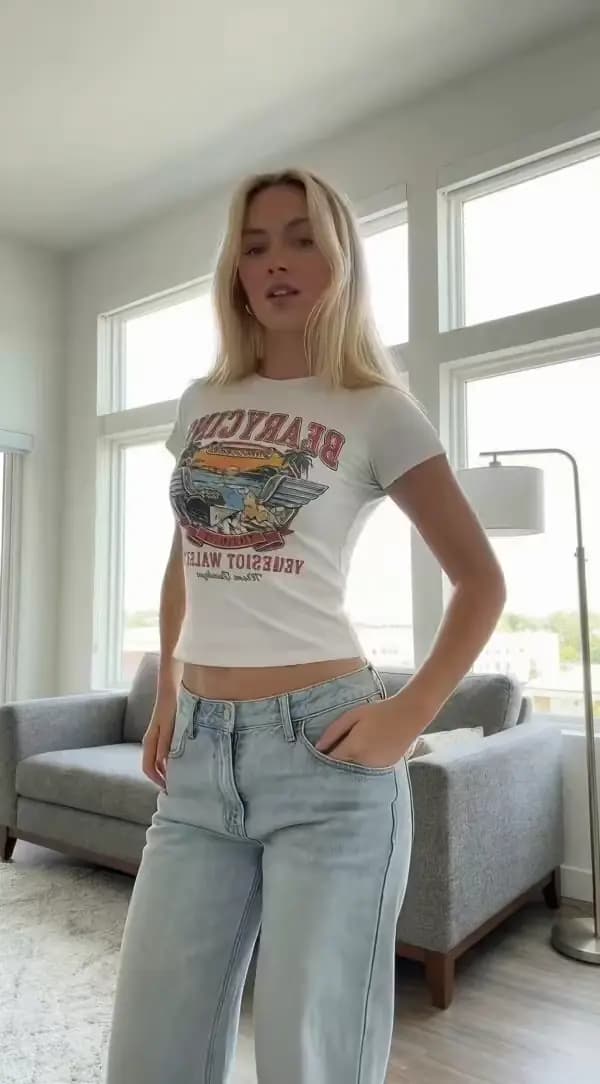

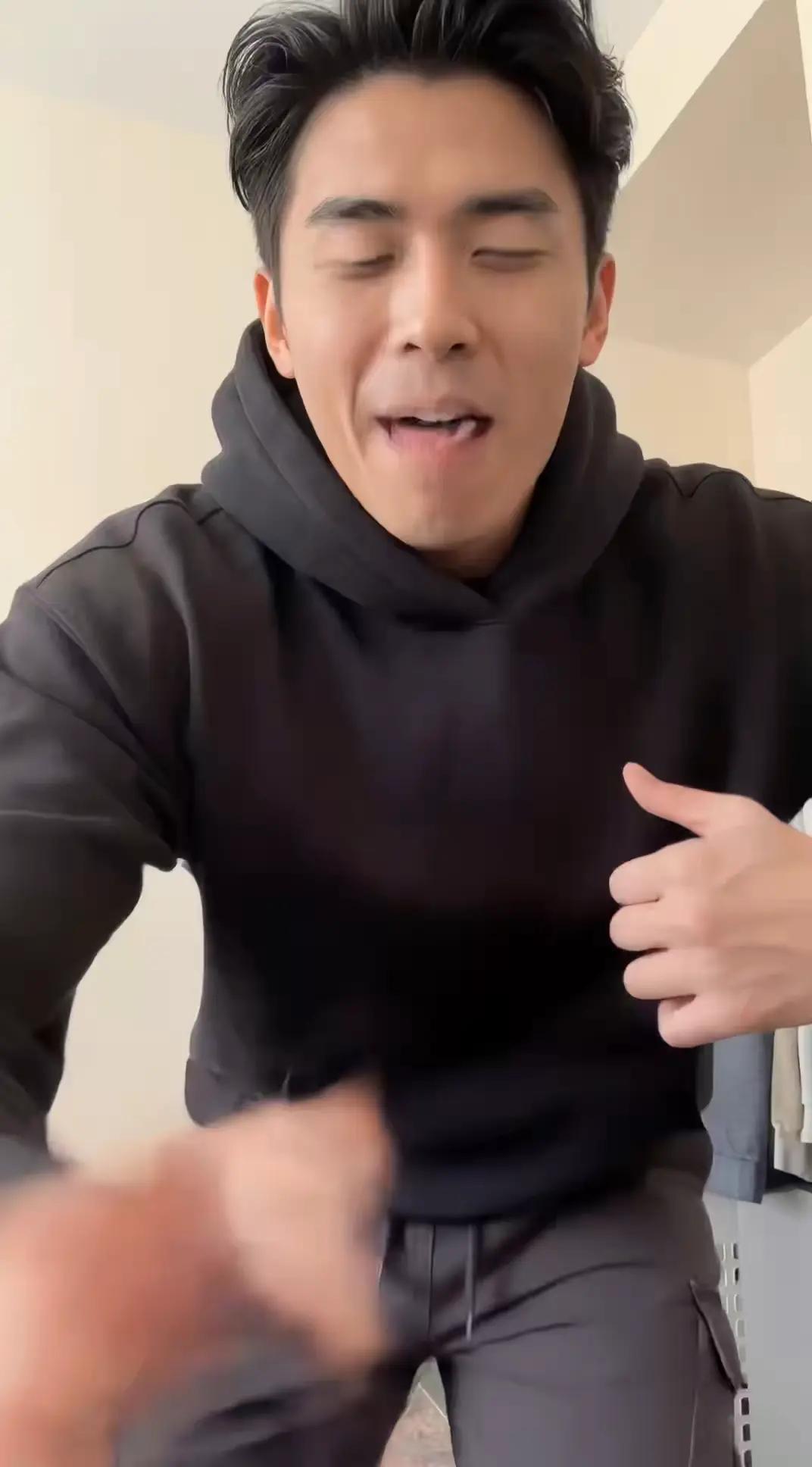

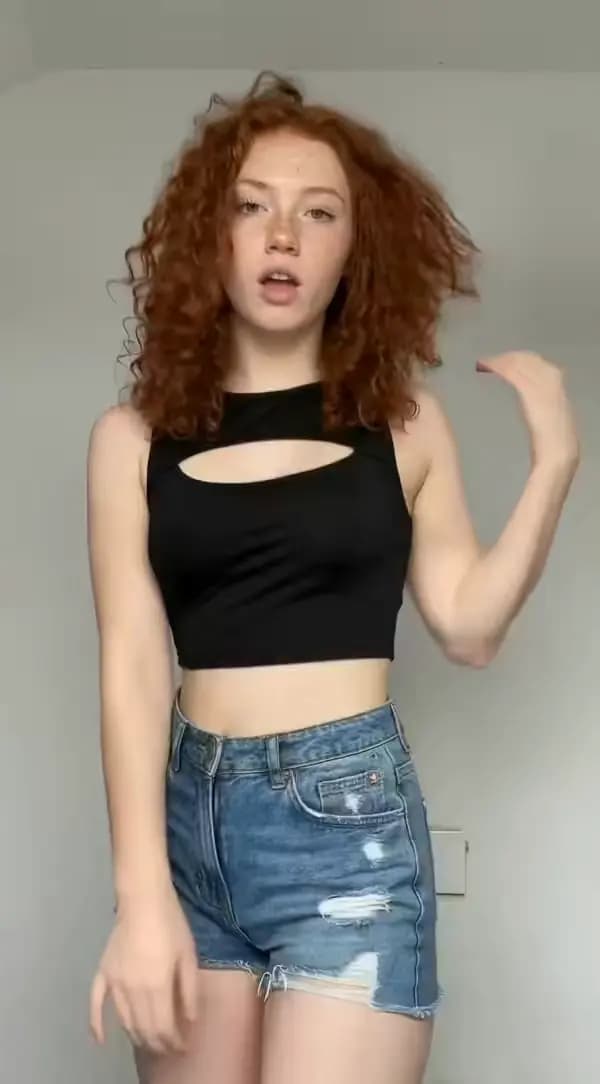

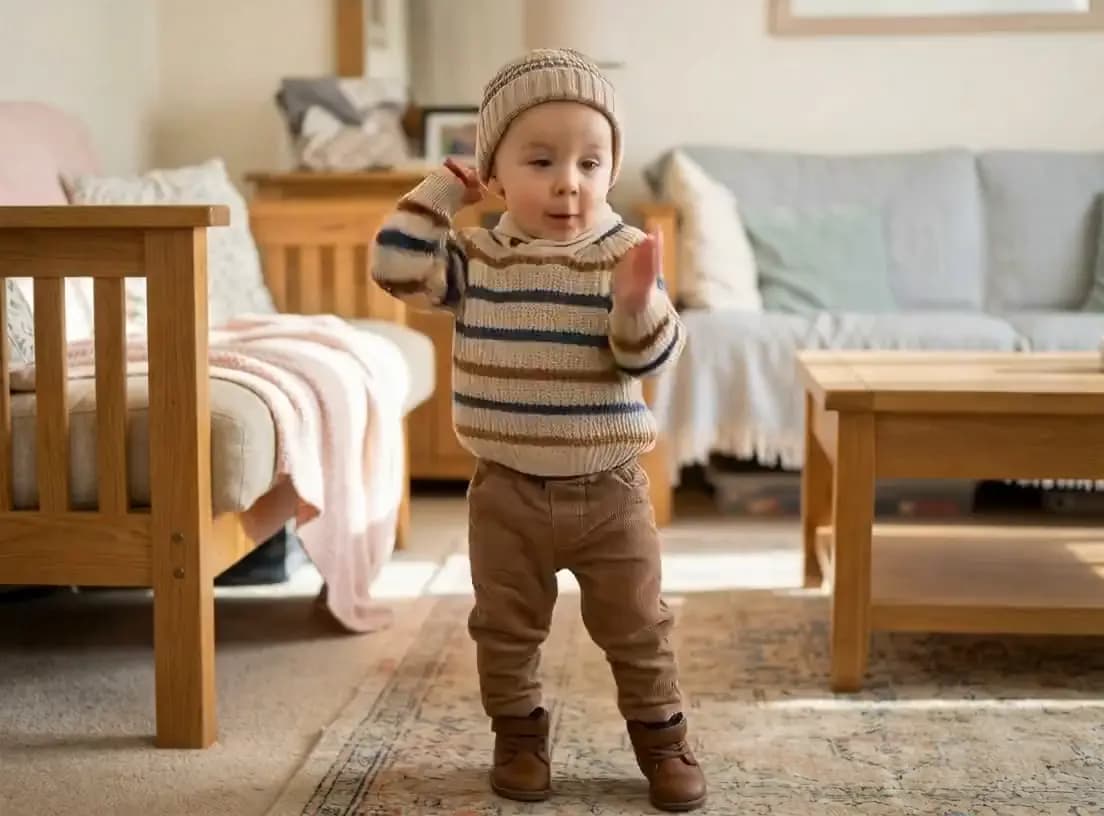

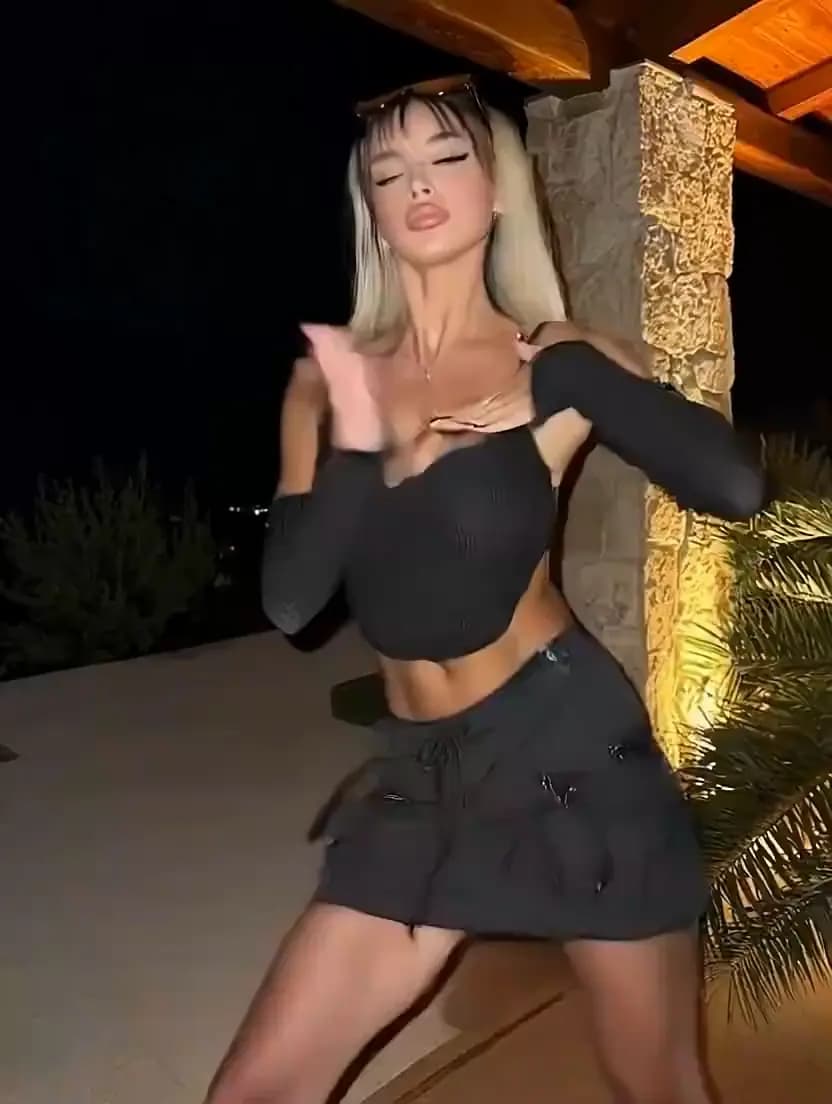

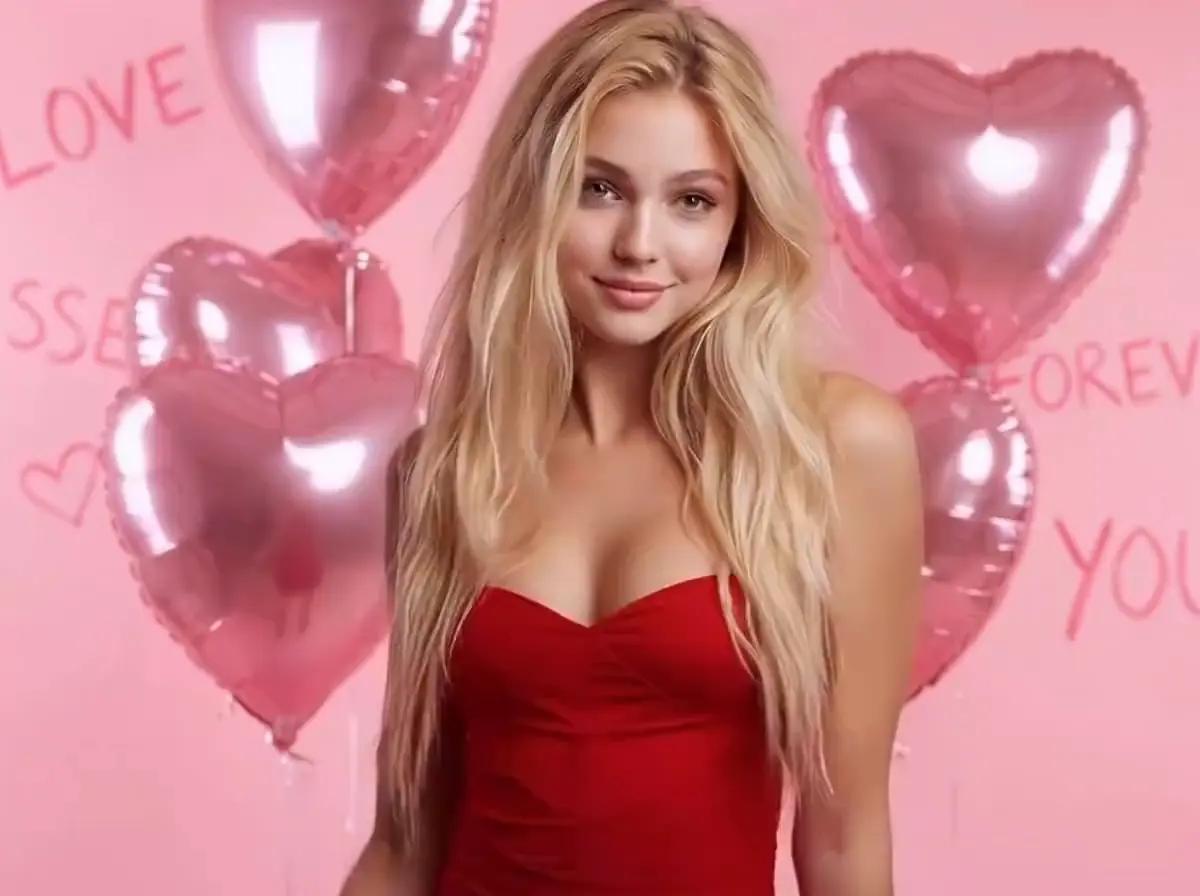

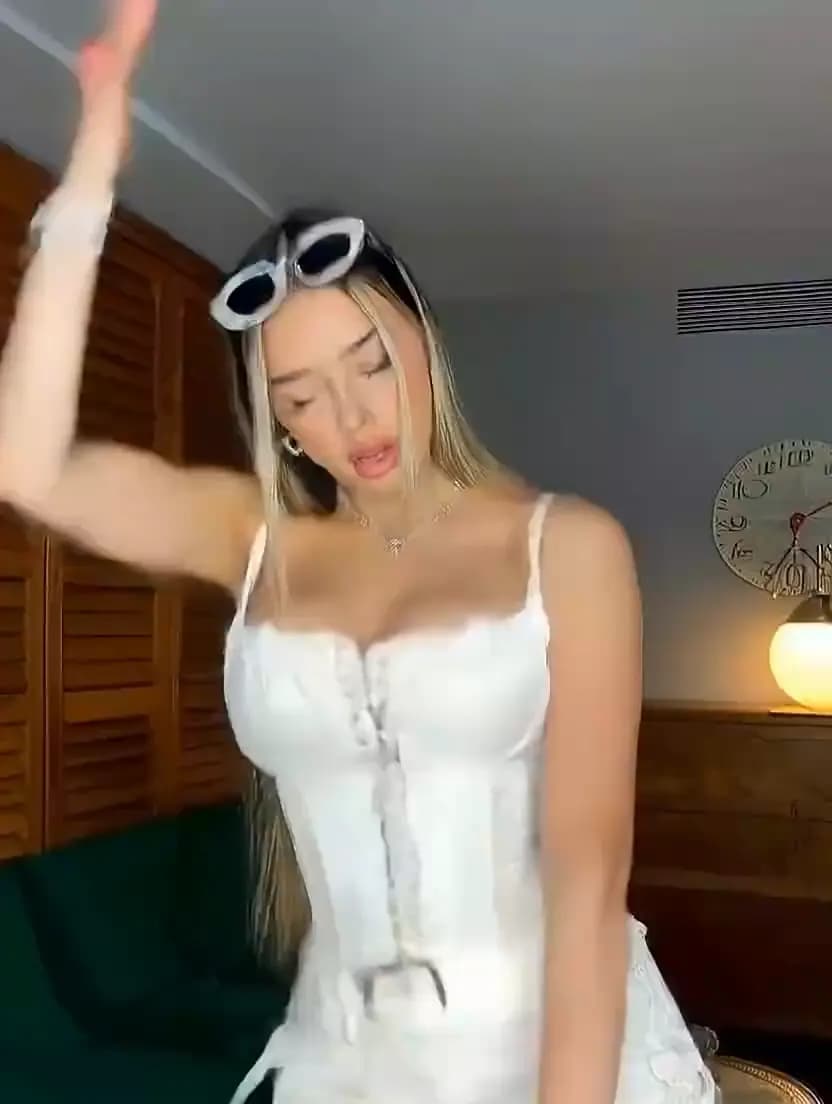

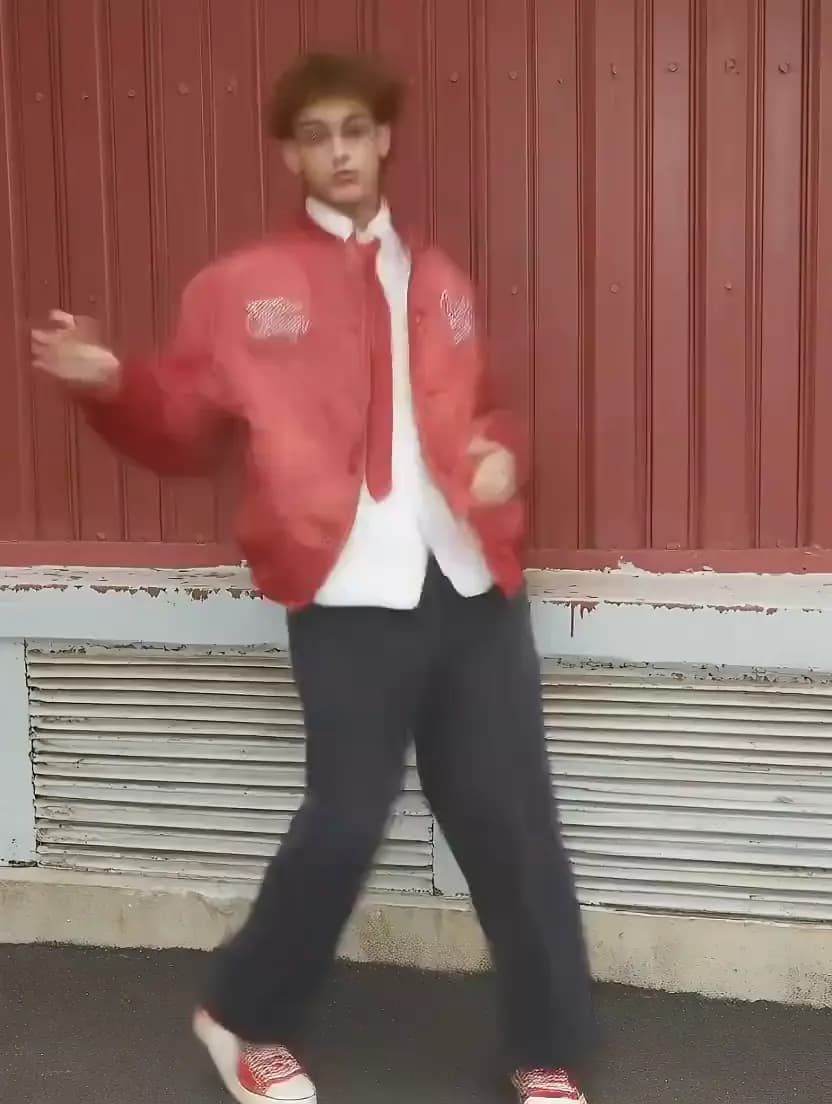
How to Make AI Dance Videos with SendFame
From photo to TikTok-ready dance video in three steps.
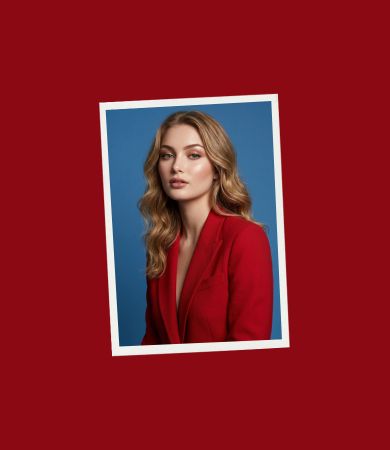
Upload Your Photo
Pick any photo with a clearly visible subject. Full-body shots give the most accurate dance motion.
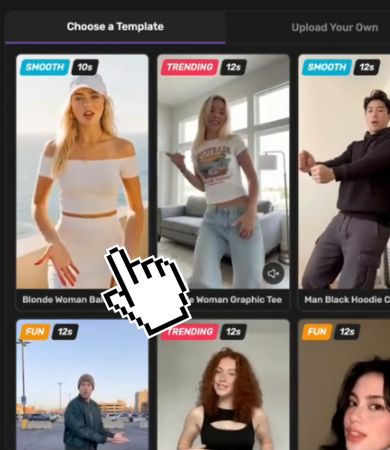
Pick a Dance or Upload Your Own
Choose from trending dance templates or upload any reference dance video you want your photo to perform.
Generate, Download and Post
SendFame delivers a finished video ready to post to TikTok, Reels, or Shorts.
See AI Dance Video Generator in Action




Works with selfies, baby photos, pets, anime characters, and more.
Turn Any Photo Into a Full Dance Video
Most people think making a dance video means being on camera. SendFame maps real dance motion onto your still photo, creating a complete, music-synced video without you filming a single frame. Works with selfies, baby photos, pets, anime characters, and digital art.
Pick a Style and the AI Handles the Rest
Generic "dance templates" don't convert on TikTok. SendFame's library covers the formats actually going viral right now, from baby dance and K-pop choreography to specific challenge moves. You can also upload any reference video from TikTok or your camera roll for total creative control.
Download in the Format TikTok Actually Wants
Most AI video tools deliver 16:9 landscape output that has to be cropped for TikTok. Every SendFame dance video outputs in native 9:16 vertical format, 1080p, with no watermark on paid credits. Download and post immediately, no reformatting step.
Why Creators Choose SendFame for AI Dance Videos
One platform. Every model. Zero compromises.
Multiple Models, One Place
Other tools give you one AI engine and one result. SendFame aggregates the top motion models so you always have options. Run the same video through different models and keep the sharpest output.
Built for Viral Speed
Trends don't wait. SendFame's generation queue is fast enough that you can create and post while a sound is still climbing the charts. Not a week later when nobody cares anymore.
Works With Any Subject
Selfies, baby photos, pet pictures, anime art, cartoon avatars, wedding photos. If there is a clear subject in the image, the AI can make it dance. The model handles the rest.
Multi-Modal in One Account
Generate the dance video, create a custom thumbnail with AI image generation, and add a track with AI music generation without switching tools or accounts. Four apps collapsed into one.
Credits, Not Subscriptions
You do not need to pay every month just to make a few dance videos. Buy credits when you need them and skip when you don't. Every plan includes 25 credits to get started right away.
Identity Preserved Frame by Frame
The most common failure in AI dance tools is the face changing halfway through the video. SendFame's motion models maintain the original subject's appearance across every frame. The output looks like your photo, dancing.
Built for the Way You Create
From casual TikTok creators to social media managers, AI dance videos fit every workflow.
Content Creators
Jump on trends without being on camera
You saw the trend on your For You Page and you want in. Upload a photo, pick the matching template, and post before the sound peaks. No filming anxiety, no editing software, no missed trend window.
Trend reaction videos, selfie dance videos, viral format recreations, TikTok challenge content
Parents and Family Creators
Turn baby photos into shareable memories
The AI baby dance trend drove millions of views in early 2026 because it is genuinely adorable and takes 3 minutes to make. Upload your child's photo, pick a trending audio, and share something the grandparents will actually save.
AI baby dance videos, family memory clips, holiday photo animations, cute pet dance videos
Fandom and Avatar Creators
Animate your characters with real choreography
Anime illustrations, K-pop character art, game avatars, and original digital characters all work with the motion models. Upload your character and apply K-pop choreography or a viral challenge. The AI preserves the character's look through every frame.
Anime character dance videos, K-pop choreography recreations, avatar animations, fandom tribute clips
Social Media Managers
Produce trend content at scale without a camera crew
Riding a trend for a brand page usually means scrambling for assets or explaining to a client why you missed it. SendFame turns a product photo or brand mascot into a trend-native video in under 5 minutes, with no watermark and no additional software.
Brand mascot animations, product promo dance videos, trend-participation content, organic reach posts
AI Dance Video Generator Examples








One-tap dance templates





Viral dance trends as ready-made effects. Upload a photo, pick a dance and get a 5-second video.
Frequently Asked Questions
An AI dance video generator takes a still photo and applies dance movement from a reference video, making the person, character, or subject in your photo appear to dance. The AI tracks the body motion from the reference and maps it onto the figure in your image, frame by frame, keeping the original appearance intact throughout the video.
SendFame runs on credits, available on monthly and annual plans. Every plan includes 25 credits to get started. Visit the pricing page for current plan details.
A clear, front-facing photo with the full body visible gives the best results. The subject should be easy to see, so avoid busy backgrounds, heavy shadows, or photos where the person is partially cut off. Selfies, studio photos, and clear outdoor shots all work well. Half-body photos work for upper-body-focused dances but may limit full-body choreography accuracy.
Viggle AI is a single-model tool, meaning you get one output and that is it. SendFame aggregates multiple state-of-the-art models, so you can generate the same video across different engines and keep the sharpest result. SendFame also supports image generation and music generation in the same account, while Viggle is dance and animation only. And SendFame's credit model means you are not paying a monthly subscription for occasional use.
Yes. Instead of picking from the template library, you can upload any dance reference video and the AI will map those specific movements onto your photo. This is useful for recreating a specific TikTok trend you saw, doing a custom choreography, or using footage you filmed yourself.
Videos are generated in 9:16 vertical format by default, which is the native format for TikTok, Instagram Reels, and YouTube Shorts. No cropping or reformatting needed. Download and post directly.
Yes. The AI works with photos of people, babies, pets, cartoon characters, digital avatars, illustrations, and most images where the subject is clearly visible. Pets and cartoon characters tend to produce the most shareable results. For best motion accuracy with non-human subjects, a clear front-facing image with a distinct subject helps.
Most videos generate in 2–5 minutes. During peak hours, wait times can be longer. You can enable notifications to get alerted when your video is ready, and generate multiple videos at the same time.
SendFame is a credit-based tool — you sign up for a plan and use credits to generate videos. Plans include 25 credits to get started immediately. Every output is in native 9:16 vertical format so you can post directly to TikTok, Instagram Reels, or YouTube Shorts without any cropping or reformatting.
Yes. The AI baby dance video trend is one of the most popular use cases on SendFame. Upload any baby or toddler photo, pick a trending audio, and the AI maps the dance moves onto the photo to create an adorable, shareable clip. Plans include 25 credits so you can generate your first baby dance video right after signing up.
Make Anyone Dance to Any Song
Upload any photo — selfie, baby pic, pet, or anime character — pick a trending dance, and your video is TikTok-ready in minutes. No filming, no editing.
Create Epic

SendFame

Create Epic with SendFame!
Questions: info@sendfame.com