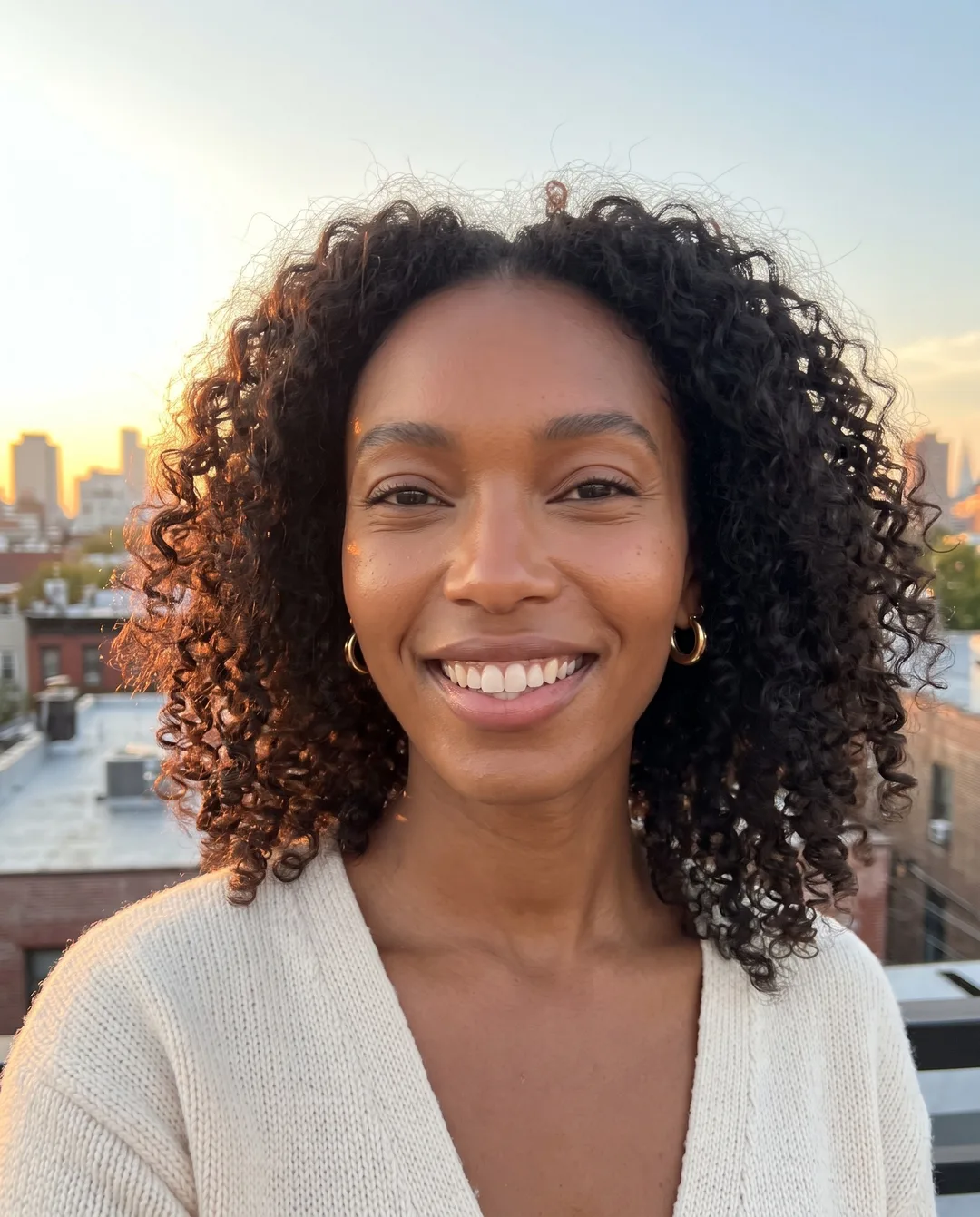
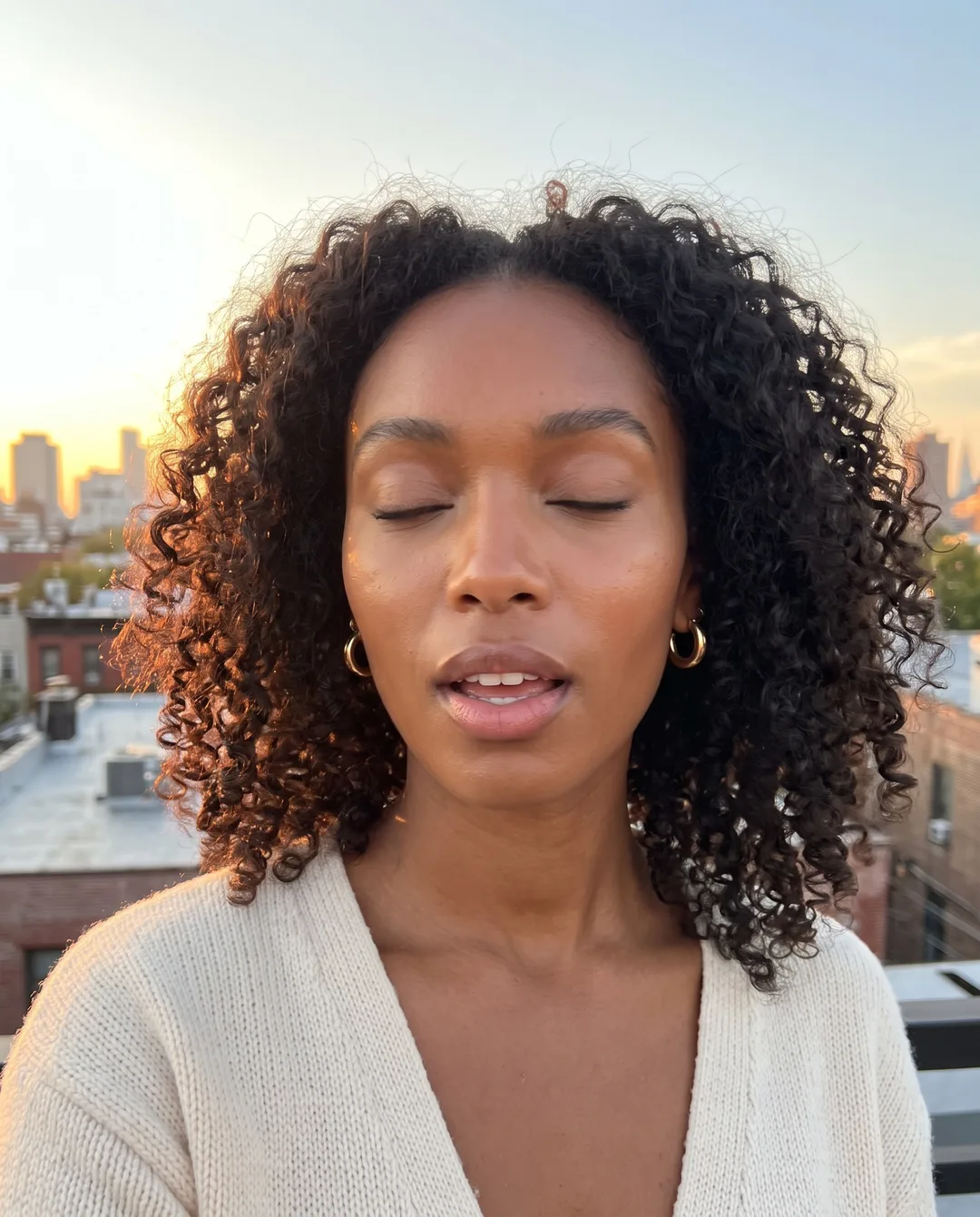
 BeforeBig smile
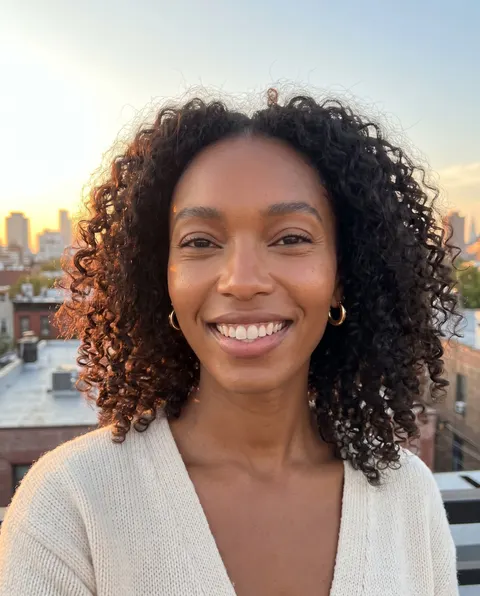
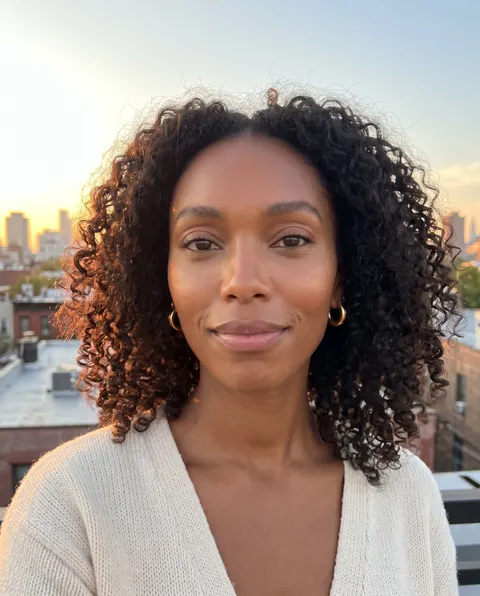
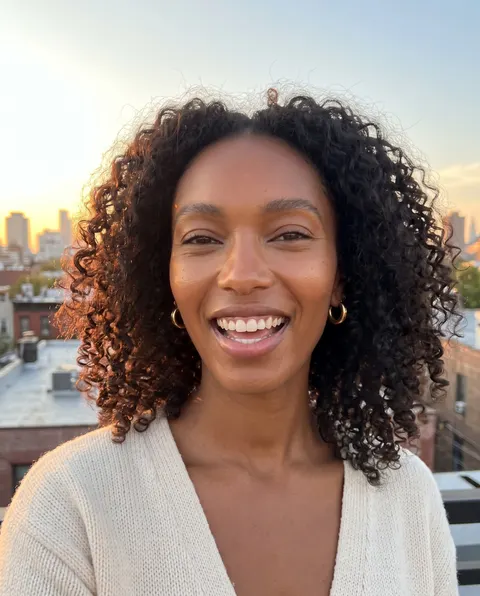
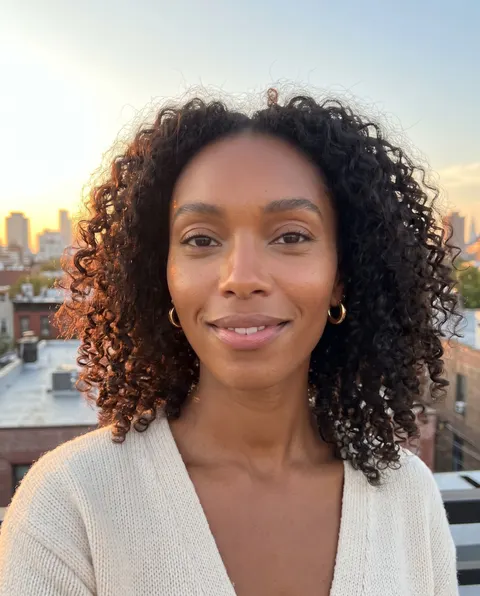
Only your face changed. Everything else is your original photo.
Save to photosAI photography
Keep the moment. Fix the face.
The light was right and the place was perfect, then you blinked. Second Take keeps everything that made the shot and fixes only the part you'd crop out.
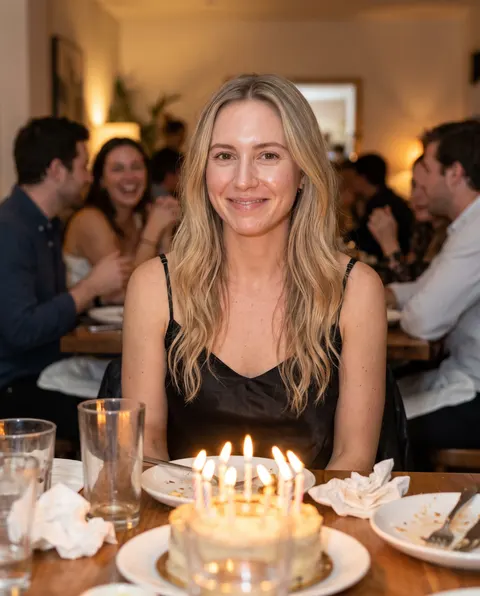
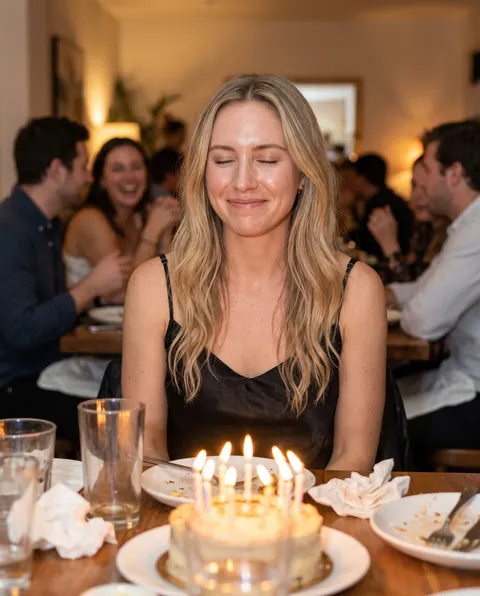 BeforeAfter
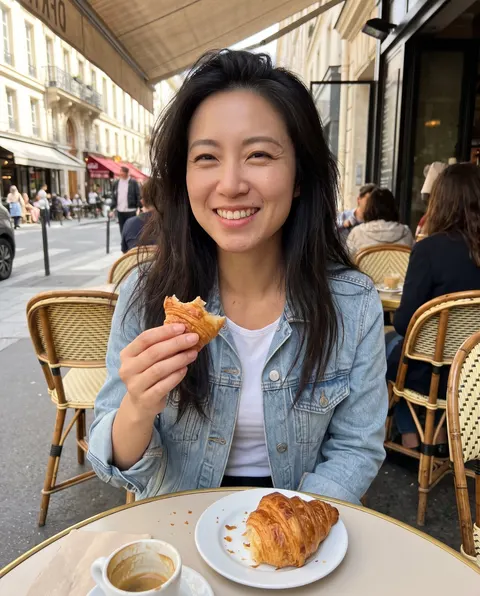
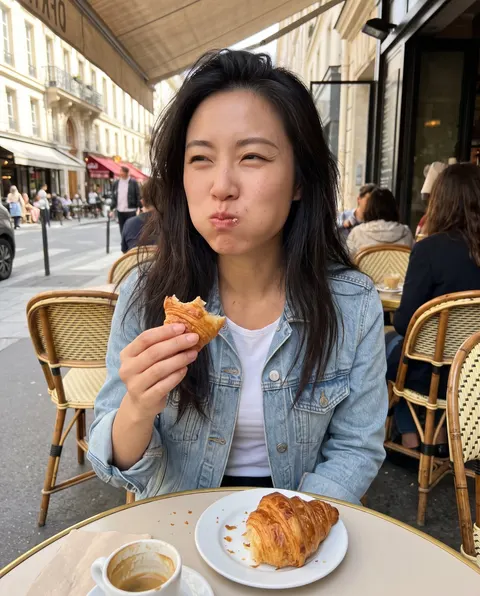 BeforeAfter
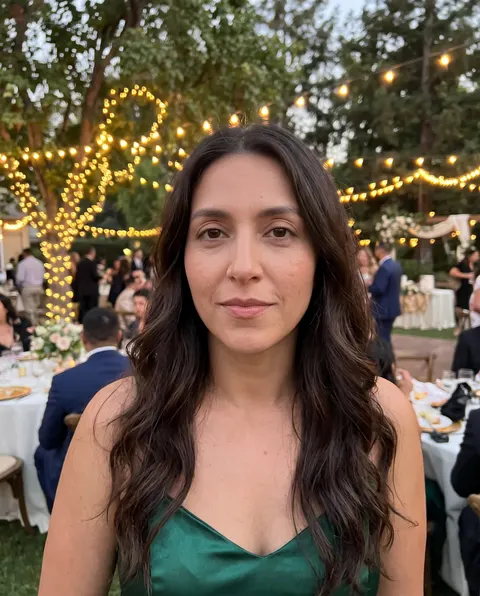
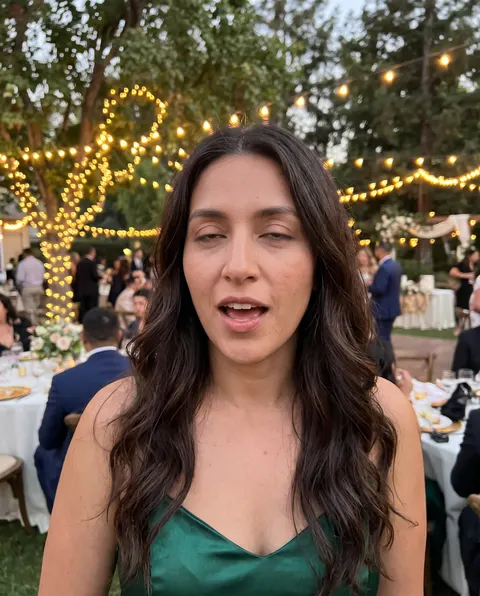 BeforeAfter
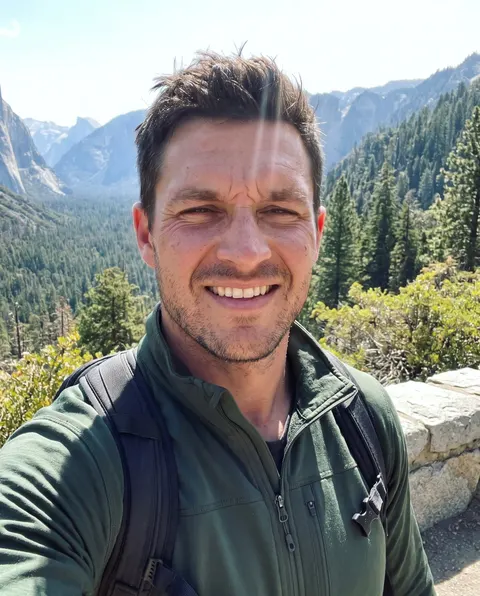
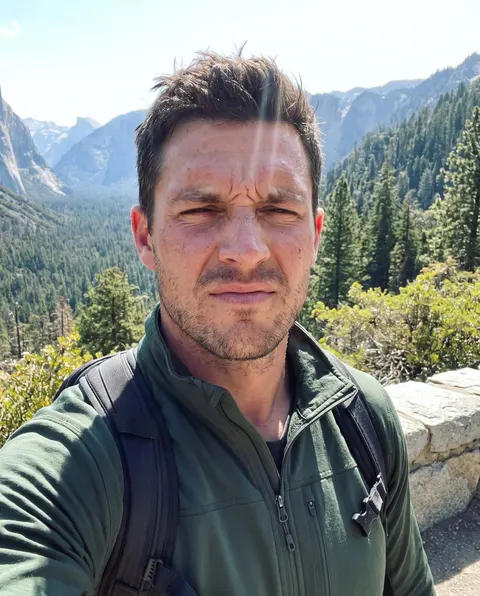
Drag the handle to compare.
Try it now
See a retake in seconds
Pick a sample photo, press Start retake and compare the result with the original. These are real Second Take results.
Before · Mid-blink- 1Pick a photo
- 2Start your retake
- 3Compare and choose
Select a photo
Rooftop: mid-blink
Sample people are AI-generated. Every retake is a real, unedited Second Take result.
How it works
Three steps to your best shot
No app, no waiting. Upload, press start, choose.
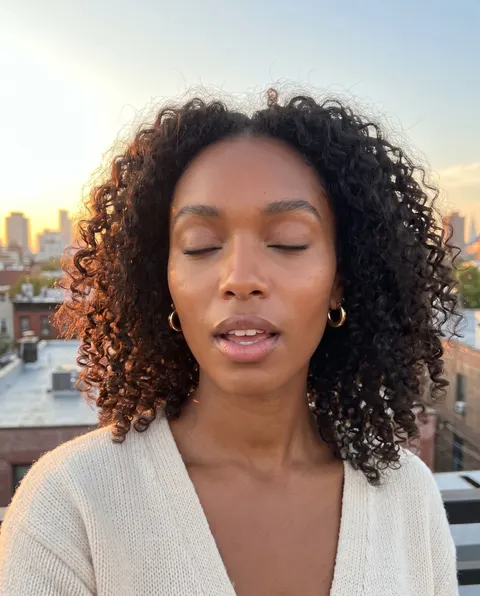 Photo added1 photo
Step 1
Upload your photo
Any shot with a face you want to fix. Group photo? Tap the person to retake.
- Face profile readyOptional
Step 2
Add a face profile
Optional: 1-4 selfies so closed eyes come back in your real colour and shape. Save it once, reuse it anytime.
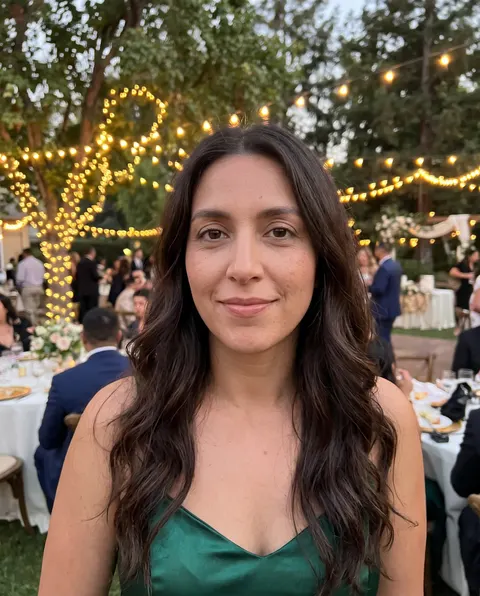
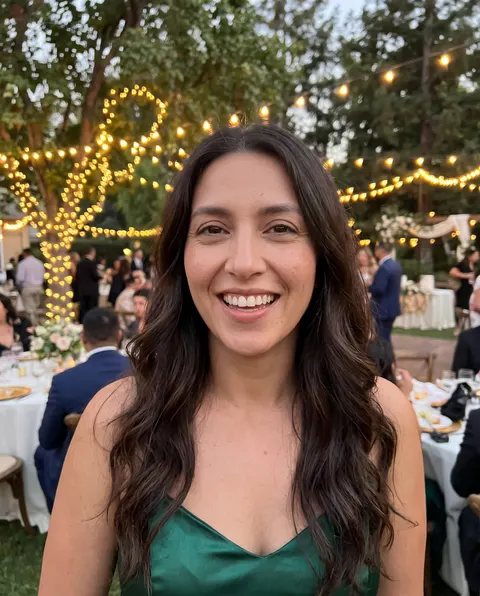 12 retakes
Step 3
Pick your best take
Get up to 12 natural retakes in about a minute. Compare each with the original and keep your favourite.
Features
Everything for the shot you meant to take
12 retakes in a minute
Every photo comes back with a full set of expressions, from a soft smile to a real laugh.
Only the face changes
Background, light, hair and clothes are your original pixels. It still looks like the photo you took.
Your face profile
Selfies teach it your eyes, teeth and smile, so results look like you on a good day, not a filter.
Group photo friendly
Fix the one person who blinked without touching anyone else in the shot.
Opens closed eyes
Blinks, squints and half-closed eyes come back open and natural, looking at the camera.
Saved to your library
Every retake lands in My Images, ready to download and share.
FAQ
Questions, answered
How does Second Take work?
Upload a photo and Second Take finds the face. It re-shoots only that face with a better expression, then blends it back into your original, so the light, background, hair and clothes stay exactly as you took them. Each run gives you up to 12 different, natural retakes to choose from.
Will my retakes still look like me?
Yes. Only your expression changes; your features, skin and hair are kept. If your eyes are closed in the photo, add a few selfies as a face profile so Second Take gets your real eye colour and shape right instead of guessing.
Do I need to upload selfies?
No. A single photo works. Selfies help most when your eyes are fully closed or your face is small in the shot. One to four clear, well-lit photos of your face are plenty, and you can save them as a profile to reuse.
Is the rest of my photo changed?
No. Everything outside the face is your original pixels. That is the difference between a retake and a regenerated picture: nobody can tell where the edit is.
Can it fix one person in a group photo?
Yes. When there is more than one face, tap the one you want to fix. Run it again for the next person.
How much does it cost?
1 credit per retake. Choose 4, 8, 12 retakes per photo. If a retake fails, its credit comes back automatically.
What photos work best?
Any photo where the face is reasonably visible: blinks, mid-bites, squints, mid-word faces and smiles that did not land. Very small or heavily blurred faces give weaker results.
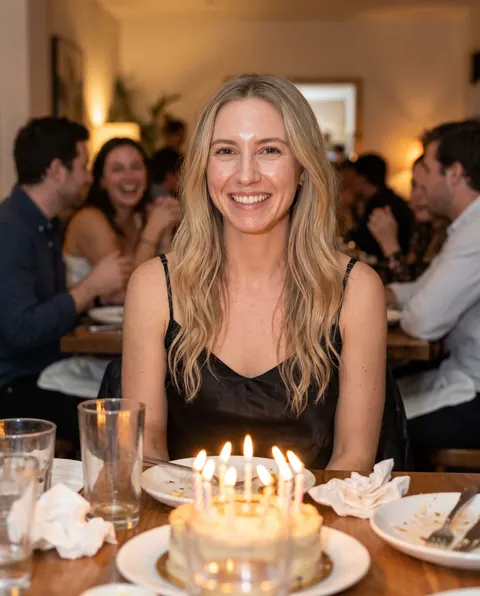
Your best shot isone retake away
Rescue the photos you love but never post.
Fix my photoCreate Epic

SendFame
Create Epic with SendFame!
Questions: info@sendfame.com