How Smart Creators Are Scaling Their Content Without Burning Out

general
Welcome offer — 56% OFF


Discover the top 12 tools to create amazing videos for free. This guide reviews every ai video generator free tier, showing you how to get pro results.
Ever feel like you have a blockbuster movie trapped in your head, but your budget is more 'instant noodles' than 'Hollywood studio'? You're in luck. The world of AI video creation has exploded, and you no longer need a deep wallet or a film degree to bring your ideas to life. In 2025, the best ai video generator free tools are so powerful they feel like magic, capable of turning a simple text prompt into a cinematic scene, animating a static photo, or even creating a talking avatar for your next presentation.
But with a flood of new platforms, which ones are actually worth your time? Forget the marketing hype and confusing feature lists. We've gone deep, testing the free tiers of the most popular tools to find out what you can really accomplish without spending a dime. This guide is your ultimate resource, breaking down the 12 best free options, their hidden limits, and pro tips to make your free creations look anything but. To truly excel with these tools and achieve your desired cinematic visions, understanding and applying effective prompt engineering techniques is a crucial skill. If you're serious about getting professional-level results, consider mastering AI prompt engineering to unlock their full potential.
This isn't just another list. We'll show you exactly what's possible on each platform's free plan, complete with screenshots and direct links to get you started immediately. Get ready to find the perfect ai video generator free tool for your next project and unleash your inner director.
If the world of AI video generation had a Hollywood, Runway would be its major studio. It’s a sophisticated, filmmaker-focused suite that feels less like a simple tool and more like an end-to-end production house. While many platforms offer basic text-to-video, Runway provides a whole toolchain designed for professionals who want granular control over their creations. This is where you go when you're ready to move beyond simple prompts and start directing your AI.
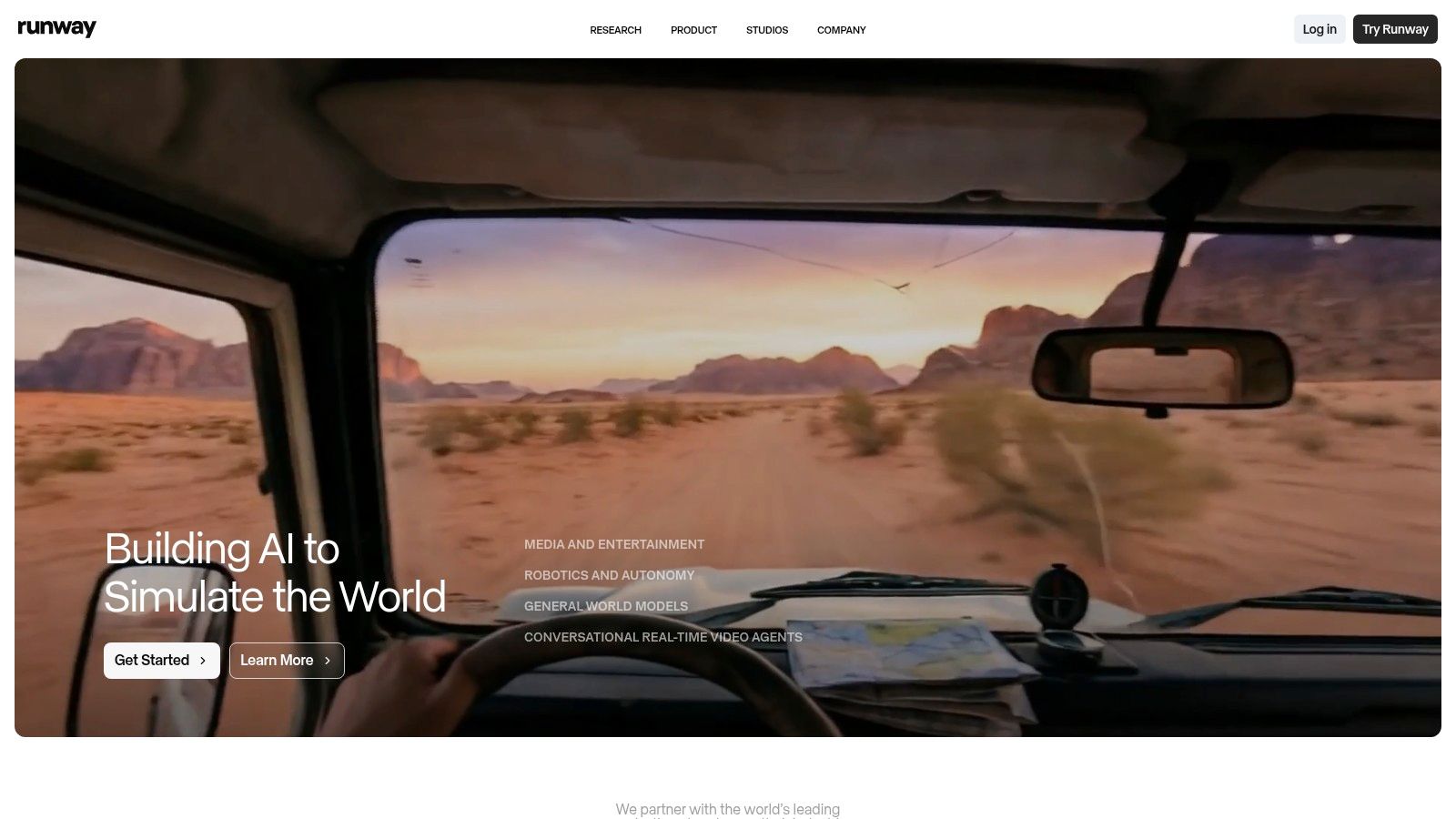
Runway stands out with its powerful video models, like the much-hyped Gen-2, which can create video from text, images, or even existing video clips. It also features a built-in video editor, meaning you can generate, edit, and finalize your project without ever leaving the platform. This integrated workflow is a massive time-saver and a key reason it's a top-tier ai video generator free option for serious creators. For a deeper dive into its capabilities, you can explore detailed guides on how to create videos with AI on sendfame.com.
Runway’s free plan operates on a credit system. You get a one-time allotment of 125 credits upon signing up, which is enough to generate about 25 seconds of video. This is perfect for experimenting with different prompts and features before committing to a paid plan.
Free Tier: 125 one-time credits, 720p exports with a watermark. Best Use Case: Experimenting with cinematic shots, creating high-quality b-roll, or testing advanced features like Motion Brush. Pro Tip: Use your free credits wisely. Start with image-to-video generations, as they often yield more predictable results than text-to-video, helping you get a feel for the AI's style without wasting precious credits.
Website:https://runwayml.com
If Runway is the major studio, Luma AI’s Dream Machine is the indie darling that suddenly won all the awards. It burst onto the scene with a model that excels at producing startlingly realistic motion and physics. Where other generators might create floaty or surreal movement, Dream Machine often nails the weight and interaction of objects, making it a go-to for creators chasing a high degree of realism in short, punchy clips. It's less of an editing suite and more of a pure generation engine, focused on doing one thing exceptionally well.
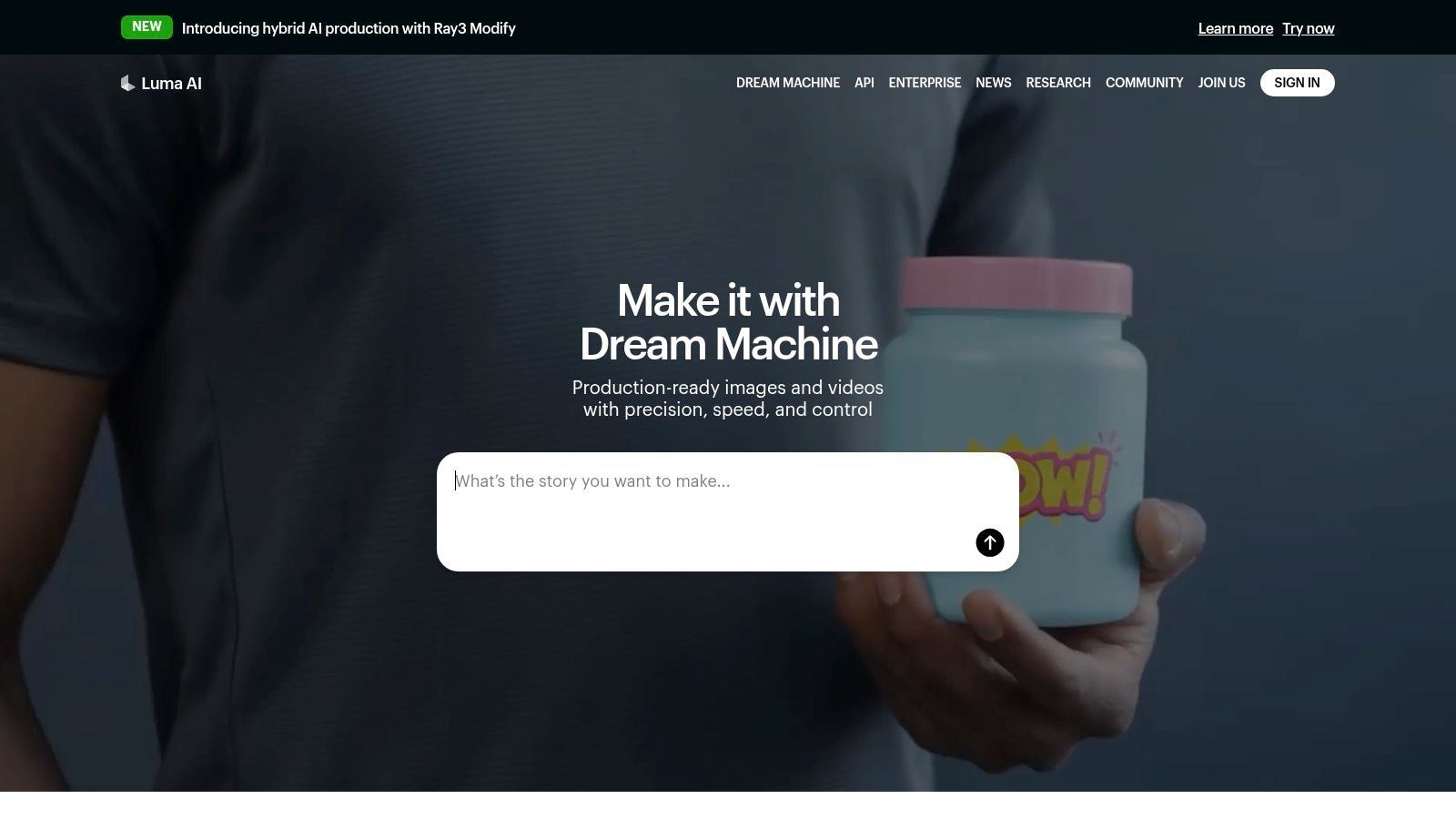
Dream Machine's strength lies in its fluid, coherent video output from both text and image prompts. The platform is refreshingly straightforward, offering a web interface and a handy iOS app for mobile workflows. While the best features like higher resolution are behind a paywall, its free tier is generous enough to let you feel the power of the model. This makes it an essential ai video generator free tool for anyone wanting to create cinematic shorts that feel grounded in reality.
Luma AI offers a generous free tier with a monthly allotment of credits. You start with 30 free generations per month, which is plenty to get a feel for its capabilities and produce a handful of short clips for social media or personal projects.
Free Tier: 30 generations per month, public generations with a watermark, non-commercial use only. Best Use Case: Creating short, hyper-realistic cinematic clips, experimenting with character consistency, and generating high-quality concept visuals. Pro Tip: Use the "Enhance Prompt" feature. Luma's AI can often reinterpret and add cinematic detail to your basic idea, leading to more dynamic and unexpected results without costing you extra generations.
Website:https://lumalabs.ai
If Runway is the Hollywood studio, Pika.art is the indie arthouse film festival. It’s vibrant, experimental, and moves at a lightning pace, making it a favorite for artists and creators who prioritize speed and stylistic flair over photorealism. Pika excels at turning simple text or image prompts into short, dynamic video clips, often with a unique, dreamlike quality. It’s less about creating a perfect cinematic shot and more about quickly visualizing a creative spark.
What makes Pika stand out is its emphasis on rapid iteration and a constantly evolving set of models and features. The platform is known for its fast generation times, allowing you to test a dozen ideas in the time it might take to render one clip elsewhere. This makes it an exceptional ai video generator free tool for brainstorming, creating animated social media content, or adding a touch of artistic motion to still images. Its user-friendly interface invites play and experimentation, which is a massive plus for newcomers.
Pika’s free offering is generous enough for casual use and initial experimentation. You receive a starting balance of credits that replenish over time, encouraging you to come back and try out new features as they are released.
Free Tier: 30 initial credits, with bonus credits available through daily use. Exports include a watermark. Best Use Case: Creating short, stylized animations, transforming static art into moving visuals, and rapid-fire creative brainstorming. Pro Tip: Lean into Pika’s strengths. Use prompts that play with color, motion, and abstract concepts. Also, try uploading an image and using the “modify region” feature to animate specific parts of it for more controlled and surprising results.
Website:https://pika.art
If you live and breathe social media, CapCut is likely already on your phone. Known for its powerful and user-friendly mobile editor, its dive into AI video makes perfect sense. CapCut's text-to-video feature isn't a standalone tool but a neatly integrated panel within its editor, creating a seamless workflow from a simple prompt to a fully edited, trend-ready video for TikTok or Instagram Reels. It’s designed for speed and convenience, letting you generate, tweak, and share in minutes.
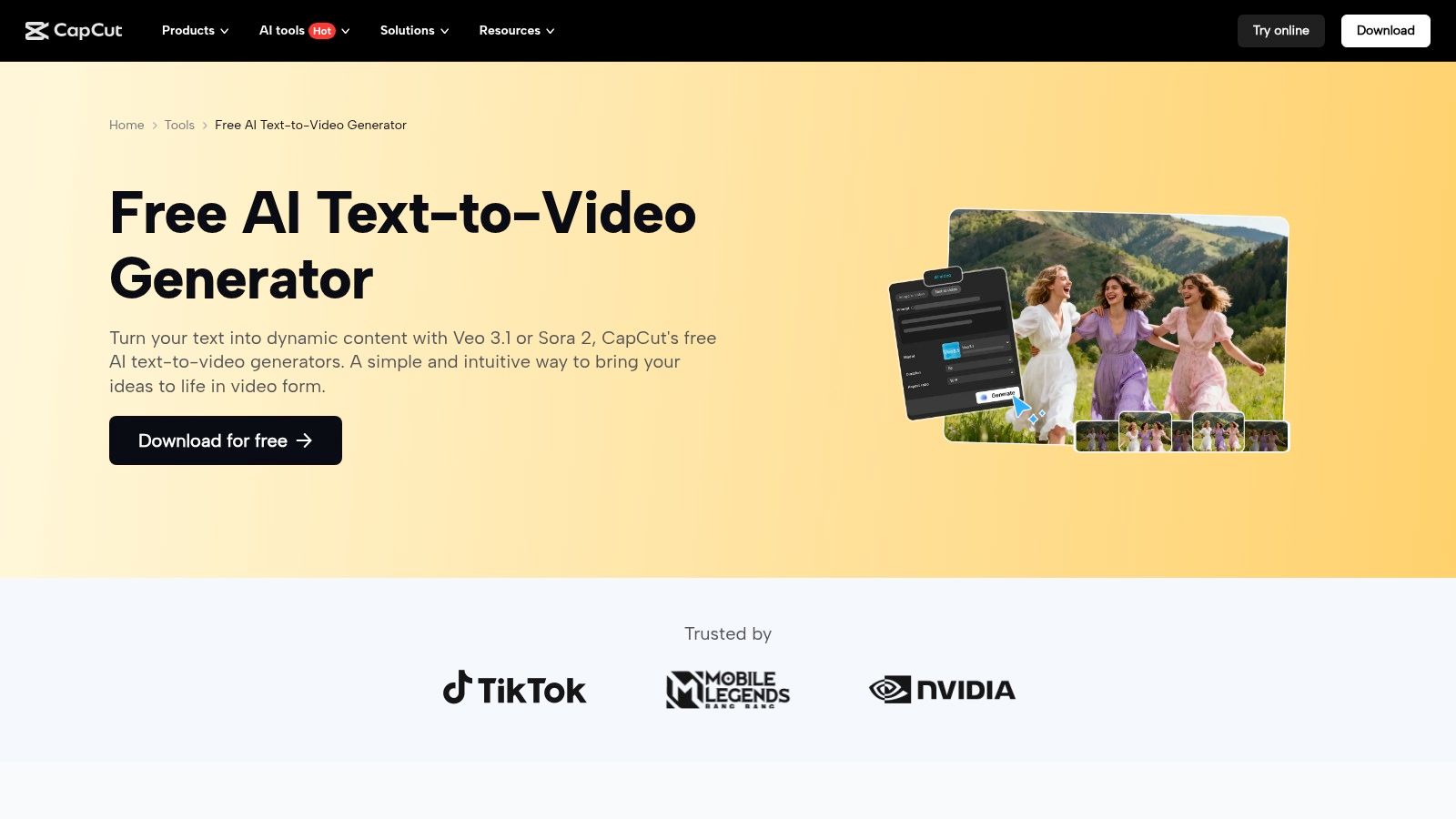
The platform’s strength is its all-in-one nature. You can prompt a video clip, drop it directly onto your timeline, add viral audio, apply trendy effects, and use auto-captions without ever leaving the app. This makes it an incredibly efficient ai video generator free choice for creators who need to produce content quickly and consistently. While its video quality might not match cinematic giants, it's perfectly tuned for the fast-paced world of short-form social content. To see how it stacks up against other tools, check out this guide to the best AI text-to-video generators on sendfame.com.
CapCut offers its text-to-video generation for free, with some limitations on clip length, quality, and model access that may vary by region or app version. The free access is generous enough to create and export full social media clips without cost.
Free Tier: Generous free access to generate and export videos, often with a small watermark. Pro plans unlock higher quality and advanced features. Best Use Case: Creating short, engaging clips for TikTok, Instagram Reels, and YouTube Shorts. Perfect for prototyping video ideas on the fly. Pro Tip: After generating a clip, immediately use CapCut's "Enhance" features. A quick color grade or a subtle sharpening filter can significantly elevate the AI-generated footage to look more polished and professional.
Website:https://www.capcut.com/tools/free-ai-text-to-video-generator
If dedicated AI tools feel like learning a new language, Canva is the friendly translator. Known for making graphic design accessible to everyone, Canva has integrated AI video generation directly into its familiar, user-friendly interface with Magic Media. This isn't a standalone, complex video suite; it's a feature designed to seamlessly add short, custom video clips into your existing marketing materials, social media posts, and presentations. It’s the perfect entry point for those who want to dip their toes into AI video without leaving their creative comfort zone.
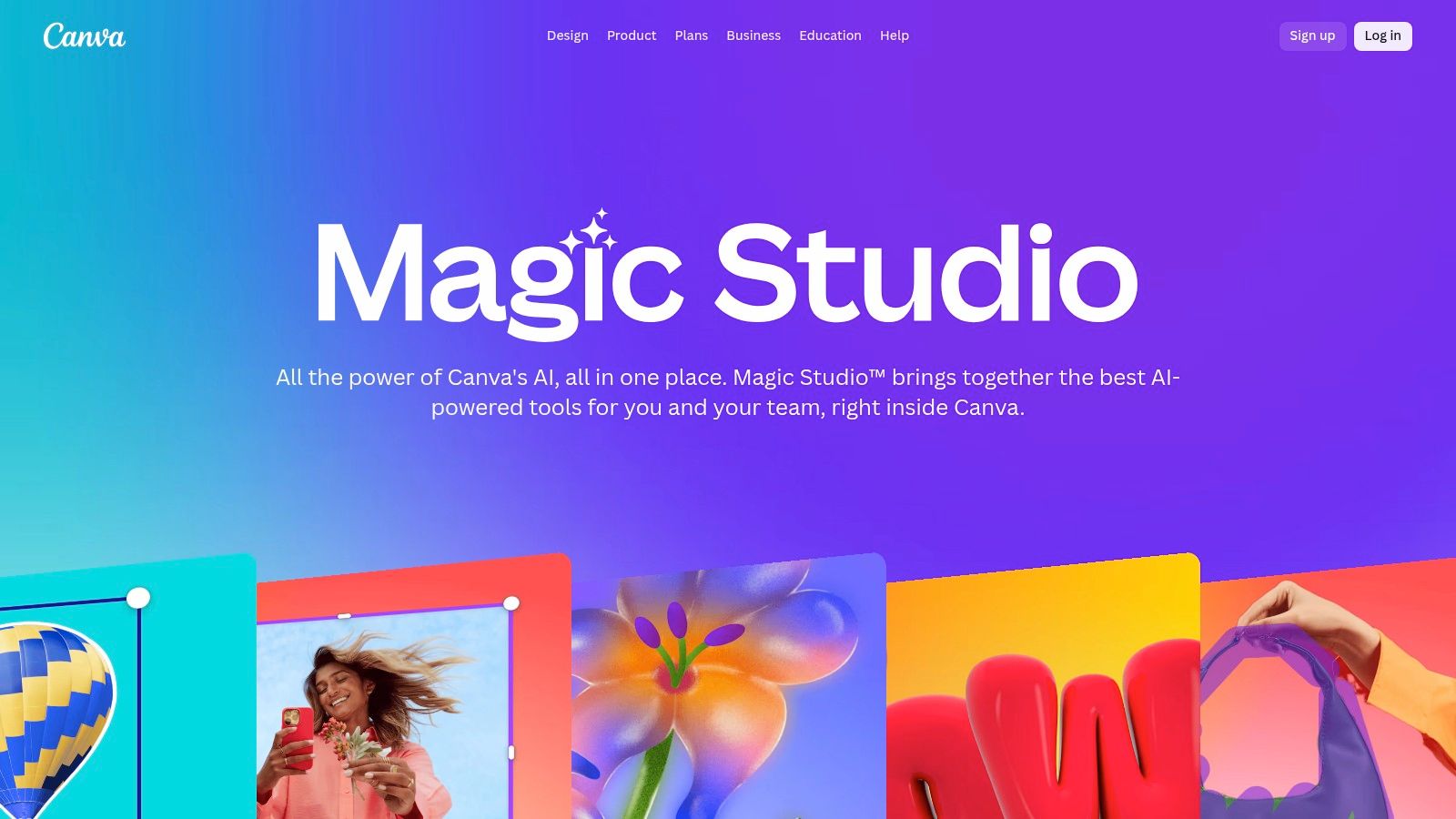
What makes Magic Media a standout ai video generator free option is its integration. You can generate a clip and immediately drop it into a template, apply your brand kit, add text overlays, and access Canva’s massive library of stock elements. This template-first workflow is incredibly convenient for creating quick, branded assets without the technical hassle. To delve deeper into Canva's extensive features beyond video, visit the dedicated Canva tag page.
Canva's free plan includes a limited number of lifetime credits for Magic Media. This allows you to generate a handful of clips to see how they fit into your designs before needing to upgrade for more.
Free Tier: 5 lifetime credits for text-to-video (credits are shared with their text-to-image generator). Best Use Case: Creating short video backgrounds for social media stories, generating visual concepts for mood boards, or adding a unique animated element to a presentation. Pro Tip: Be specific and descriptive in your prompts. Instead of "a dog running," try "a golden retriever joyfully running through a field of wildflowers during a golden hour sunset, cinematic style." This helps the AI produce a more targeted and useful clip.
Website:https://www.canva.com/magic/
Think of InVideo AI as a content creation assembly line, perfectly engineered for marketers and social media managers who need videos yesterday. While others focus on cinematic flair, InVideo excels at transforming a simple prompt or script into a fully-fledged video, complete with stock footage, voiceover, and captions. It’s less about generating a single clip and more about producing a finished, publish-ready asset in minutes. This makes it a go-to tool for anyone creating explainers, ads, or YouTube videos on a tight schedule.
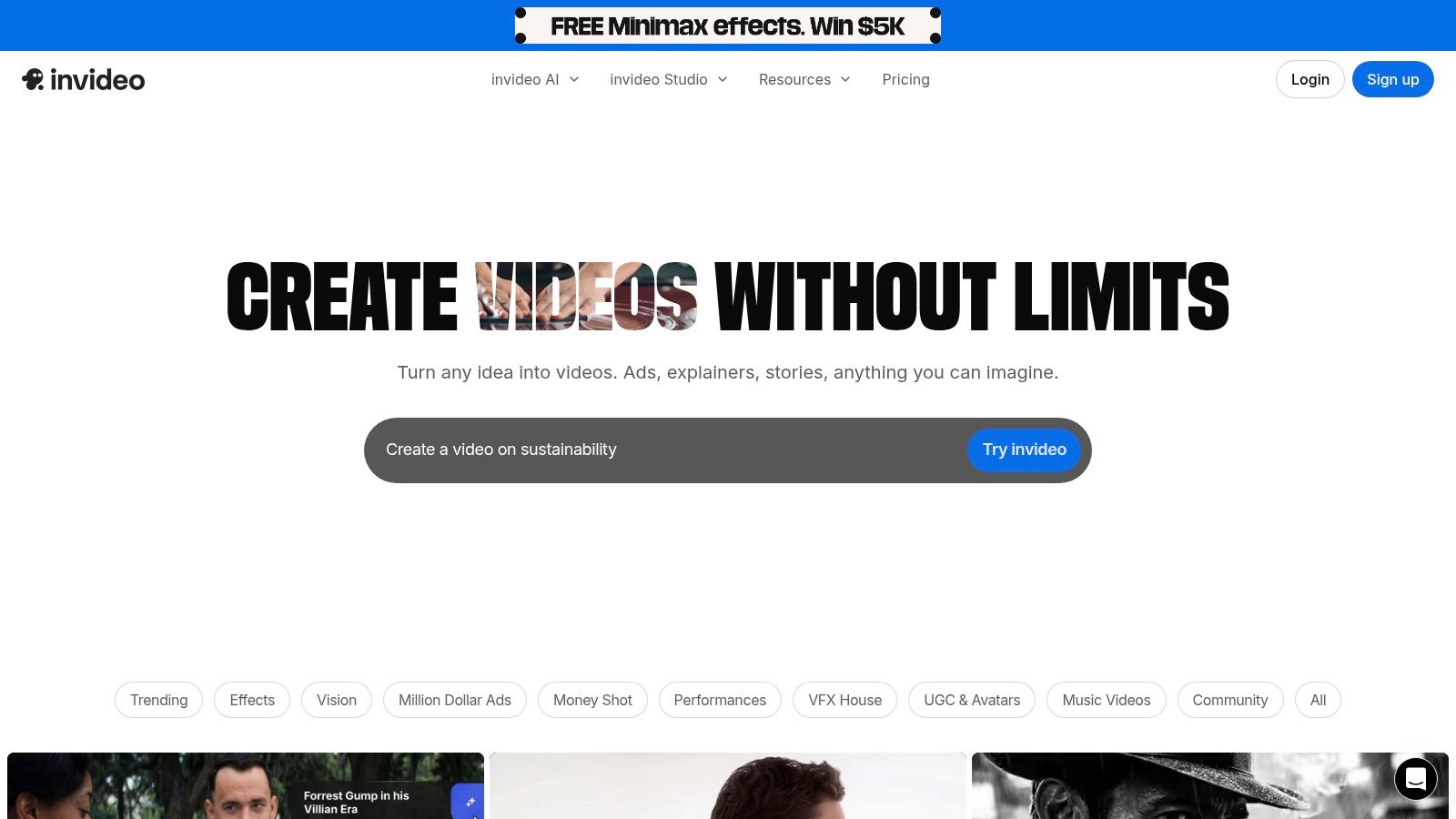
Its core strength is its workflow-driven approach. You give it a topic, and InVideo AI generates a script, finds relevant stock media from its massive library, creates scenes, and adds a computer-generated voiceover. You can then jump into its user-friendly editor to tweak every element, from text overlays to scene transitions. This streamlined process makes it a uniquely practical ai video generator free option for users who prioritize efficiency and a polished final product over generating artistic, abstract clips.
InVideo’s free plan is designed to give you a solid taste of its workflow with a weekly allowance. Instead of a one-time credit bucket, you get a fresh quota each week, encouraging you to integrate it into your regular content routine.
Free Tier: 10 minutes of AI generation per week, 4 exports per month with an InVideo watermark and branding. Best Use Case: Rapidly creating social media content, YouTube Shorts, or video ads where speed is more critical than originality. Pro Tip: Use the AI script generator to brainstorm ideas. Even if you don't export the final video, you can get a structured outline and voiceover script that you can use as a creative launchpad elsewhere.
Website:https://invideo.io
If other tools are the AI directors, HeyGen is the talent agency. It specializes in creating polished, avatar-based videos perfect for corporate training, marketing messages, and educational content. Instead of generating abstract cinematic scenes, HeyGen focuses on producing realistic digital presenters who can speak your script in hundreds of languages and accents. This makes it an incredibly powerful tool for anyone needing to create professional-looking talking-head videos without a camera or a studio.
HeyGen's core strength is its library of over 500 stock avatars and the ability to create custom ones, ensuring you can find a presenter that fits your brand. Its standout feature is the seamless video translation and dubbing, which automatically syncs the avatar’s lip movements to the new language. This makes it a go-to ai video generator free choice for businesses aiming for global reach. For a closer look at similar platforms, you can check out this list of the 10 best AI talking head generators on sendfame.com.
HeyGen’s free plan is generous enough to let you get a real feel for the platform's capabilities. It provides you with monthly credits to produce short videos, which is ideal for creating quick social media updates or testing different scripts and avatars.
Free Tier: 1 free credit per month (equals 1 minute of video), 720p exports with a watermark. Best Use Case: Creating short explainer videos, localizing marketing messages for different regions, or producing internal training materials. Pro Tip: Use the "Instant Avatar" feature on the free plan. You can upload a 2-minute video of yourself to create a basic custom avatar, adding a personal touch to your videos without any cost.
Website:https://www.heygen.com
If you've ever wanted to bring a still photo to life, D-ID is the digital wizard you’ve been looking for. This platform specializes in one thing and does it exceptionally well: creating realistic talking avatars from a single image. Instead of generating cinematic scenes from scratch, D-ID focuses on animating faces, making it a go-to tool for creating engaging e-learning modules, support videos, and marketing explainers without ever needing a camera.
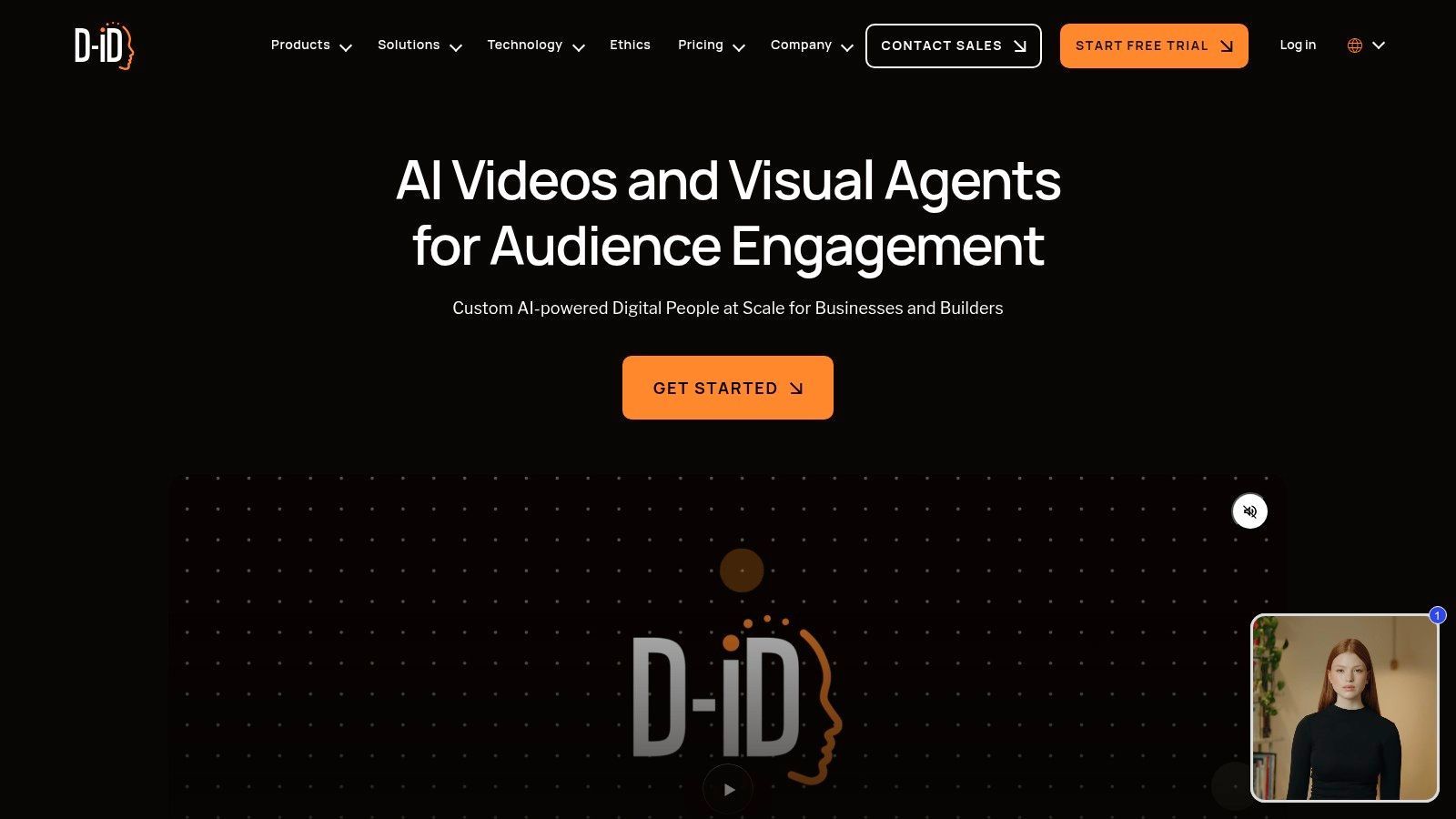
D-ID’s strength lies in its simplicity and focus. You upload a portrait, type or upload your script, and the AI generates a video of that person speaking with lifelike facial movements and lip-syncing. With its robust multi-language text-to-speech engine and options for interactive, streamable avatars, it provides a powerful way to scale talking-head content quickly. This makes it a uniquely practical ai video generator free choice for corporate and educational applications.
D-ID offers a 14-day free trial that provides credits to test its core features. This gives you enough runway to create several short videos and get a solid feel for the platform’s capabilities and workflow.
Free Tier: 14-day trial with 5 minutes of video generation (15 credits), watermarked videos. Best Use Case: Creating short onboarding clips, personalized greetings, or proof-of-concept videos for corporate training. Pro Tip: For the most realistic results, use a high-resolution, forward-facing portrait with clear lighting and a neutral expression. The AI works best when it has a clean canvas to animate.
Website:https://www.d-id.com
If other AI video tools are filmmakers, Kaiber is the VJ at an electronic music festival. It’s an AI-powered creative lab built with musicians and motion artists in mind, specializing in psychedelic, dreamlike visuals that transform existing content into something entirely new. Rather than just creating from text, Kaiber excels at video-to-video and audio-reactive animations, making it the perfect tool for creating music videos, concert visuals, or mesmerizing social media loops.

Kaiber's strength lies in its artistic controls. You can guide the AI with your own images, videos, or music, and then fine-tune the animation with detailed storyboard and camera movement settings. This focus on transformation, rather than pure generation, gives artists a powerful co-pilot for their creative vision. While it's a feature-rich platform, it maintains a user-friendly interface that encourages experimentation, making it an accessible ai video generator free option for those looking to dip their toes into generative art.
Kaiber’s free access operates on a credit system, though it doesn't offer a default pool of credits upon signup like some others. Instead, you'll need to look for promotional trial offers or purchase credits. They offer flexible credit packs and a 7-day trial for just $5, which includes 300 credits.
Free Tier: No default free credits; requires purchasing a credit pack or a promotional trial to start. The $5 trial provides 300 credits. Best Use Case: Creating audio-reactive music videos, transforming existing footage into stylized animations, or generating unique visuals for live events. Pro Tip: Start with the "Flipbook" animation style. It's less credit-intensive than other options and gives you a great feel for how Kaiber transforms your source material without burning through your trial credits too quickly.
Website:https://kaiber.ai
When a behemoth like Adobe enters the ring, you pay attention. Firefly’s video generation tool, currently in public beta, is Adobe’s confident answer to the new wave of AI video. It’s built on the company’s core principles: seamless integration with the Creative Cloud ecosystem and a staunch commitment to using licensed and public domain training data. This makes it an incredibly appealing option for brands and professionals wary of the IP gray areas that plague other models.
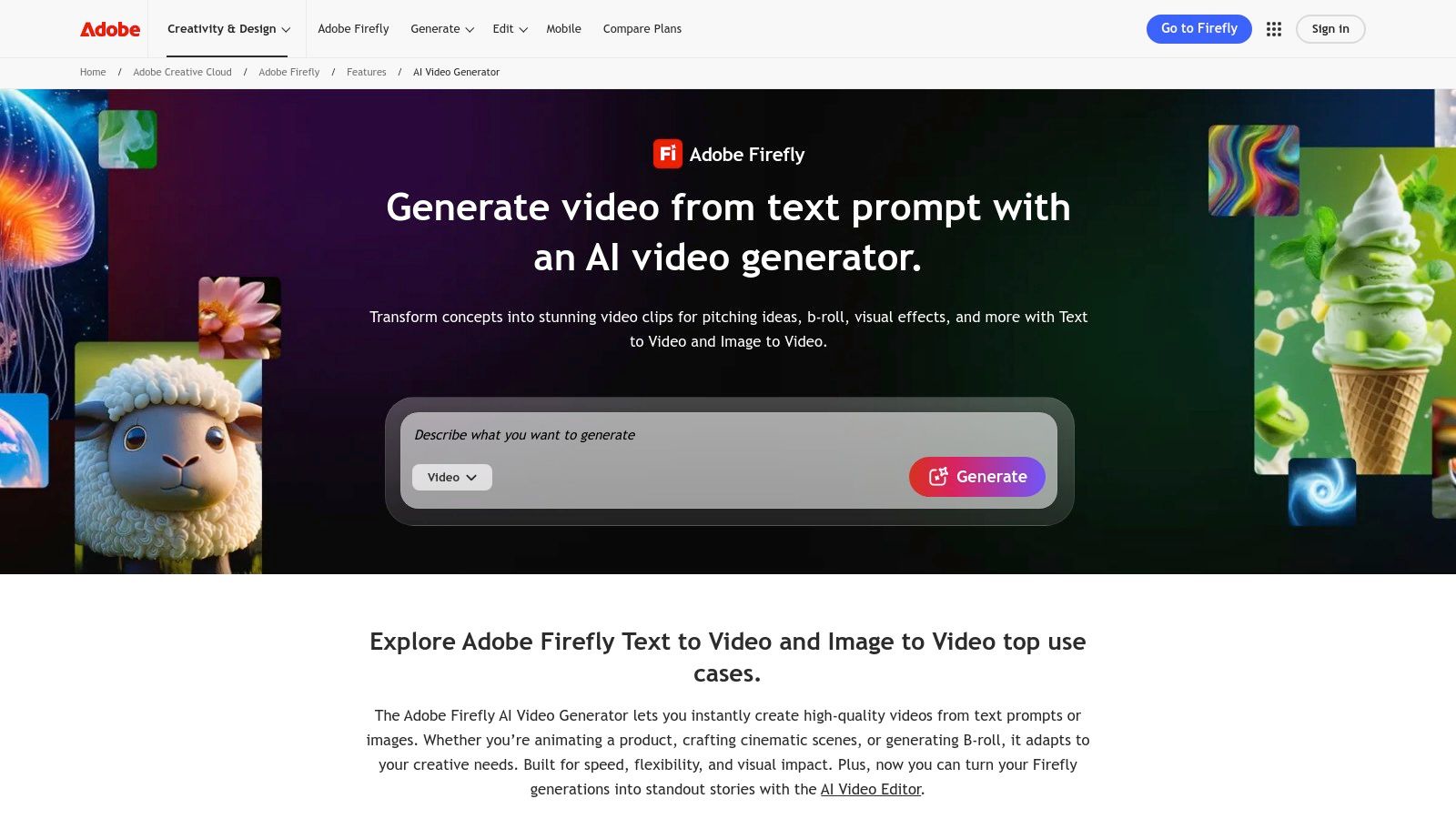
The vision here is clear: create a video clip in Firefly and then effortlessly drop it into Premiere Pro or After Effects for professional-grade editing. While it’s still in its early stages, the browser-based tool already offers text-to-video and image-to-video, focusing on quality and commercial safety. This tool isn't just another ai video generator free novelty; it's a foundational piece of a future professional workflow, making it one to watch closely.
Access to the video beta is currently managed through a waitlist, but Adobe’s free plans typically include a set number of monthly generative credits that can be used across the Firefly suite.
Free Tier: Varies, typically 25 monthly generative credits with the free Adobe plan. Beta access is required. Best Use Case: Creative professionals and brands needing commercially safe AI clips for integration into larger Adobe Creative Cloud projects. Pro Tip: Sign up for the public beta as soon as possible. Getting early access allows you to experiment with the model as it evolves and understand its unique creative style before it becomes a core part of paid Creative Cloud subscriptions.
Website:https://www.adobe.com/products/firefly/features/ai-video-generator.html
If you need AI video content and you need it fast, PixVerse is your high-speed creative engine. Designed for the quick-turnaround demands of social media and mobile content, PixVerse excels at generating short, stylized clips without a steep learning curve. It’s a nimble tool that balances accessibility with some surprisingly advanced features, making it a go-to for creators who prioritize speed and convenience, whether on their desktop or on the go.
What sets PixVerse apart is its mobile-first approach and rapid generation times. With a dedicated iOS app alongside its web platform, it’s built for creating wherever inspiration strikes. While many tools lock you into a single-use credit system, PixVerse offers daily free credits, encouraging consistent experimentation. This makes it a fantastic ai video generator free option for those looking to produce a steady stream of content without an immediate financial commitment.
PixVerse offers a generous free tier with a monthly credit allowance and daily top-ups, which is a rare and welcome model. This allows for sustained use rather than a one-time trial, ideal for building a daily creative habit.
Free Tier: 200 monthly credits with 20 daily credits for mobile app users. Exports include a watermark. Best Use Case: Creating eye-catching social media shorts, animated images, and quick conceptual videos. Pro Tip: Take advantage of the daily mobile credits. Use them to test different styles and prompts on the fly, refining your ideas before using your larger monthly credit pool on the web app for higher-quality renders.
Website:https://app.pixverse.ai
If most AI video generators are like a camera, Descript is the entire editing suite with a smart assistant built in. It's designed for creators who think in terms of narratives, podcasts, and presentations rather than just isolated visual shots. Descript’s magic lies in its text-based editing approach, allowing you to generate and manipulate video as easily as editing a Word document. It’s less about creating a single cinematic scene and more about building a complete, polished video story from the ground up.

Descript shines by merging generation with a powerful editor. You can generate a video from a script, add an AI-cloned voiceover, automatically find and insert relevant b-roll, and then fine-tune everything in a multitrack timeline. This complete workflow makes it a powerhouse for anyone producing content that relies heavily on narration, like tutorials, product demos, or corporate communications. This unique blend of generation and post-production solidifies its spot as a leading ai video generator free for practical, content-driven projects. For more options that combine AI with post-production, check out this guide to the best AI video editing software on sendfame.com.
Descript’s free plan is quite generous for testing its core functionality. You get one hour of transcription and one watermark-free video export at 720p resolution, which is plenty to create a full short video and experience the text-based editing workflow.
Free Tier: 1 watermark-free video export (720p), 1 hour of transcription, limited AI features. Best Use Case: Creating narrated videos, turning podcast episodes into videos, or producing screen-recorded tutorials with AI-powered editing. Pro Tip: Use the free plan to script, record, and edit your video first. Save your one watermark-free export for your finished project to get the most value out of the trial.
Website:https://www.descript.com/video-generator/ai-video-generator?utm_source=openai
| Tool | Core Strengths | Quality ★ / UX | Value & Pricing 💰 | Target 👥 | Unique Selling Point ✨ / 🏆 |
|---|---|---|---|---|---|
| Runway | Multiple video models, built‑in NLE, 4K upscaling | ★★★★☆ Stable, pro workflows | 💰 Credit system; paid for top quality | 👥 Filmmakers, studios, pros | ✨ End‑to‑end editor + 4K upscales 🏆 |
| Luma AI – Dream Machine | Realistic physics/motion, HDR up‑res, iOS | ★★★★☆ Cinematic realism | 💰 Draft/free mode; paid for commercial/HDR | 👥 Cinematic creators, short films | ✨ Draft ideation + mobile iOS flow 🏆 |
| Pika.art | Fast, stylized models; API access | ★★★☆☆ Fast & playful, variable reliability | 💰 Credit/API pay‑as‑you‑go | 👥 Designers, devs, experimenters | ✨ Stylized model family |
| CapCut AI Text‑to‑Video | In‑editor T2V + templates, direct export | ★★★☆☆ Easy for short social clips | 💰 Free entry; region/feature limits | 👥 Social creators, short‑form editors | ✨ One‑click generate → edit → share |
| Canva – Magic Media | T2V inside Canva templates & brand kits | ★★★☆☆ Very low learning curve | 💰 Free basics; Pro for advanced features | 👥 Marketers, non‑designers | ✨ Brand kit + template‑first workflow 🏆 |
| InVideo AI | Script→scene, stock library, voiceover | ★★★☆☆ Quick social/ads workflow | 💰 Free w/ watermarks; paid unlocks 1080p/4K | 👥 Marketers, advertisers, creators | ✨ Script‑to‑finished social videos |
| HeyGen | Avatar presenters, 175+ languages, dubbing | ★★★★☆ Strong localization & presenter UX | 💰 Free trial (3/mo); paid for 4K/team | 👥 Corporate comms, e‑learning, localization | ✨ 500+ avatars + wide language support 🏆 |
| D‑ID | Lifelike talking avatars from photos/videos | ★★★★☆ Natural talking‑head output | 💰 Paid tiers for longer/advanced exports | 👥 E‑learning, support, marketing explainers | ✨ Streamable/interactive avatars |
| Kaiber | Image/video→video, music‑reactive visuals | ★★★★☆ Creative controls for motion/music | 💰 Credit packs; pay‑as‑you‑go | 👥 Musicians, motion artists | ✨ Custom model training + camera controls 🏆 |
| Adobe Firefly – Generate Video | T2V & I2V with Creative Cloud integration | ★★★★☆ Brand‑friendly, evolving beta UX | 💰 Credit‑based; integrates w/ CC plans | 👥 Brands, agencies, Adobe users | ✨ Licensed training data + CC workflow 🏆 |
| PixVerse | Fast short clips, web + iOS, daily credits | ★★★☆☆ Mobile‑first, speedy but mixed support | 💰 Daily/free credits; paid for volume | 👥 Mobile creators, quick experiments | ✨ Keyframe controls + daily credits |
| Descript – AI Video Maker | Prompt/script→video + text timeline editor | ★★★★☆ Excellent edit & narration UX | 💰 Free plan; credits for heavy generation | 👥 Podcasters, content teams, editors | ✨ Text‑based editing + voice cloning 🏆 |
And... scene! You’ve just navigated the wild, wonderful, and occasionally weird world of free AI video generators. We've journeyed from the cinematic ambitions of Runway and Luma AI’s Dream Machine to the all-in-one content creation powerhouses like Canva and CapCut. The one major takeaway? The barrier to entry for video creation has officially been obliterated. You no longer need a Hollywood budget or a degree in visual effects to bring your ideas to life; all you need is a clever prompt and a bit of patience.
The landscape of the ai video generator free market is a vibrant ecosystem of trade-offs. Free tiers are your golden ticket to the AI filmmaking rodeo, but they come with a few ground rules. You'll likely encounter watermarks that feel like an uninvited guest at a party, time limits that force you to be ruthlessly concise, and resolutions that are more "charming indie film" than "IMAX blockbuster." But don't let that discourage you. These constraints are actually a creative bootcamp in disguise, forcing you to master the art of storytelling within tight parameters. Think of them not as limitations, but as the rules of a new, exciting game.
So, how do you pick your co-director from this star-studded lineup? Your choice hinges entirely on your mission.
For the Aspiring Auteur: If you dream of crafting surreal, cinematic B-roll or mind-bending animated shorts, your playground is with tools like Runway, Pika, and Luma AI. These platforms are built for the visual artist who wants to push the boundaries of what's possible, even if it means generating dozens of clips to find that one perfect, four-second shot. They are the specialists, the divas of the AI world, demanding a bit more effort for a potentially spectacular payoff. For the Social Media Guru & Marketer: If your goal is to churn out engaging social posts, snappy ads, or quick explainer videos, look no further than integrated platforms like CapCut and InVideo AI. These tools understand that video is just one piece of the content puzzle. They wrap their AI generation features inside a full-service editing suite, letting you go from a simple text prompt to a polished, music-backed, subtitled video in minutes. Efficiency is their middle name. For the Corporate Communicator & Podcaster: When clarity and utility are paramount, tools like HeyGen, D-ID, and Descript are your best bet. Need to create a training video with a digital avatar or repurpose a podcast into a dozen shareable clips? These platforms are engineered for practical, repeatable workflows. They trade a bit of cinematic flair for unparalleled utility in business and communication contexts.
Ultimately, the most crucial component in this entire process is you. An ai video generator free tool is just that: a tool. It’s a paintbrush, not the painter. Your creativity, your unique perspective, and your ability to craft compelling prompts are what will elevate a generic AI clip into a piece of art that stops the scroll.
The best strategy is to become a mad scientist. Don’t just settle on the first tool you try. Create the same 10-second video concept across three different platforms. See how Pika interprets your prompt versus Runway. Notice how Canva integrates the result into a larger design. This hands-on experimentation is where the real learning happens. You'll quickly discover which interface "clicks" with your brain and which AI's "style" aligns with your vision. The director's chair is officially yours for the taking. Go create something amazing.
Ready to create content that’s not just seen, but experienced? While the tools above are fantastic for generating scenes, SendFame specializes in generating unforgettable, personalized moments. Imagine crafting a hilarious celebrity parody video or a custom AI-generated song for a friend’s birthday in just a few clicks. Explore a different dimension of AI creativity and make truly memorable content at SendFame.
Create Epic

SendFame

Create Epic with SendFame!
Questions: info@sendfame.com