How to Write Song Lyrics for Beginners Unlocking Your Creativity
how to write song lyrics for beginners
Welcome offer — 56% OFF


Tired of generic results? Learn how to make AI generated art that stands out. Our guide covers pro prompting, tool selection, and refining your creations.
So, you want to make AI art? The whole process is really just a creative back-and-forth with an AI. You pick your tool, tell it what you want to see with a descriptive prompt, and then you tweak and refine what it spits out.
Honestly, the secret sauce isn't some high-level technical skill. It’s all about getting good at describing your vision.
Ever scroll through your feed and see one of those mind-blowing AI images, wondering, "How in the world did they do that?" This guide is your all-access pass. We're skipping the technobabble and getting straight to the good stuff: turning your ideas into incredible visuals.
Think of this as a crash course in collaborating with an artificial intelligence. You'll learn how to talk to the machine, get your vision across, and polish the final piece until it's perfect. The journey of discovering how to make AI generated images is a blast—we're not just making pictures, we're creating art.
It's time to jump into the creative sandbox. The best part of this whole thing is just playing around and seeing what you can come up with. Let's get started.
Think of picking an AI art generator like a guitarist choosing a new axe. Are you looking for a trusty acoustic for straightforward strumming, or a wild electric with a dozen pedals for some serious experimentation? The tool you choose directly shapes what you can create. This is the first, and arguably most important, decision you'll make.
You've got a whole spectrum of options out there. On one end, you have incredibly user-friendly platforms like SendFame’s powerful AI image generator, which is built for getting high-quality results fast. On the other, you have more complex beasts like Midjourney that offer a dizzying array of controls for those who love to tinker.
It’s no surprise the AI art scene is exploding. The market is expected to rocket to $8.2 billion by 2033! This isn't just a fleeting trend; it's a fundamental shift in creative work. The key isn't finding the "best" tool overall, but the one that feels right in your hands.
The entire process, from that first spark of an idea to a finished piece, can be mapped out. This chart gives you a bird's-eye view of the creative journey.
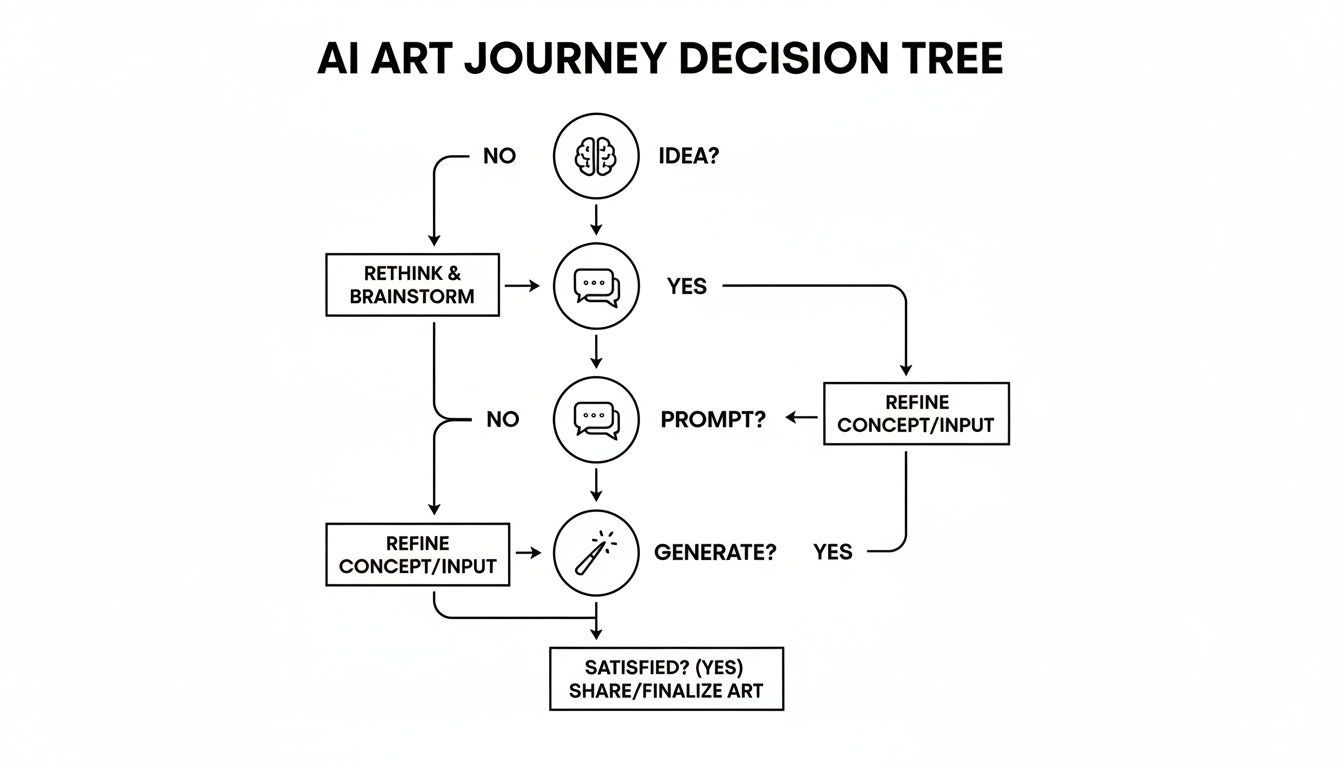
Notice how it all starts before you type a single word. A solid concept is your true starting line.
To help you get a feel for what's out there, here’s a quick rundown of a few popular platforms. Think of this as your cheat sheet for finding the right creative partner.
| Platform | Best For | Ease of Use | Key Feature |
|---|---|---|---|
| Midjourney | Highly artistic, stylized images | Moderate (Discord-based) | Strong artistic "opinion" and community focus |
| SendFame | Quick, high-quality results | Very Easy | Integrated tools for professional use cases |
| DALL-E 3 | Creative, whimsical, and text-based images | Easy (via ChatGPT) | Excellent at interpreting natural language prompts |
| Stable Diffusion | Ultimate control and customization | Difficult (Requires setup) | Open-source, highly customizable models |
Ultimately, the best way to choose is to jump in and play around. Most tools have free trials or credits, so don't be afraid to experiment and see which one's creative "voice" resonates with your own.
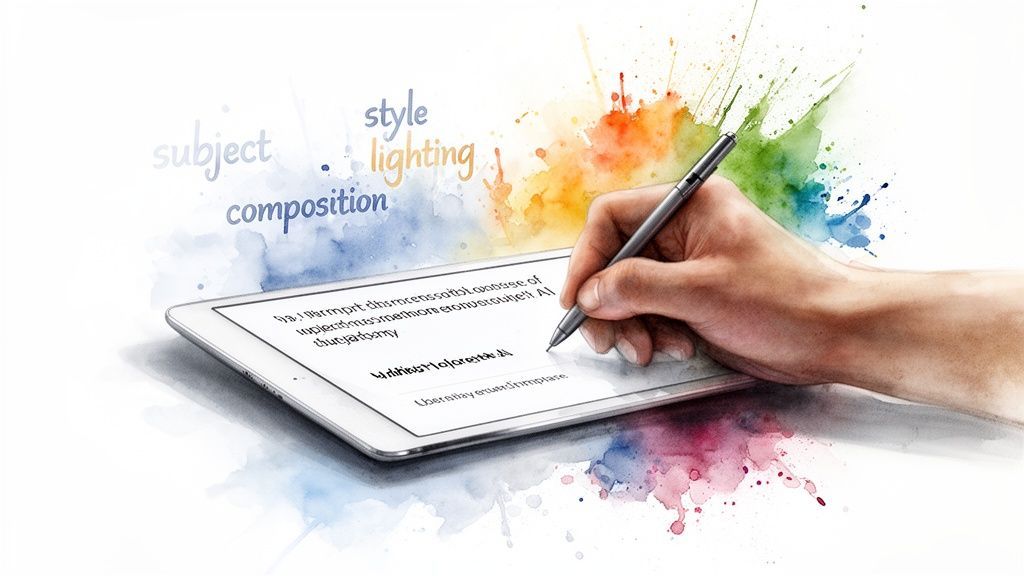
Here's the real secret to amazing AI art: the prompt. It’s what separates a forgettable, generic image from something that makes you say "whoa." Think of yourself as the director and the AI as your massively talented (but very literal) artist. You're not just giving an order; you're writing a detailed scene.
Don't just say, "knight in a forest." That's boring, and you'll get a boring picture back. Instead, paint a picture with your words. Try something like, "grizzled knight with a dented silver helmet, standing in a misty redwood forest at dawn, cinematic lighting." See the difference? Learning how the AI thinks is crucial, whether you’re making epic fantasy scenes or just messing around with a free AI landscape generator to plan out your garden.
Pro Tip: Don’t forget about negative prompts. They're your secret weapon for telling the AI what you don't want. Tacking on --no extra limbs, deformed hands can save you a lot of grief by cleaning up those weird, six-fingered hands and other common AI flubs. It’s a simple trick for getting more wonderful results and fewer wonky ones.
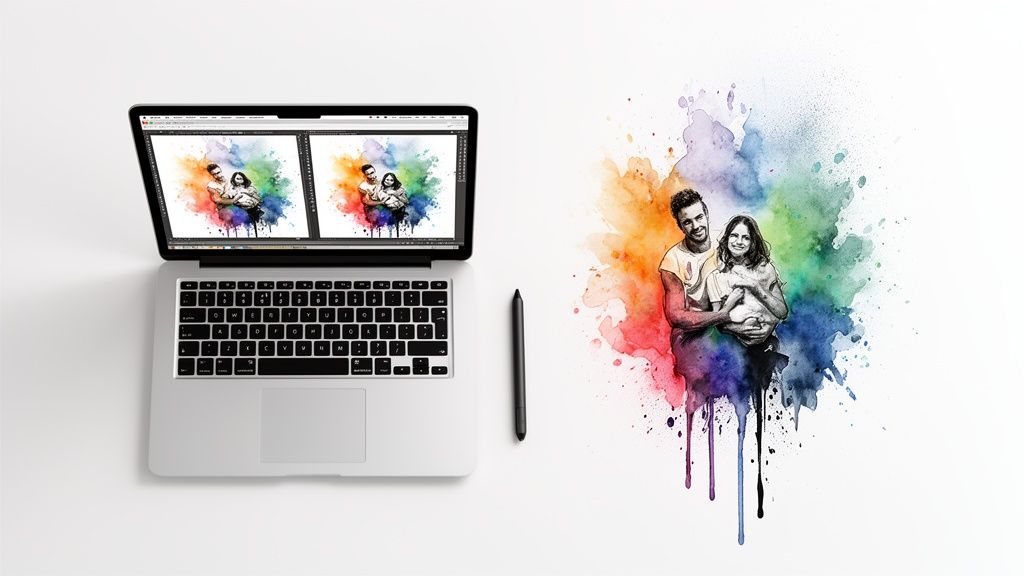
So you clicked 'generate' and got an image. Great! But let's be honest, that first result is almost never the finished product. It's just the opening move in a back-and-forth creative dance with the AI.
With a mind-boggling 34 million AI images being churned out every single day (you can read more wild stats like that over at CompaniesHistory.com), the real magic happens in the refinement process. This is how you take something cool and make it truly unforgettable.
This is where the real fun begins. You've got to learn to iterate. Think of it less like a single command and more like a conversation.
Inpainting is your best friend for fixing those weird little quirks. Got a character with six fingers or an object that just looks… off? Inpainting lets you select just that problem area and tell the AI to try again, leaving the rest of your beautiful image untouched. Outpainting, on the other hand, is for when you need to think bigger. It expands your canvas, letting the AI imagine what exists beyond the original frame. It's perfect for turning a portrait into a wider, more scenic shot.
Think of it as a creative loop. The AI gives you a draft, and you provide feedback through tweaks and further prompting.
Ready to dive deeper and really start polishing your work? Check out the specialized tools in SendFame’s AI image editor. And hey, if you plan on bringing your digital creation into the real world, don't forget that choosing the right photo printing paper can make all the difference.
Alright, let's get into the fun stuff. If you're ready to make your AI art truly pop, you need to start thinking less like a prompter and more like a director. These are the little tricks that take an image from "pretty good" to "whoa, how did you do that?"
One of the best tricks I've learned is to get specific with camera and lens terminology. Don't just ask for a portrait; ask for a portrait with an "85mm portrait lens" to get that beautiful, creamy background blur. Want to make your subject look powerful and imposing? Throw in "low-angle shot" and watch the perspective shift dramatically. This gives you an incredible amount of control over the final composition.
You can also start playing the role of a creative curator. Try blending different artistic styles in your prompt—think "Van Gogh meets cyberpunk." Even better, most advanced tools let you upload a reference image. This is a game-changer, giving the AI a concrete visual target to aim for instead of just interpreting your words.
Mastering these skills now is a seriously smart move. The AI art market is absolutely exploding and is projected to skyrocket to $141.7 billion by 2034. If you're curious about the numbers, you can read the full research about AI art market trends and see just how fast this space is moving.
Remember, the "generate" button isn't the finish line. A little post-production magic can make all the difference. Pop your image into a photo editor to tweak the colors, adjust the contrast, or sharpen the details. It's often that final 5% of effort that makes your work look truly professional.
And for a final, mind-blowing touch, tools like SendFame's Image-to-Video feature can bring your static creations to life, turning a single stunning image into captivating animated content.
Jumping into the world of AI art is a blast, but it's totally normal for a few questions to pop up along the way. In fact, the same ones tend to come up again and again.
So, I've gathered the most common head-scratchers right here. Let's clear things up so you can get back to creating something amazing.
Create Epic

SendFame

Create Epic with SendFame!
Questions: info@sendfame.com