Your Guide to Using an AI Song Writer for Instant Music
ai song writer
Welcome offer — 56% OFF


Discover the top text to video generator free tools for 2026. Create stunning videos from text prompts with our curated list of the best AI video makers.
Ever had a billion-dollar movie idea pop into your head, only to realize your filmmaking budget is closer to a billion pennies? Welcome to the club! But what if you could turn those epic text prompts, witty scripts, or even a boring blog post into a cinematic masterpiece without spending a dime? The magic wand you've been waiting for is a text to video generator free of charge, and it's ready to change your content game forever.
This isn't just about slideshows with cheesy transitions anymore. We're talking about powerful AI that can create realistic scenes, talking avatars, and slick social media clips from a few lines of text. The dream of effortlessly producing high-quality video content is now a reality for everyone, from marketers to meme lords. For creators aiming for high-quality visual storytelling, a powerful tool like the Sora 2 Cinematic AI Video Generator can be a complete game-changer, pushing the boundaries of what's possible with AI.
Forget the steep learning curves and expensive software subscriptions. This guide is your ultimate ticket to the best free and freemium AI video tools available right now. We've done the digging to bring you a curated list of the top 12 platforms, complete with screenshots, direct links, and a no-fluff breakdown of what makes each one tick. We’ll cover everything from pro-level editors like Runway to social media powerhouses like CapCut, helping you find the perfect match for your next project.
Let's roll the credits on creative roadblocks and get you directing.
Runway is less of a simple tool and more of a full-blown AI magic studio for video creators who mean business. It’s the platform you graduate to when you’re tired of the novelties and need professional-grade power. While many tools dabble in text-to-video, Runway is a pioneer, constantly pushing the envelope with its state-of-the-art models like Gen-3, Gen-4, and Gen-4.5. This isn't just about turning a sentence into a clip; it's about crafting cinematic visuals with a suite of integrated post-production tools right at your fingertips.
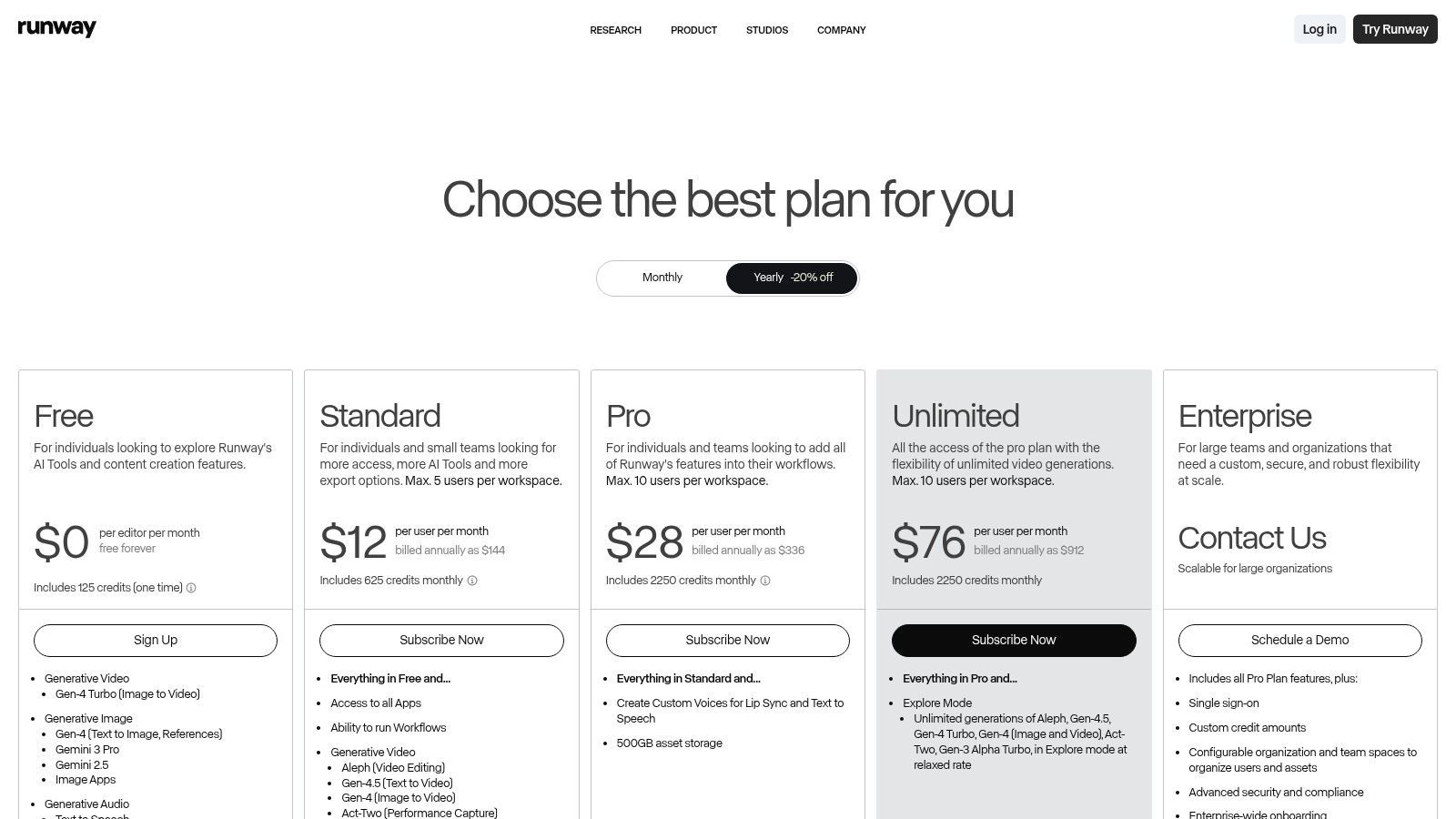
The platform operates on a credit-based system, which is both a pro and a con. The free tier gives you a one-time grant of 125 credits to experiment with. This is enough to get a taste of its power but not enough to produce a magnum opus. This makes Runway an excellent text to video generator free option for testing high-end features before committing.
What truly sets Runway apart is its ecosystem. It’s not just a generator; it's a workflow. You can generate a clip from text, then immediately jump into the editor to upscale it to 4K, tweak the audio, and apply other effects without ever leaving the platform. Its transparent, per-second credit costs and API access make it a favorite among serious creators and development teams who need reliable, high-quality output.
Best For: Creators who need a professional, all-in-one AI video editing and generation workflow. Key Feature: Access to multiple advanced models (Gen-3, Gen-4.5) and an integrated suite of post-production tools. Pro Tip: Use your initial 125 free credits to test the highest-quality model settings on short prompts. This will give you the best sense of Runway’s full potential before you decide to upgrade.
Website: https://runwayml.com/
Luma AI, powered by its Dream Machine and Ray series models, is the artist's choice for generating breathtakingly realistic and cinematic short clips. If you prioritize fluid motion and lifelike quality over long-form content, Luma is where you’ll find your magic. It excels at turning simple text or image prompts into short, high-fidelity videos that often feel more like they were shot on a camera than generated by an algorithm.
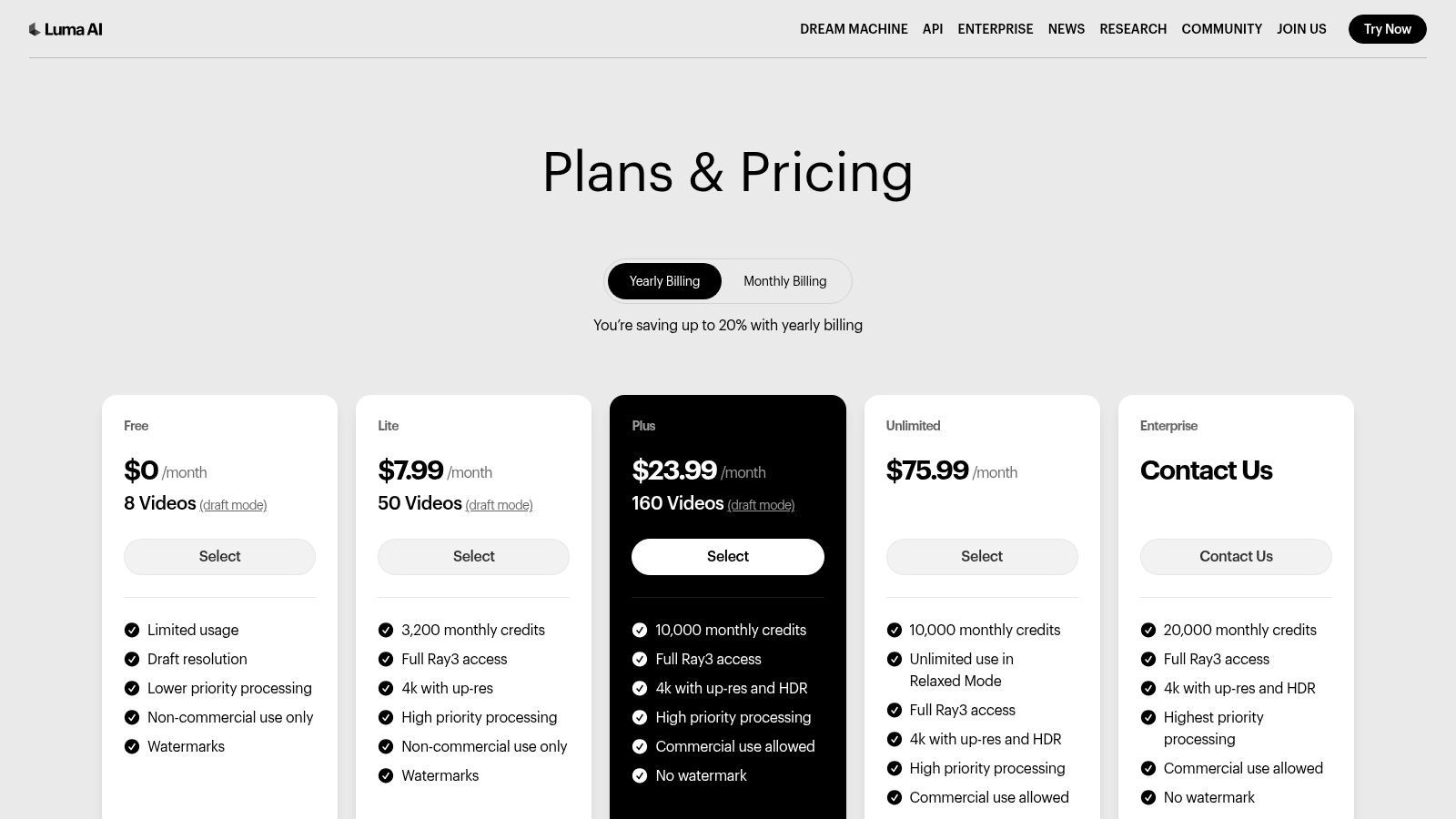
The platform’s free plan is a fantastic starting point for experimentation, offering a generous allotment of credits per month. However, these free creations come with a watermark and are for non-commercial use only, making it a true text to video generator free option for personal projects and creative exploration. Upgrading unlocks commercial rights, higher quality renders, and 4K upscaling, but the free tier is more than enough to see if Luma's signature style is right for you.
Luma's key differentiator is its incredible realism and motion coherence, even in complex scenes. The Dream Machine model is particularly adept at understanding physical interactions and producing smooth, believable camera movements. The platform's transparent credit system, with clear costs published for different models and resolutions, removes guesswork. It’s a straightforward tool designed to deliver stunning visuals quickly, available both on the web and a slick iOS app.
Best For: Creators and marketers who need photorealistic, short cinematic clips for social media or high-impact visual storytelling. Key Feature: Exceptional motion quality and realism that sets a high standard for AI-generated video. Pro Tip: Use the free plan to test a single prompt across both text-to-video and image-to-video. This helps you understand how the model interprets inputs and which method gives you more creative control for your specific vision.
Website: https://lumalabs.ai/pricing?utm_source=openai
Kapwing is the Swiss Army knife for the everyday content creator, bundling a robust video editor with a suite of surprisingly powerful AI tools. It’s less of an intimidating, specialized generator and more of a collaborative, browser-based workspace where creating video is as easy as editing a document. Where other platforms focus solely on generation, Kapwing integrates it into a familiar editing timeline, adding AI scriptwriting, text-to-speech, and auto-subtitling into one seamless workflow.
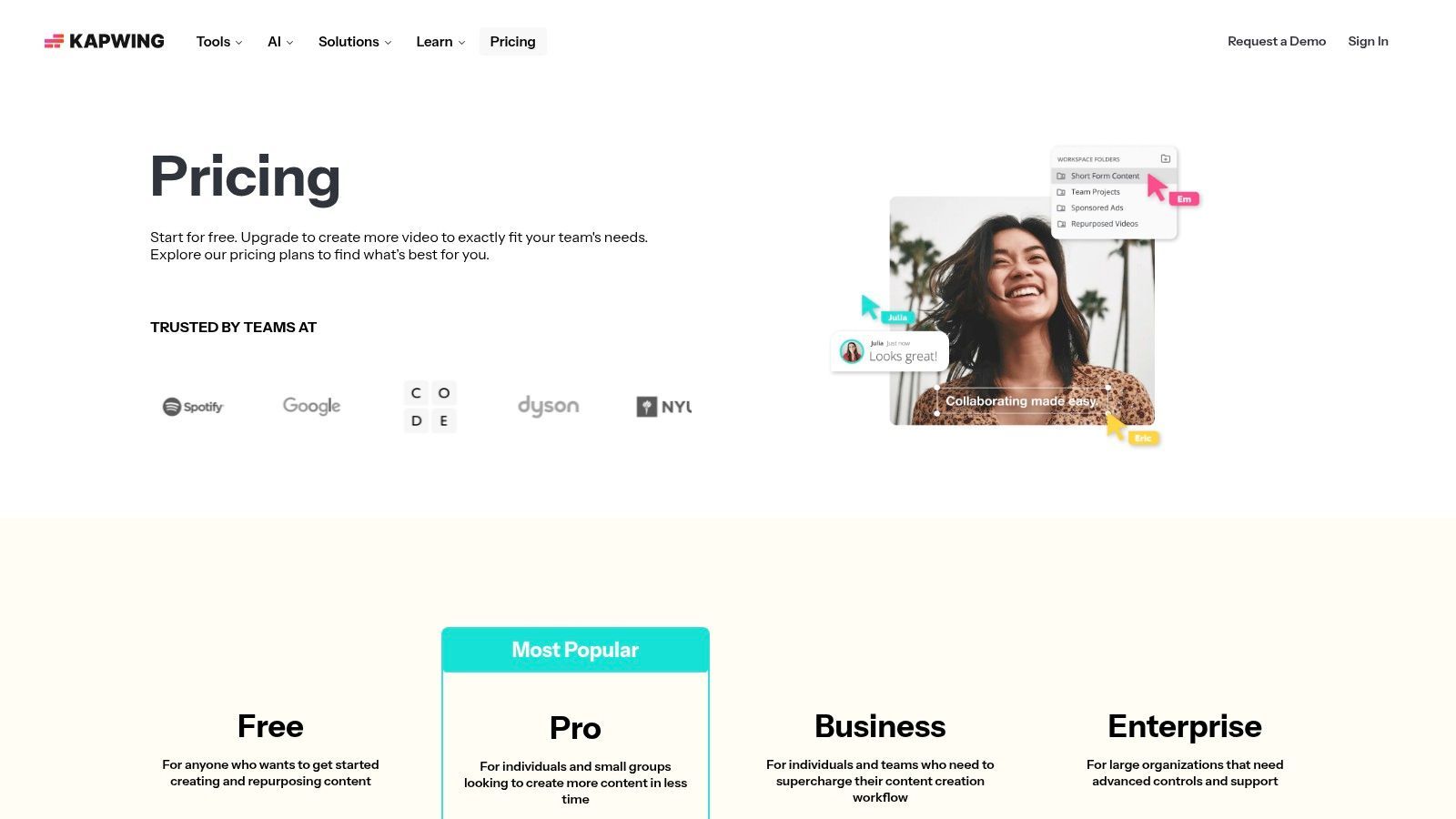
The platform’s free tier is generous, offering monthly credits that can be used across its various AI features. While you'll have a watermark on your exports, you get unlimited projects, making it an excellent text to video generator free choice for drafting ideas, creating social media content, and collaborating with a team without an upfront investment. Its credit system is clearly documented, so you know exactly what each AI task will cost.
Kapwing's strength lies in its all-in-one, team-friendly approach. It’s a tool built for the reality of modern content creation where you might need to generate a clip, add a voiceover, slap on some subtitles, and get feedback from a teammate all in one session. The unified editor removes the friction of jumping between different apps. If you find its workflow fits your needs but want to explore similar tools, you can discover a few great Kapwing alternatives that offer different feature sets.
Best For: Social media managers, marketing teams, and creators who need a collaborative, all-in-one editor with integrated AI generation. Key Feature: A unified workspace combining AI video generation, scriptwriting, text-to-speech, auto-subtitles, and a full video editor. Pro Tip: Use the AI script generator first to outline your video. Then, use those script lines as prompts for the text-to-video generator to create a cohesive narrative, all within the same project.
Website: https://www.kapwing.com/pricing?utm_source=openai
CapCut is the social media creator's secret weapon, evolving from a simple mobile editor into a comprehensive AI video powerhouse. Owned by ByteDance (the parent company of TikTok), it's designed for speed, trends, and getting content out fast. Its text-to-video tool is incredibly accessible and integrated directly into an environment filled with templates, viral sounds, and effects, making it perfect for generating clips that are instantly ready for the timeline.
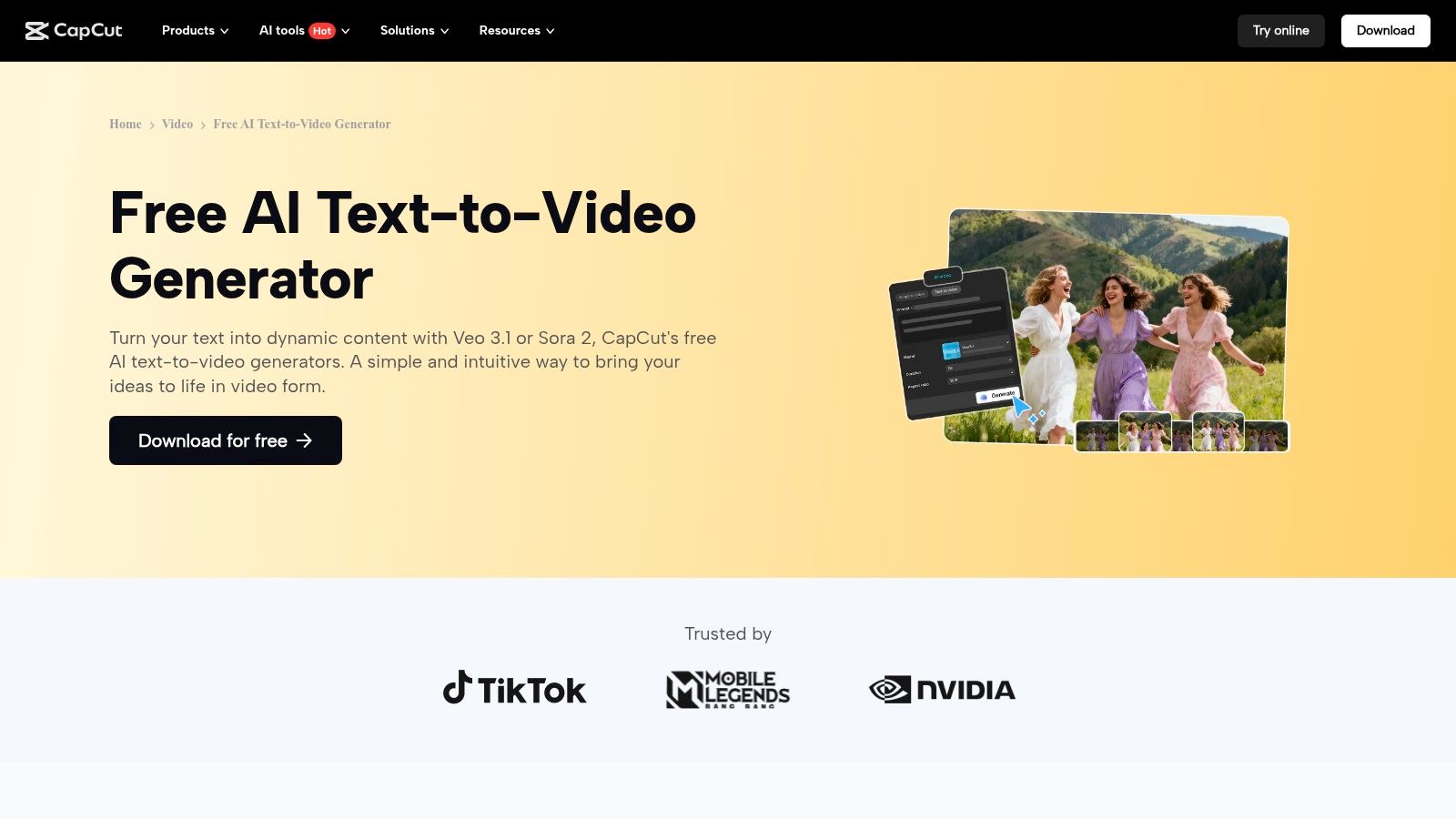
The platform is famously generous with its free features. You can dive in and start creating without pulling out a credit card, making it a legitimate text to video generator free option for anyone. It even provides access to different AI models in some regions, letting you select the engine that best fits your prompt. This blend of accessibility and advanced options makes it a standout choice for rapid content creation.
CapCut's strength lies in its seamless, all-in-one ecosystem for social-first video. You can generate a clip from a text prompt, use the AI script writer to craft a voiceover, and then drop everything into the full-featured editor on your phone, desktop, or web browser. This streamlined workflow is unmatched for creators who need to produce high volumes of engaging content without the steep learning curve of professional software. If you're curious about how to make videos with AI in a fast-paced environment, CapCut is your answer.
Best For: Social media managers and content creators who need to produce trendy, shareable videos quickly. Key Feature: A fully integrated suite of AI tools including a script writer, avatars, and a robust video editor across all major platforms. Pro Tip: Explore the "AI model" selection when generating a clip. Different models interpret prompts differently, so experimenting can give you a more unique visual style for your video.
Website: https://www.capcut.com/tools/free-ai-text-to-video-generator?utm_source=openai
Canva is the Swiss Army knife of digital design, and its leap into AI video generation is a game-changer for its massive user base. Magic Media, part of Canva's Magic Studio suite, integrates text-to-video directly into the design workflow you already know and love. This isn't a standalone tool you have to learn; it's a powerful feature added to a familiar environment, making it incredibly accessible for creating social media content, storyboards, and quick marketing clips without ever leaving your project.
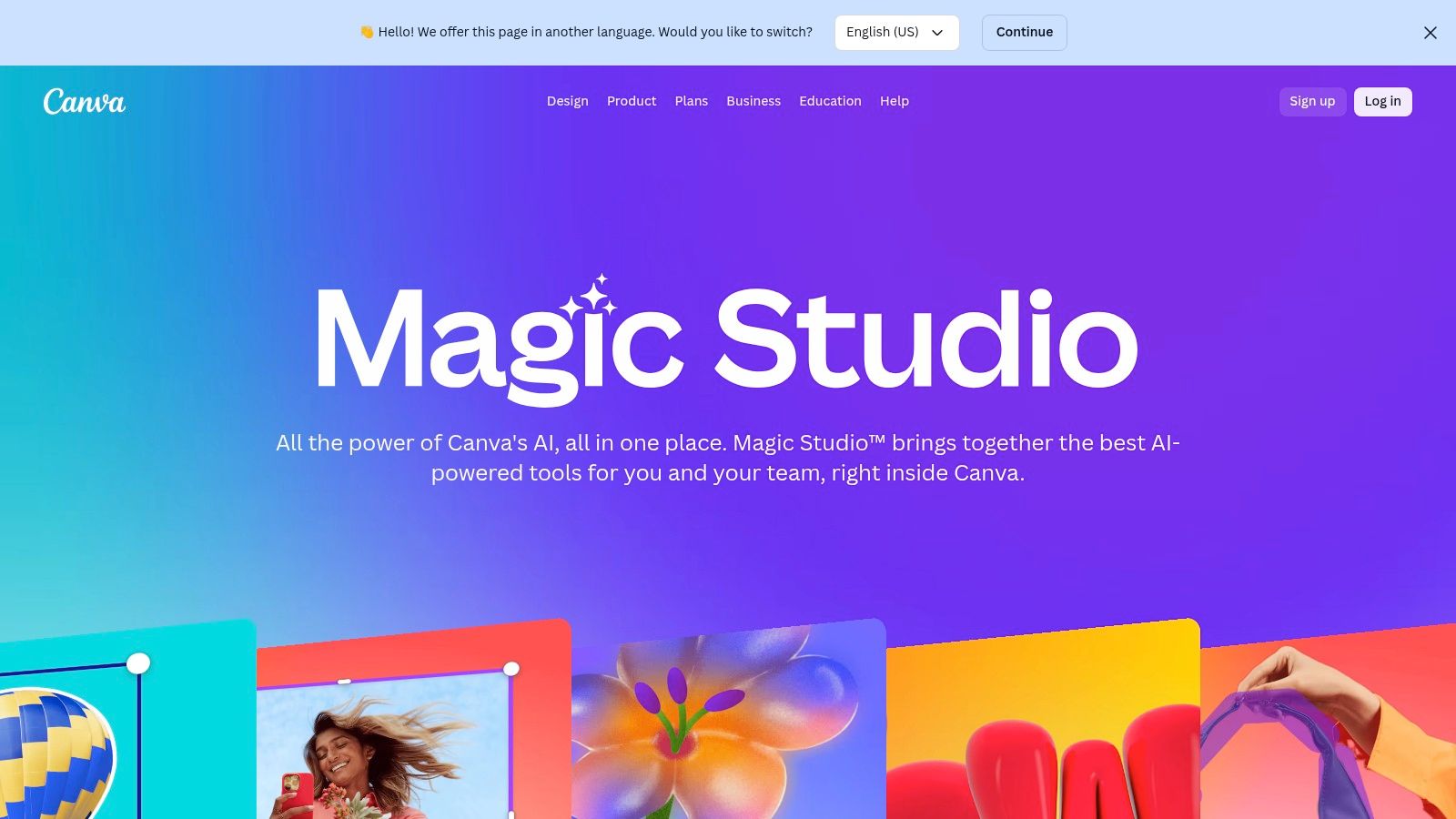
The platform operates on a lifetime credit system for free users, giving you a set number of credits to use across its Magic Media tools (both image and video). While you'll need a Pro or Teams plan for heavy use, the initial credits make it an ideal text to video generator free choice for existing Canva users who want to dabble in AI without committing to a new platform. The tool is perfect for when you need to quickly visualize a concept and drop it straight into a design.
Canva’s strength is its seamless integration. You can generate a video clip, apply your Brand Kit colors and fonts, add text overlays, and publish it directly to your social media channels from one place. This unified ecosystem eliminates the friction of downloading and re-uploading assets. While it uses powerful partner models like Runway behind the scenes, it simplifies the process for the everyday creator, making AI video as easy as creating an Instagram story. You can even combine it with other tools, like an AI image to video generator, for more dynamic content.
Best For: Social media managers, marketers, and teams already using Canva for their design workflow. Key Feature: Deep integration with Canva’s full design suite, including Brand Kits, templates, and direct publishing tools. Pro Tip: Use the text-to-video feature to create dynamic backgrounds for text-based video posts or to quickly mock up storyboard scenes before committing to a full video production.
Website: https://www.canva.com/en_in/magic/?utm_source=openai
VEED.IO is much more than a simple generator; it’s a comprehensive online video editing suite that has powerfully integrated AI into its core workflow. It's the go-to platform for businesses and creators who need to produce polished, professional content without juggling multiple applications. While many tools focus solely on generation, VEED.IO treats AI video as just one component of a larger, more practical editing environment, complete with AI avatars, automated subtitles, and brand kits.
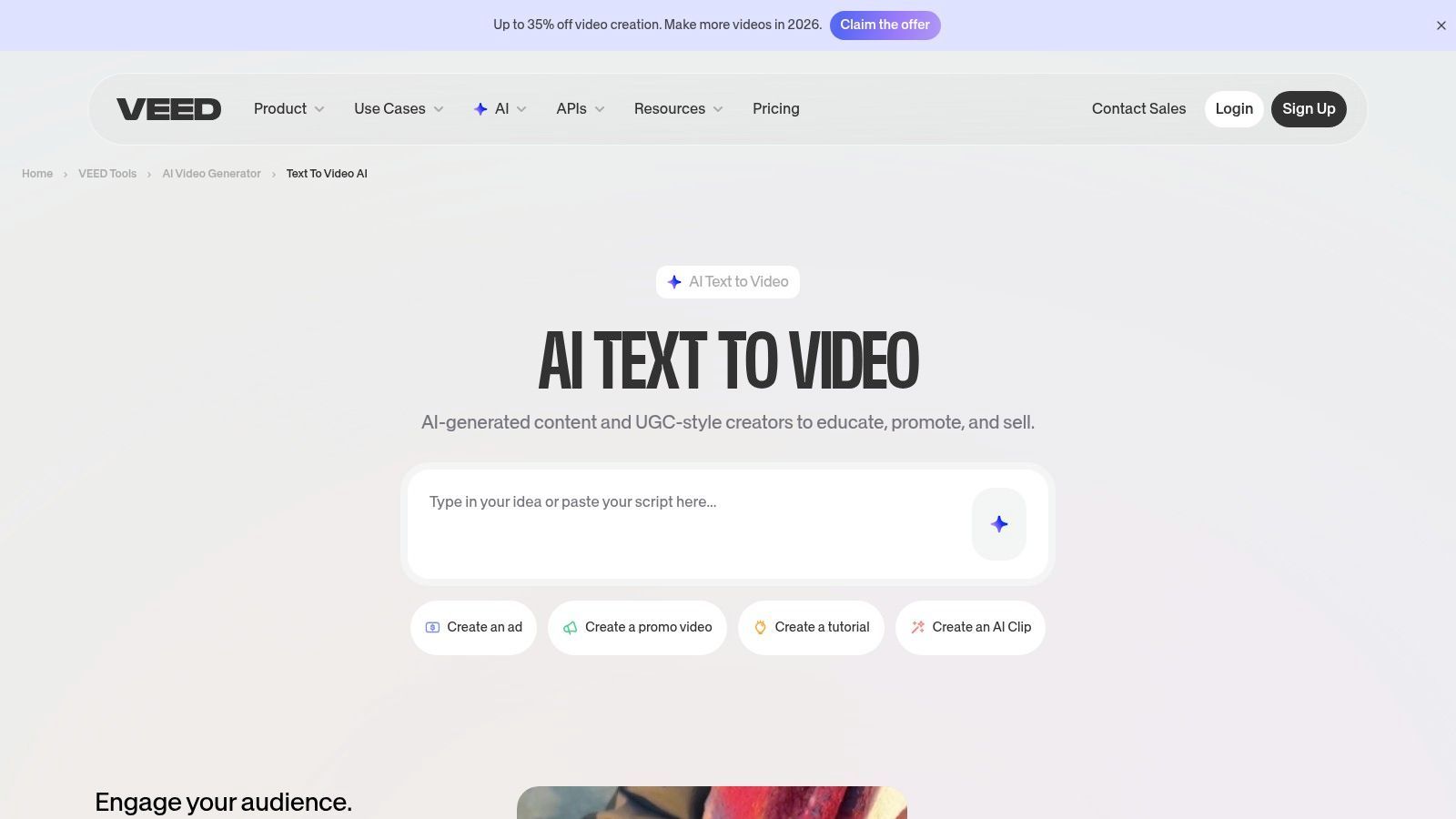
The platform is built around a robust freemium model. While its powerful editor is accessible for free, the AI text-to-video feature is reserved for paid plans, which operate on a credit system. This positions VEED.IO as a destination for users who have tested the waters with other tools and are ready to invest in a more integrated, business-ready solution, rather than a truly text to video generator free option for initial experiments.
VEED.IO's "AI Playground" is its unique selling proposition. Instead of locking you into a single proprietary model, it allows you to choose from various third-party models. This gives you unparalleled control over the balance between generation cost and visual quality for each specific task. You can generate a clip, then immediately add branded subtitles, a voiceover, and an AI avatar, all within the same streamlined interface. The system even provides a credit preview before you commit to a generation, ensuring no surprises.
Best For: Businesses and content creators needing a single platform for both AI video generation and comprehensive, brand-aligned editing. Key Feature: The ability to choose from multiple AI models to balance cost and quality, all integrated within a full-featured video editor. Pro Tip: Use the free editor to build your entire video template with branding, text, and placeholders. When you're ready to upgrade, you can simply drop in your AI-generated clips for a seamless, efficient workflow.
Website: https://www.veed.io/tools/ai-video/text-to-video?utm_source=openai
InVideo is the busy marketer's best friend, designed to churn out polished, presentable videos from a simple prompt. It’s less about generating surreal cinematic art and more about creating practical, content-driven videos with astonishing speed. Its workflow is built around a logical script-to-scenes-to-voiceover process, automatically pulling from a massive stock media library to assemble a video that’s ready for a quick final edit.
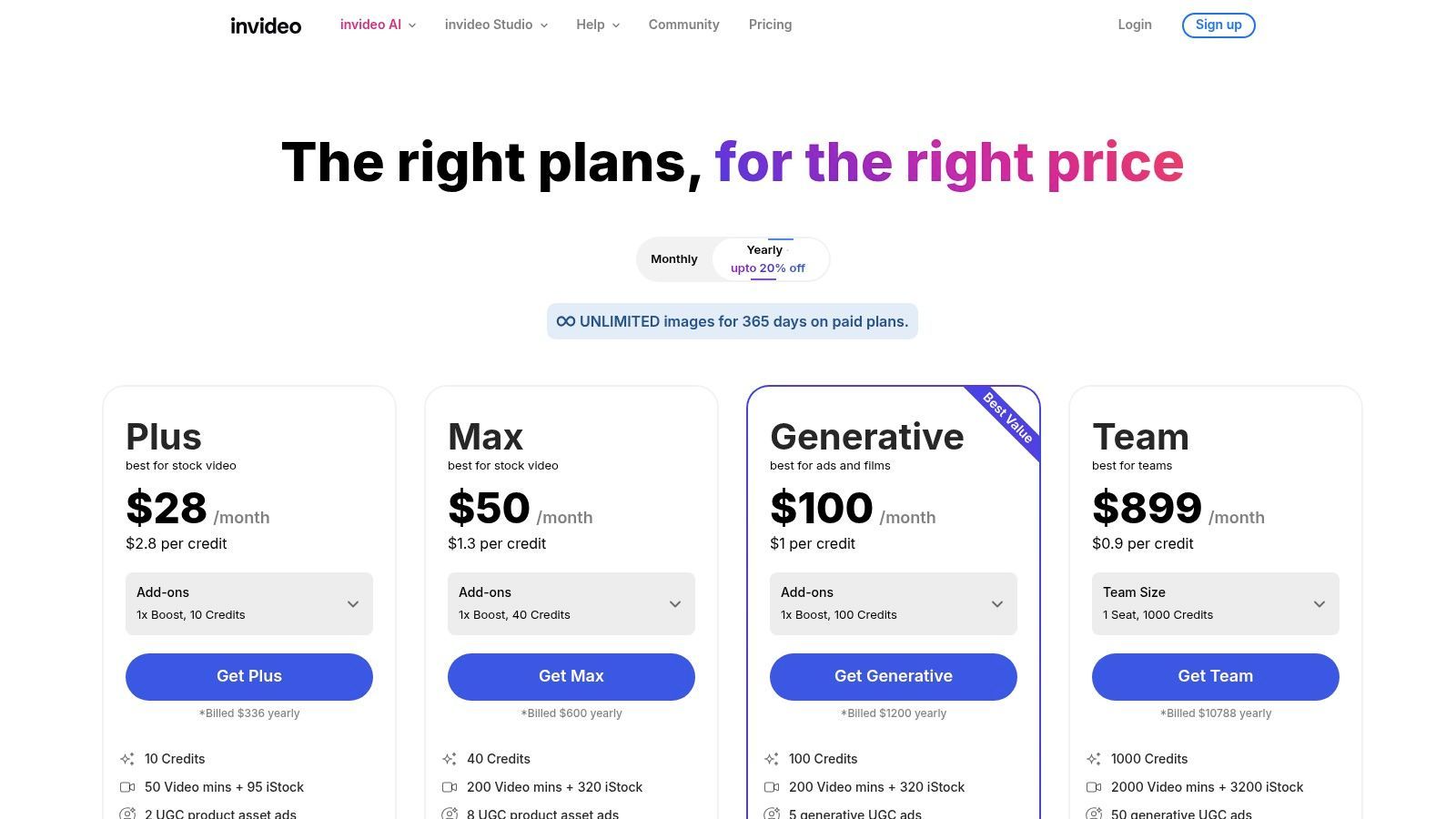
The platform’s free plan is particularly generous, offering a weekly allowance of AI generation minutes and stock media exports without requiring a credit card. While free videos come with a watermark, the weekly reset makes this a fantastic text to video generator free option for consistently testing ideas or creating quick internal drafts. This approach encourages regular use and experimentation.
InVideo’s magic lies in its structured, template-driven approach. It excels at turning blog posts, scripts, or simple ideas into coherent videos for social media, presentations, or marketing campaigns. The inclusion of AI avatars and a clean voiceover generator within the same workflow removes the need for multiple tools, streamlining the entire production process from concept to completion. Its clear, tiered plans make it easy to understand exactly what you get when you decide to upgrade.
Best For: Marketers and content creators who need to quickly produce structured, stock-media-based videos for social or corporate use. Key Feature: An intelligent script-to-scenes workflow that pairs your text with relevant stock footage, AI voiceovers, and customizable templates. Pro Tip: Use the "Edit Script" feature before generating your video. Refining your text here will give the AI better instructions for scene selection and pacing, saving you significant editing time later on.
Website: https://invideo.io/pricing
Lumen5 is less about conjuring fantastical scenes from a single prompt and more about transforming existing content into engaging social videos. It’s the go-to tool for marketers and bloggers who want to repurpose articles, scripts, or even Zoom recordings into bite-sized, shareable videos. Instead of a blank canvas, Lumen5 gives you a smart, template-driven workflow that turns text into a storyboard, intelligently matching your words with relevant stock footage and music.
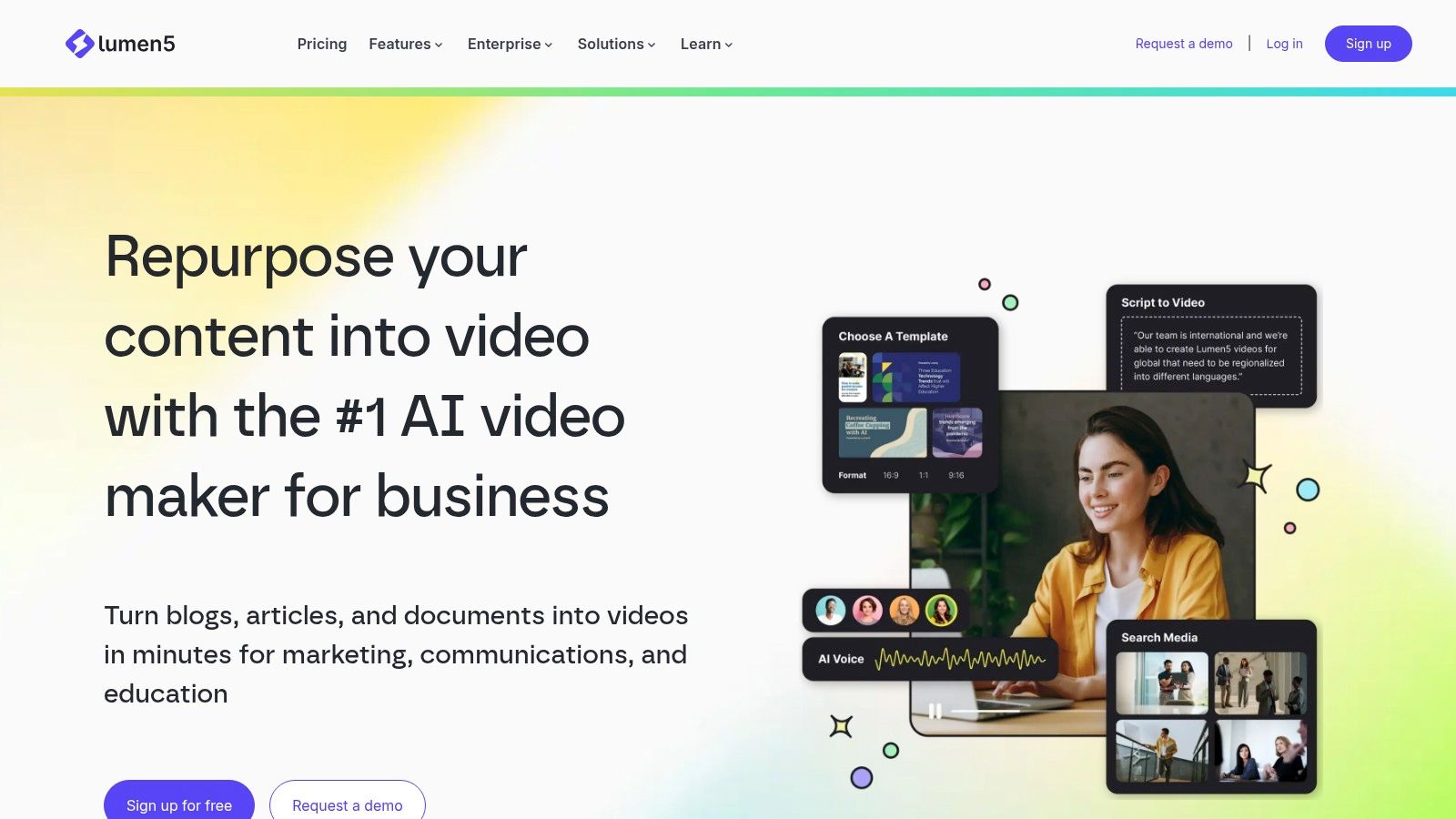
The platform offers a generous "Community" plan that is free forever, making it a fantastic text to video generator free option for those just starting out. This plan allows you to create unlimited videos, though they will include a Lumen5 watermark and be limited to 720p resolution. It's a perfect, no-risk way to see if its content-first approach works for your brand before exploring paid plans that unlock premium stock media, custom branding, and higher resolutions.
Lumen5 shines in its simplicity and purpose. While other tools focus on cinematic generation, Lumen5 excels at practical, content-driven video creation. The AI-powered workflow that automatically summarizes a blog post and creates corresponding scenes is a massive time-saver for content teams. It’s built for speed and efficiency, helping you maintain a consistent video presence on social media without a steep learning curve or a video editing background.
Best For: Marketers and content creators looking to quickly repurpose blog posts and scripts into social media videos. Key Feature: An AI-powered workflow that automatically converts long-form text into a video storyboard with suggested stock media. Pro Tip: On the free plan, start with a well-structured article or script. The AI is better at pulling key sentences and finding relevant media when your source text is clear and concise.
Website: https://lumen5.com
Microsoft Clipchamp isn't a pure AI video generator but a powerful, user-friendly video editor that has brilliantly integrated AI-assisted features. Think of it less as a "magic wand" that creates videos from scratch and more as a "Swiss Army knife" for everyday content creation. It excels at taking your existing media and polishing it into a professional-looking final product, making it perfect for quick social media edits, tutorials, or presentations.

Its biggest draw is the incredibly generous free plan. You get watermark-free exports up to 1080p, which is a rare find in this space. While it doesn't have a direct "prompt-to-video" engine like others on this list, its AI-powered text-to-speech feature is a game-changer for creating voiceovers without a microphone. This makes it an excellent text to video generator free tool for creators who need to add narration to screen recordings or slideshows.
Clipchamp's strength lies in its accessibility and seamless integration with the Microsoft ecosystem. If you're a Microsoft 365 subscriber, you unlock premium features like 4K exports and a brand kit. The editor’s AI functions, like auto-captions and silence removal, are designed to automate the most tedious parts of video editing, saving you significant time. It's a practical, editor-first platform supercharged with useful AI helpers.
Best For: Users needing a robust, free video editor with helpful AI tools for tasks like subtitles and voiceovers. Key Feature: A powerful text-to-speech engine and automatic captioning, plus watermark-free 1080p exports on the free plan. Pro Tip: Use the text-to-speech feature to quickly create a narration script. Then, use the auto-captioning tool to generate subtitles directly from that narration for perfectly synced text.
Website: https://clipchamp.com/en/pricing/?utm_source=openai
D-ID's Creative Reality Studio carves out a unique niche by focusing on bringing still photos to life. Instead of generating cinematic scenes, this platform excels at creating talking head videos from a single image and a script. It’s the go-to tool for anyone needing to create presenter-style content, corporate training videos, or tutorials without the hassle of cameras or actors. Just upload a photo, type your text, choose a voice, and watch your static image start talking.
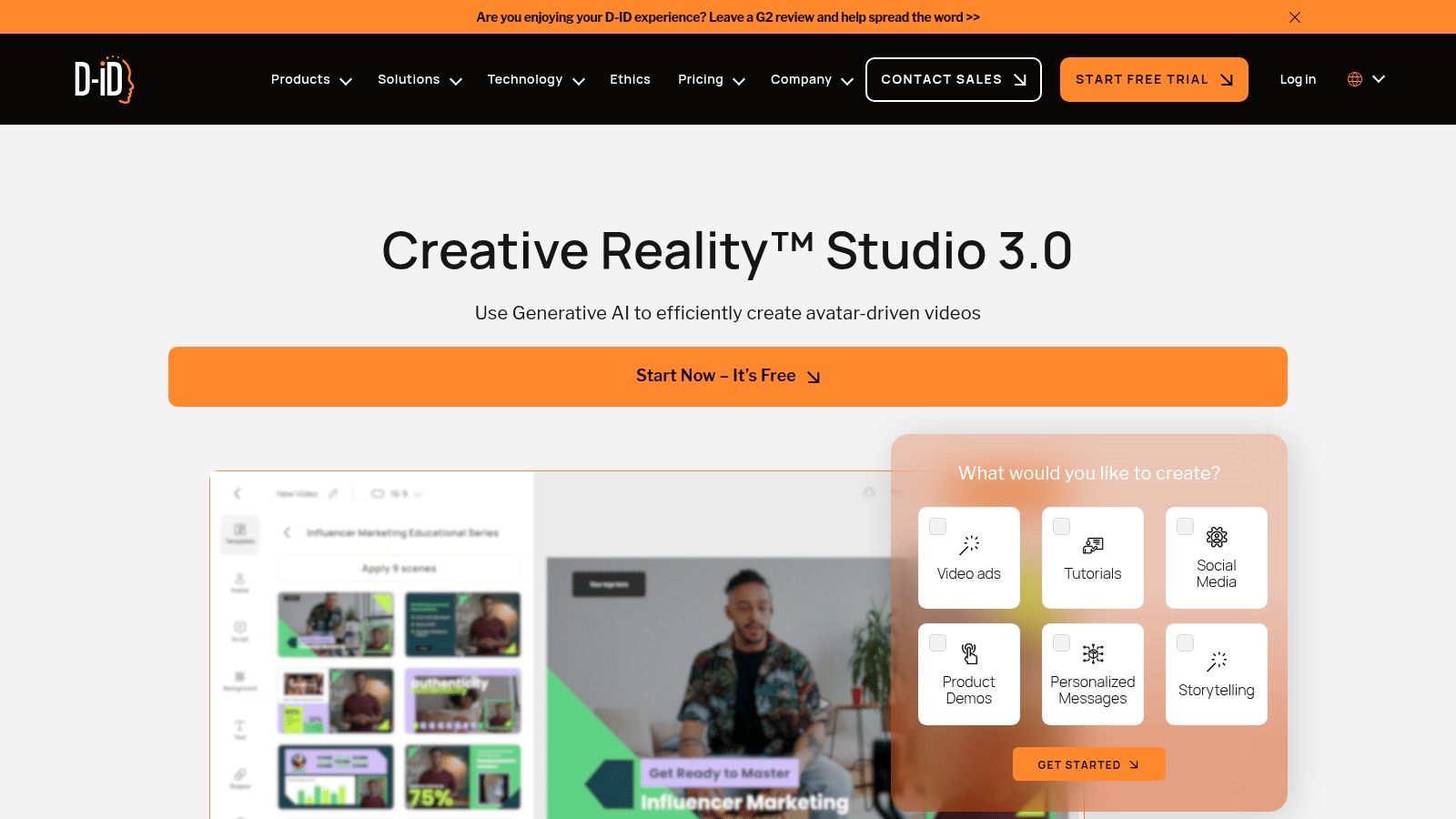
The platform offers a 14-day free trial that provides a few credits, allowing you to generate about five minutes of watermarked video. This makes it a great text to video generator free option for quickly creating proof-of-concept videos or short social media clips. The credit system is straightforward, with clear costs per minute of generation, so you always know what you're spending.
D-ID’s strength is its simplicity and specialization. It does one thing, creating talking avatars, and it does it exceptionally well with a massive library of languages and voices for seamless localization. While it won't create sprawling landscapes, its ability to quickly animate a presenter from a photo is unparalleled. This targeted functionality, combined with both a user-friendly studio and a robust API for developers, makes it a powerful asset for corporate communications and educational content. If this is your use case, you can explore a full list of the best AI talking head generators to compare options.
Best For: Businesses and educators creating tutorials, onboarding materials, or scalable multilingual presentations. Key Feature: Photo-to-video technology that animates still images into talking presenters with text-to-speech. Pro Tip: For the most realistic results, use a high-resolution, forward-facing portrait with neutral lighting as your source image.
Website: https://www.d-id.com/creative-reality-studio/?utm_source=openai
HeyGen takes a different approach to video generation, focusing less on cinematic B-roll and more on presenter-led content. It’s the go-to platform for creating videos with AI avatars that speak your script, making it perfect for explainers, corporate training, or personalized marketing messages without ever stepping in front of a camera. The platform combines text-to-speech with a library of stock avatars and multilingual voice options to build videos in minutes.
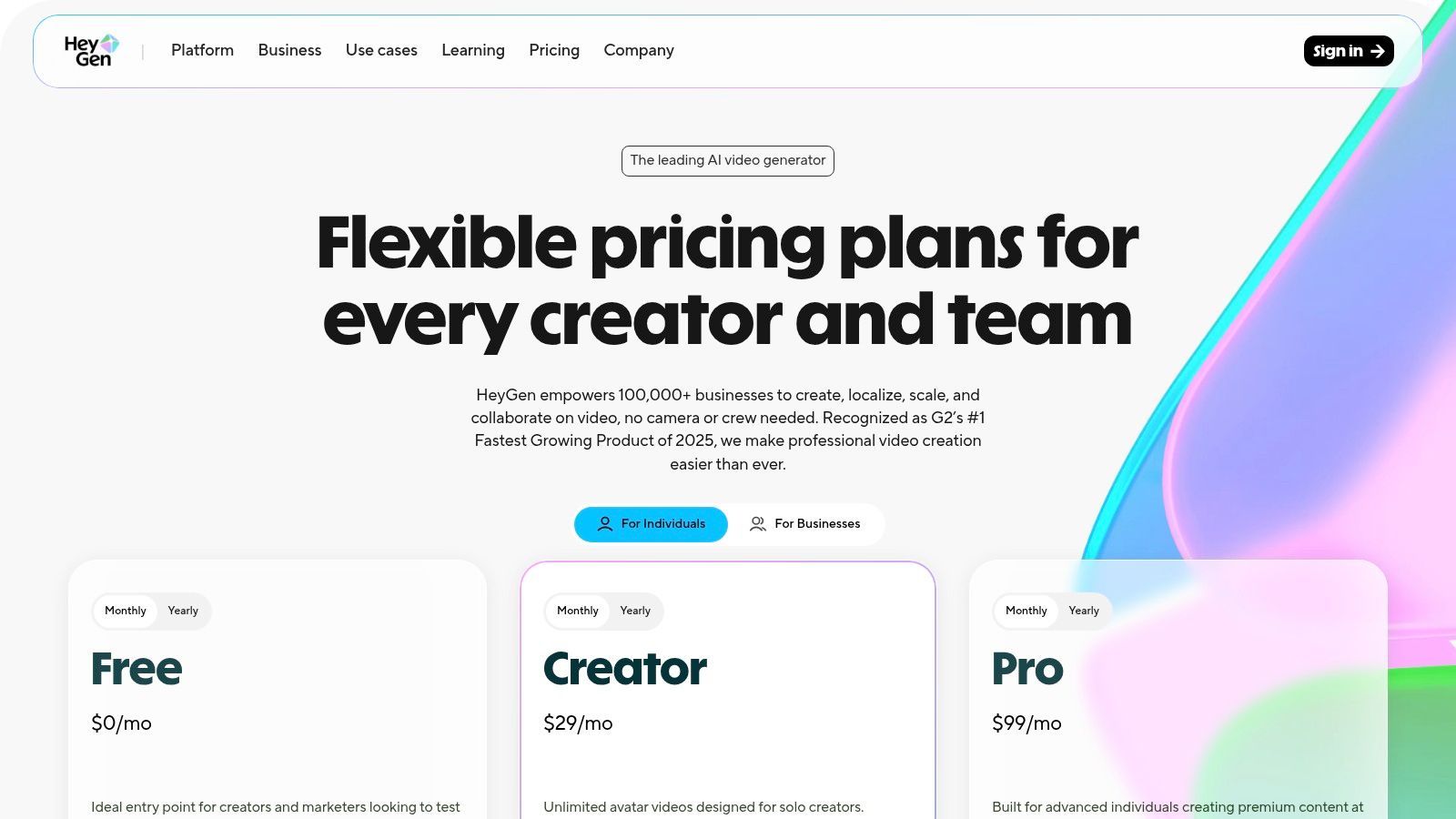
The platform’s generosity makes it a standout text to video generator free option. The free plan provides 1 free credit per month, which is enough to create a 1-minute video. This isn't just a one-time trial; it’s a recurring allowance that lets you consistently produce short-form content. This makes it ideal for users who need to create UGC-style videos or product demos on a regular basis without a budget.
HeyGen's specialty is its robust avatar and voice ecosystem. With over 500 stock avatars and support for creating your own custom ones, the personalization possibilities are vast. Its powerful multilingual dubbing and translation features allow you to take a single script and localize it for global audiences effortlessly. This focus on avatar-driven, script-based video makes it a unique and powerful tool for communication and marketing.
Best For: Marketers and educators creating presenter-style videos, explainers, and localized content. Key Feature: A rich library of AI avatars, multi-language voice cloning, and a recurring free credit allowance. Pro Tip: Use your free monthly credit to create short, impactful social media updates or product feature announcements. Script your video to be just under 60 seconds to maximize the free plan.
Website: https://www.heygen.com/pricing?utm_source=openai
Synthesia is the corporate boardroom of AI video generators, built for enterprise-level training, onboarding, and communications. Instead of generating abstract scenes, it focuses on creating polished, avatar-led presentations from simple text. This isn't for crafting viral shorts; it's for creating professional, scalable video content for internal communications and learning modules with stunning efficiency.
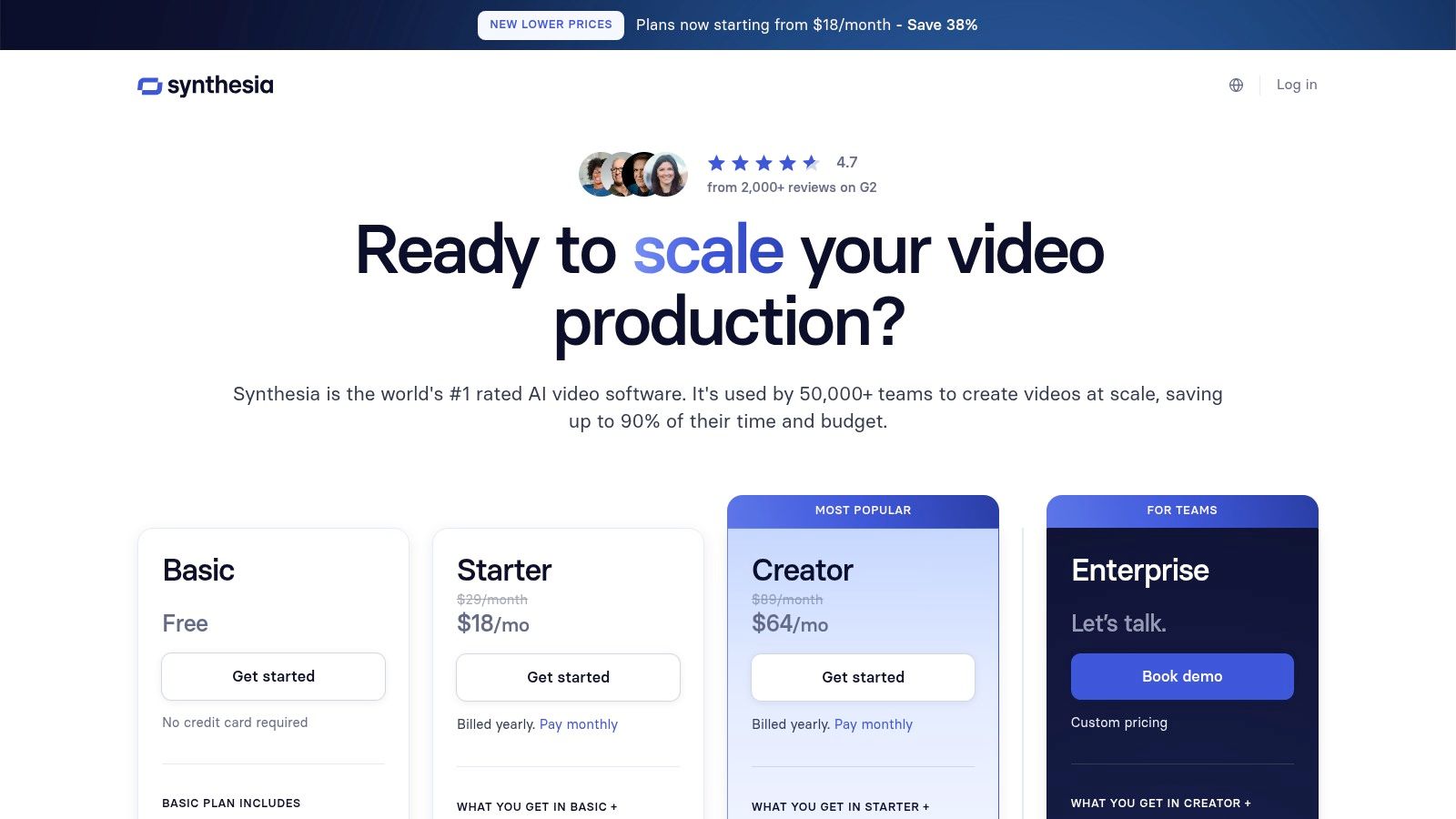
The platform operates on a per-minute credit system, and while it offers a free demo, its true power is unlocked in the paid tiers. The free version is designed to give you a clear-cut sample of what's possible, allowing you to create a basic video to test its capabilities. This makes Synthesia a useful text to video generator free option for businesses to evaluate its potential impact on their training and communication workflows before committing to a subscription.
Synthesia’s maturity in the enterprise space is its key differentiator. With features like SSO, SCORM exports for learning management systems, and robust governance controls, it’s built for corporate environments. The ability to create custom avatars and access over 140 languages makes it a powerful tool for global teams, ensuring consistent and professional messaging across the entire organization without the need for cameras, microphones, or actors.
Best For: Corporate teams, educators, and HR departments needing to create scalable training and communication videos. Key Feature: Enterprise-grade features including custom avatars, 140+ languages, and integrations like SCORM. Pro Tip: Use the free demo to create a short, multilingual welcome video. This will effectively showcase its avatar quality and extensive language support, providing a clear business case for a paid plan.
Website: https://www.synthesia.io/pricing-options?utm_source=openai
| Platform | Primary use / Audience (👥) | Notable features (✨) | Quality & Strengths (★ / 🏆) | Pricing / Value (💰) |
|---|---|---|---|---|
| Runway | 👥 Creators & teams | ✨ Gen‑3/4/4.5 models, pro editor, API | ★★★★☆ · 🏆 Pro workflows | 💰 Credit-based; limited free credits, high-cost on top models |
| Luma AI | 👥 Cinematic/realism seekers | ✨ Ray models, 4K up‑res & HDR, relaxed mode | ★★★★☆ · 🏆 Realistic motion | 💰 Drafts free; credits for high‑quality/commercial use |
| Kapwing | 👥 Social creators & teams | ✨ Scriptwriting, TTS, auto-subtitles, collab editor | ★★★★☆ · Smooth UX | 💰 Generous free tier; pay for watermark-free/4K/credits |
| CapCut | 👥 Consumers & short-form creators | ✨ Free templates, avatars, selectable AI models | ★★★★☆ · 🏆 Very accessible | 💰 Mostly free; some region/premium add-ons |
| Canva | 👥 Teams, marketers & designers | ✨ Magic Media text-to-video, brand kits, publish tools | ★★★☆☆ · Integrated workflow | 💰 Free limits; Pro/Teams for heavy use |
| VEED.IO | 👥 Businesses & editors | ✨ Multi-model generation, AI Playground, brand kit | ★★★★☆ · Model choice + editor | 💰 AI tools on paid plans; clear credit previews |
| InVideo | 👥 Marketers & quick drafts | ✨ Script→scenes→voiceover, stock library, avatars | ★★★☆☆ · Marketing-focused | 💰 Free with watermark; weekly allowances; upgrades needed |
| Lumen5 | 👥 Bloggers & explainers | ✨ Article→video automation, AI voiceover | ★★★☆☆ · Very easy start | 💰 Free Forever limited; paid for higher res & assets |
| Microsoft Clipchamp | 👥 Microsoft users & quick editors | ✨ 1080p free export, TTS, silence removal, OneDrive | ★★★★☆ · Familiar UI | 💰 Strong free; 4K via Microsoft 365 |
| D‑ID | 👥 Training & corporate comms | ✨ Photo→presenter avatars, multi‑lang voices | ★★★★☆ · 🏆 Fast avatar videos | 💰 Trial/minute credits; watermarks on trials |
| HeyGen | 👥 UGC creators & localization | ✨ 500+ avatars, multilingual dubbing, API | ★★★☆☆ · Avatar-rich | 💰 Free monthly videos; paid for watermark-free/high‑res |
| Synthesia | 👥 Enterprises (L&D, comms) | ✨ 140+ languages, enterprise controls, SCORM | ★★★★☆ · 🏆 Enterprise-ready | 💰 Limited trial; subscriptions for full production |
And… scene! We’ve navigated the bustling, ever-expanding universe of AI video creation, exploring everything from the cinematic ambitions of Runway and Luma AI to the social media savvy of CapCut and VEED.IO. After this whirlwind tour, one thing is crystal clear: the perfect text to video generator free tool isn't a one-size-fits-all solution. It's more like a casting call where you, the director, get to choose your ideal creative partner.
The "best" tool is entirely dependent on the story you want to tell. Your choice is the most critical decision you'll make in pre-production. Think of it as choosing between a gritty documentary lens and a glossy Hollywood blockbuster camera; each serves a different, powerful purpose.
To avoid getting lost in a sea of features, let's break down the selection process based on your project's DNA. This isn't about finding the tool with the longest feature list; it's about finding the one that speaks your creative language.
For the Aspiring Auteur & Digital Artist: If you're chasing jaw-dropping, cinematic visuals and want to push the boundaries of what AI can do, your top contenders are Runway and Luma AI's Dream Machine. These platforms are the vanguard of generative video, offering unparalleled control and quality for short films, music videos, or mind-bending visual art. Be prepared for a learning curve and potential waitlists, but the payoff is pure cinematic gold. For the Social Media Guru & Marketer: Your world moves fast, and you need content that is quick, engaging, and on-trend. Tools like Canva, CapCut, and InVideo are your best friends. They excel at transforming simple text prompts, blog posts, or product descriptions into polished, shareable videos in minutes. Their template-driven approach and integrated stock libraries make them perfect for creating ads, explainers, and daily social content without the steep learning curve. For the Corporate Communicator & Educator: When clarity, professionalism, and a human touch are paramount, turn to HeyGen, Synthesia, and D-ID. Their hyper-realistic AI avatars are game-changers for creating training modules, corporate announcements, or educational content. They eliminate the need for cameras and actors, allowing you to produce consistent, high-quality videos with a professional presenter at a fraction of the traditional cost.
Before you commit to a platform, it’s crucial to look past the shiny "free" label. Most free tiers are designed to give you a taste, but they often come with limitations like watermarks, lower resolution caps, or a finite number of credits. Before diving deep into the options, it's wise to consider factors beyond just features. The nuances of 'free' offerings sometimes come with unexpected trade-offs, a concept similar to understanding the high cost of 'free' software in other tech domains. Always check the fine print on export quality, usage rights, and how quickly your free credits expire.
The real magic of using a text to video generator free tool isn't just about saving money; it’s about a paradigm shift in creativity. It democratizes filmmaking, handing the megaphone to anyone with a story to tell. Your most powerful asset is no longer a massive budget or a professional film crew; it's your imagination. These tools are waiting to translate your wildest ideas into moving pictures.
So, what are you waiting for? The script is in your head, the AI co-pilot is ready, and your audience is holding its breath. Grab your virtual director's chair, pick your tool, and start creating. Your masterpiece is just a prompt away.
Ready to add a touch of star power to your next project? While these tools are fantastic for general creation, SendFame offers a unique AI video generator that lets you create personalized video messages from your favorite celebrities. It's the perfect way to make announcements, greetings, and marketing campaigns truly unforgettable. Check out SendFame and see how easy it is to make your message famous.
Create Epic

SendFame

Create Epic with SendFame!
Questions: info@sendfame.com