7 Essential Tools for Social Media for Music Artists in 2025
social media for music artists
Welcome offer — 56% OFF


Discover how to create a unique artificial intelligence rapper voice. This guide covers the top tools, techniques, and ethical tips for AI music production.
Ever heard a track and thought, "That flow is fire, but who's the artist?" What if I told you the "artist" might not be a person at all? That's the wild new reality of the artificial intelligence rapper voice.
This isn't just some robot reading lyrics. We're talking about a synthetically generated vocal track that nails the cadence, flow, and unique vibe of a real hip-hop artist. It’s a digital instrument that uses some seriously smart algorithms to take your text and spit it back as a believable rap performance, complete with all the rhythm and swagger that makes the genre what it is.
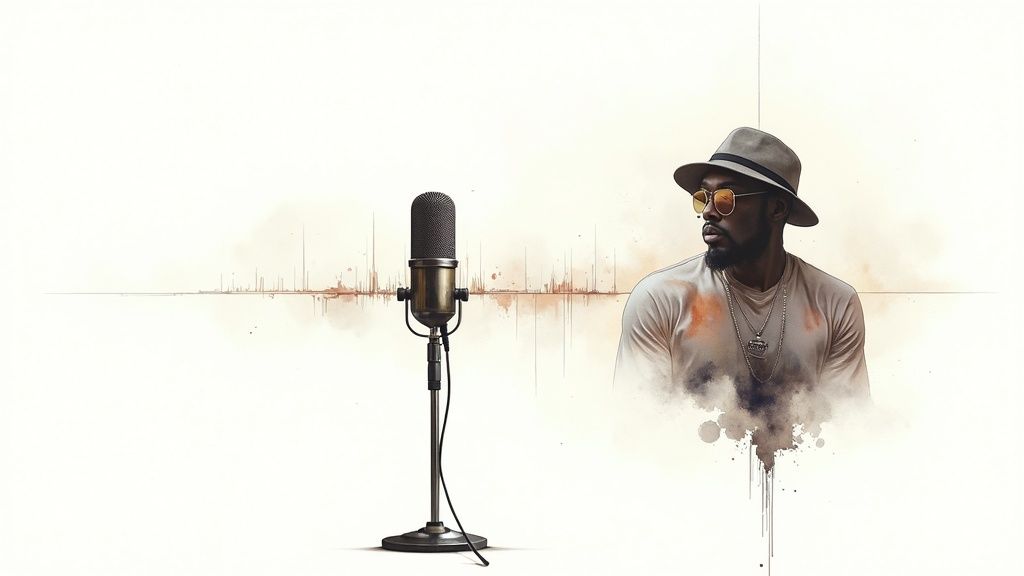
Welcome to the future of music production, where your collaborator might just be a piece of code. An AI rapper voice isn't some clunky machine trying to find the beat; it’s more like a digital chameleon, capable of learning from countless vocal performances to either mimic a specific style or invent something brand new.
Forget the idea of artist replacement. Think of this as a powerful new synth or drum machine in your studio toolkit. This tech is flipping the script on how music gets made, letting you sketch out ideas in minutes, lay down killer demo tracks, or even produce final vocals for all kinds of projects. It’s all part of the bigger picture of AI-generated content, which you can explore in our guide to what is synthetic media.
The buzz around AI in hip-hop production is getting louder for a reason. It smashes through creative blocks and unlocks doors you didn't even know were there. Producers are jumping on this tech for a few huge reasons:
Lightning-Fast Ideas: Ever wanted to hear how your lyrics sound on a beat right now? AI lets you do just that, without booking studio time or waiting for a vocalist. The whole creative process just got a turbo boost. Endless Vocal Experiments: You can play with vocal styles you'd never be able to pull off yourself. Go from an aggressive, punchy delivery to a smooth, melodic flow in a matter of seconds. Demos That Don't Break the Bank: Need to whip up a high-quality scratch vocal to pitch to an artist or a label? This saves you a ton of time and cash.
This is way past being some niche experiment. It's quickly becoming a go-to tool in the modern production workflow. In fact, adoption of AI rapper voices has blown up, with 53% of producers using them as of early this year. That puts hip-hop second only to electronic music in the AI adoption race. You can dig into the numbers in this AI music adoption report.
Let's get one thing straight: a top-tier artificial intelligence rapper voice is lightyears beyond the monotone voice that tells you to "turn left in 200 feet."
Your GPS uses basic Text-to-Speech (TTS) that just cares about saying words clearly. AI rapper voice models are trained on the soul of the performance—the timing, the pitch, the emotion, and even the tiny imperfections that make a vocal feel real.
These models are like musical DNA sequencers. They analyze everything that makes a rap performance pop, learning where an artist would take a breath, how they bend a note to add flavor, or how they lock into the pocket of the beat. The result? They don't just say your words; they perform them. This turns a simple text prompt into a track that hits hard and feels genuine, giving anyone the power to turn their lyrical ideas into something incredible.
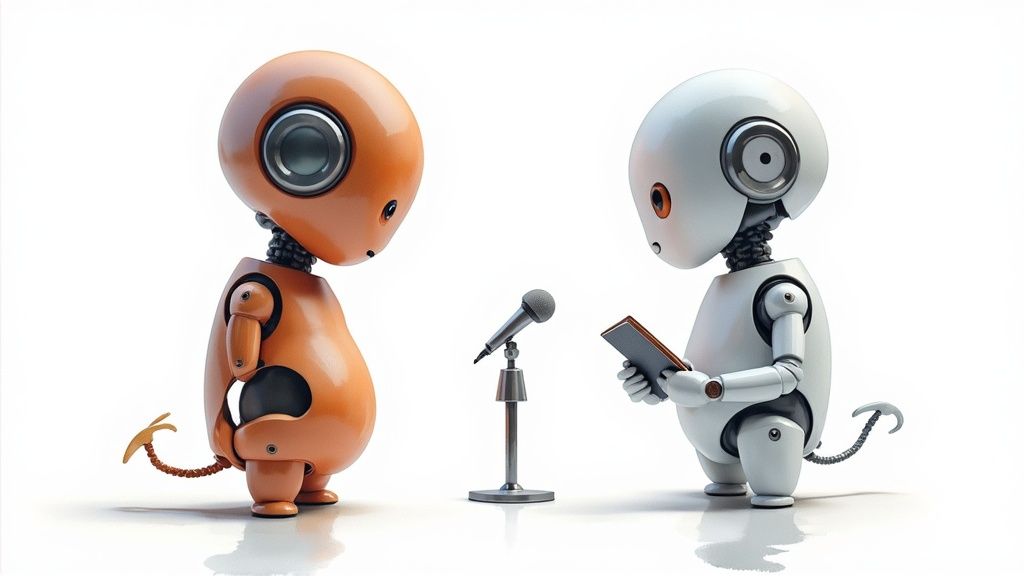
Ever wonder how a bunch of code learns to drop a hot 16? It’s not magic. It's a seriously cool training process that teaches an algorithm the art of rap, one syllable at a time. The tech behind an artificial intelligence rapper voice is a clever mix of two key concepts: Text-to-Speech (TTS) and voice cloning.
Your basic TTS is like a GPS voice—it reads words off a script. It’s clear, sure, but it has zero soul. You wouldn't want that on your track.
Voice cloning is where the real swagger comes in. It's like telling an actor not just to read the lines, but to become the character—to perfectly mimic another artist’s unique tone, rhythm, and attitude. It’s this combo that turns flat text into a performance with a pulse.
The secret sauce is machine learning, which is all about teaching computers to learn from data instead of hard-coding every single rule. Rather than programming "pause for 0.2 seconds here," developers drown the AI in audio data—we’re talking hours upon hours of rap vocals. If that sounds a bit wild, our guide on machine learning for beginners breaks it all down.
The AI listens and learns, deconstructing every recording into its core ingredients:
Timbre: The unique texture that makes a voice sound gritty, smooth, or sharp. Pitch: The highs and lows in the delivery. Cadence: The all-important rhythm and flow of the words. Intonation: The emotional color—the rise and fall that makes a line hit hard.
By obsessively studying these patterns, the model starts to pick up on the unwritten rules of what makes a rapper sound like a rapper, not just a robot reading lyrics.
One of the wildest models for this is the Generative Adversarial Network, or GAN. Forget the name—the idea is awesome. It’s basically an endless rap battle between two AIs.
Picture two AIs in the ring: the Generator and the Discriminator. The Generator's job is to create a fake rap vocal. The Discriminator's job is to listen and call it out as fake. They go back and forth, millions of times.
The Generator gets better with every try, desperate to fool its rival. Meanwhile, the Discriminator becomes a master critic, getting ridiculously good at spotting the tiniest imperfection. This constant competition pushes the Generator to create vocals that are virtually indistinguishable from the real thing.
This is how an AI learns more than just the sound of a voice; it learns the very soul of the performance. It might not be studying traditional music theory, but it’s absorbing all the same principles through raw data.
After all that intense training, the AI doesn't just know how to say the words. It knows how to perform them—where to add emphasis, how to ride a beat, and how to inject the energy that makes a track unforgettable. It’s a digital apprenticeship that turns a simple algorithm into a surprisingly legit MC.
Let's get one thing straight: an artificial intelligence rapper voice is way more than a gimmick for making viral memes. It's a legit creative weapon that’s shaking up how music gets made, products get sold, and even how video games come to life. The possibilities are exploding, proving this tech is here to stay.
For music producers, the biggest win is right there in the studio. Picture this: you’ve just laid down a fire beat and have some lyrical ideas floating around. Instead of the old-school grind of finding and booking a vocalist, you can spit out a scratch track in minutes. You get to hear instantly how your flow hits the beat.
What used to be a week-long headache is now a ten-minute experiment. This kind of instant feedback is a total game-changer, letting you try out wild ideas and iterate way faster. It’s like having a versatile session rapper on speed dial 24/7, ready to bring any concept to life without the studio bill.
For artists and producers, AI rap vocals are the ultimate brainstorming partner. It's not about replacing people; it's about cranking up your own creative firepower.
Here’s how people on the front lines are using it:
Demo Tracks That Slap: Need to pitch a song to a label or another artist? Now you can cook up a high-quality demo vocal in a flash. A polished track with a killer vocal performance is way more likely to get that "yes." Finding the Perfect Vibe: Not sure if your track needs an aggressive, punchy flow or something more melodic and smooth? Test drive a bunch of different AI voices to see what sticks before you even think about hitting the record button. Instant Hype Man: Need some backing vocals, harmonies, or ad-libs to make your track sound fuller? Generate them instantly. This adds that professional depth and texture that used to take hours of tedious recording.
The real magic of an artificial intelligence rapper voice is how it obliterates the friction in the creative process. It vaporizes all the logistical nightmares, letting you go straight from an idea in your head to a sound in your speakers.
This technology is a huge part of why the global AI voice generator market is absolutely blowing up. We’re talking a jump from around USD 3.0 billion to a projected USD 20.4 billion by 2030. That growth is insane, and recent AI music industry reports show just how essential these tools are becoming to the workflow.
The power of AI rap vocals doesn't stop at the studio door. For marketers, YouTubers, and content creators, it’s a golden ticket to unique audio that won’t get you a copyright strike.
Think about it. Need a dope rap for a TikTok clip, a podcast intro, or an ad? Forget sifting through the same old royalty-free tracks everyone else is using. You can generate something totally original that makes your brand stand out. And if you're already making visuals, you should check out our guide on the AI music video generator to tie it all together.
The entertainment industry is also jumping on the bandwagon and finding some seriously cool applications.
Gaming: Indie game developers can now populate their worlds with voiced characters without a Hollywood budget. Imagine NPCs who can rap their dialogue, adding a completely unexpected and memorable flavor to the game. Parody and Satire: Comedy creators are in heaven. The ability to mimic the style of a famous rapper for a satirical skit opens up a universe of comedic gold, all while using a synthetic voice to keep things legally safe. Personalized Everything: From one-of-a-kind birthday shout-outs to custom intros for a social media post, AI rapper voices are unlocking a new level of personalized audio that feels special and unique.
So whether you’re a producer stuck in a rut, a marketer trying to get noticed, or a game dev building a new universe, the artificial intelligence rapper voice is one of the most flexible and powerful tools you can have in your arsenal.
Alright, enough with the theory. It's time to get your hands dirty and actually make something. This is where the real fun kicks in. We're going to walk through the entire process of creating your very own artificial intelligence rapper voice verse from scratch. Trust me, it’s way easier than you think.
To make this crystal clear, we'll use a popular and pretty straightforward tool, Uberduck AI, as our example. Don't worry if you use a different platform; most of them follow a similar workflow, so these steps will give you a solid foundation no matter what. Let's cook up a banger.
Before the AI can spit fire, it needs something to say. Your first mission is to write the lyrics. You can either freestyle something fresh right now or grab a verse you've already penned.
Here's the thing: clarity is king. AI models read text literally, so you need to think about how a word sounds, not just how it's spelled. If a word is tricky, you can even try spelling it out phonetically to give the AI a little nudge in the right direction. Keep your lines punchy and rhythmic—it gives the AI a much better structure to lock into.
Think of this as the casting call for your track. You need to pick the voice that’s going to bring your lyrics to life. Platforms like Uberduck offer a massive library of voices, which usually fall into a few different buckets:
Celebrity Soundalikes: These models are trained to mimic the vocal style of famous artists. They're a blast for personal projects, but remember those legal and ethical warnings we talked about before using them commercially. Unique Synthetic Voices: These are original, royalty-free voices created by the platform itself. They offer a ton of variety—from deep and gritty to high-energy and melodic—without any of the legal headaches. Community Voices: Many platforms are a playground for users who train and upload their own voice models. This is an absolute treasure trove if you're hunting for unique and experimental sounds.
Take your time with this. Seriously, listen to a few different options. The voice you choose will completely define the vibe of your track, so pick one that matches the energy of your beat and your lyrics. To really get a feel for the different options out there, it's worth comparing various AI voice training tools.
Once you've found the perfect voice, it’s time to feed your lyrics to the AI. You'll usually see a simple text box where you can paste or type your verse.
Here’s a look at a typical interface where you’ll drop in your text and pick a voice.
As you can see, it's super straightforward: a box for your text on the left and a dropdown menu to select your rapper on the right.
But hold up—don't just slam that "generate" button yet. Most tools have a few simple settings that can make a world of difference in the final performance. Look for options to adjust things like:
Pacing or Speed: You can slow the delivery down for a more laid-back, chill vibe or crank it up for a rapid-fire, high-energy flow. Pitch: Some tools let you tweak the pitch, making the voice sound higher or lower. This is perfect for creating harmonies or backing vocals. Punctuation Matters: Use your commas, periods, and line breaks like a producer. A comma can create a short, subtle pause, while a period can signal the end of a thought, influencing the AI's entire cadence and breathing pattern.
Pro Tip: Don't be afraid to mess around. Generate the same exact line but with different punctuation or pacing just to see how it changes the feel. You'd be amazed how a simple comma can completely transform the flow of a bar.
This is the moment of truth. Hit that "Synthesize" or "Generate" button and let the AI work its magic. In just a few seconds, you'll have an audio file of your lyrics performed in the voice you picked out.
Now, listen back carefully. Does the flow actually match your beat? Is the pronunciation on point? Don't sweat it if it’s not perfect on the first go. The first generation is often just a starting point. This whole thing is an iterative process.
If something sounds a little off, just hop back to Step 3. Tweak the text, play with the punctuation, or maybe even try a different voice model entirely. Sometimes a tiny change can make a massive difference in the final take.
Once you've got a take you're happy with, it's time to download the audio file. It'll usually be in a standard WAV or MP3 format.
From here, the world is your oyster. You can drop that vocal track right into your Digital Audio Workstation (DAW) like Ableton, FL Studio, or Logic Pro. Layer it over your beat, slap on some effects like reverb and delay to make it sit nicely in the mix, and chop it up however you see fit.
And that’s it! In just five simple steps, you've gone from a plain text file to a fully-fledged artificial intelligence rapper voice performance. You’ve just created a custom vocal track, ready for your next big project—all without a microphone in sight.
So, you've generated an artificial intelligence rapper voice. Cool. That's the easy part. The real challenge, the art of it, is turning that raw audio into a performance that actually feels alive and sits right in the pocket of your beat.
If you just paste in your lyrics and hit the big "generate" button, you’re likely to get something clunky and robotic. To really level up, you have to learn how to direct the AI. Think of yourself as a vocal coach for an algorithm. The AI is a super talented performer, but it’s incredibly literal. It needs you to give it precise instructions to nail the take.
Your first move toward a killer AI rap is to completely rethink how you write your lyrics. An AI doesn’t get slang, inside jokes, or clever wordplay like a person does. It just reads text and turns it into sound. Your job is to make that text crystal clear.
Phonetic Spelling is Your Best Friend: Got a word with a weird pronunciation? Don't leave it up to the AI to guess. Spell it out phonetically. Instead of "I gotta go," try writing "I gotta goh" to stop the AI from clipping the word short. This gives the machine an unmistakable map of how you want it to sound. Keep It Simple, Keep It Punchy: Long, complicated sentences are a surefire way to trip up the AI's rhythm generator. Stick to clear, concise phrases that have a natural flow. This helps the model lock into the beat and deliver a much more confident performance.
Punctuation is your secret weapon. A comma is a quick breath. A period is a hard stop. A new line is a pause. Getting the hang of this is how you take control of the AI's flow and make it sound less like a text-to-speech bot and more like an artist in the booth.
Go ahead and try it. Generate the same line a few times with different punctuation. You’ll be amazed at how much it changes the delivery. It’s the key to crafting those human-sounding pauses and breaths that make a vocal feel real.
This whole creative flow is actually pretty straightforward.
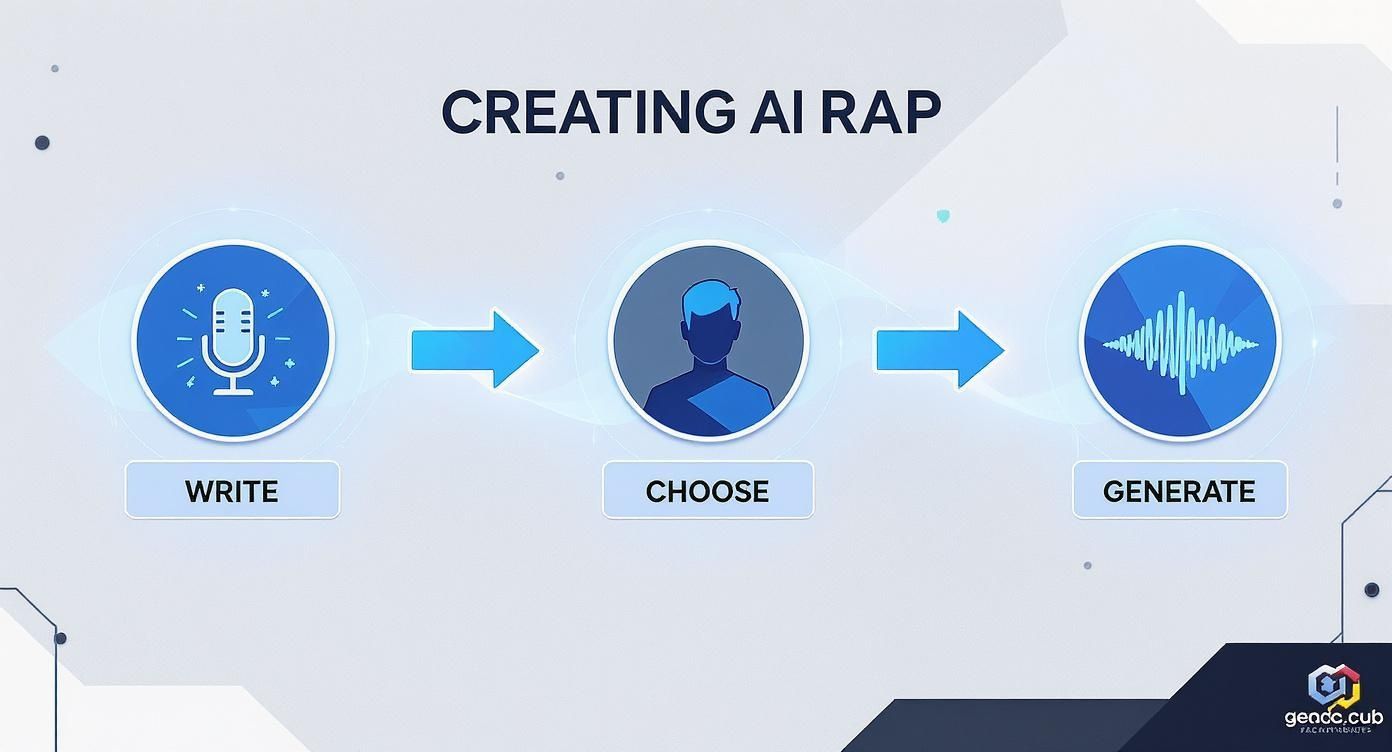
This simple "Write, Choose, Generate" process shows that your input—the writing and the voice selection—is just as crucial as the technology itself.
Once you’ve got a solid vocal take from the AI, the real fun begins in your DAW (Digital Audio Workstation). Please, don’t just drag the raw audio file onto your beat and call it a day. It needs the same love and attention you'd give a recording from a human artist.
The most powerful trick in the book is vocal layering. Never, ever rely on just one AI-generated track. You need to build depth and energy with doubles, harmonies, and ad-libs.
Nail the Main Vocal: First, get your main verse sounding exactly right. Create a Double: Generate that same verse again. Maybe use a slightly different voice model or tweak the pitch just a tiny bit. Pan this new track a little to the left or right and drop the volume so it sits just behind the main vocal. Boom—instant thickness. Add the Hype: Now, generate some short ad-libs and hype tracks. Think "yeah," "uh-huh," or "let's go," and sprinkle them into the gaps. This is what fills out the sound and gives it that authentic, high-energy vibe you hear on professional hip-hop records.
This hands-on, producer-minded approach is fast becoming the standard. Our own internal data shows that a massive 87.9% of creators are using AI in a 'Lyrics Mode.' They're not looking for a one-click fix; they're treating it as a partner for exploring vocal ideas. You can find more cool stats on AI's growing role in music creation.
Alright, last step. Treat the AI vocal to the same effects you’d use on a human rapper. This is what makes the voice feel like it actually belongs in the song.
EQ (Equalization): Carve out a home for the vocal in the mix. Usually, this means cutting some low-end mud so it doesn't fight with your 808s and kick drum. You might also give a little boost to the high-end to add some presence and shine. Compression: This is your magic glue. Compression evens out the volume of the rap, making sure every single word cuts through the mix. It gives the vocal that tight, polished, professional sound. Reverb and Delay: A little bit of reverb puts the vocal in a room, making it sound less like it was recorded in a vacuum. A subtle delay can add some awesome rhythmic bounce and help the vocal groove with the beat.
Combine smart lyric writing with creative layering and a pro-level mix, and you can take any artificial intelligence rapper voice from a robotic gimmick to a genuinely powerful and expressive performance.
Jumping into the world of an artificial intelligence rapper voice is a ton of fun, but let's be real—it’s like getting the keys to a ridiculously fast car. Before you floor it, you need to know the rules of the road. As this tech gets mind-blowingly good, the line between a cool tribute and a legal nightmare gets really thin, really fast.
The big issue here is something called the "right of publicity." Think of it this way: an artist's voice is their signature, a core part of their identity. You can't just lift it for your own tracks, especially if you're trying to make a buck. Using a voice clone of a living artist without getting their explicit say-so is basically asking for a cease-and-desist letter from their lawyer.
This is the million-dollar question. You have to know the difference between being inspired by an artist's style and creating a straight-up deepfake. A tribute is all about capturing a certain energy or flow. A deepfake, on the other hand, is built on deception—it's about tricking people into thinking an artist said or rapped something they never did. That’s where things get ethically dicey.
The golden rule is simple: never use an AI-generated voice of a specific, living artist for commercial work without their consent. That means anything from dropping a track on Spotify to using it in an ad for your brand.
For your own personal projects or maybe a parody, the rules get a little fuzzier, but the risk never completely disappears. The safest and, honestly, most creative route is to avoid using direct clones for anything you put out in public. We get into the weeds on this in our guide to celebrity text-to-speech.
The ethical maze gets even trickier when you realize just how convincing these AI voices are now. The technology is moving at light speed, and it's getting to the point where the average listener can't tell the difference between a real voice and an AI one.
This isn't just a hunch. An industry report recently pointed out that a jaw-dropping 82% of listeners can't reliably distinguish AI-generated music from human-made tracks. This is a huge deal in hip-hop, where every little vocal inflection matters. You can dig into more stats about the AI music market on openpr.com. This whole situation throws up massive questions about what artistic ownership and authenticity even mean anymore.
So, how do you make killer content with an artificial intelligence rapper voice without stumbling into a legal minefield? It's actually not that complicated.
Here are the best ways to keep it clean and creative:
Stick to Royalty-Free Voices: Your best bet is to use the unique, synthetic voices that most AI platforms provide. They’re completely original and cleared for you to use commercially. No strings attached. Look for Opt-In Artist Models: Some artists are actually getting ahead of the curve and officially partnering with AI companies. This means you can legally use their voice clone, usually through some kind of license or revenue-sharing deal. Create Your Own Voice: The absolute safest move? Use AI tools to clone your own voice or the voice of a friend who has given you clear, written permission.
Stick to these guidelines, and you can tap into all the creative juice of AI rap vocals while showing respect for artists and keeping yourself on the right side of the law.
Alright, so your mind is probably racing with the possibilities. But with great power comes a few nagging questions, right? Let's clear the air and tackle some of the most common queries about the wild world of the artificial intelligence rapper voice.
Look, I get the temptation. But the short, simple, and safe answer is a big fat no, especially if you're trying to monetize your track.
Cloning a famous artist's voice without getting their explicit permission is a legal minefield. You're stepping all over their rights of publicity, and that's a battle you don't want to fight. The smarter play? Stick to the awesome, unique, royalty-free synthetic voices that platforms provide. You get a dope, professional sound without any of the legal drama.
Not a chance. Seriously. Most artists and producers who are actually using this tech see it as a powerful new creative partner, not a replacement. Think of it as the ultimate tool for sketching out ideas, whipping up demos, or just messing around with vocal styles you'd never try on your own.
It's just another instrument in the producer's toolkit, like when the 808 drum machine first dropped. It opened up new worlds for hip-hop, but it didn't replace the drummer. AI is the same—it can't replicate the soul, the story, and the raw human experience that an artist pours into their music.
The scene is blowing up, but a few heavy hitters stand out. You've got Uberduck, which is a legend for its absolutely massive library of community-created voices. Then there's Voicify, which is known for its super high-quality, polished vocal models.
If you're looking for a one-stop-shop, tools like Soundraw are even bundling AI beat-making with vocal tools. The "best" one honestly comes down to what you're trying to do. Are you making a quick, funny clip for TikTok or are you trying to produce a whole album? Each one brings a different vibe to the table.
Ready to cook up some unforgettable tracks of your own? With SendFame, you can generate custom songs, videos, and more with just a few clicks. Start creating today at SendFame.com.
Create Epic

SendFame

Create Epic with SendFame!
Questions: info@sendfame.com