The 12 Best Text to Video AI Tools That Will Dominate 2026

text to video ai tools
Welcome offer — 56% OFF


Looking for the best AI music video generator? Explore our list of the top 12 tools to create stunning, audio-reactive visuals in seconds.
Remember when making a music video meant begging a friend with a DSLR camera and spending a weekend soaked in fake rain? Well, those days are officially over. Now, the biggest barrier between your killer track and a stunning visual is often just a single line of text and a few clicks.
AI music video generators have exploded onto the scene, transforming artists, marketers, and creators into one-person production studios. But with a dozen tools all claiming to be the next Spielberg-in-a-box, which one is actually the best AI music video generator for your specific project, budget, and skill level? That’s exactly what we’re here to figure out.
We’re diving deep into the top 12 contenders, from slick, cinematic powerhouses to user-friendly apps perfect for social media shorts. This isn't just a list; it's a full-on creative toolkit. We’ll break down their unique strengths, hidden weaknesses, and ideal use cases with screenshots and direct links for each. For those looking to leverage artificial intelligence across their entire creative process, a comprehensive guide to the top AI tools for content creators can provide a broader view of the landscape.
This guide will help you find the perfect platform to bring your audio to life, whether you’re creating an epic for your latest single or a 15-second banger for TikTok. Consider this your definitive map to directing your next masterpiece, no camera crew required. Let's get started.
SendFame establishes itself as a powerhouse in the AI content creation space, offering a remarkably comprehensive suite of tools that goes far beyond simple video generation. It's an all-in-one creative studio designed for speed and simplicity, making it our top pick for the best AI music video generator for users who want polished, shareable content without a steep learning curve. The platform’s core strength lies in its integrated, one-click workflow that can take a single idea and transform it into a complete song with lyrics, vocals, and a dynamic music video.
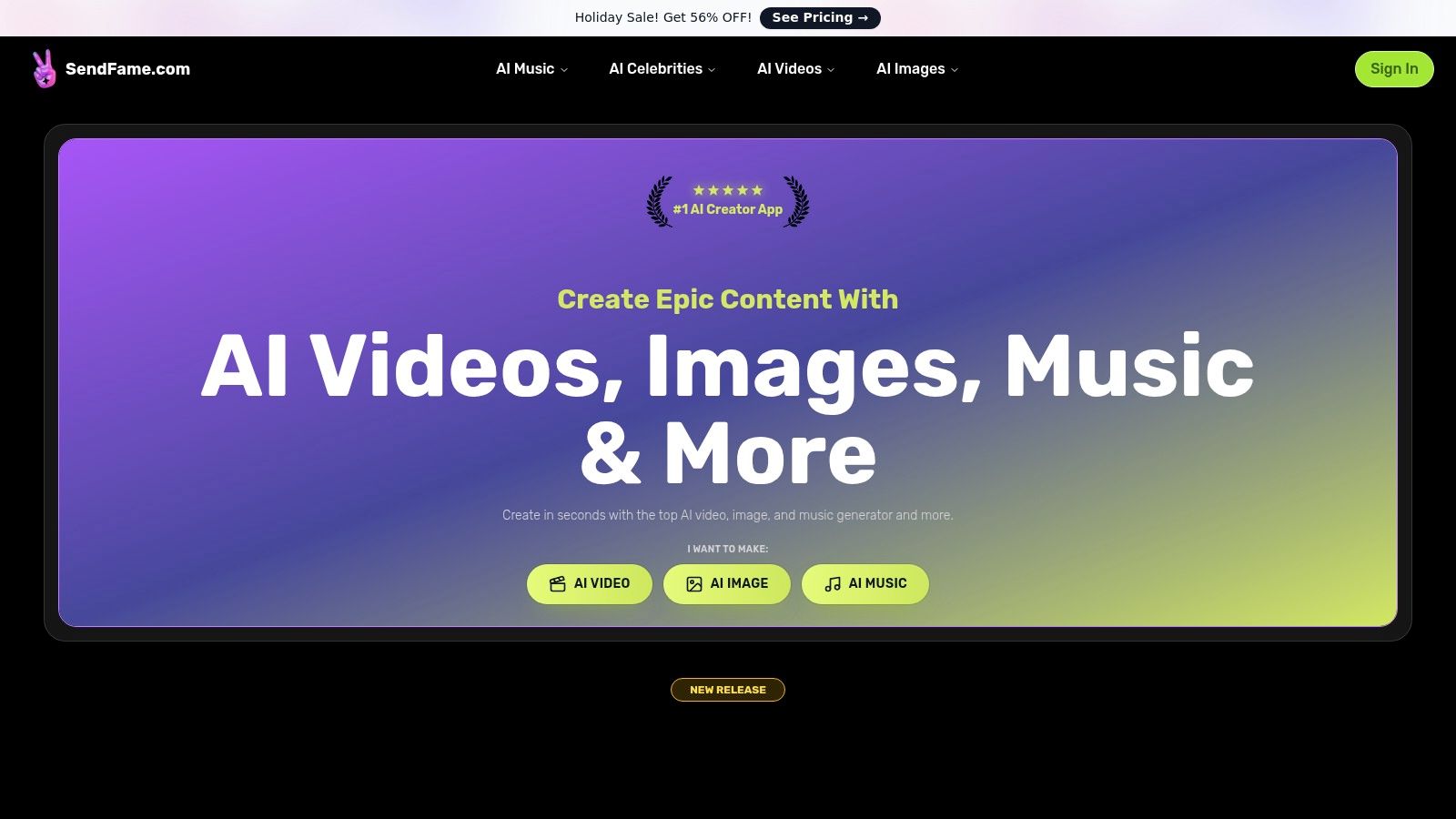
What truly sets SendFame apart is its end-to-end music production stack. While other tools may offer a single piece of the puzzle, SendFame bundles everything: a lyric generator, a full song creator (complete with beats and vocals), an album cover designer, and finally, the music video generator. This streamlined process eliminates the need to jump between multiple platforms, saving creators significant time and effort. Its unique celebrity persona generator, which produces hyper-realistic voice and video messages, offers an unparalleled tool for creating viral marketing campaigns, personalized greetings, or just wildly entertaining social media content.
Another standout feature is the Image-to-Video tool, which animates still photos with surprising realism. This opens up creative avenues for artists who want to bring their static artwork to life or for marketers looking to create engaging visual assets from product images. The platform is clearly built for experimentation, offering niche generators for rap diss tracks, country songs, and even ASMR-style clips, catering to a wide array of creative impulses.
For Social Media Influencers: Quickly generate a custom theme song and music video for your channel or create viral celebrity-style shoutouts to engage your audience. For Digital Marketers: Produce unique promotional videos, animated product showcases, or catchy jingles for ad campaigns in minutes. For Aspiring Artists: Prototype song ideas and visualize musical concepts instantly without needing a studio or video production crew.
While the platform is incredibly user-friendly, it's crucial for users to be mindful of the legal and ethical considerations surrounding realistic AI-generated content. Always review SendFame’s terms of service, especially regarding commercial use and likeness rights for celebrity-style videos. Pricing is dynamic, with frequent promotions advertised on the site, so be sure to check the website for current plans and features.
| Feature | Description |
|---|---|
| Full Music & Video Stack | Generates lyrics, full songs, music videos, and album covers from a single prompt. |
| Celebrity Persona Videos | Creates hyper-realistic video and voice messages using AI-powered celebrity personas. |
| Image-to-Video Tool | Animates still images, turning static photos into dynamic video clips. |
| Niche Generators | Includes specialized tools for rap, country, diss tracks, and more. |
| Ease of Use | Designed with a one-click workflow for non-technical creators. |
Pros:
Produces a wide range of high-quality outputs (videos, images, full songs). Unique celebrity video generator and an all-in-one music production workflow. Fast and exceptionally easy for beginners to use. Strong social proof with a large, active user base and positive testimonials.
Cons:
AI celebrity generation raises ethical and legal questions; users must consult terms. Pricing details and commercial-use policies require visiting the website directly.
Website:https://sendfame.com
Kaiber feels less like a generic AI tool and more like a digital art studio built specifically for musicians. It’s a playground for creating visuals that pulse and morph with your music, making it a powerful contender for the best AI music video generator if you want your sound to be the star. The platform excels at creating audioreactive animations, where every beat, synth swell, and vocal line can trigger a visual change, resulting in hypnotic, dreamlike videos perfect for everything from full-length tracks to those looping Spotify Canvas backgrounds.
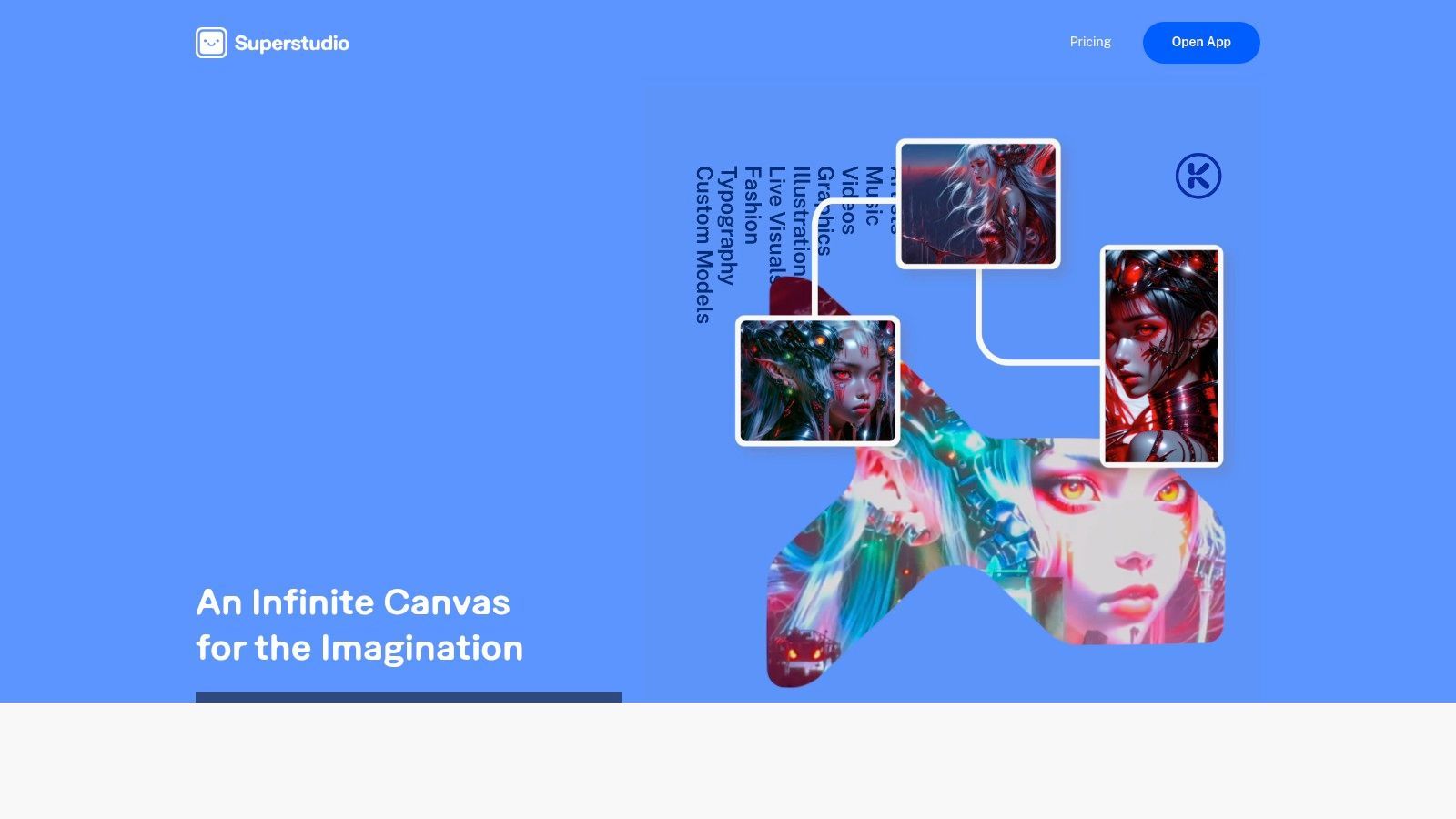
What sets Kaiber apart is its deep focus on music workflows. You can start from a simple text prompt, an image, or even an existing video, and apply its unique animation styles to bring it to life. Its "Superstudio" feature allows for training custom models, giving artists more control over their signature aesthetic. The user interface can feel a bit technical initially, but a little experimentation reveals its power.
Kaiber offers a flexible credit-based system. You can grab a Day Pass for a quick project, buy credit packs, or subscribe to monthly plans starting at around $25/month for the "Pro" tier. Paid plans unlock commercial rights, 4K upscaling, and more advanced features. This structure is great for artists who want to test the waters without a long-term commitment.
Pros: Excellent audioreactive capabilities tailored for music. Flexible pricing, including a Day Pass for one-off projects. Ability to train custom models for a unique look. Cons: The credit system and model selection have a slight learning curve. Free access is quite limited, pushing users toward paid options.
Runway is less of a single tool and more of a full-blown AI creative suite that feels like the future of filmmaking. For musicians, it’s a powerhouse for creating everything from quick, mind-bending conceptual clips to polished scenes for a full video. As a candidate for the best AI music video generator, its strength lies in combining state-of-the-art video generation (like their Gen-2 model) with a robust set of integrated editing and post-production tools, all in one browser tab.
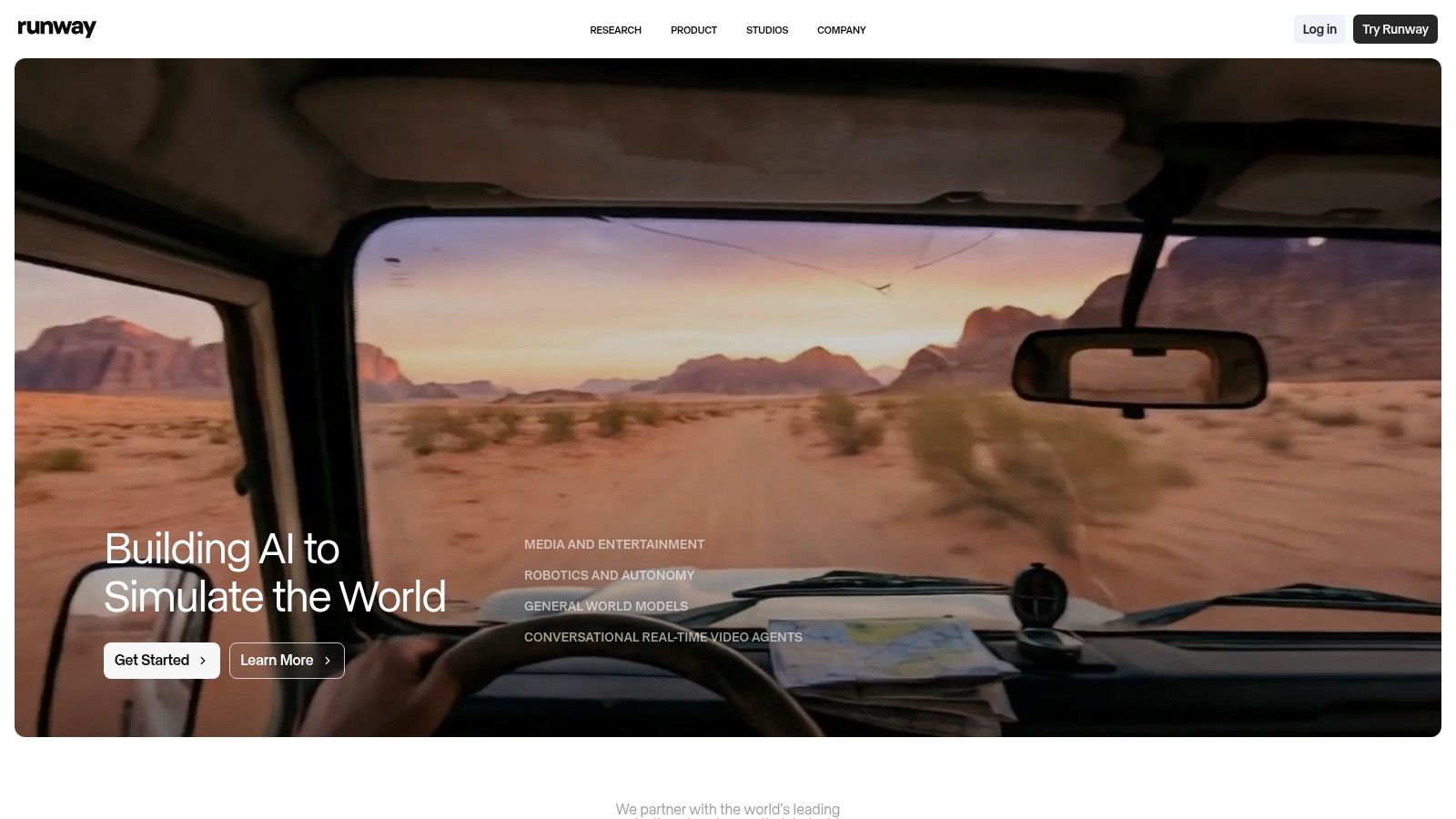
Runway stands out by offering an end-to-end workflow. You can generate clips from text or images, use the "Motion Brush" to animate specific parts of a still photo, and then immediately drop those assets into a multi-track editor to add effects, text, and sound. It’s designed for creators who want to do more than just generate; they want to direct. The platform is known for enterprise-grade stability and has a massive community sharing examples and workflows, which is incredibly helpful for learning. For more tips on the process, you can find a guide on how to create AI-generated videos to get started.
Runway operates on a credit-based system, with a limited free tier to test the waters. Paid plans start around $15 per month for the Standard tier, which provides a monthly credit allowance. Higher-tier plans unlock more credits, 4K upscaling, and advanced features like custom AI training. The credit math can feel a bit complex, as different actions consume different amounts of credits, making it important to plan ahead.
Pros: Powerful all-in-one platform with generation and post-production tools. Enterprise-grade stability and a strong, supportive user community. Advanced features like Motion Brush offer unique creative control. Cons: Credit costs for longer videos can add up quickly. Figuring out the credit math for a full project requires some calculation.
Pika is the speed demon of the AI video world, built for rapid-fire creation and iteration. It's less about crafting a single, epic music video and more about generating a flurry of short, stylized clips that you can stitch together or use for social media promos. If your creative process involves throwing ideas at the wall to see what sticks, Pika provides the tools to make that wall a vibrant, moving canvas, earning it a spot as a contender for the best AI music video generator for fast-paced projects.
Pika’s strength lies in its lightning-fast text-to-video and image-to-video generation, often producing 5-10 second clips in under a minute. The web app is straightforward, allowing you to quickly experiment with different prompts and models like Turbo or Pro. Its creative effects, such as scene stitching and character swaps, are perfect for remixing existing footage or creating trippy, abstract visuals that pair well with electronic or experimental music.
Pika operates on a credit-based system with a free tier that offers a limited number of credits. Paid plans unlock more credits, faster generation times, 1080p output, and the removal of the Pika watermark. The exact pricing and plan details are often gated behind a login, but they follow a common monthly subscription model where unused credits can roll over. This makes it accessible for casual creators while providing the necessary firepower for dedicated artists.
Pros: Extremely fast iteration for creating short music visuals and social clips. A broad set of creative effects for remixing and achieving stylized looks. Simple web interface that encourages quick experimentation. Cons: Pricing pages and specific plan details are often hidden until you log in. Achieving the best results requires significant prompt practice and iteration.
Luma AI, powered by its impressive Dream Machine model, has quickly become a go-to for creators who need short, photorealistic, and cinematic video clips. While it's not designed for full-length tracks out of the box, it’s arguably the best AI music video generator for producing stunning, high-fidelity scenes. Think of it as your personal B-roll director, capable of generating incredibly realistic motion and characters that can be stitched together to create a visually rich narrative for your music.
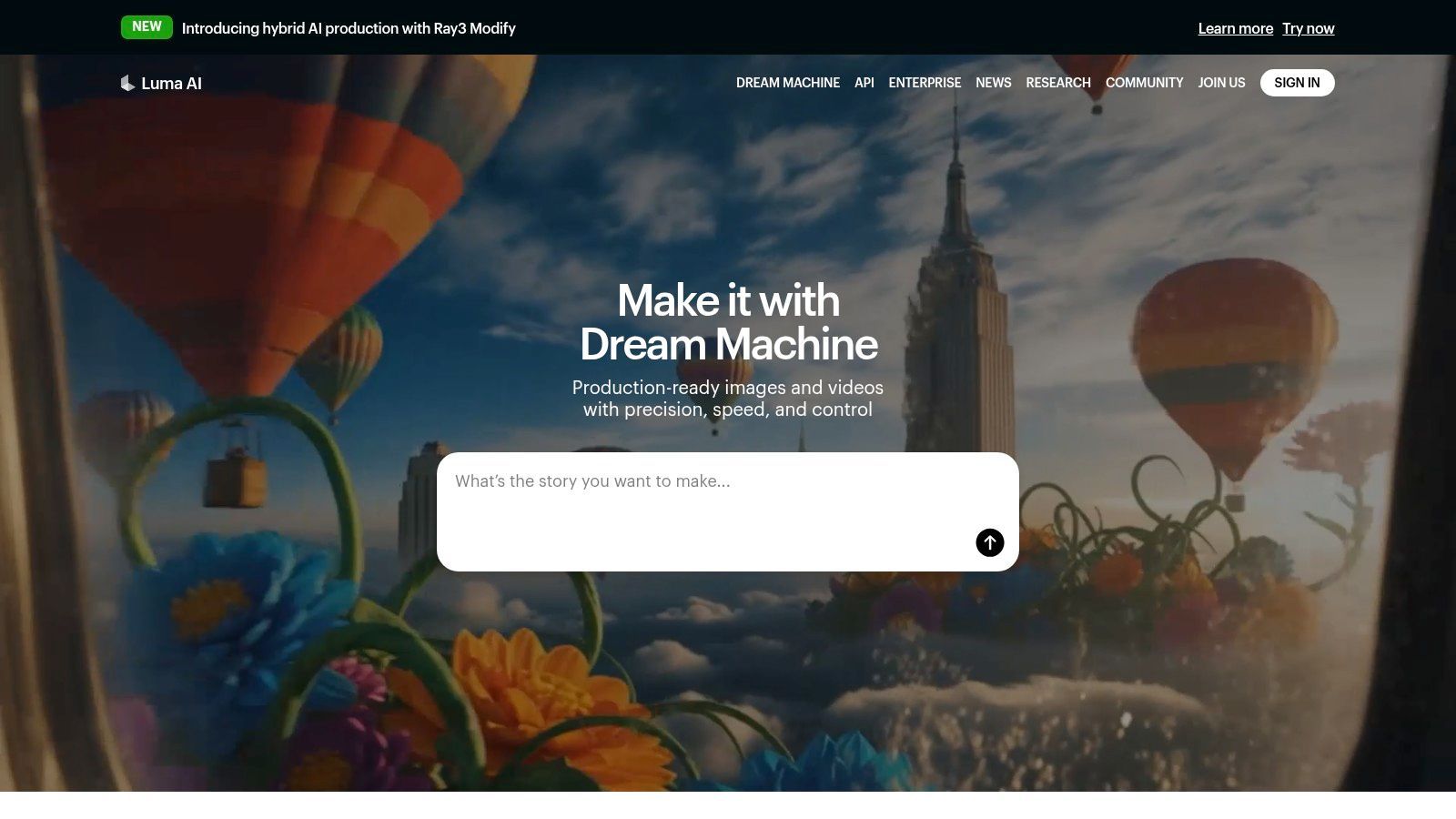
Luma’s strength lies in its simplicity and the sheer quality of its output. You can generate video from either a text prompt or an existing image, which is a fantastic workflow for artists with specific cover art or promotional photos. The platform’s advanced models produce exceptionally smooth motion, avoiding the uncanny, jittery look common in earlier AI video tools. While its core function is creating short clips, its quality makes it a powerful tool for any video project. For a deeper dive into this workflow, you can learn more about how to turn your images into captivating video content.
Luma AI uses a credit-based system with a generous free tier that allows for experimentation. Paid plans start from around $29/month for the "Standard" plan, offering more credits and faster generation times. Higher tiers remove watermarks, grant commercial use rights, and unlock features like upscaling to 4K. The credit usage is transparently laid out, so you know exactly what each generation will cost, helping you budget your creative projects effectively.
Pros: Incredible realism and cinematic motion quality. Generous free tier for testing and casual use. Transparent credit system and no watermarks on paid plans. Cons: Generations are limited to short clip lengths (typically 5-10 seconds). The per-model credit pricing can be complex for new users.
Rotor Videos positions itself as the practical workhorse for musicians who need a full-length music video, fast. Instead of focusing on trippy, abstract visuals, Rotor provides a streamlined path to a professionally edited video using its massive stock footage library. It analyzes your song's tempo, energy, and structure to automatically cut clips to the beat, making it a top contender for the best AI music video generator for artists who need a polished product without a steep learning curve or weeks of editing.
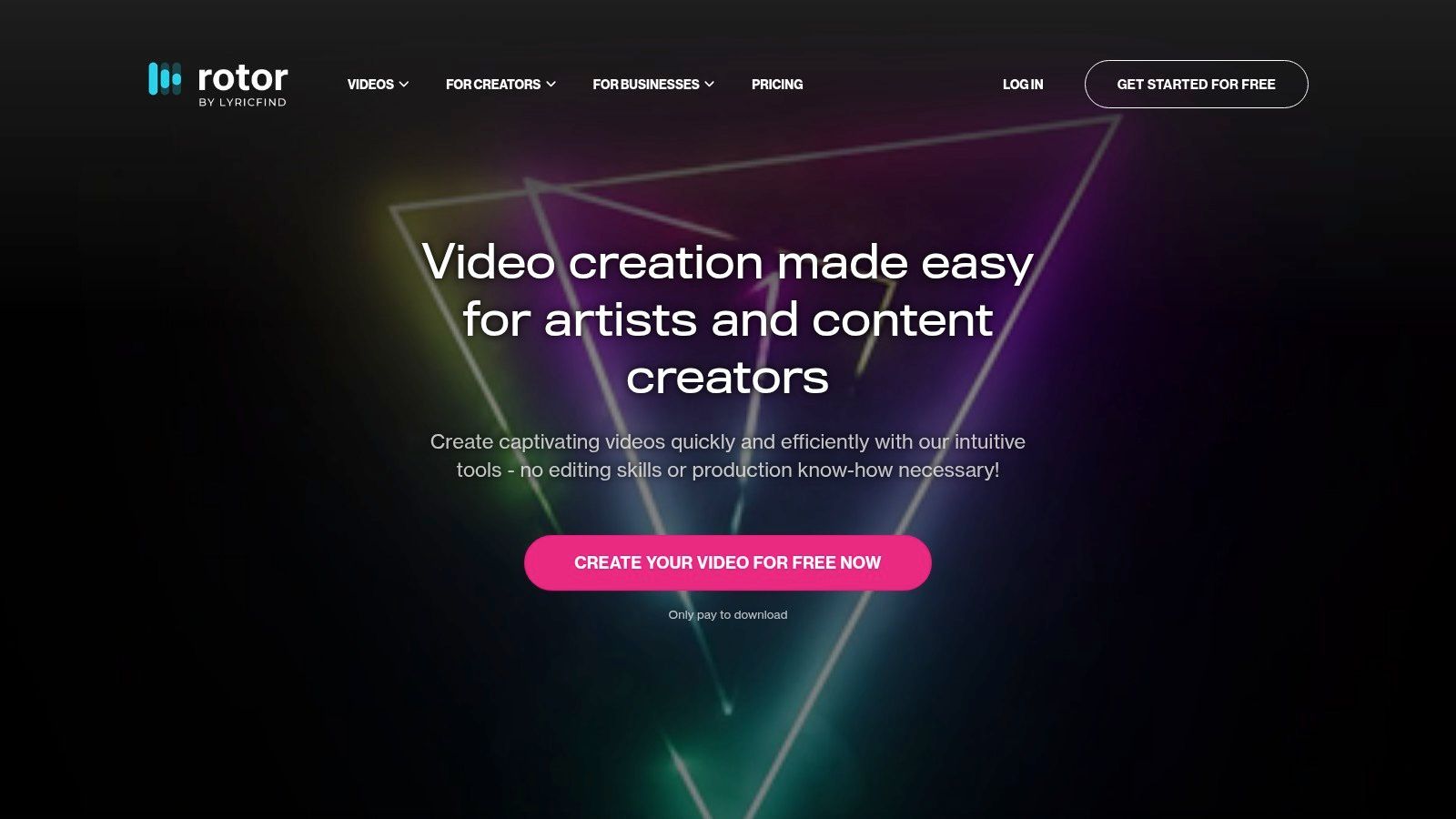
Rotor's strength lies in its simplicity and music-first approach. You upload your track, select clips from its library of over 9 million (or upload your own), and choose from more than 150 editing styles. The AI then handles the heavy lifting, syncing the cuts and effects to your music's rhythm and mood. It also includes tools for creating lyric videos and adding promotional text overlays, with export options perfectly sized for Spotify Canvas and social media platforms. The entire process feels intuitive and purpose-built for creators. For a deeper look into the creation process, you can find a guide on how to make AI-generated music that complements this workflow.
Rotor uses a "pay-per-download" model that is very artist-friendly. You can create as many low-resolution preview videos as you want for free to experiment with different styles and clips. Once you're happy with the result, you purchase credits to download the high-resolution, watermark-free final video. Credits are sold in bundles, which makes it a flexible, commitment-free option for single projects or infrequent releases.
Pros: Designed specifically for full-length songs, not just short clips. Create for free and only pay to download the final video. Minimal learning curve; incredibly easy to use. Cons: Less fine-grained creative control compared to traditional video editors. Credit costs can add up if you're producing videos frequently.
While many know HeyGen for its AI avatars and translation tools, it has quietly built out a powerful suite of features that make it a surprisingly effective best AI music video generator for artists who need more than just abstract visuals. It’s less of a psychedelic art machine and more of a comprehensive video toolkit, perfect for creating lyric videos, promotional clips, and announcements that require a professional, polished finish alongside AI-generated flair.
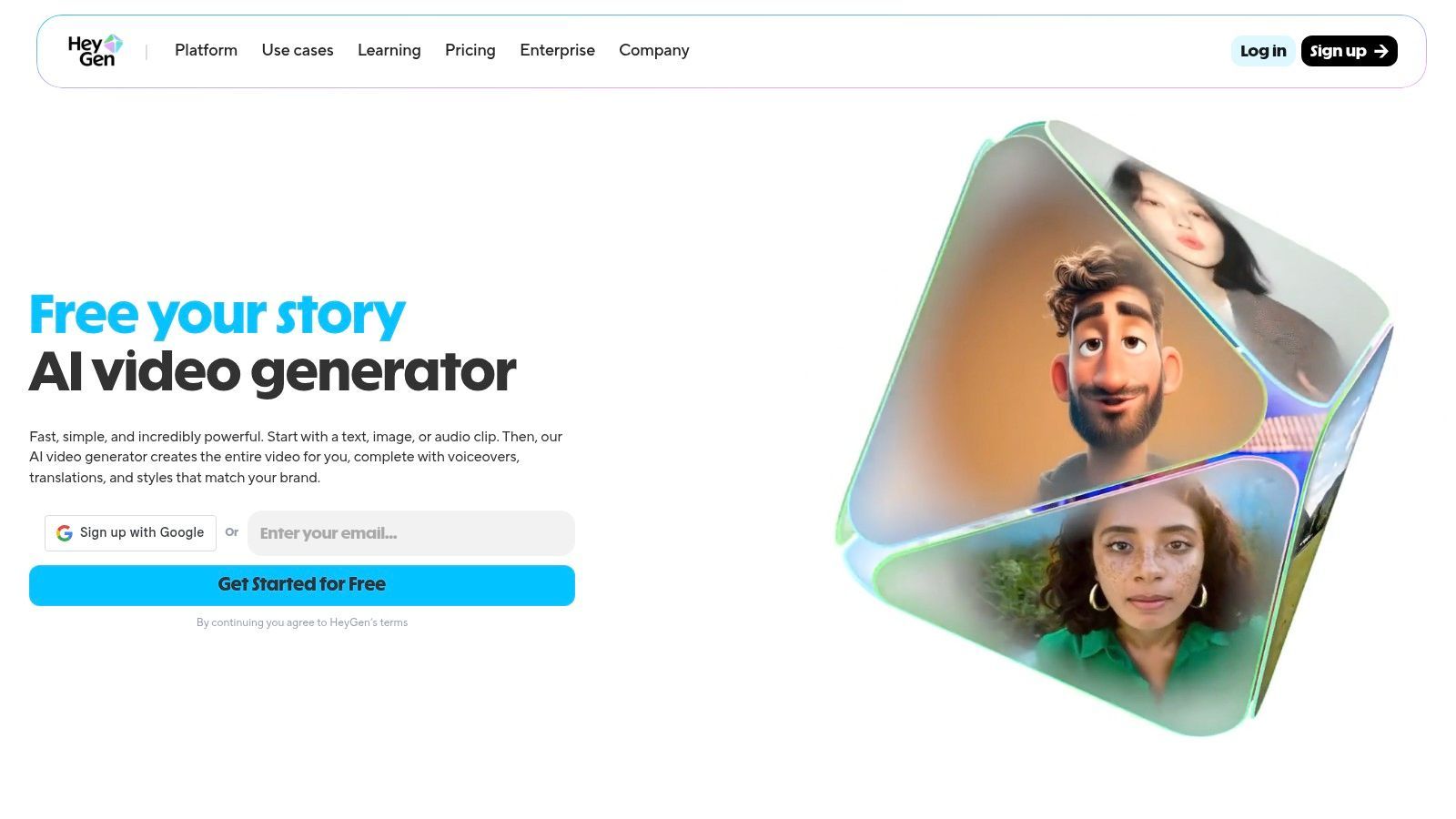
HeyGen shines with its structured approach to video creation. It offers specific workflows for lyric videos with audio-reactive scene generation, plus a variety of style presets and templates designed for music promos. This makes it incredibly easy to get started without needing to master complex prompts. For teams, its collaboration tools and high-resolution export options (up to 4K on higher-tier plans) make it a practical choice for professional projects. The platform feels mature, with clear documentation and a straightforward user interface.
HeyGen operates on a subscription model with plans like "Creator" starting around $24/month (billed annually). While these plans include a set number of credits, advanced generative features often consume these credits or may require purchasing add-on packs. This structure is great for users who need its core features like avatars and dubbing, with the music video tools being a valuable addition.
Pros: Mature platform with a wide range of features beyond music videos (avatars, dubbing, translation). Structured templates make lyric and promo video creation fast and easy. Collaboration tools and 4K export options are available for professional teams. Cons: Less focused on music-first artistry compared to specialist tools like Kaiber. The credit system for advanced features can be confusing and may require additional purchases.
CapCut has rapidly become a household name in video editing, but its true power for musicians lies in its AI-enhanced features built for speed and social media impact. While not a pure "text-to-video" generator, it's a strong contender for the best AI music video generator when it comes to quickly producing beat-synced, engaging content. It’s the perfect tool for creating viral TikToks, Instagram Reels, or YouTube Shorts that feel professionally edited, thanks to its massive template library and intuitive beat-sync technology.
CapCut’s standout feature is its intelligent beat synchronization, which automatically cuts your video clips to match the rhythm of your track. Combine this with its auto-captions, stock asset library, and a sprawling ecosystem of user-generated templates, and you have a powerhouse for creating music promos in minutes. Its cross-device workflow is seamless, allowing you to start a project on your phone and finish it on your desktop. This makes it an incredibly versatile piece of AI video editing software.
CapCut offers a generous free version with a surprisingly large feature set. For those wanting to remove watermarks and unlock advanced effects and cloud storage, the "Pro" subscription is available. However, pricing can be inconsistent, often varying between the mobile app stores and the desktop version. Access in the US has also faced uncertainty due to policy developments, so it's wise to verify its current availability.
Pros: Excellent for creating social-ready music edits with a low barrier to entry. Familiar cross-platform interface for many creators. Powerful automated beat-sync and captioning tools. Cons: Pricing and plan details can vary significantly by region and platform. US availability has fluctuated; users should check its current status.
Canva isn't just for social media graphics; it has transformed into a surprisingly capable and accessible tool for creating polished visual content for your music. By integrating its "Magic Studio" AI features, it’s become a go-to for artists who need to produce high-quality lyric videos, promotional clips, and Spotify Canvases quickly. It shines by combining text-to-video AI with a massive library of templates and stock assets, making it a strong candidate for the best AI music video generator for fast-paced social media campaigns.
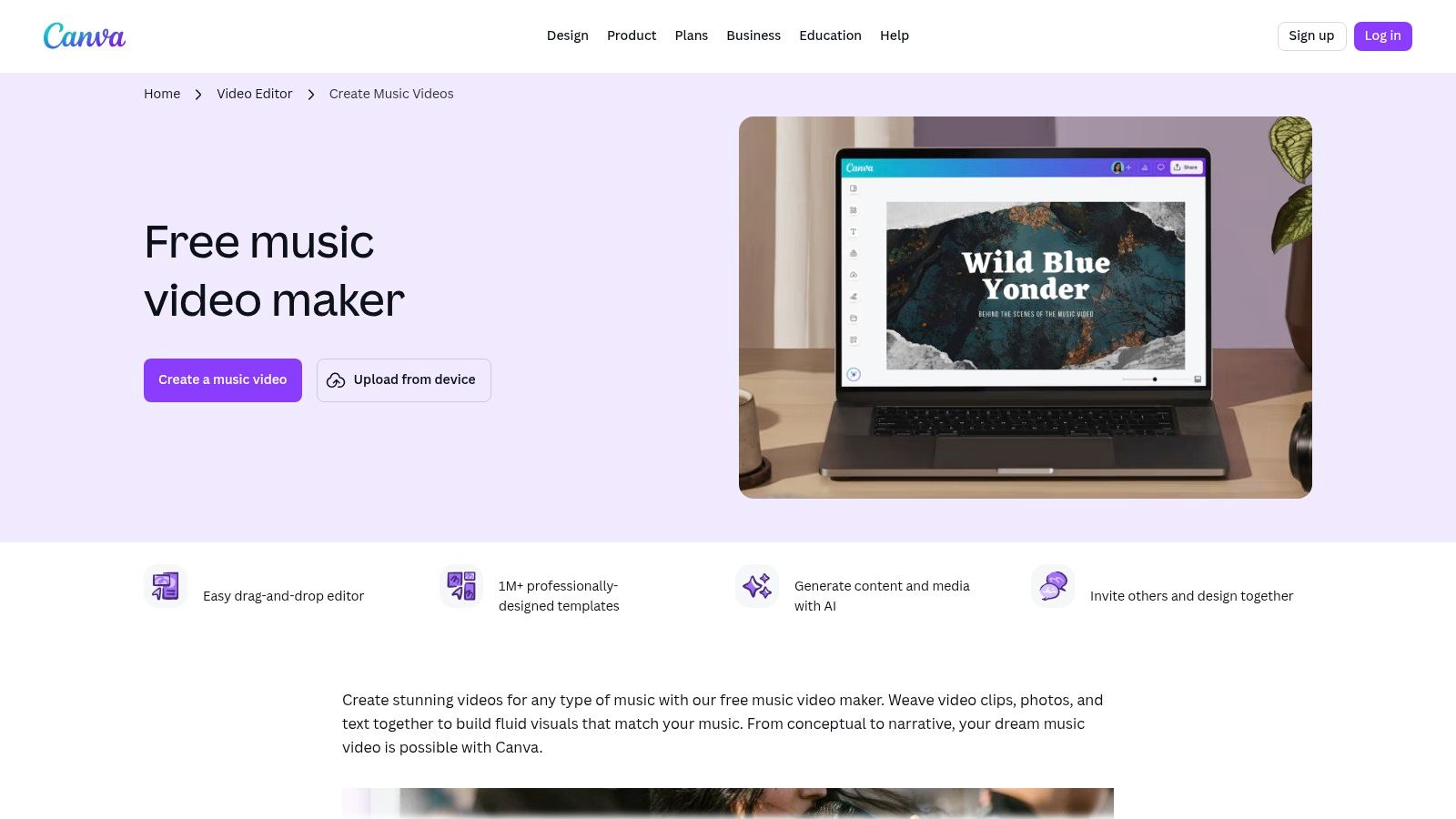
Canva’s strength lies in its simplicity and integrated workflow. The "Magic Video" feature allows you to generate short video clips from text prompts, which can then be combined with existing footage. More importantly, its "Beat Sync" tool automatically matches your video clips and animations to the rhythm of your audio track, saving hours of tedious manual editing. The platform’s famous drag-and-drop interface, brand kit features, and one-click resizing for different social platforms make it incredibly efficient for creators managing multiple online profiles.
Canva offers a robust free tier that includes many basic video editing tools. However, to unlock the full suite of AI features like Magic Video and gain access to the premium stock asset library and Beat Sync, you'll need a Canva Pro or Canva for Teams subscription. Pro plans are competitively priced, typically starting around $15/month, which also includes powerful collaboration tools for artists working with a team.
Pros: Extremely fast production workflow ideal for social media content. Huge library of templates, stock video, and audio assets. Intuitive "Beat Sync" and built-in collaboration features. Cons: Key AI and video features are gated behind a Pro subscription. Licensing for "popular music" in their library often has non-commercial use restrictions.
Adobe’s entry isn’t a single tool but a powerful duo: Adobe Express for user-friendly video editing and Firefly for generative AI magic. This combination is less about creating an entire music video from a single prompt and more about building slick, professional-looking social media teasers, lyric videos, and promotional shorts. Think of Express as your layout studio and Firefly as the AI artist providing custom-made assets on demand, making this a strong choice for artists who need polished content that matches their brand aesthetic.
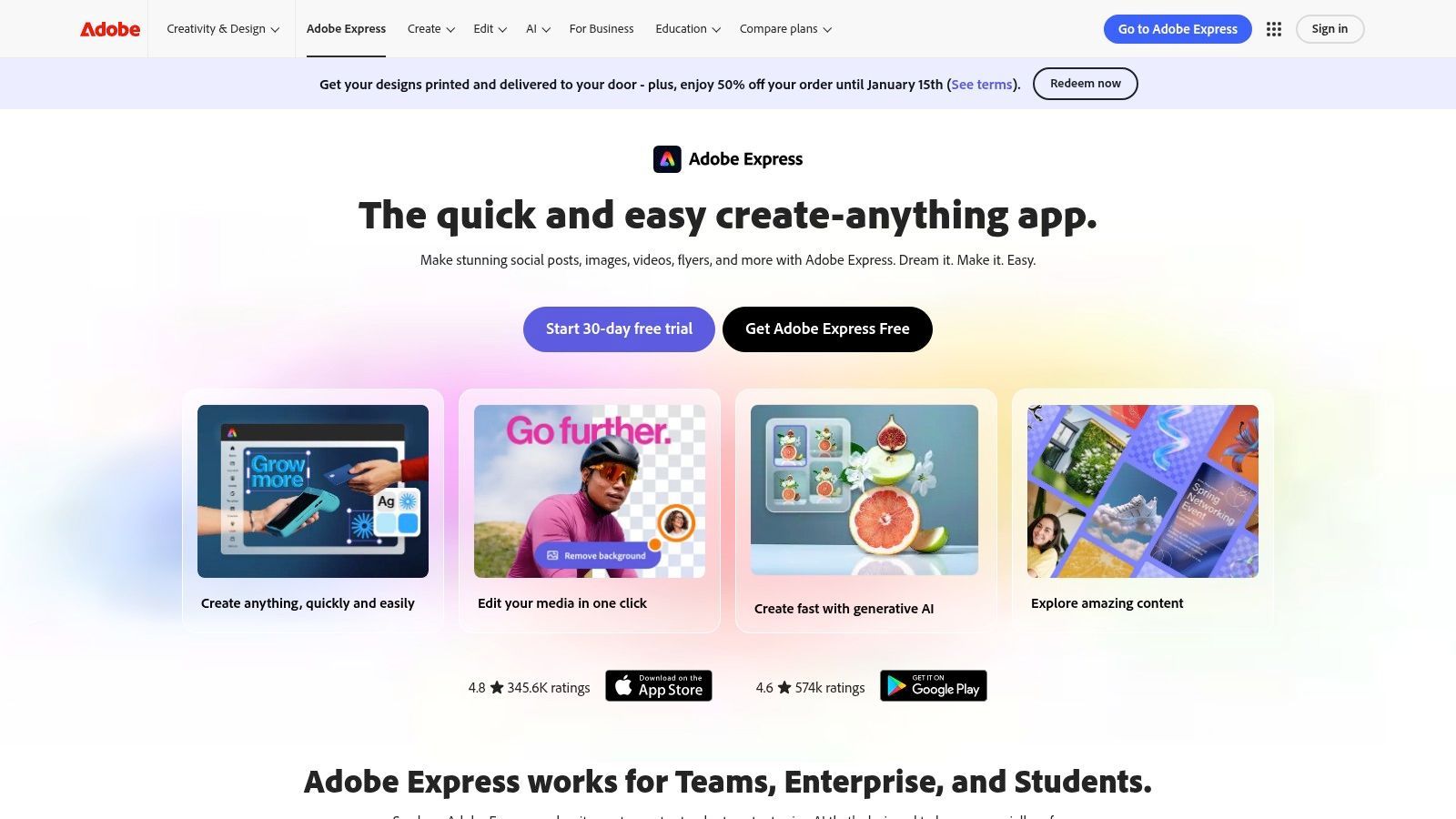
The workflow is built around templates and ease of use. You can use Express to quickly arrange clips, add animated text, and pull from a massive library of Adobe Stock assets. Where Firefly shines is its ability to generate unique images or short video clips from text prompts to fill in the gaps. The integration with Adobe's ecosystem is a massive advantage for teams already using Creative Cloud, with features like brand kits ensuring every video stays consistent.
Adobe offers a free version of Express with limited Firefly credits. The Premium plan (around $9.99/month) unlocks all templates, premium features like background removal, and a monthly allotment of "generative credits" for Firefly. While powerful, the credit system and how it applies across different AI generations can be a bit confusing compared to a simple, unlimited subscription model.
Pros: Trusted brand with clear commercial licensing for AI-generated content. Seamless integration into the broader Adobe Creative Cloud ecosystem. Great for teams needing brand consistency and social media scheduling. Cons: Text-to-video features are still in early stages, creating very short clips. The generative credit system can feel restrictive and confusing.
While many tools generate clips, Wondershare Filmora acts as the final editing suite where your AI-powered vision comes together. It’s a user-friendly video editor supercharged with over 20 AI features, making it the best AI music video generator for artists who want to combine AI-generated assets with traditional editing. Filmora bridges the gap between raw AI footage and a polished, professional final cut, offering everything from beat-sync workflows to an expansive stock library.
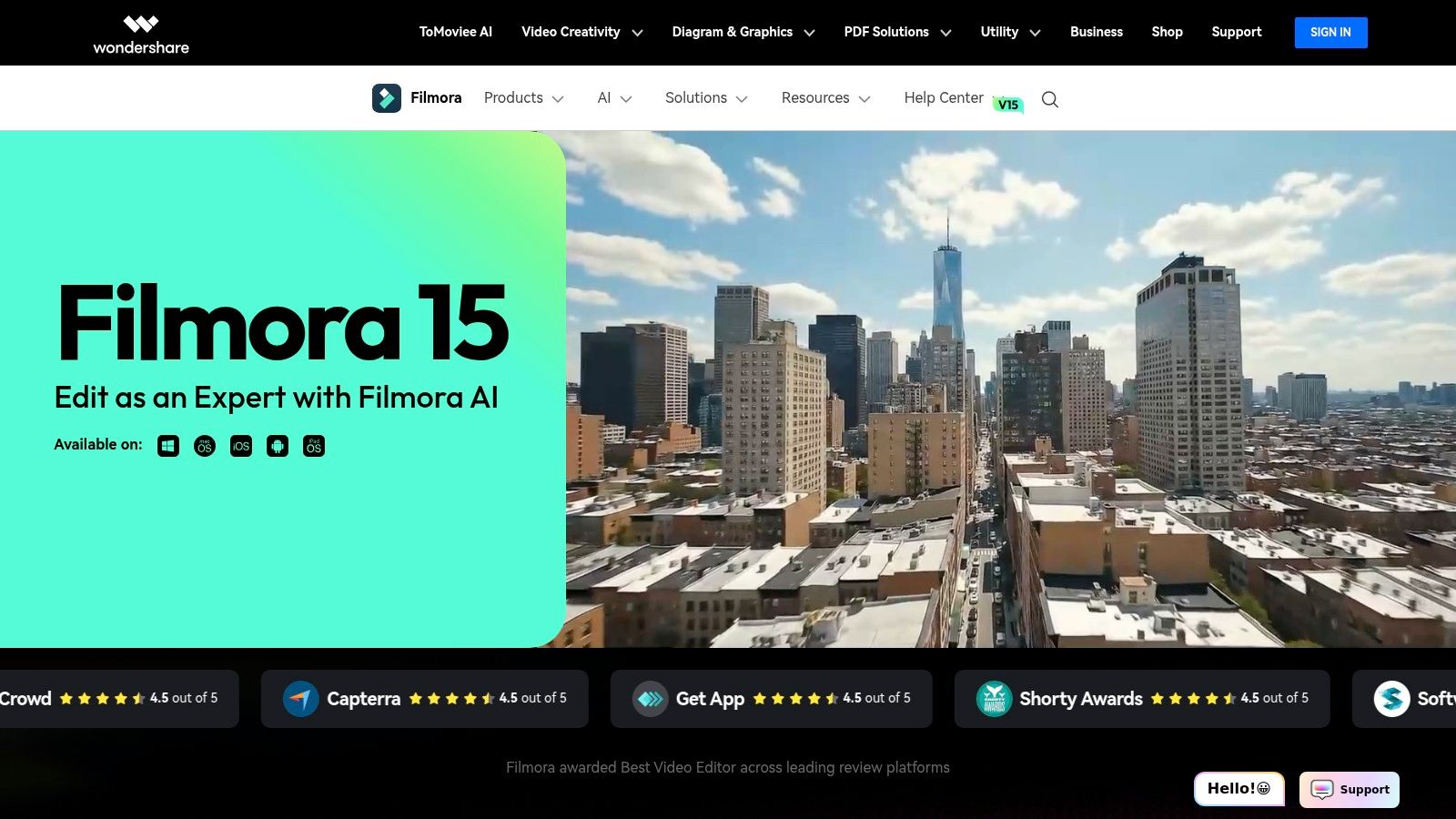
Filmora shines by integrating AI directly into a familiar non-linear editing timeline. You can use its idea-to-video or image-to-video tools to create new scenes, then seamlessly stitch them together with other clips. Its AI Music Generator can create royalty-free tracks, while the beat-sync feature automatically cuts your footage to the rhythm. The interface is clean and intuitive, making it far less intimidating than professional-grade software like Adobe Premiere Pro.
Wondershare offers flexible licensing that caters to different needs, including monthly, annual, and even a perpetual plan. The annual plan provides an affordable entry point for consistent creators. However, be aware that many advanced AI features operate on a separate credit system, which can be purchased in packs. This hybrid model can sometimes cause confusion, so it's wise to review the terms carefully before committing.
Pros: Affordable annual pricing and a simple learning curve for editors. Excellent for combining AI clips and finishing full-song edits. Offers a one-time purchase perpetual license. Cons: The add-on/credit model for AI features can be confusing. Some features and credits differ by platform, so check terms before buying.
PixVerse is built for speed and accessibility, making it a strong option if you need to generate short video clips quickly, even from your phone. While not as music-centric as others, its fast text-to-video and image-to-video capabilities allow artists to rapidly prototype visual ideas or create snappy promotional content for social media. Its ease of use makes it a potential candidate for the best AI music video generator for creators who prioritize quick turnarounds over deep customization.
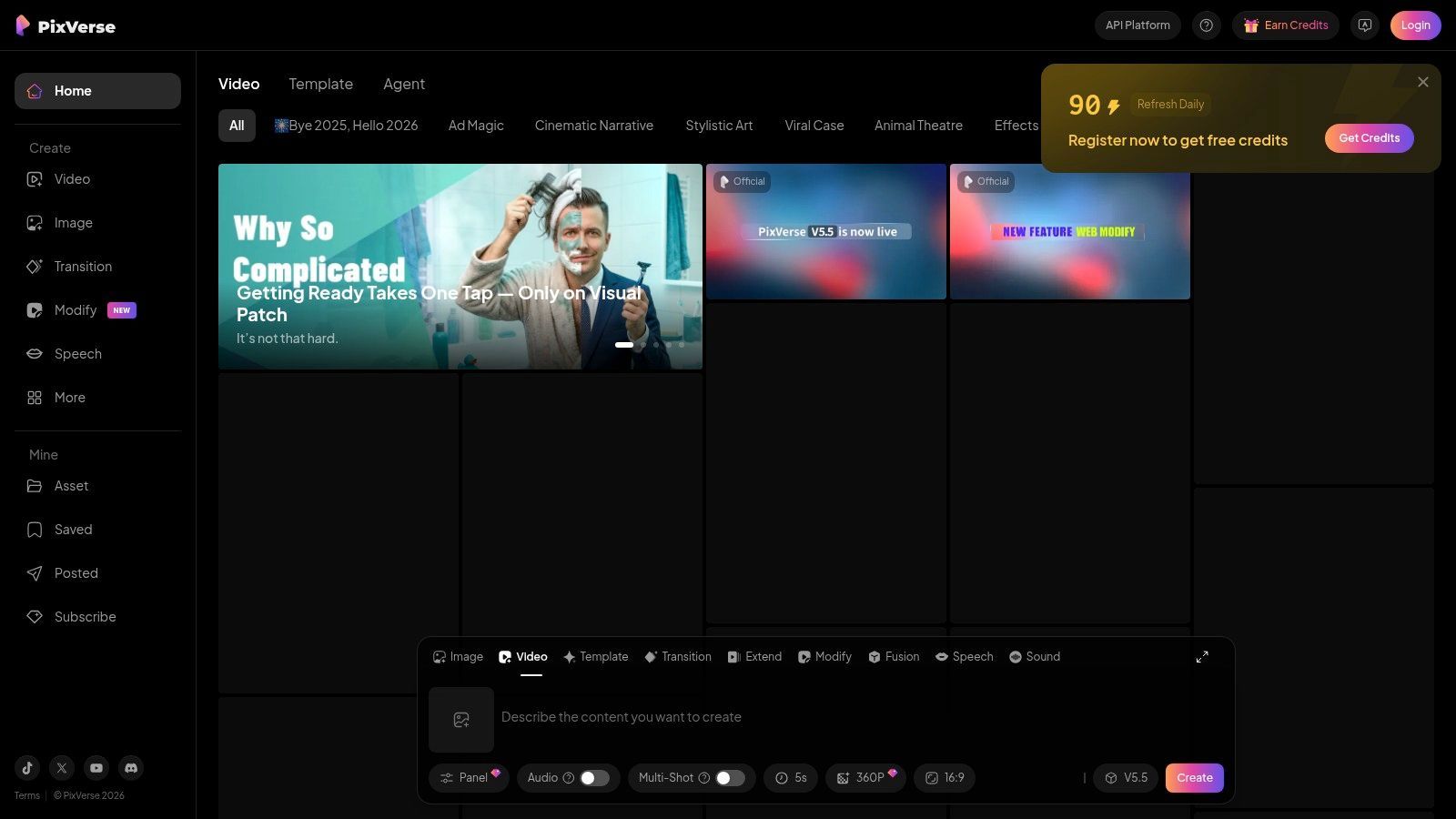
The standout feature of PixVerse is its simplicity and mobile app support, letting you create on the go. You input a prompt or an image, and the platform generates a short video in a matter of moments. For more advanced users, PixVerse also offers an API, opening the door for developers to integrate its video generation into their own applications or automated content workflows. The interface is straightforward, designed for quick input and output without a steep learning curve.
PixVerse operates on a freemium model with subscription and credit-based plans. A free tier allows for basic generation, while paid plans unlock more credits, faster processing, no watermarks, and commercial usage rights. Pricing is competitive, though some users have reported confusion with varied pricing pages, so it's wise to double-check the official site before subscribing. API access is typically tiered separately.
Pros: Very fast generation for quick visual concepts. Mobile app provides on-the-go creative capabilities. API option is great for automation and integration. Cons: Quality and consistency of results can be variable. Some user reviews mention issues with customer support and cancellations.
| Product | Core features | Quality (★) | Price & Value (💰) | Best for (👥) | Unique selling point (✨) |
|---|---|---|---|---|---|
| 🏆 SendFame | Videos, images, full songs, celeb-style messages; Image→Video; one-click workflow | 4.5★ | 💰 Promo-driven tiers; check commercial/licensing terms | 👥 Marketers, influencers, event planners, gift-givers | ✨ Celebrity persona + end-to-end AI music/video stack |
| Kaiber | Audioreactive visuals; storyboard→video; up to 4K & model plugins | 4★ | 💰 Day passes, credits & subscriptions; paid commercial rights | 👥 Musicians, labels, stylized video creators | ✨ Audio-reactive models & Superstudio plugins |
| Runway | Gen‑4/4.5 text/image→video, editors, collaboration & asset storage | 4.5★ | 💰 Credit-based; higher tiers for 4K/up-res | 👥 Teams & creators needing generation + post tools | ✨ Integrated gen + pro post-production toolset |
| Pika | Very fast 5–10s clips, scene stitching, multiple model tracks | 3.5★ | 💰 Credit system; some plan details gated | 👥 Social creators who iterate rapidly | ✨ Ultra-fast short-clip generation |
| Luma AI (Dream Machine) | High-fidelity short clips, Ray models, up-res/HDR up to 4K | 4.5★ | 💰 Transparent per-model/per-duration credits; Plus commercial | 👥 Filmmakers & high-quality music visuals | ✨ Realism + HDR upscaling for short clips |
| Rotor Videos | Audio analysis auto-edits, 9M+ stock clips, lyric & Canvas tools | 4★ | 💰 Pay‑per‑download via credit bundles | 👥 Musicians producing full-length songs | ✨ Designed for full songs & Spotify Canvas exports |
| HeyGen | Audio-reactive scenes, lyric templates, avatars, dubbing & 4K | 4★ | 💰 Public pricing; generative credit add-ons | 👥 Teams needing avatars, dubbing & music presets | ✨ Avatars + translation + music-friendly templates |
| CapCut | Beat sync, templates, cross-device editor & stock assets | 4★ | 💰 Freemium; regional plan differences | 👥 Mobile/social creators & short-form editors | ✨ Large template ecosystem + beat-sync |
| Canva (Music Video Maker) | Magic Video T2V, Beat Sync, templates, brand kits & stock audio | 3.5★ | 💰 Pro/Teams gated AI/video features; licensing limits | 👥 Marketers, teams, non-designers | ✨ Massive templates + brand kit collaboration |
| Adobe Express + Firefly | Templates, brand kits, Firefly generative credits & Stock | 3.5★ | 💰 Subscription + monthly gen credits; Adobe ecosystem | 👥 Adobe teams & brand-heavy workflows | ✨ Adobe Stock + brand integration & scheduling |
| Wondershare Filmora | NLE with 20+ AI tools, beat-sync, Filmstock assets & 4K | 4★ | 💰 Affordable annual/perpetual options; add-on credits | 👥 Hobbyists and editors finishing full videos | ✨ Perpetual license + broad AI toolset |
| PixVerse | Fast text/image→video, mobile app & API for automation | 3★ | 💰 Subs & credit plans; paid commercial licenses | 👥 Developers, mobile creators & quick ideation | ✨ API + mobile-first fast generation |
And there you have it, a whirlwind tour of the wild, weird, and wonderful world of AI music video generation. We've journeyed from the all-in-one production suites to the cinematic powerhouses and the social media speed demons. The biggest takeaway? The title of "best ai music video generator" isn't a crown worn by a single tool; it’s a role that’s cast depending on the specific project you’re directing.
What was once the exclusive domain of major record labels with six-figure budgets is now accessible from your laptop. This isn't just a technological shift; it's a creative earthquake. The barrier to entry for creating compelling visual art to accompany your music has been shattered, and what’s left is a playground of pure imagination.
Choosing the right platform feels a lot like picking a collaborator. You need to find one that gets your vibe, speaks your language, and doesn't drain your bank account. Let’s break down the final decision-making process based on who you are and what you need to create.
For the All-in-One Musician: If your goal is to go from a lyrical idea to a full song with a shareable video in one seamless workflow, SendFame and Rotor Videos are your best bets. They’re designed for artists who want to focus on the music, letting the AI handle the heavy lifting of visual production from start to finish. For the Avant-Garde Visual Artist: If you see music as a canvas for mind-bending, abstract, or surreal visuals, then Runway and Kaiber are your studios. Their deep control over camera movements, prompts, and audio reactivity allows for a level of artistic expression that’s simply unmatched for experimental projects. For the Social Media Maverick: Need to pump out a killer promo for your new single on TikTok or Instagram Reels, like, yesterday? CapCut and Canva are your go-to options. They prioritize speed, trending templates, and ease of use, making them perfect for creating short, punchy content that grabs attention instantly. For the Aspiring Filmmaker: If you’re looking to create something with a more narrative, cinematic feel, the emerging capabilities of Pika and Luma AI's Dream Machine are incredibly exciting. These tools are pushing the boundaries of coherent storytelling and character consistency, offering a glimpse into the future of AI-driven filmmaking.
Before you commit your time and credits to a single platform, remember to weigh the practical considerations. Budget is a big one, as credit-based systems can get pricey for ambitious projects. Equally important is the learning curve; some tools are pick-up-and-play, while others require a bit more patience to master their nuances.
Finally, consider your desired output quality and style. Don’t try to force a photorealistic result from a tool known for its painterly aesthetic. Play to each generator's strengths. The evaluation of these platforms is an evolving field. For those interested in understanding how AI platforms are evaluated across different industries, you might find valuable insights from an honest look at an AI marketing platforms which shows how experts break down tool performance in a different niche.
The bottom line is to experiment. Nearly every tool on this list offers a free trial or a handful of free credits. Use them. Create the same 15-second clip on three different platforms. See which workflow clicks, which interface inspires you, and which AI "gets" your artistic vision. The revolution in visual music is happening right now, in real-time. Don’t just watch it unfold, be a part of it. Now, go make something that sounds, and looks, amazing.
Ready to stop dreaming and start creating? SendFame offers a uniquely fun and integrated platform where you can generate lyrics, produce a full song, design album art, and create a music video all in one place. Jumpstart your next creative project by visiting SendFame and see how easy it is to bring your musical vision to life.
Create Epic

SendFame

Create Epic with SendFame!
Questions: info@sendfame.com