How to write a song or rap: A step-by-step guide
how to write a song or rap
Welcome offer — 56% OFF


Discover the top music production programs for beginners. Our 2025 guide covers DAWs and AI tools to help you start making music today.
Ready to Make Music? Your Perfect Starting Studio Awaits
Jumping into music creation can feel like trying to pilot a spaceship with a manual written in Klingon. All those knobs, faders, and timelines can be seriously intimidating, but don't let that stop you. This guide is your friendly map to the best music production programs for beginners, designed to cut through the overwhelming noise and get you making tracks, not headaches. We're breaking down which tools are genuinely easy to learn, which ones offer the best features for your budget (some are even free!), and how a new wave of AI-powered platforms can turn a simple idea into a polished song almost instantly.
The process of choosing the right creative tools is crucial, much like evaluating options in a video production software comparison. Your software is your first and most important instrument. Whether you dream of producing chart-topping bangers, crafting the perfect soundtrack for your content, or just want to record a catchy melody that popped into your head, the right digital audio workstation (DAW) makes all the difference. In this list, we'll dive deep into each option with screenshots, direct links, and honest advice to help you find the perfect creative partner. Forget the confusion; let's find your sound.
Ableton is less a website and more an entire universe for music producers. It's the official home of Ableton Live, one of the most iconic music production programs for beginners and professionals alike. The site isn't just a digital storefront; it’s a launchpad where you can download the software, grab sound packs to expand your library, and even find official training.
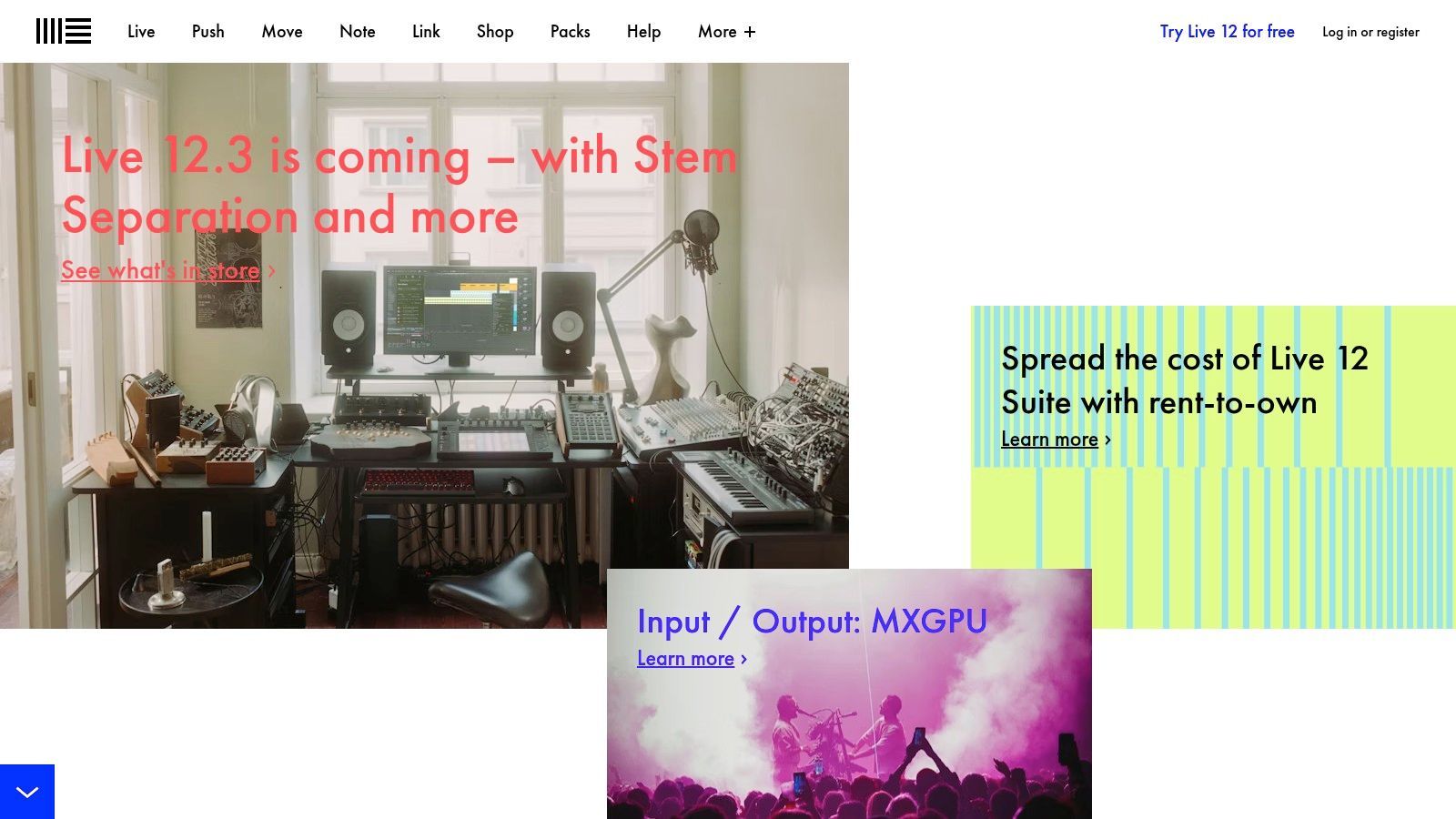
What makes Ableton legendary is its "Session View," a non-linear workflow perfect for jamming out ideas, making beats, or performing live without a rigid timeline. This approach can feel more intuitive than traditional DAWs, letting you experiment with loops and clips freely. It's a fantastic environment for sparking creativity, and you can always switch to the more conventional "Arrangement View" to structure your masterpiece later. For those interested in how DAWs like Ableton compare to newer tools, check out this guide to making music with AI.
Pricing: Ableton Live comes in three tiers: Intro ($99), Standard ($449), and Suite ($749). They also offer a rent-to-own plan for Suite through Splice, making the full version more accessible. Best For: Loop-based music, electronic genres, beatmaking, and live performance. Pros: Massive community with endless tutorials, intuitive Session View, and a scalable ecosystem with Packs and Max for Live. Cons: The full Suite is a significant investment, and the unique workflow can take some getting used to.
The Image-Line website is the official home for FL Studio, a powerhouse among music production programs for beginners, especially in the hip-hop and EDM scenes. This site is your one-stop shop to purchase and download the software, browse its famous "Lifetime Free Updates" policy, and access a massive knowledge base. What started as "FruityLoops" has blossomed into a full-fledged digital audio workstation loved for its straightforward pattern-based workflow.
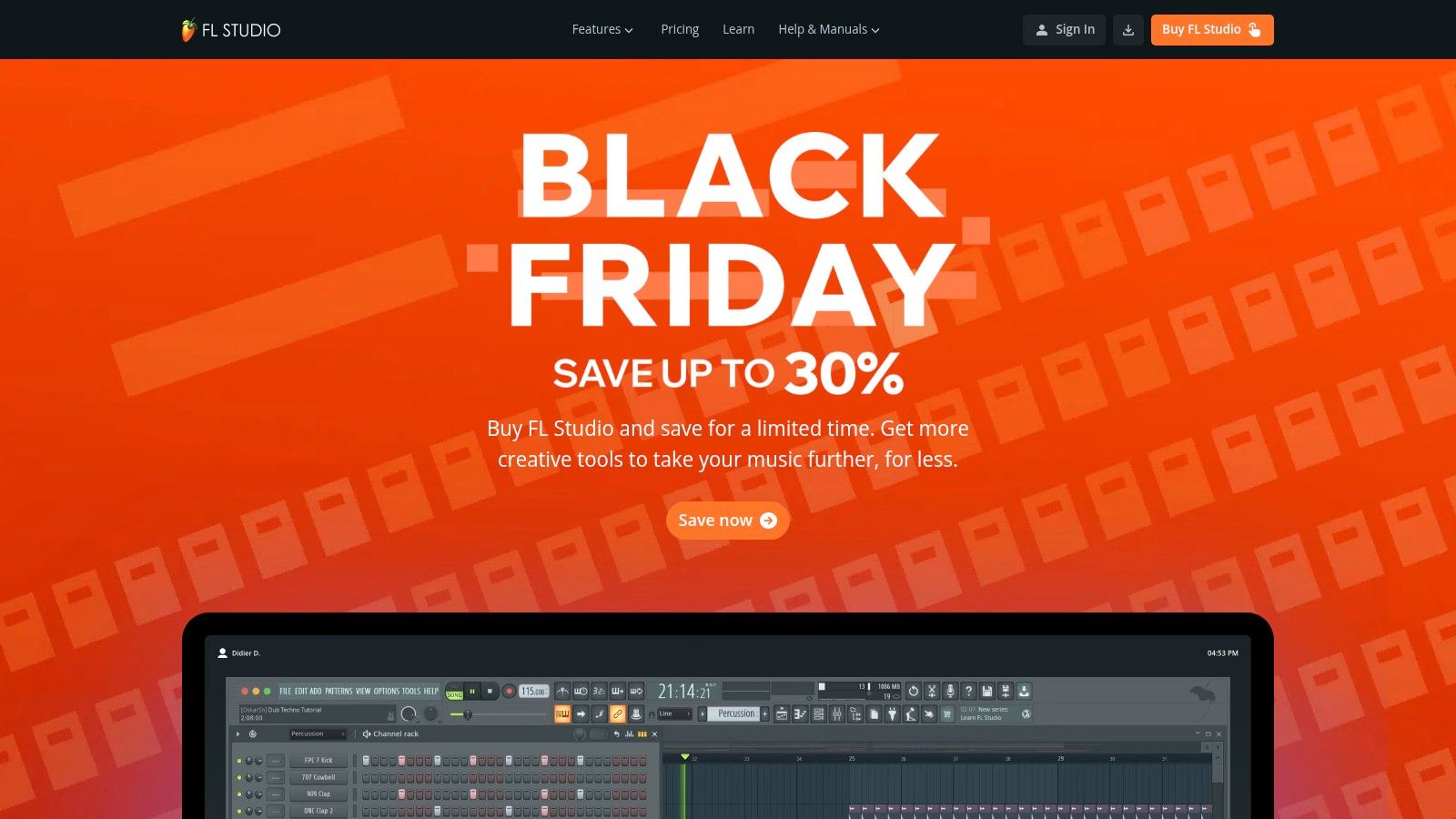
FL Studio’s standout feature is its Channel Rack and Piano Roll, which together make programming beats and melodies incredibly intuitive. You can quickly sketch out an entire track by creating patterns and arranging them in the Playlist, a visual approach that clicks instantly for many newcomers. Its powerful stock plugins mean you have a great sound right out of the box, perfect for crafting everything from simple loops to the signature sound of your own producer tags, which you can discover how to make right here.
Pricing: FL Studio offers four main tiers: Fruity ($99), Producer ($199), Signature ($299), and All Plugins Edition ($499). The biggest selling point is its lifetime free updates policy. Best For: Beatmaking, hip-hop and electronic music production, and producers who prefer a pattern-based workflow. Pros: Incredible long-term value with lifetime free updates, an extremely fast and intuitive workflow, and a huge library of tutorials online. Cons: The base Fruity edition lacks audio recording capabilities, and new Mac users might face a slight learning curve with third-party plugin management.
For anyone with a Mac, iPhone, or iPad, GarageBand isn't just a website; it's a pre-installed gateway into the world of music creation. As one of the most accessible music production programs for beginners, it turns your Apple device into a recording studio. The official site is your go-to for feature deep-dives, but the real magic happens when you open the app and find a massive library of loops and virtual instruments waiting for you, completely free.
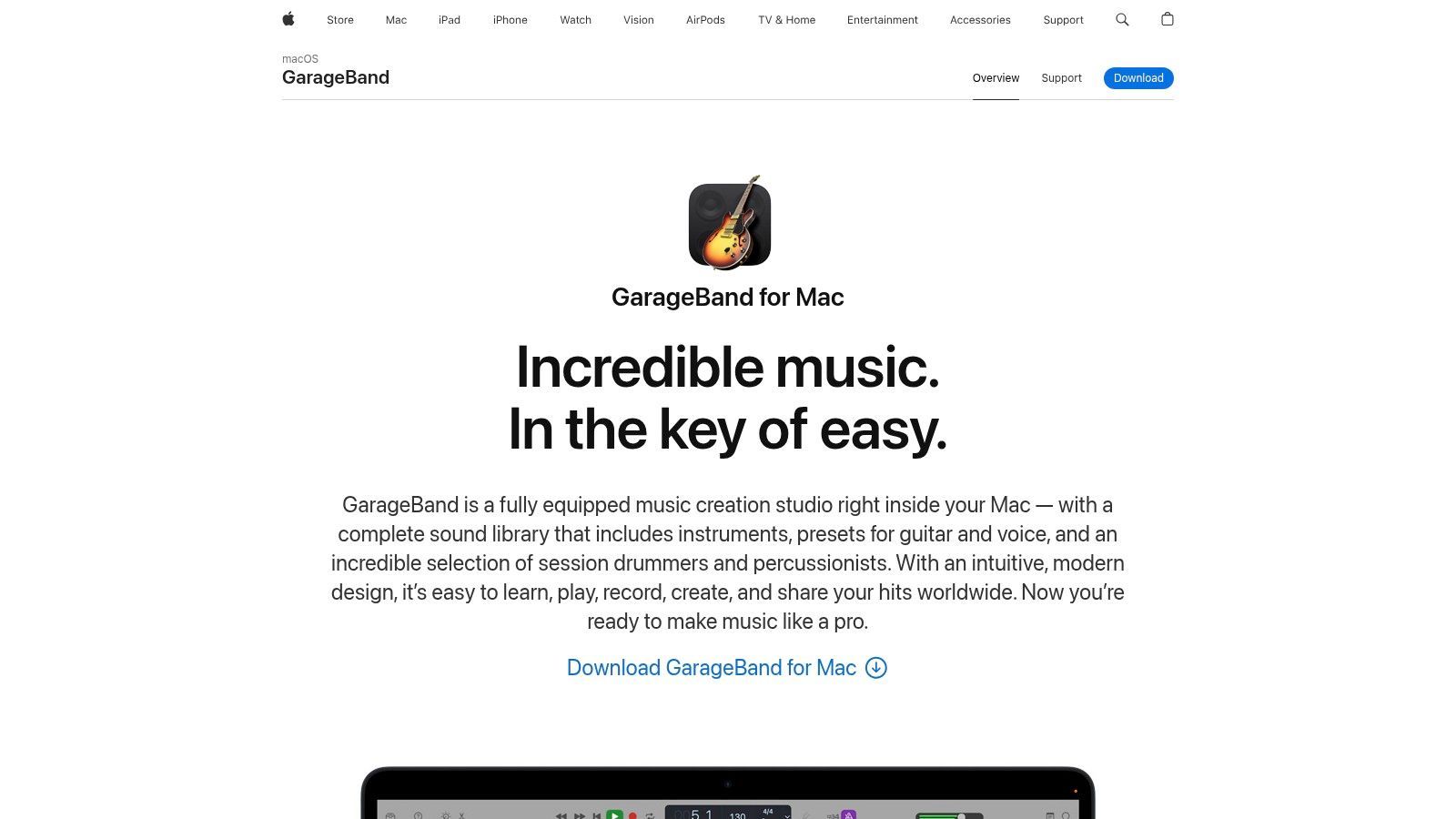
What makes GarageBand an unbeatable starting point is its simplicity and surprising power. You can create beats with the virtual "Drummer," which provides an AI-powered session player that follows your direction. It also includes built-in lessons for piano and guitar, making the learning curve incredibly gentle. When you're ready for more, your projects import directly into its professional big brother, Logic Pro, offering a seamless upgrade path.
Pricing: Completely free with all macOS and iOS devices. Best For: Aspiring songwriters, podcasters, and anyone new to music production on an Apple device. Pros: Absolutely no cost to start, incredibly user-friendly interface, and a clear, easy upgrade path to Logic Pro. Cons: Only available on Apple devices and lacks the advanced mixing and routing capabilities of professional DAWs.
If you're already in the Apple ecosystem, Logic Pro is the natural next step up from GarageBand, transforming your Mac into a full-blown professional studio. The Logic Pro website is Apple's sleek hub for the software, offering a deep dive into its features, system requirements, and the all-important link to a generous 90-day free trial. It’s one of the best music production programs for beginners graduating to more serious work.
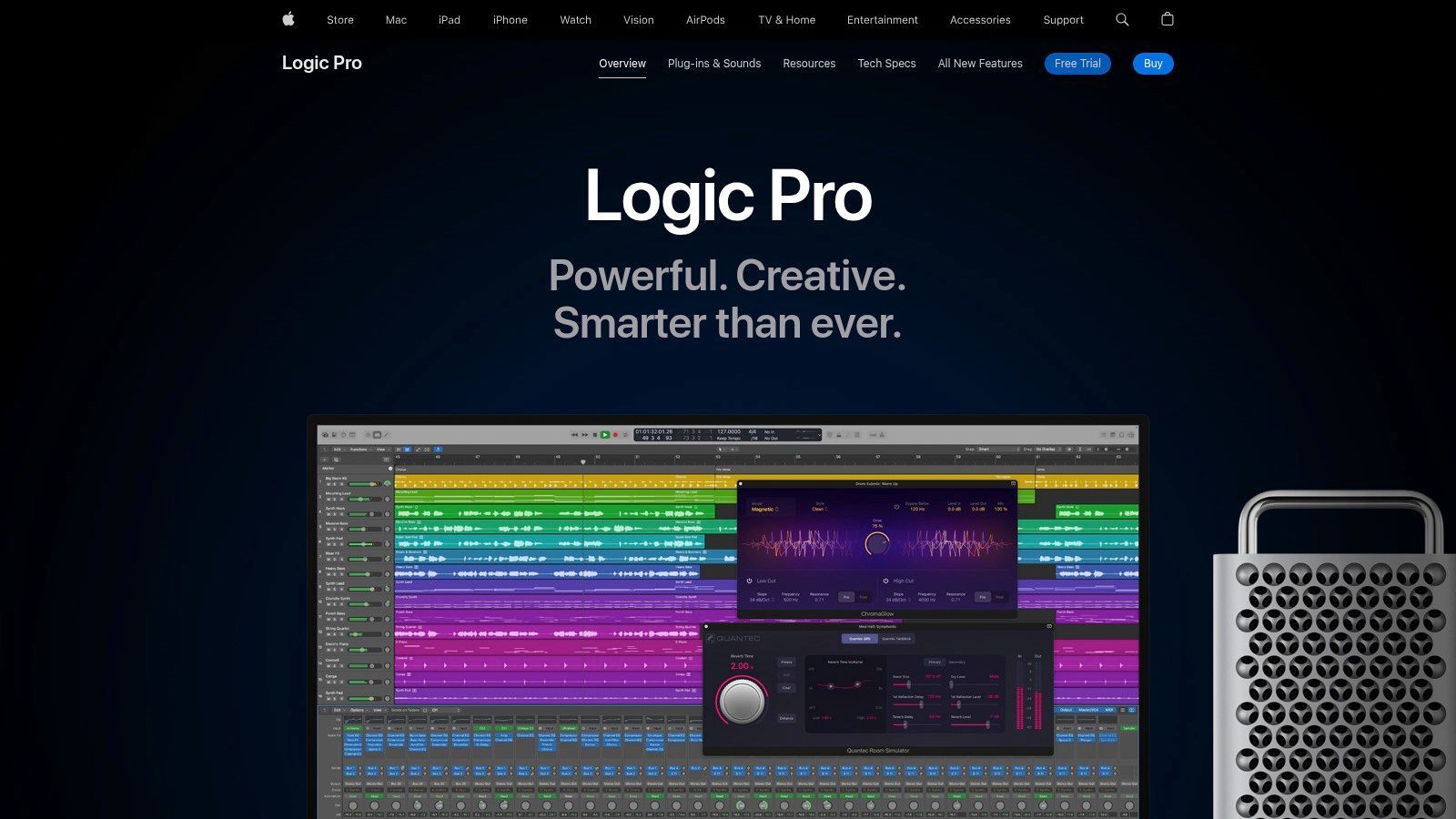
What makes Logic Pro a powerhouse is the sheer volume of high-quality content you get for a one-time price. It comes loaded with a massive library of instruments, effects, and loops that can fuel countless projects. Its user interface is clean and intuitive, especially for those familiar with GarageBand, but it hides an incredible depth of features like deep MIDI editing, Flex Time for audio manipulation, and even tools for creating spatial audio with Dolby Atmos.
Pricing: A one-time purchase of $199.99 from the Mac App Store, with a 90-day free trial available. Best For: Singer-songwriters, traditional recording, film scoring, and anyone in the Apple ecosystem. Pros: Incredible value with a huge included library, tight integration with macOS, and a familiar workflow for GarageBand users. Cons: It's a Mac-only application, and there are no tiered versions, meaning it’s all or nothing.
Pro Tools is the digital audio workstation you see in photos of legendary recording studios for a reason. It's an industry titan, and Avid's website is the gateway to this powerful ecosystem. The site offers Pro Tools Artist, an entry-level version designed to give aspiring music creators a taste of the professional workflow without the hefty price tag of its bigger siblings. It's the perfect place to start if you dream of working in professional studios one day.
What makes Pro Tools stand out is its deep-rooted history in professional audio recording and editing. The workflow is meticulously designed for tracking, editing, and mixing, making it a favorite among audio engineers. The Artist tier gives you access to this revered environment, including a generous suite of Avid's high-quality plugins and sounds. It's one of the best music production programs for beginners who are serious about learning the technical side of audio engineering from the ground up.
Pricing: Pro Tools Artist is available as a subscription, starting at $9.99/month or $99/year. This provides an affordable path to upgrade to the more powerful Studio or Ultimate versions later. Best For: Aspiring audio engineers, singer-songwriters, and anyone focused on traditional recording, editing, and mixing. Pros: Learn an industry-standard workflow, affordable entry-point via subscription, and access to professional-grade Avid plugins. Cons: The subscription model isn't for everyone, and the track limits in the Artist version can be restrictive for complex projects.
PreSonus' website is the gateway to Studio One, a modern and powerful music production program that’s surprisingly friendly for beginners. The site offers everything you need to get started, from downloading the software and purchasing a license to exploring add-ons and tutorials. It's a clean, professional hub that makes diving into a full-featured Digital Audio Workstation (DAW) feel less intimidating.
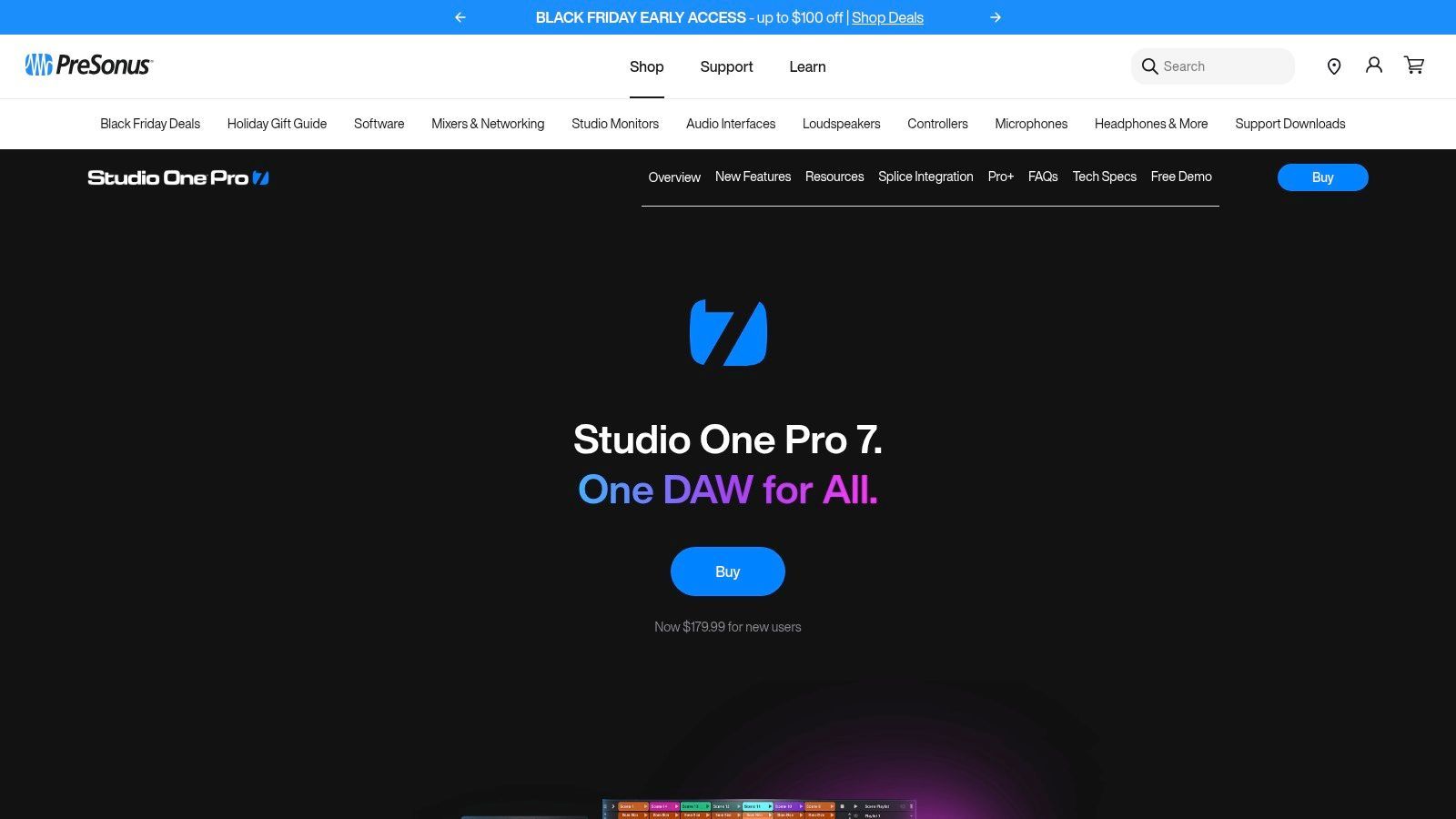
Studio One's claim to fame is its elegant, single-window interface and intuitive drag-and-drop workflow. Almost everything, from adding effects to creating instrument tracks, can be done by simply dragging elements into the main arrangement view. This design philosophy removes many of the complex menu-diving hassles found in older DAWs, allowing you to stay focused on making music. Smart Templates even provide pre-configured setups for common tasks like recording vocals or making a beat.
Pricing: A free version, Studio One Prime, is available. Paid tiers are Artist ($99.95) and Pro ($399.95) for perpetual licenses. PreSonus Sphere ($14.95/mo) offers a subscription model. Best For: All-in-one recording, mixing, and mastering; songwriters who value a fast workflow. Pros: Very approachable UI for newcomers, a fantastic perpetual license option keeps costs predictable, and integrated mastering tools. Cons: Some advanced features are locked behind the Pro version, and it has fewer third-party tutorials compared to industry giants.
Steinberg's website is the official home for Cubase, a digital audio workstation with a rich history and a reputation for rock-solid performance. For newcomers, the site directs you toward Cubase Elements, a streamlined yet powerful version of their flagship software. It’s designed as the perfect entry point into a professional ecosystem, offering core tools without overwhelming you from the start.
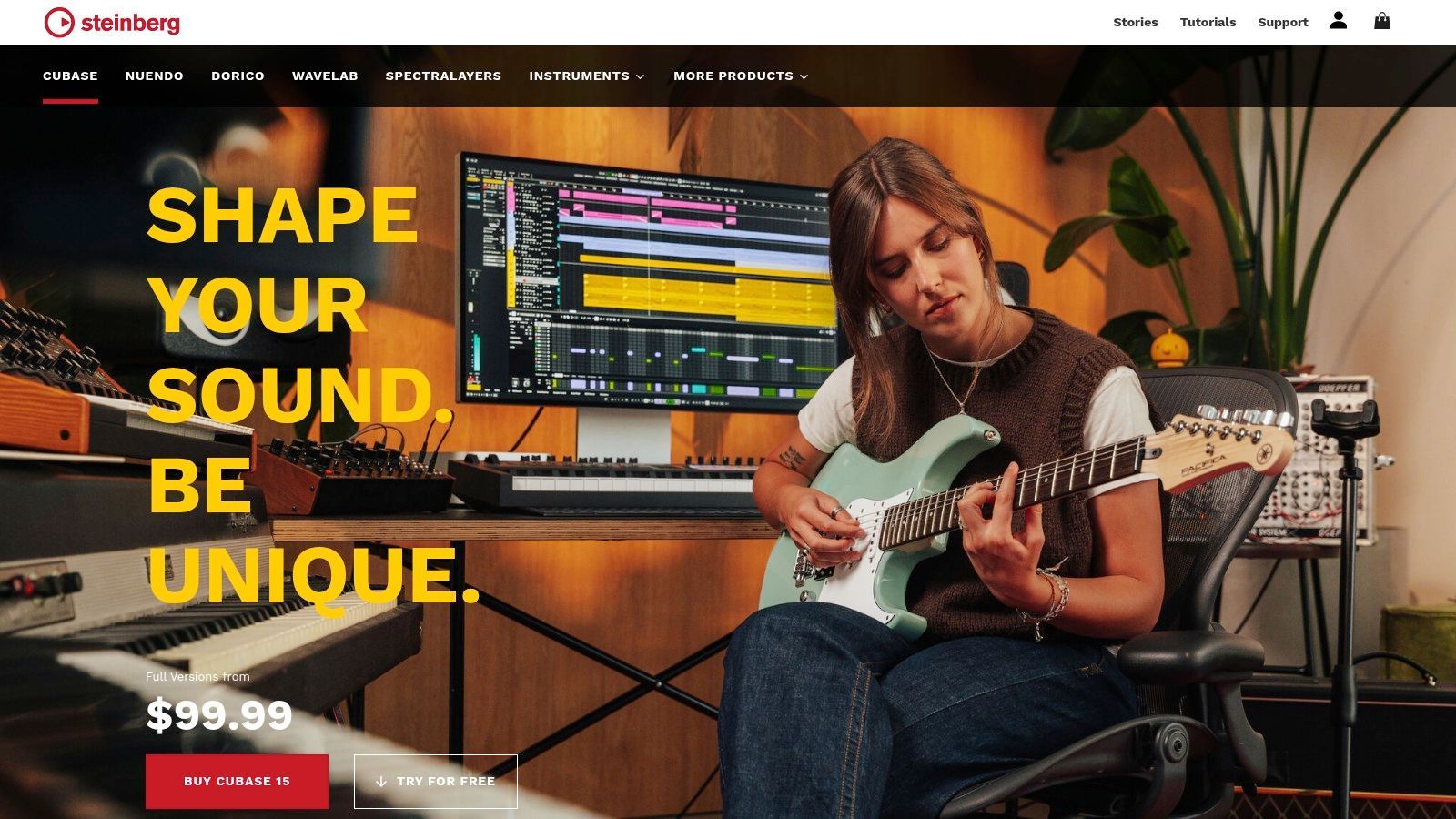
What sets Cubase apart, even in its Elements form, are its incredibly strong MIDI composition tools. Features like Chord Pads and Scale Assistant help you write compelling melodies and harmonies, even if your music theory isn't quite there yet. This makes it an exceptional choice for songwriters and electronic producers who want to build complex arrangements. The platform is designed to grow with you, offering a clear and smooth upgrade path to the more feature-rich Artist and Pro editions when you're ready to level up your production game.
Pricing: Cubase Elements is priced at a one-time fee of $99.99, with paid upgrades available for Artist ($329.99) and Pro ($579.99). Best For: Songwriters, composers, and beginners focused on MIDI production and traditional recording. Pros: Mature, well-documented platform used worldwide, and a clear stepping-stone path from Elements to Pro as your skills advance. Cons: The full Pro edition is premium-priced, and there can be a bit of a learning curve for first-time users compared to simpler programs.
REAPER is the ultimate underdog in the world of music production programs for beginners. Its website, reaper.fm, is a no-frills portal to a surprisingly powerful and lightweight digital audio workstation. What sets REAPER apart is its ridiculously generous evaluation model: you get a full, unrestricted 60-day trial to explore every corner of the software before committing.
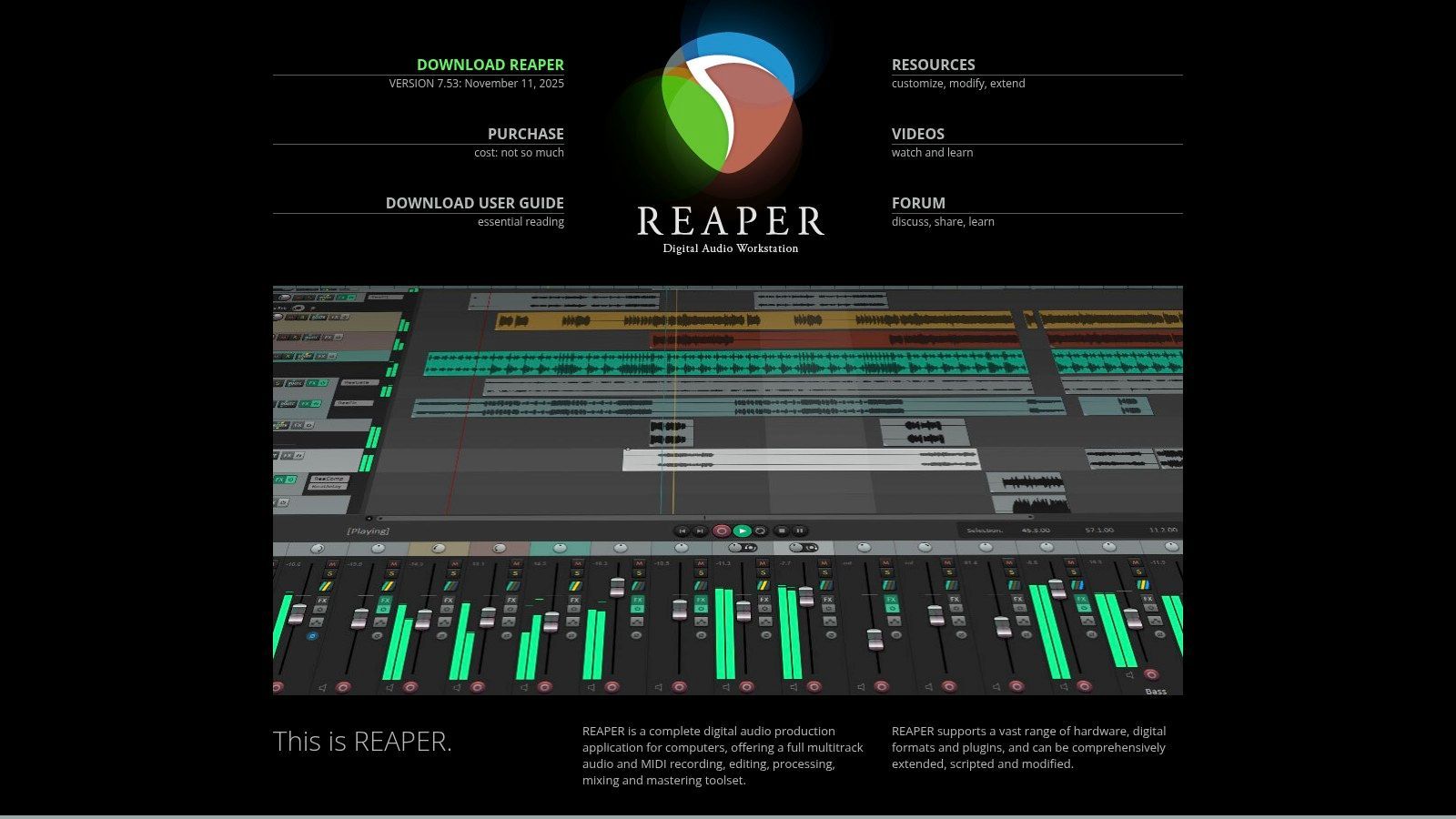
This DAW is known for its speed, stability, and deep customization. While it may not come with a massive library of stock sounds, it provides a blank canvas that you can tailor to your exact workflow with custom scripts, themes, and actions. It's a fantastic, budget-friendly choice that grows with you, handling everything from basic recording to complex audio engineering. The community-driven customization is a huge part of its appeal, similar to how modern creators are using a variety of AI tools for music production to build unique sounds.
Pricing: A Discounted License is just $60 for personal use or small businesses, while a Commercial License is $225. Both include free updates through two major versions. Best For: Hobbyists, budget-conscious producers, and tinkerers who love to customize their tools. Pros: Insanely affordable with a full-featured trial, extremely lightweight and fast, and endlessly customizable. Cons: The interface can feel a bit dated, and the lack of included instruments or loops means you'll need to source your own.
Reason Studios offers a unique take on music production with Reason+, a subscription service that bundles their legendary DAW with every instrument, effect, and sound pack they’ve ever made. The website is your portal to this massive creative suite, where you can sign up, manage your subscription, and download a constant stream of new creative tools. It’s an all-you-can-eat buffet of synths, samplers, and effects, making it an incredible value for beginners who want a huge sound library from day one.
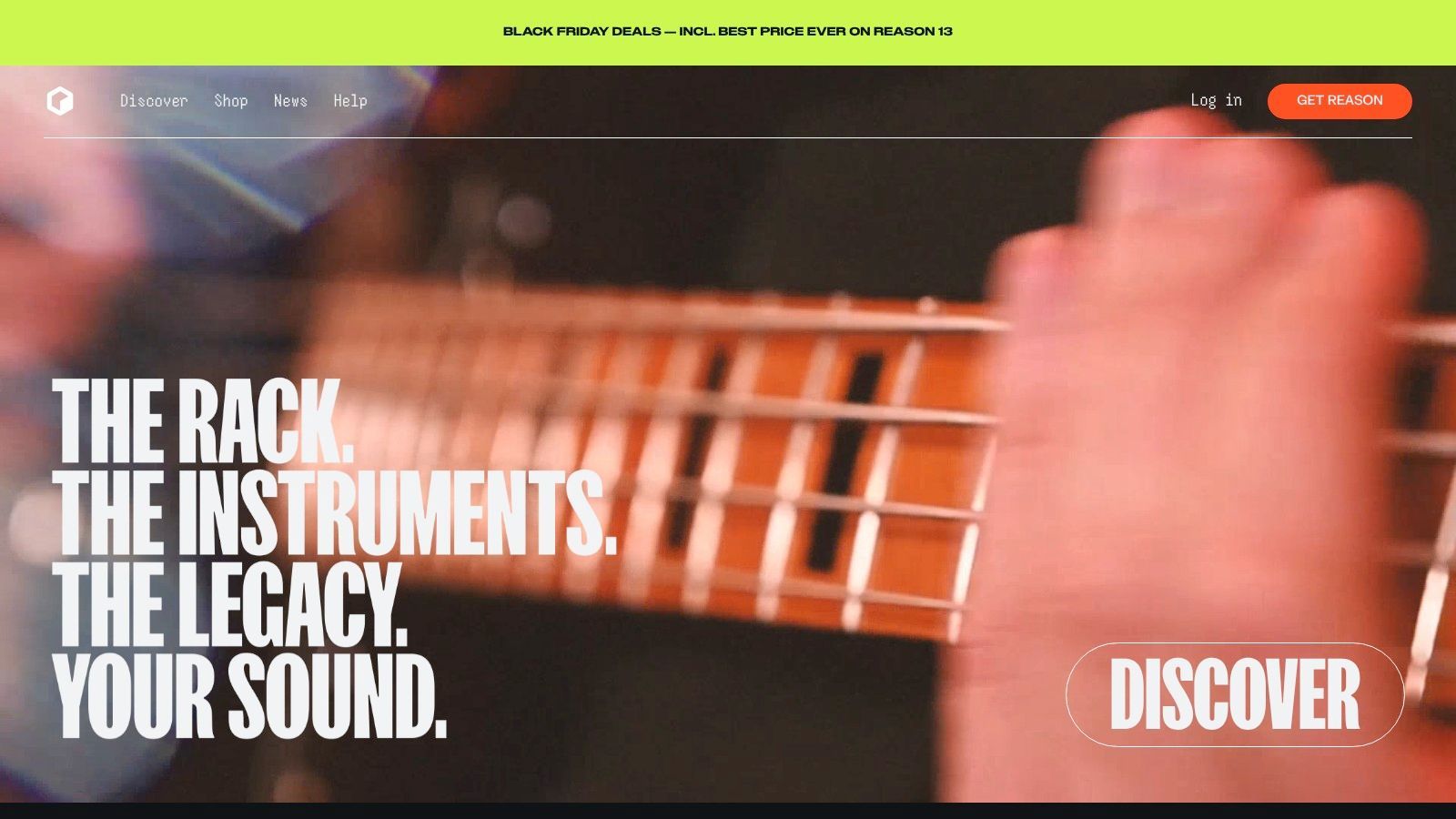
What truly sets Reason apart is its famous virtual rack. You can visually patch instruments and effects together with virtual cables, just like in a real-world studio. This hands-on approach is fantastic for learning signal flow. Plus, the Reason Rack can run as a VST plugin inside other DAWs like Ableton or FL Studio, letting you bring its iconic sounds into any project. This flexibility makes it one of the most versatile music production programs for beginners.
Pricing: Reason+ subscription is $19.99/month or $199/year. Perpetual licenses for the Reason 12 DAW are also available for a one-time purchase of $499. Best For: Producers who want a massive, ever-expanding sound library and enjoy a more hands-on, hardware-inspired workflow. Pros: Enormous collection of high-quality instruments and effects out of the box, and can be used as a plugin in other DAWs. Cons: The subscription model isn't for everyone, and the virtual cabling interface can be a little different from other DAWs.
BandLab isn't just a program; it's a completely free, cloud-based music creation ecosystem that lives right in your browser or on your phone. This platform has shattered the entry barrier to music production by offering a surprisingly powerful multitrack studio that requires zero investment to start. It’s a social-first digital audio workstation where you can record, mix with built-in effects, and collaborate with other musicians in real-time, all stored conveniently in the cloud.
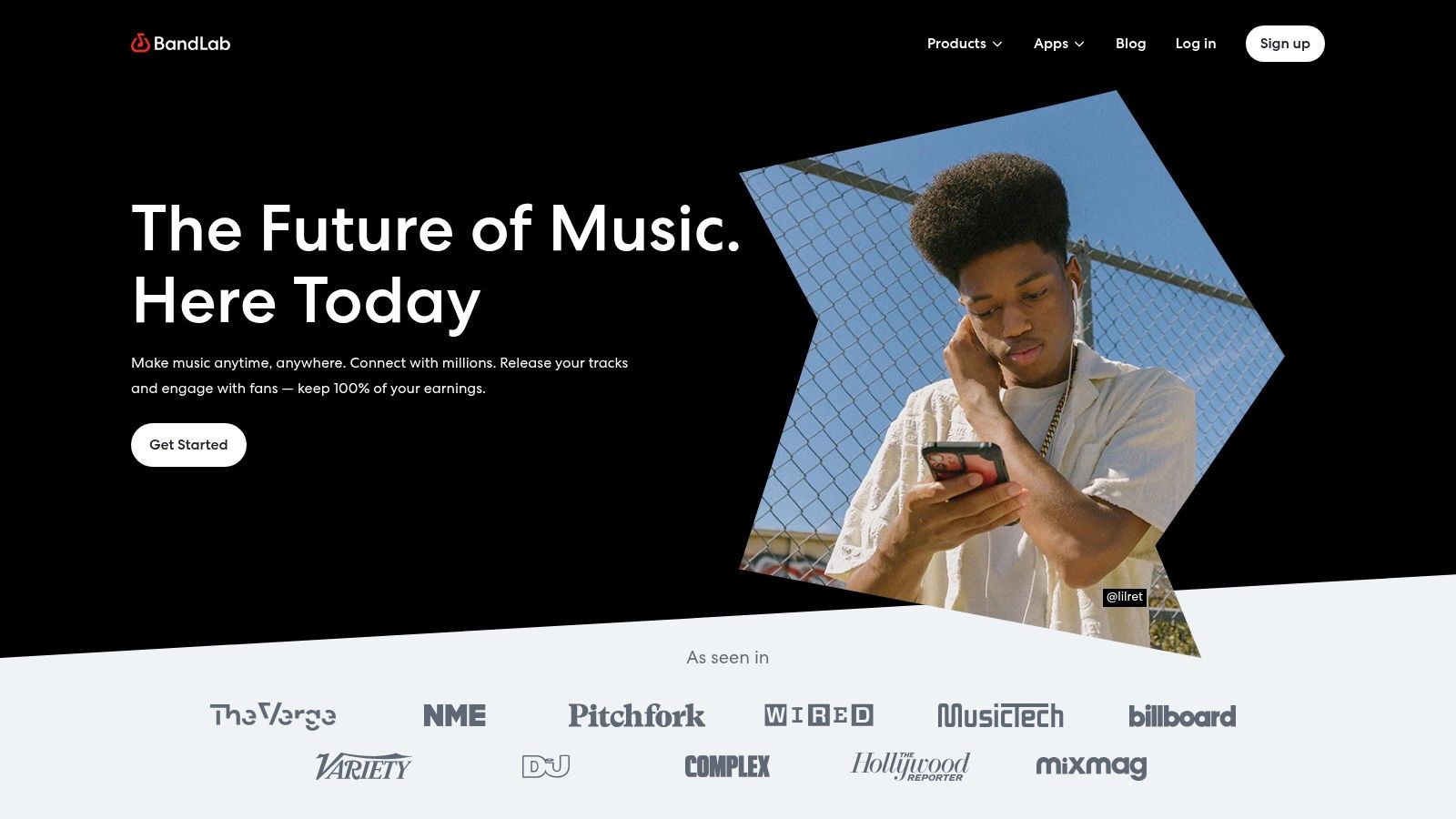
What makes BandLab a game-changer for beginners is its unmatched accessibility and community focus. You can start a song on your laptop, add a vocal take on your phone while on the bus, and then invite a friend to lay down a guitar part from halfway across the world. The integrated social features encourage feedback and collaboration, making it one of the most interactive and motivating music production programs for beginners. While it offers a traditional DAW feel, it’s also a good starting point to understand digital creation before exploring tools like the best AI music generators.
Pricing: The core platform is completely free. An optional BandLab Membership ($14.99/month) unlocks advanced features like music distribution and exclusive sounds. Best For: Zero-cost starting, collaborative projects, making music on the go, and social musicians. Pros: Absolutely free to start and highly accessible on almost any device, and its social/community features are fantastic for motivation and networking. Cons: Limited by browser and mobile device capabilities compared to desktop DAWs, and some advanced tools are locked behind the paid membership.
Soundtrap takes the "studio" out of the studio and puts it right into your web browser. This platform is a collaborative, online music production program for beginners that requires zero installation, making it incredibly accessible. It’s not just a DAW; it’s a creative hub designed for real-time group projects, making it a standout choice for bands, collaborators, or classrooms working remotely. You just log in and start creating.
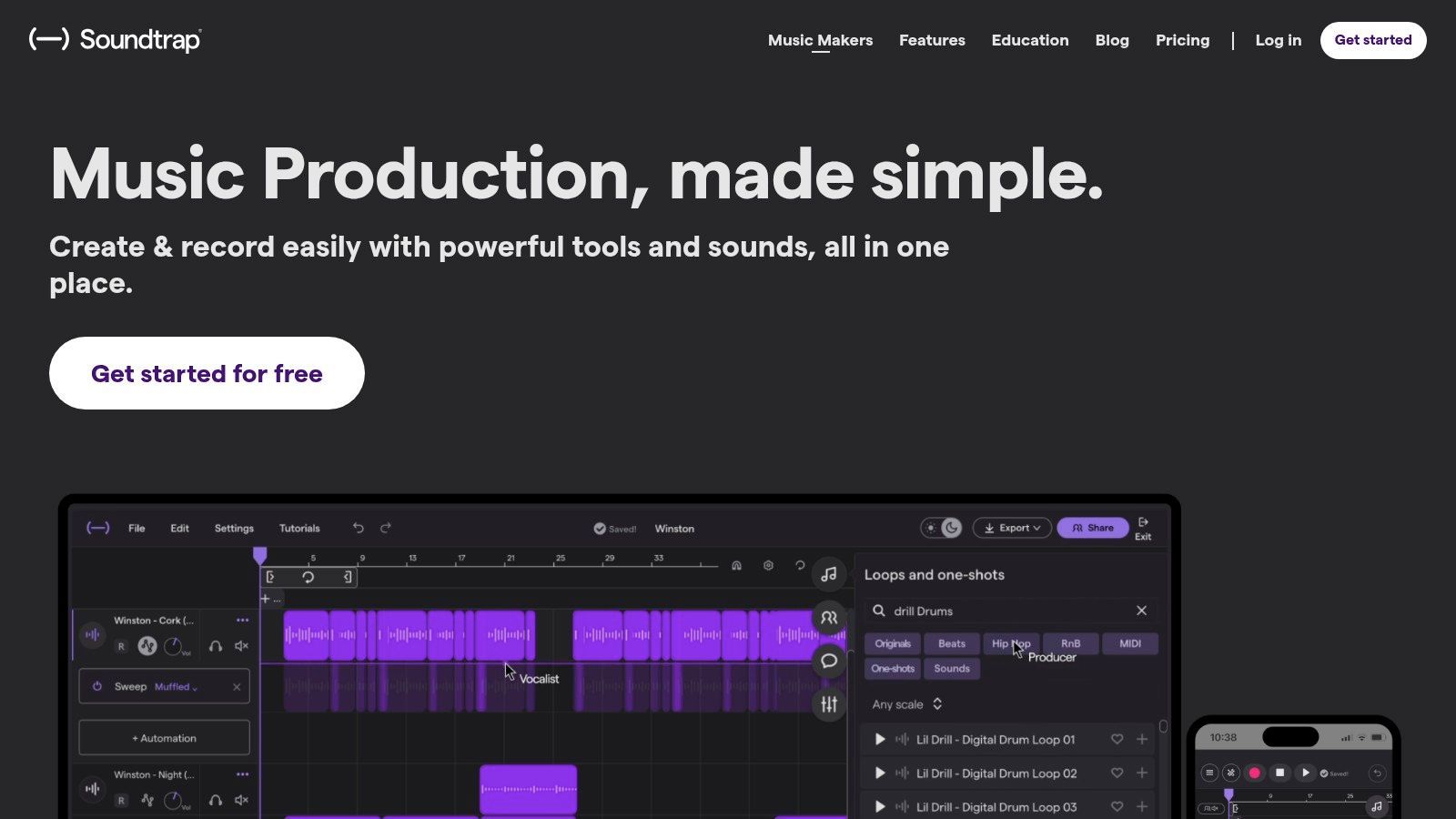
What makes Soundtrap so unique is its emphasis on collaboration and education. It functions like a Google Doc for music, allowing multiple users to work on the same project simultaneously while autosaving every change. Its powerful education-focused editions come with lesson plans and integrations for learning management systems, cementing its place as a top-tier tool for learning the ropes of music production in a structured, user-friendly environment.
Pricing: Offers a Free tier with basic features. Paid plans include Music Makers Premium ($9.99/month) and Storytellers ($14.99/month) for individuals, with custom pricing for Soundtrap for Education. Best For: Collaborative projects, classroom learning, podcasting, and quick, browser-based beatmaking. Pros: No installation needed, strong real-time collaboration features, and excellent resources for educators and students. Cons: Browser-based performance can be limited by your computer's CPU and internet connection, and the most valuable plans are education-focused.
Sweetwater isn't a single music production program but rather a trusted digital superstore where you can find nearly every major DAW on the market. Think of it as the ultimate launchpad for choosing your creative weapon. This US-based retailer is legendary for its massive catalog, expert support, and helpful community, making it an ideal starting point for beginners trying to navigate the overwhelming world of music software.
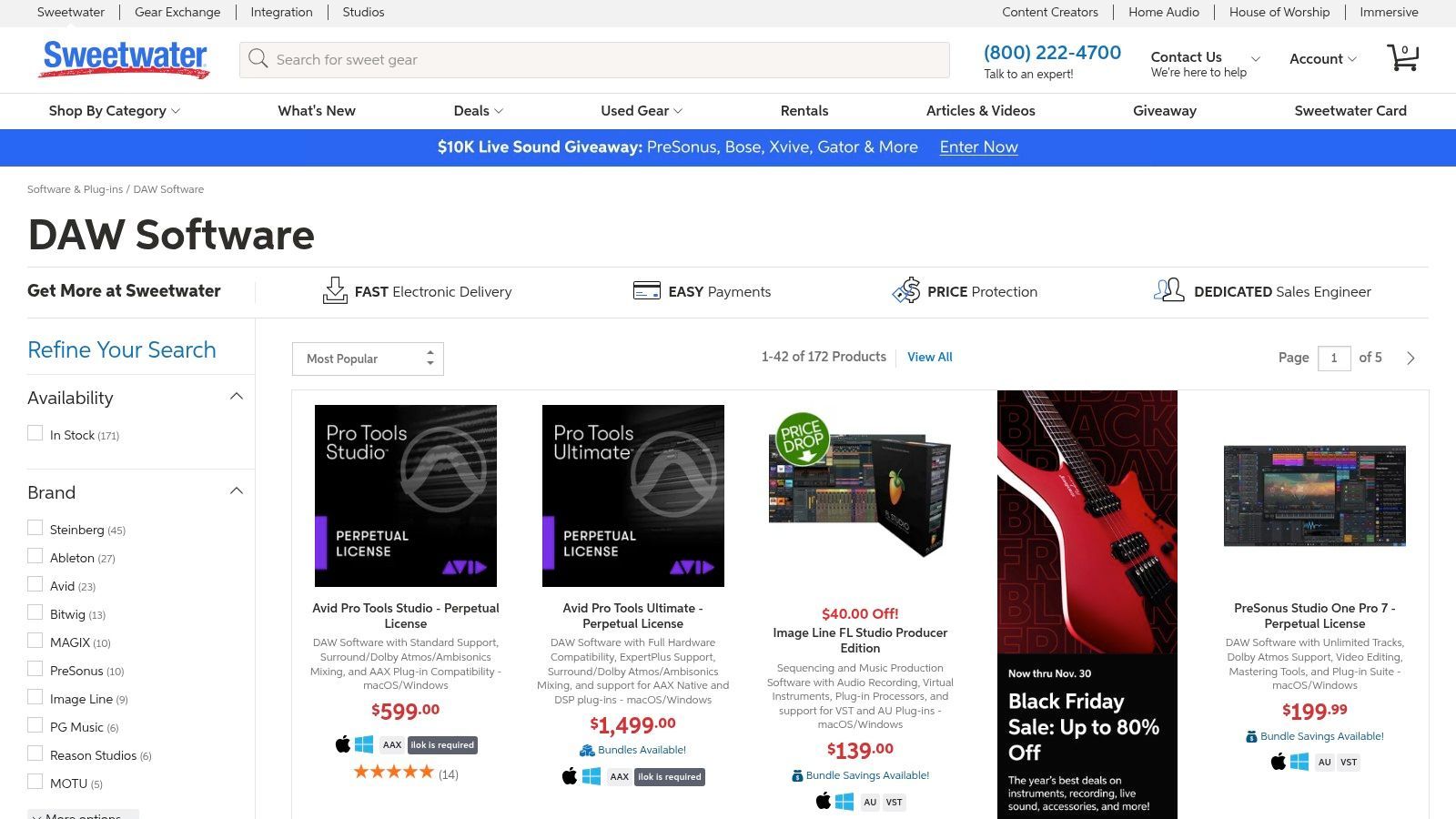
What makes Sweetwater stand out is its human touch. Instead of just clicking "buy," you can access real-time expert advice from their Sales Engineers via phone or chat to compare options like Ableton, FL Studio, or Pro Tools. The product pages are packed with user reviews, detailed specs, and Q&As, allowing you to thoroughly research before committing. Plus, instant digital delivery for most licenses means you can get started on your next hit in minutes.
Pricing: Varies by product. Sweetwater often mirrors MSRP but offers competitive bundles, sales, and financing options to make software more affordable. Best For: Comparing and purchasing DAWs, accessing expert advice, and finding software/hardware bundles. Pros: Trusted US retailer with phenomenal customer support, instant license delivery, and helpful comparison tools to guide beginners' choices. Cons: Prices are typically standard outside of sales, and bundles might include extras a new user doesn't need.
| Product | Core Strengths | Unique / USPs (✨ / 🏆) | UX & Quality (★) | Price / Value (💰) | Who it's for (👥) |
|---|---|---|---|---|---|
| Ableton | Session View, loop-based production, Packs & Max for Live | ✨ Live-performance workflow; 🏆 vast tutorial ecosystem | ★★★★★ | 💰 Intro → Suite tiers; Suite pricier; rent-to-own | 👥 DJs, live performers, electronic producers |
| FL Studio (Image-Line) | Pattern workflow, strong built-in synths | ✨ Lifetime free updates; 🏆 excellent for beatmaking | ★★★★ | 💰 Fruity→All Plugins; lifetime updates; rent-to-own (region) | 👥 Beatmakers, EDM producers, beginners |
| GarageBand (Apple) | Large loops library, Drummer, built-in lessons, iCloud sync | ✨ Free & seamless on Apple devices; 🏆 best beginner gateway | ★★★ | 💰 Free on macOS / iOS | 👥 Absolute beginners, Apple users, learners |
| Logic Pro (Apple) | Deep MIDI/audio editing, huge instrument/effect suite | ✨ One-time purchase + 90-day trial; 🏆 massive included content | ★★★★★ | 💰 One-time purchase (Mac App Store) | 👥 Mac-based producers, professionals |
| Pro Tools Artist (Avid) | Pro Tools workflow exposure, Avid plugins & sounds | ✨ Entry-tier path to Studio/Ultimate; 🏆 industry-standard intro | ★★★★ | 💰 Monthly/annual subscription; affordable entry | 👥 Audio engineers, studio learners |
| Studio One (PreSonus) | Single-window UI, drag-and-drop, integrated mastering | ✨ Perpetual license + Pro+ add-ons; 🏆 approachable UI | ★★★★ | 💰 Perpetual license; optional Pro+ yearly plan | 👥 Home producers, users wanting simple UI |
| Cubase Elements (Steinberg) | Strong MIDI tools, notation, tiered editions | ✨ MIDI/notation strengths & newer AI tools; 🏆 mature platform | ★★★★ | 💰 Elements = budget entry; clear upgrade path | 👥 Composers, MIDI-focused producers |
| REAPER (Cockos) | Lightweight, fast, highly customizable, scripting support | ✨ Tiny installer & deep scripting; 🏆 best value-for-money | ★★★★ | 💰 60-day full trial → inexpensive license | 👥 Budget-minded users, tinkerers, power users |
| Reason+ (Reason Studios) | Reason DAW + Rack devices, sound-packed content | ✨ Reason Rack plugin for other DAWs; 🏆 frequent content updates | ★★★★ | 💰 Subscription service (perpetual licenses exist) | 👥 Sound designers, producers wanting presets |
| BandLab | Free cloud multitrack studio, loops, real-time collaboration | ✨ Cloud collaboration + social features; 🏆 zero-cost entry | ★★★ | 💰 Free core; optional Membership for extras | 👥 Beginners, collaborators, mobile creators |
| Soundtrap | Browser DAW, real-time collaboration, education tools | ✨ No install + LMS integrations; 🏆 classroom-friendly | ★★★ | 💰 Subscription plans; education bundles | 👥 Educators, students, remote teams |
| Sweetwater (Retail) | Large DAW catalog, instant download codes, financing | ✨ Expert phone/chat support & comparison tools; 🏆 trusted retailer | ★★★★ | 💰 MSRP-aligned pricing; financing & bundle deals | 👥 Buyers seeking guidance, U.S. customers |
And there you have it: a whirlwind tour of the digital audio playground. We've navigated the legendary halls of Ableton Live and FL Studio, explored the sleek, user-friendly worlds of Logic Pro and GarageBand, and even peeked into the innovative realms of browser-based tools like BandLab and AI-first platforms. The sheer number of music production programs for beginners can feel like standing at a crossroads with a dozen different paths, each promising a journey to sonic greatness.
The most crucial takeaway? There is no single "best" DAW. The perfect program for your friend who produces cinematic scores might be a frustrating nightmare for you, an aspiring trap producer. The best software is simply the one that gets out of your way and lets your ideas flow. It's the one you feel excited to open, not intimidated by.
Feeling stuck? Let's break down the decision-making process into a simple, actionable choice based on your goals and resources.
For the "I just want to make beats" creator: Your best bet is to jump straight into FL Studio. Its pattern-based workflow is legendary for a reason and is practically synonymous with modern hip-hop and electronic music production. For the Apple ecosystem loyalist: If you're on a Mac, start with GarageBand. It’s free, powerful, and provides a seamless upgrade path to its big brother, Logic Pro, once you’re ready to level up. For the aspiring all-rounder or live performer: Ableton Live is your champion. Its dual-view workflow is unmatched for both traditional arrangement and live performance experimentation, making it a versatile tool for any genre. For the budget-conscious experimenter: You can't go wrong with REAPER. Its incredibly generous trial and affordable license make it the most accessible, fully-featured professional DAW on the market.
The biggest mistake a new producer can make is getting paralyzed by choice, a phenomenon known as "analysis paralysis." You could spend the next six months watching comparison videos and reading forum debates, or you could spend that time actually learning an instrument, writing a melody, and recording your first track.
Pick one program from this list that resonates with you. Download the trial version, fire up a "beginner's guide" on YouTube, and dedicate one hour to just making noise. Don't worry about perfection; focus on exploration. Drag in a drum loop, play a few notes on a virtual synth, and record some nonsense vocals. The goal isn't to create a masterpiece on day one. It's to break the seal and prove to yourself that you can do it.
Your next great idea is waiting just on the other side of that "record" button. The tools are here, the knowledge is accessible, and the only thing missing is you. So, what are you waiting for?
Ready to skip the learning curve and create a professional-sounding song and music video in minutes? While traditional DAWs offer ultimate control, SendFame uses AI to bring your musical ideas to life instantly, perfect for creators who need high-quality results fast. Turn your concept into a finished product today at SendFame.
Create Epic

SendFame

Create Epic with SendFame!
Questions: info@sendfame.com