Top 10 Famous Voice Actors Shaping Entertainment in 2026

famous voice actors
Welcome offer — 56% OFF


Discover the best deepfake apps for any project. Explore our 2026 roundup of top tools for face swapping, AI video, and creative content creation.
Welcome, digital creators, marketers, and meme lords! If you've ever seen a video so seamlessly altered it made you do a double-take, you've stumbled into the wild and wonderful world of AI video synthesis. This powerful technology, once locked away in Hollywood VFX studios and complex open-source projects, is now at your fingertips through a new generation of surprisingly user-friendly tools.
But with a flood of new apps hitting the market, finding the right one can feel like searching for a needle in a digital haystack. How do you know which one is a powerful creative partner and which is just a glorified filter? This guide is your definitive answer, cutting through the noise to bring you the 12 best deepfake apps available right now. We've done the deep dive so you don't have to.
We're moving far beyond basic face swaps to explore platforms that can generate entire songs, create personalized celebrity shoutouts, animate still photos into living memories, and produce professional-grade marketing videos. Before diving into these specific applications, it's helpful to understand the broader context of AI video creation. Many of the tools we'll cover are also considered some of the best AI video generators available for a wide range of tasks.
Whether you're aiming for viral social media fame, crafting a one-of-a-kind birthday greeting, or scaling your business's content production, this list has you covered. For each app, we've meticulously analyzed the features, pros, cons, pricing, and ideal use cases to help you choose the perfect match for your creative vision. Let’s get started.
SendFame positions itself not a deepfake tool, but as a complete AI-powered content studio where you can create legal versions of yourself. It’s an exceptionally well-rounded choice for creators who need more than just face-swapping. The platform allows you to generate ready-to-share videos, entire songs with music videos, custom images, and hyper-realistic personalized messages from celebrity-style personas, often with just a single click. This makes it a standout option among the best deepfake apps for users who value speed and creative versatility.
The workflow is designed for simplicity: pick a persona, provide a script or prompt, and the platform produces the voice and video output almost instantly. This approach removes the steep learning curve often associated with video production, making it accessible for marketers, event planners, and social media managers who need polished content on a tight deadline.
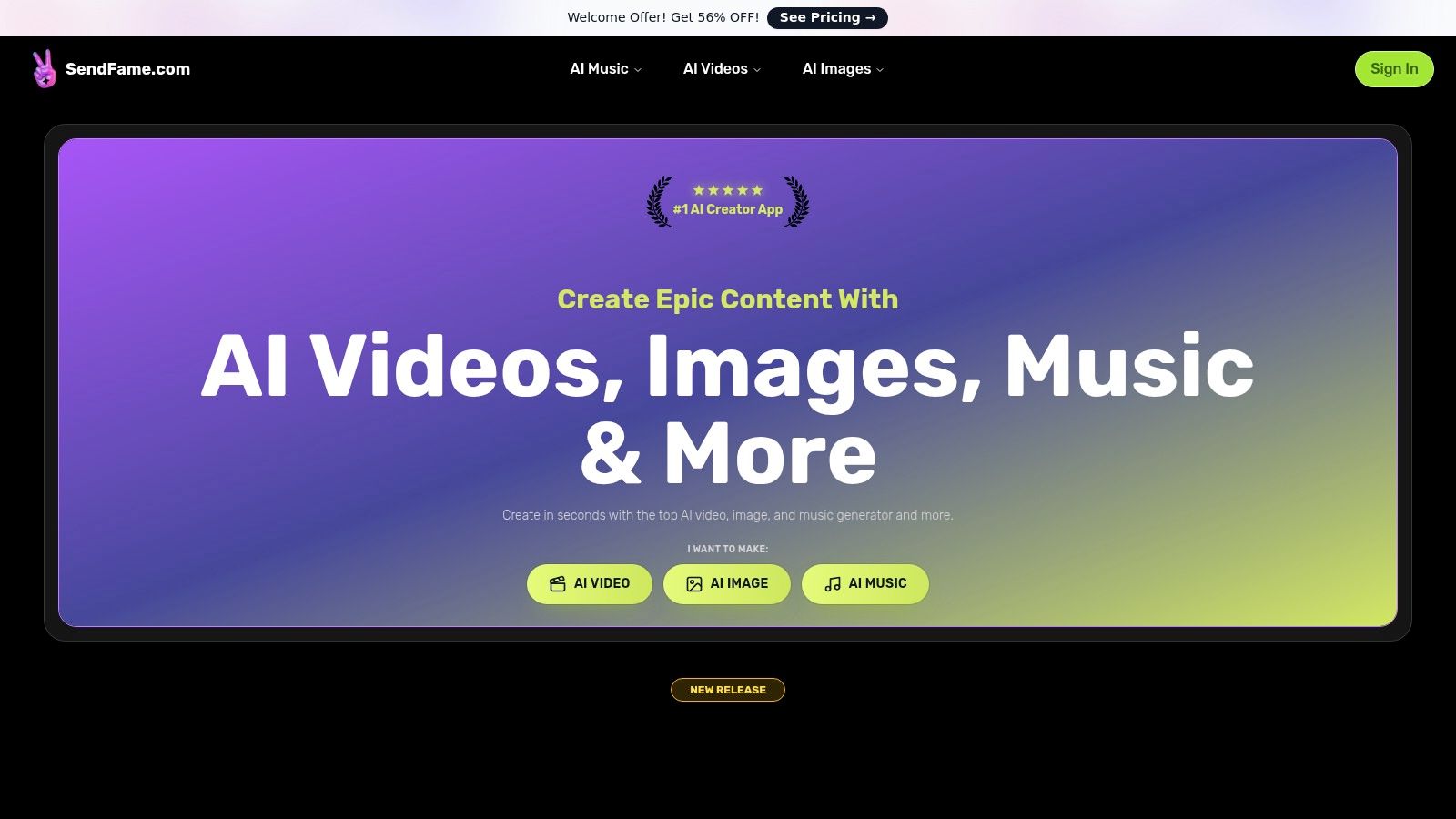
What truly sets SendFame apart is its multimodal power. You aren't just swapping faces; you are generating entirely new media from text prompts. This opens up a huge range of creative applications.
Perfect for creating personalized birthday shout-outs, attention-grabbing social media ads, or unique event invitations. The realism is impressive and gets your message across in a memorable way. AI Music & Video Generator: This is a game-changer. You can generate a full, original song from a prompt and then immediately create a music video for it. Aspiring artists and marketers can produce professional-sounding tracks and visuals without any musical or video editing skills. Image-to-Video Converter: Animate static images to create dynamic, short-form video content for platforms like TikTok and Instagram Reels. This is great for bringing logos, memes, or product photos to life. One-Click Workflow: The platform’s biggest strength is its speed. The process is so direct that you can go from an idea to a finished video in a matter of seconds, a major advantage for rapid-response marketing campaigns.
SendFame operates on a subscription or credit-based model rather than being a free service. While specific tiers aren't detailed on the homepage, they actively promote a "Welcome Offer" with a significant discount, suggesting a focus on getting new users into their ecosystem. You’ll need to visit their dedicated pricing page to see the full breakdown of costs and what each plan includes regarding commercial use rights.
It’s also critical to review their terms of service, especially concerning the use of celebrity-style personas. As with any deepfake technology, users must be mindful of the ethical and legal boundaries surrounding consent, copyright, and platform usage policies before publishing content commercially.
Website: https://sendfame.comBest For: Social media creators, small marketing teams, and anyone needing fast, multi-format AI content without a technical background.Pros: All-in-one studio (video, music, images), incredibly fast and user-friendly, unique tools like full song generation, strong community and support.Cons: Potential ethical/legal risks with celebrity deepfakes, pricing details and commercial use terms require careful review on a separate page.
If you've ever seen a friend's face convincingly plastered onto a scene from Titanic or a popular meme, chances are you've witnessed Reface in action. This mobile-first app (available on iOS and Android) is the king of quick, casual face-swapping, making it one of the most accessible and entertaining deepfake apps for social media shenanigans. Its core strength lies in a massive, constantly updated library of GIFs, movie clips, and viral video templates.
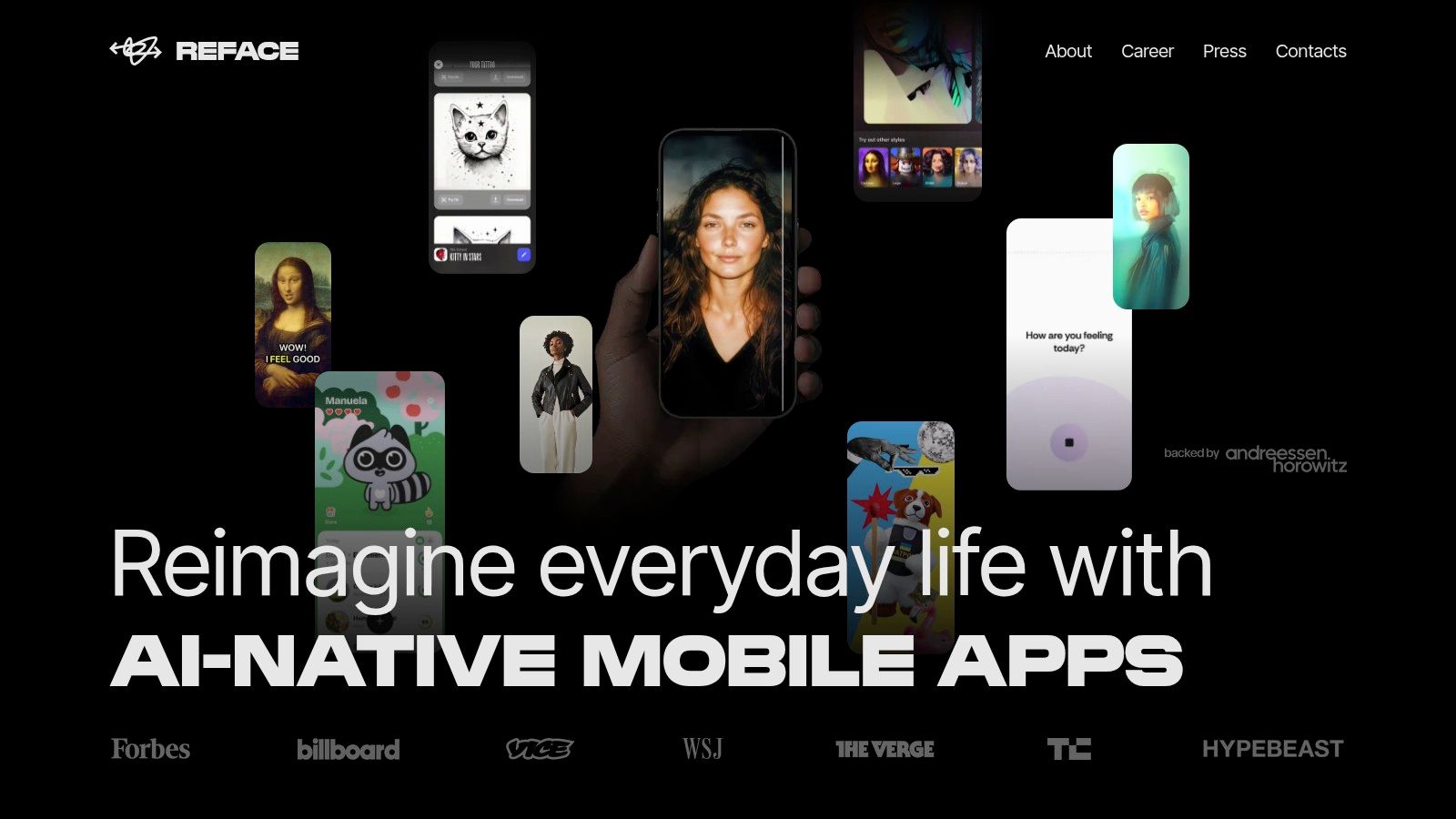
The user experience is ridiculously simple: you upload a selfie, pick a template, and the app does the rest in seconds. Beyond basic swaps, Reface has added other AI tools like avatar generation and hairstyle try-ons.
Reface is perfect for creating content that’s meant to be funny and fleeting. It's not a tool for professional projects, but it excels at producing shareable, low-effort comedy gold for your Instagram Stories or TikTok feed.
Pro Tip: While the app has a free version with ads and watermarks, the Pro subscription unlocks everything. Be mindful of the billing, as some users have reported confusion over subscription terms and unexpected weekly charges. Always double-check your subscription settings in your device's app store.
Best For: Fast, template-driven memes and social media clips. Pros: Enormous template library, fast rendering, very easy to use. Cons: Not for professional use; billing practices have drawn criticism.
Website:https://reface.ai
While not a deepfake app in the video sense, FaceApp is the undisputed champion of AI-powered still image editing. It went viral for its uncanny ability to realistically age or de-age faces, but its toolbox is packed with transformations that can alter hair color, add makeup, grow a beard, or even change your gender with startling realism. It's the go-to platform for creating a perfect, polished, or hilariously altered profile picture.
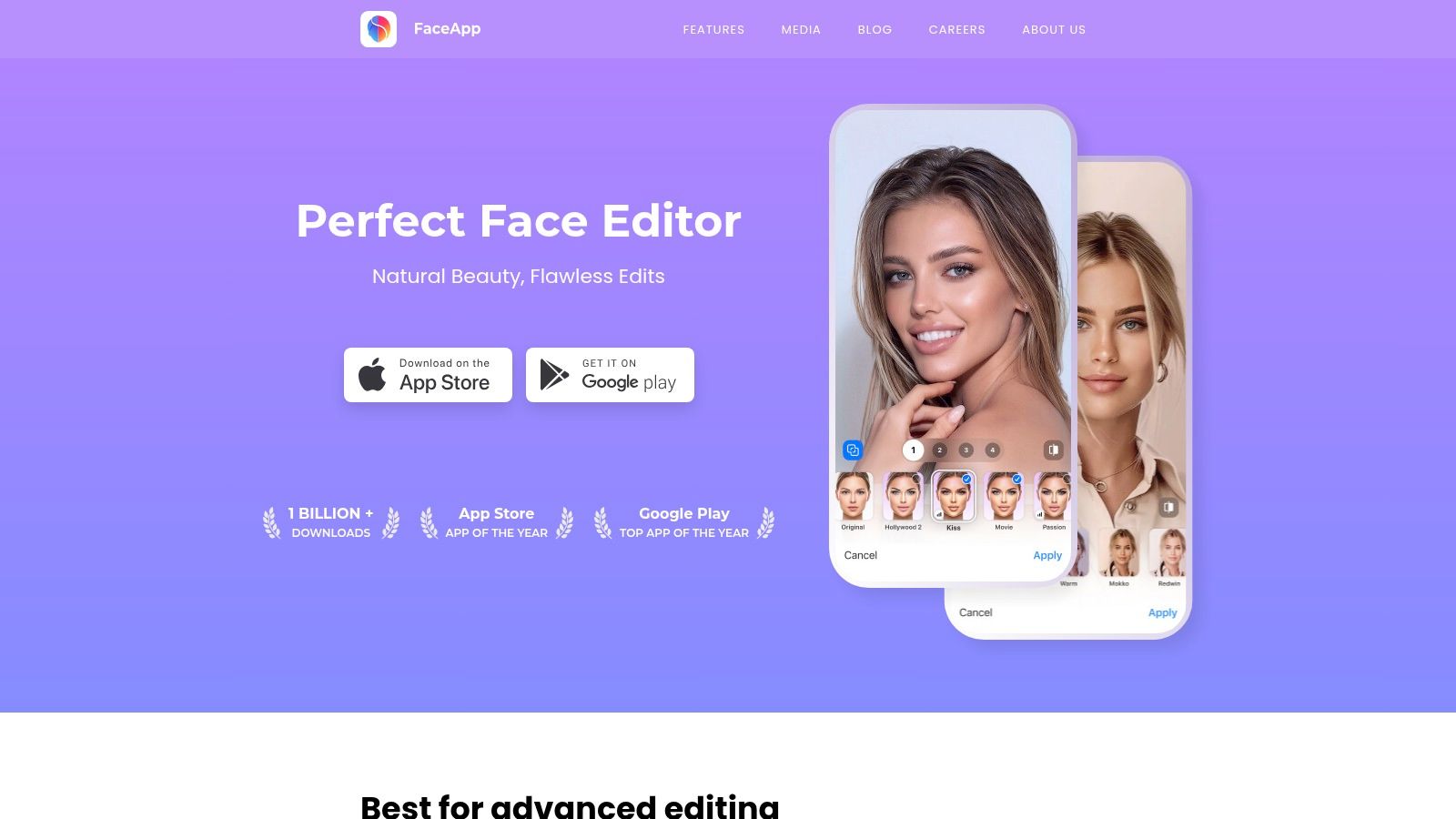
The app operates on a freemium model, offering a solid set of free filters with a more extensive suite available through its PRO subscription. Although its face-swapping feature has been restricted or removed in recent versions, its core strength remains in producing high-quality, photorealistic portrait manipulations that leave other photo editors in the dust.
FaceApp is a must-have for anyone who loves playing with their photos. It’s perfect for a quick digital makeover or generating a laugh by seeing what you’ll look like in 40 years. While its video capabilities are nonexistent compared to some of the best AI video generators, its prowess in static image editing is top-tier.
Pro Tip: FaceApp has faced scrutiny over its privacy policy in the past, specifically concerning how it stores and uses uploaded photos. Always review the latest terms of service and be conscious of the permissions you grant the app before uploading your images.
Best For: Creating hyper-realistic edits and transformations on still photos. Pros: Extremely polished photo editor, industry-leading photorealistic results. Cons: No video deepfake features; past privacy concerns are worth noting.
Website:https://www.faceapp.com
Moving from social media antics to the corporate world, D‑ID Creative Reality Studio transforms static photos into professional talking-head videos. This web-based platform is less about swapping your face into a movie scene and more about animating a portrait to deliver a script. It’s a go-to tool for businesses needing to create explainer videos, training modules, or product demos without booking a film crew. Its main strength is generating high-quality, lip-synced presenters from a single image.
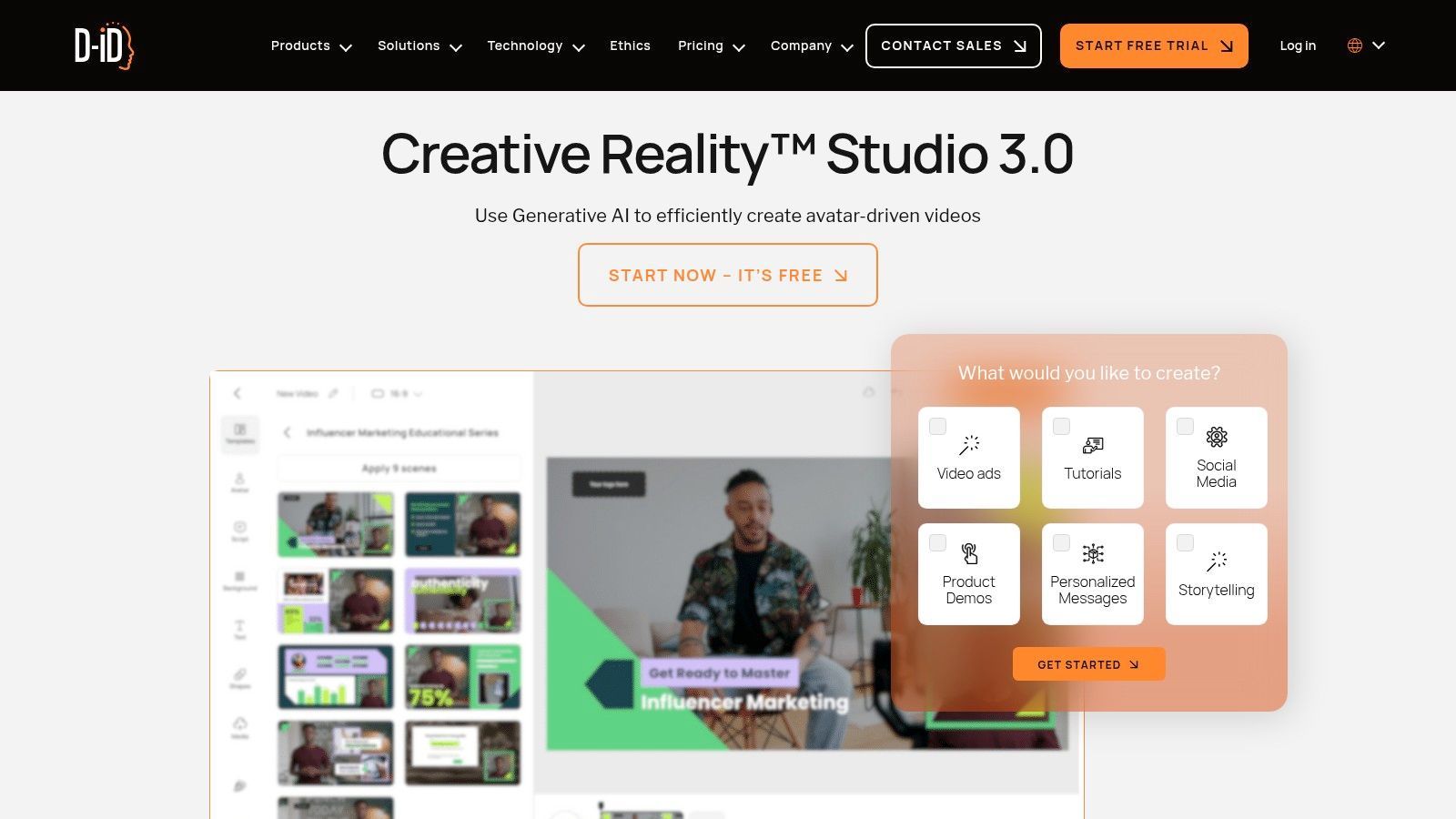
The platform specializes in text-to-speech technology, offering an impressive range of over 120 languages with multiple voice styles and emotional tones. You can upload your own photo, choose a stock avatar, or even generate a unique face with its AI. For those wondering how to turn an image into a video with AI, D-ID provides one of the most direct and effective solutions available. Higher-tier plans add valuable integrations with tools like Canva and PowerPoint.
D‑ID is the clear choice for professional and commercial applications where a consistent, scalable video presenter is needed. It’s not a "deepfake app" in the meme-making sense but a powerful AI video generator for corporate communication, e-learning, and marketing, making it a unique entry on this list.
Pro Tip: For the most realistic output, start with a high-resolution, front-facing portrait with neutral lighting and a plain background. The AI works best when the subject's mouth is closed in the source photo, giving it a clean slate for generating accurate lip movements.
Best For: Corporate training, explainer videos, and multilingual marketing content. Pros: Excellent lip-sync quality, extensive language support, business-friendly workflow. Cons: Not a traditional face-swapper; credit-based system can be costly for high volume.
Website:https://www.d-id.com/creative-reality-studio
Moving from quick mobile swaps to a full-fledged video production studio, HeyGen is a powerful web-based platform built for professional use cases. It's designed for marketers, corporate trainers, and creators who need to produce high-quality, scalable video content without a camera or crew. HeyGen’s core offering revolves around creating digital avatars, including a "digital twin" of yourself, that can speak any script you provide.
The platform is more than a simple face-swap tool; it's a complete script-to-video editor. You can choose from stock avatars, create your own, and then bring them to life with text-to-speech narration. One of its standout features is the AI-powered video translation, which not only dubs your video but also lip-syncs your avatar's mouth to the new language, making it a go-to for global content distribution.
HeyGen is the tool you graduate to when you need to create polished, professional avatar videos at scale. Its strength lies in its all-in-one workflow for corporate communication, training modules, and marketing videos. While it's one of the best deepfake apps for business, it's less suited for the casual meme-maker due to its credit-based system and professional focus. For those interested in the vocal side of digital personas, you can explore the technology behind celebrity text-to-speech to see how AI voices are crafted.
Pro Tip: Before investing in a paid plan, use the free trial to create a short test video. Pay close attention to the avatar's lip-sync accuracy and naturalness with your specific script and voice choice, as results can vary. Some users have noted occasional bugs, so a trial run is a smart way to vet the platform for your needs.
Best For: Scalable marketing videos, corporate training, and multilingual content creation. Pros: Robust all-in-one toolset, excellent video translation and lip-sync features, large catalog of stock avatars. Cons: Credit system can be complex; some user reports of bugs and support friction.
Website:https://www.heygen.com
Venturing away from memes and movie scenes, MyHeritage offers a completely different, more poignant use for deepfake technology. Through its Deep Nostalgia and Reimagine features, this genealogy platform lets you animate old family photos, bringing deceased relatives to life with startlingly realistic blinks, smiles, and gentle head turns. It's less about creating a funny clip and more about forging an emotional connection with the past. The effect is often deeply moving, providing a fleeting glimpse of a person you may have only known through still images.
The platform is built around its family history tools, so the animation feature is just one part of a larger suite that includes photo enhancement, colorization, and family tree building. MyHeritage (Deep Nostalgia / Reimagine) stands out for its ability to animate static photos, making it a powerful image to video AI generator for historical and personal projects. The process is simple: upload a portrait, and the AI applies a predefined driver video to animate the face.
MyHeritage offers one of the most unique and emotionally resonant applications of this technology. It's a fantastic tool for genealogists, families looking to preserve their history, or anyone curious to see an old photo with a spark of life. It’s not a creative deepfake editor for making custom videos, but its purpose-built function is executed exceptionally well.
Pro Tip: The initial free animations are limited. To animate more photos without watermarks and access higher-quality animations, you'll need a subscription. Check their plans carefully, as the photo tools are often bundled into a larger, more expensive "Complete" plan aimed at serious genealogists.
Best For: Bringing old family portraits to life in a respectful way. Pros: Purpose-built for archival animations, very easy for non-technical users, emotionally impactful results. Cons: Not a versatile deepfake editor, unlimited use requires a costly subscription.
Website:https://www.myheritage.com
For those who want to roll up their sleeves and get under the hood of deepfake technology, Faceswap is the original toolkit. This isn't a simple app; it’s a powerful, community-driven open-source project for Windows, macOS, and Linux. It provides the entire pipeline needed to create high-quality deepfakes, from extracting faces from video to training a custom model and finally converting the footage.
This is the path for technical creators who demand complete control. Faceswap offers multiple model types and relies on your computer's GPU for acceleration, meaning the quality of your output is limited only by your hardware and the time you're willing to invest in training. Its active forums and extensive guides are a treasure trove for anyone serious about learning the craft.
Faceswap is the antithesis of the one-click mobile apps on this list. It's a challenging but rewarding tool for filmmakers, VFX hobbyists, and researchers who need granular control over every variable. Forget instant gratification; this is about achieving a specific, high-quality result you can't get from a template.
Pro Tip: Don't even think about trying this on a standard laptop without a dedicated, powerful GPU. Training a deepfake model is computationally intensive and can take days or even weeks. Check the community forums for hardware recommendations before you start.
Best For: Technical users, hobbyists, and creators wanting maximum control and quality. Pros: Completely free and open source, offers deep control over the final product, extensive community support. Cons: Requires a steep technical learning curve, significant time investment, and powerful hardware.
Website:https://faceswap.dev
For those who want to roll up their sleeves and get their hands dirty with the code that powered many early viral deepfakes, DeepFaceLab is a foundational name. This isn't a slick mobile app; it's an open-source framework hosted on GitHub, designed for technical users who demand complete control over their face-swap projects. It provides a powerful, modular pipeline for creating high-quality deepfakes from scratch on a desktop computer.
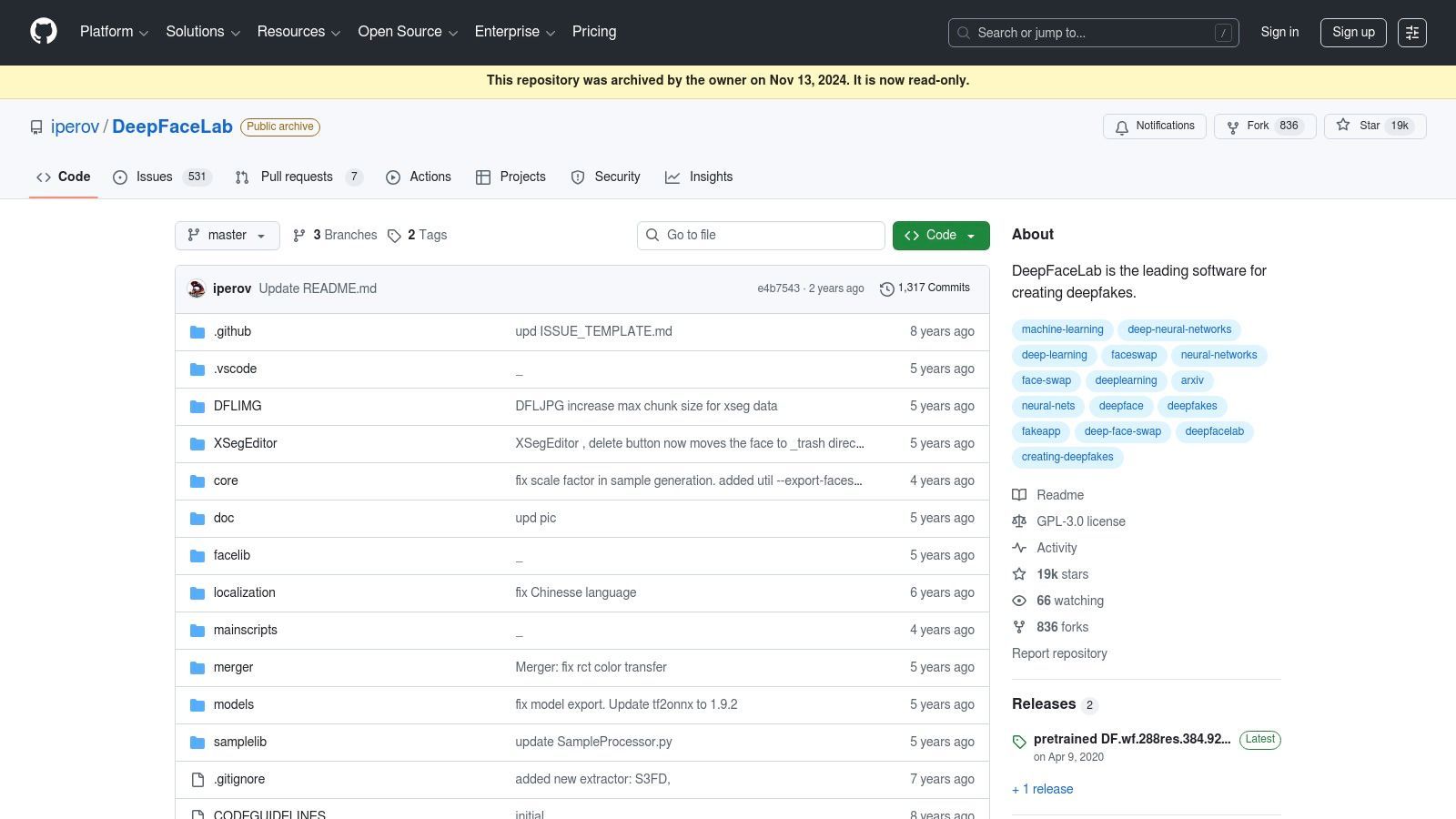
The workflow involves manually preparing datasets (extracting faces from images and videos), training an AI model on that data, and then merging the trained model onto a target video. While the original repository is now archived, its influence is immense, and its code lives on through numerous community forks and pre-compiled binaries, making it one of the best deepfake apps for offline, custom work.
DeepFaceLab is for the purist, the researcher, or the creator who finds one-click apps too limiting. It’s a commitment, requiring a powerful PC and a willingness to learn. The results, however, can surpass what many automated services offer, giving you fine-tuned control over the final product.
Pro Tip: Don't start from zero. Search for community-made guides and tutorials on YouTube and Reddit. These resources are invaluable for navigating the setup and mastering each stage of the process, from data extraction to the final merge settings for a seamless swap.
Best For: Technical users, researchers, and hobbyists wanting maximum control. Pros: Proven results with a large knowledge base and tutorials, flexible pipeline for custom workflows. Cons: Original repo is archived/read-only and not actively updated, strictly DIY with a potentially finicky setup.
Website:https://github.com/iperov/DeepFaceLab
For those who want to take their face-swapping skills into the live arena, DeepFaceLive is the go-to tool. This isn't a simple mobile app; it's a powerful, open-source Windows application designed for real-time performance. It allows you to swap your face directly from your webcam onto a video stream, making it a favorite for VTubers, streamers, and anyone looking to create interactive characters during video calls or live broadcasts. The magic happens entirely on your local machine, giving you full control over the process.
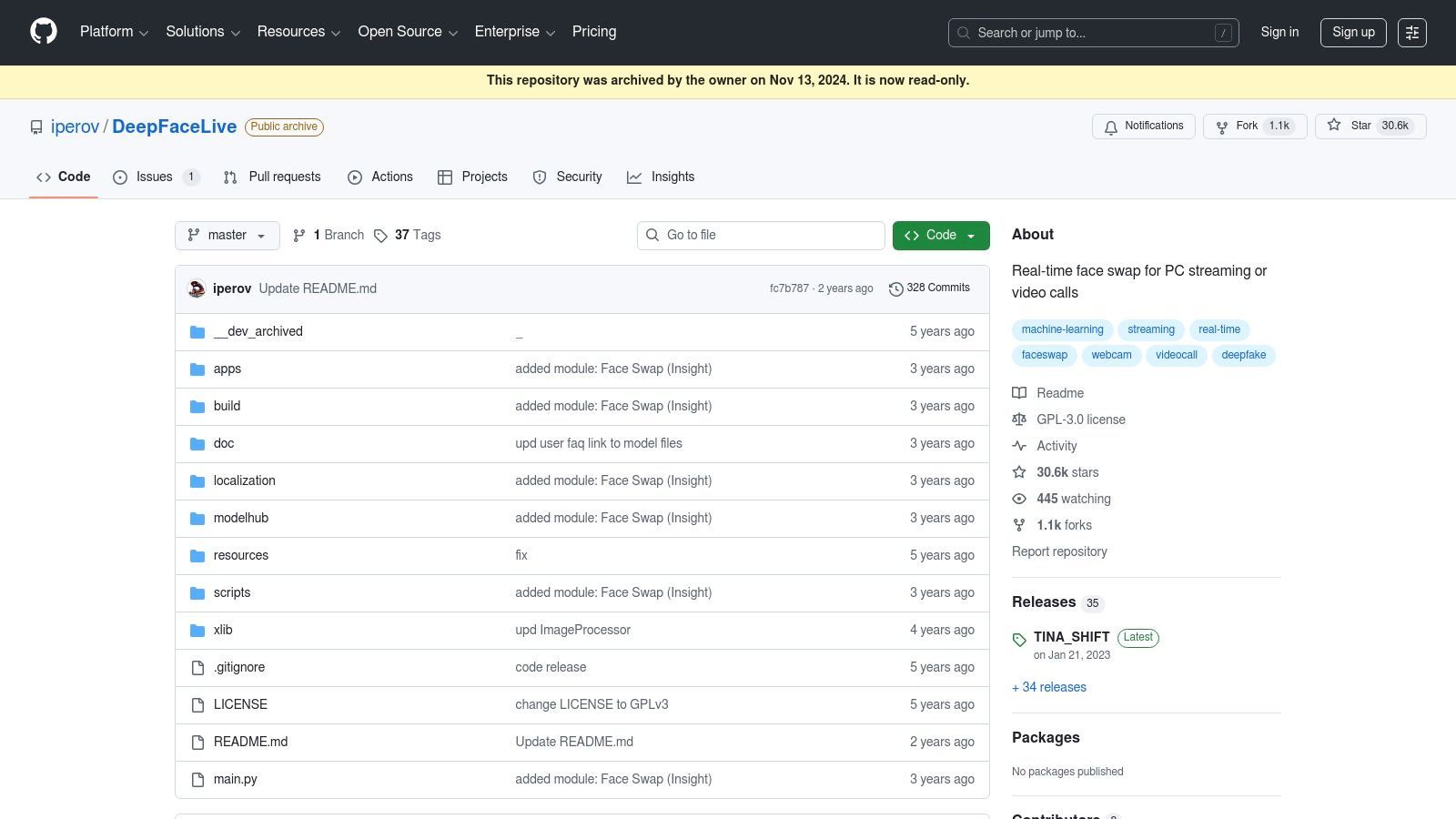
Unlike template-based apps, DeepFaceLive requires you to train your own face models, offering a much higher degree of personalization and quality. It uses your computer’s GPU to process the video with low latency, which is critical for a smooth live performance. It’s a technical tool for a specific audience, but for that audience, it’s one of the most direct ways to apply deepfake technology in a live setting.
DeepFaceLive is a fantastic, free tool for technically inclined creators who want to push the boundaries of live content. It's not for beginners and demands a serious PC, but the results can be incredibly engaging for live streaming. It’s one of the few freely available tools that makes real-time, interactive deepfakes accessible.
Pro Tip: Performance is everything. Before going live, spend time optimizing the settings for your specific GPU. Lowering the resolution and tweaking the model settings can make the difference between a smooth stream and a laggy mess. Also, as the project is archived, be sure to download the latest available version and be aware that active support has ended.
Best For: Live streaming, VTubing, and real-time video call effects. Pros: Enables live and interactive use cases, free and open source, processes locally. Cons: Requires a powerful GPU, Windows-only, and is no longer actively maintained.
Website:https://github.com/iperov/DeepFaceLive
For creators who dread the surprise of an auto-renewing subscription, SwapFaces.ai offers a refreshing, pay-as-you-go approach. This browser-based tool is built around a simple premise: buy a pack of credits, use them when you need them, and that's it. It's an attractive model for anyone needing to create a handful of deepfake images or short video clips without a long-term financial commitment, making it a solid choice for sporadic projects.
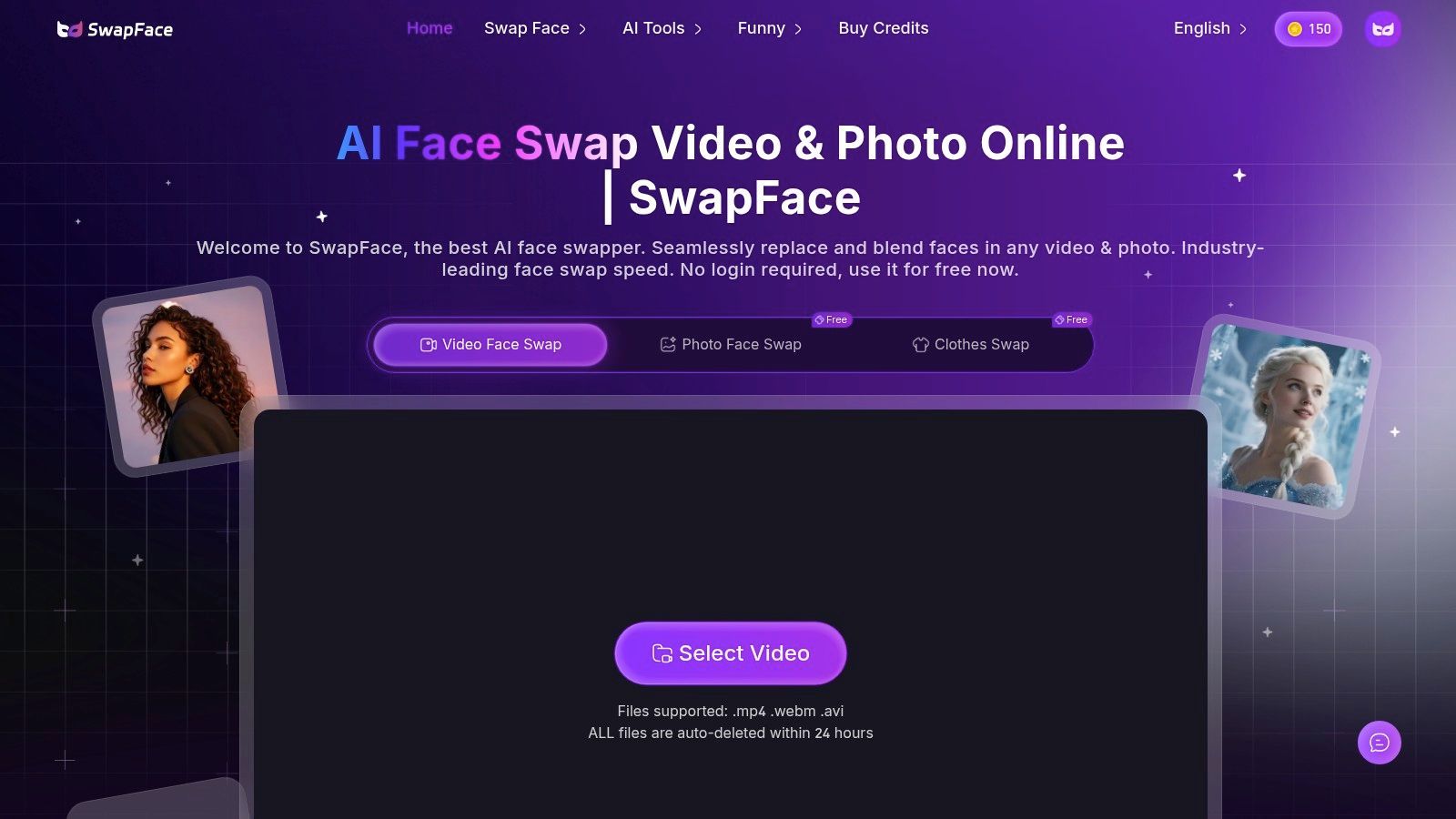
The platform supports both image and video face swaps through a straightforward upload-and-process workflow. Its main draw is the financial predictability; you know exactly what you're spending upfront. While it advertises output up to 4K, the actual quality can depend heavily on your source files.
SwapFaces.ai is the ideal "one-and-done" tool. If you need a quick face swap for a single project, like a gag gift or a short marketing clip, the credit-based system is perfect. It removes the hassle of remembering to cancel a trial, which is a major plus. However, it lacks the advanced editing features found in more robust desktop software, so it's not meant for complex visual effects work.
Pro Tip: The platform offers a 30-day partial-use refund policy if you've used only a small number of credits. Before committing to a large credit pack, test the service with a small, low-cost job to verify the output quality and ensure it meets your expectations.
Best For: One-off projects and users who prefer non-subscription payment models. Pros: Predictable, pay-per-use credit system; simple user interface; quick for short jobs. Cons: Not as feature-rich as dedicated editors; output quality can be variable.
Website:https://www.swapfaces.ai
Fotor, a popular browser-based photo editor, has entered the deepfake arena with its easy-to-use AI Face Swap tool. Rather than being a standalone app, it's an integrated feature within a larger creative suite, making it a convenient one-stop shop for quick edits. It handles single-person swaps, group photos, and even short videos, all within a clean web interface without requiring any software downloads.
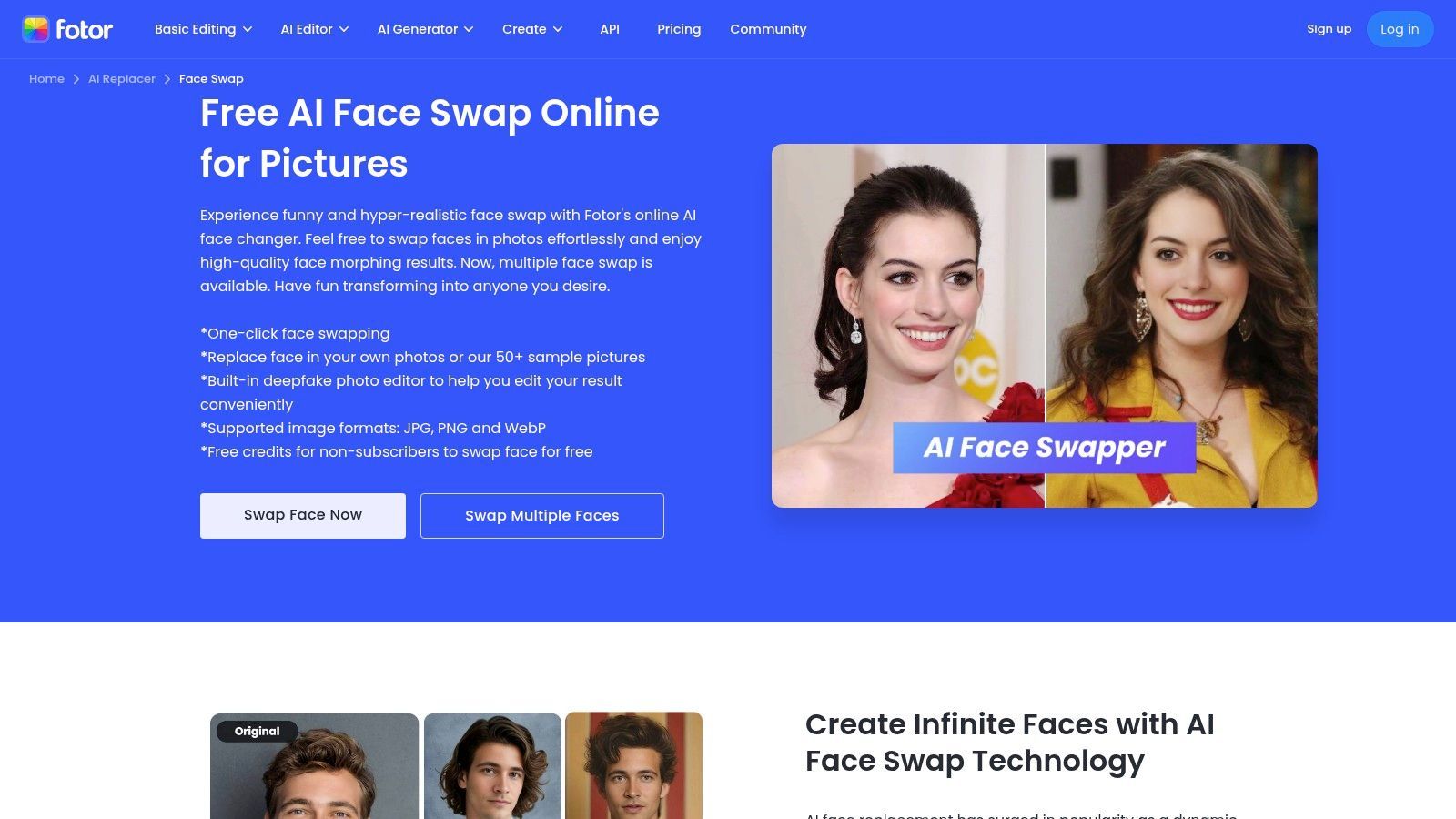
The platform operates on a credit-based system, which is transparent: each swap or download costs a certain number of credits. This approach is ideal for users who need to generate a few high-quality marketing images or a funny social media post without committing to a full subscription. Its integration with Fotor's other editing tools means you can swap a face and then immediately add text, filters, or other enhancements.
Fotor Face Swap is a fantastic choice for marketers and casual creators who already use or need a simple photo editor. It’s less about creating cinematic deepfakes and more about producing polished, amusing visuals for presentations, ads, or your social feed quickly and efficiently. The quality is solid for static images, making it one of the more practical browser-based deepfake apps available.
Pro Tip: Keep an eye on your credit balance, especially when working with video. Video swaps are charged per second, so a short 10-second clip can consume credits much faster than a single photo edit. Plan your video projects to avoid running out mid-creation.
Best For: Creating marketing visuals and quick social media images. Pros: Simple browser-based workflow, clear credit rules, part of a larger photo editing suite. Cons: Credit costs can accumulate quickly with video, not intended for cinematic results.
Website:https://www.fotor.com/features/face-swap/
Positioned as a full creative suite for marketers, Akool is more than just a one-trick pony. While its face-swapping tool for images and short videos is a core feature, the platform bundles it with a wide array of other AI utilities, including image generators, background changers, and video translation. This all-in-one approach makes it a strong contender for teams who need a variety of AI tools without subscribing to multiple services.
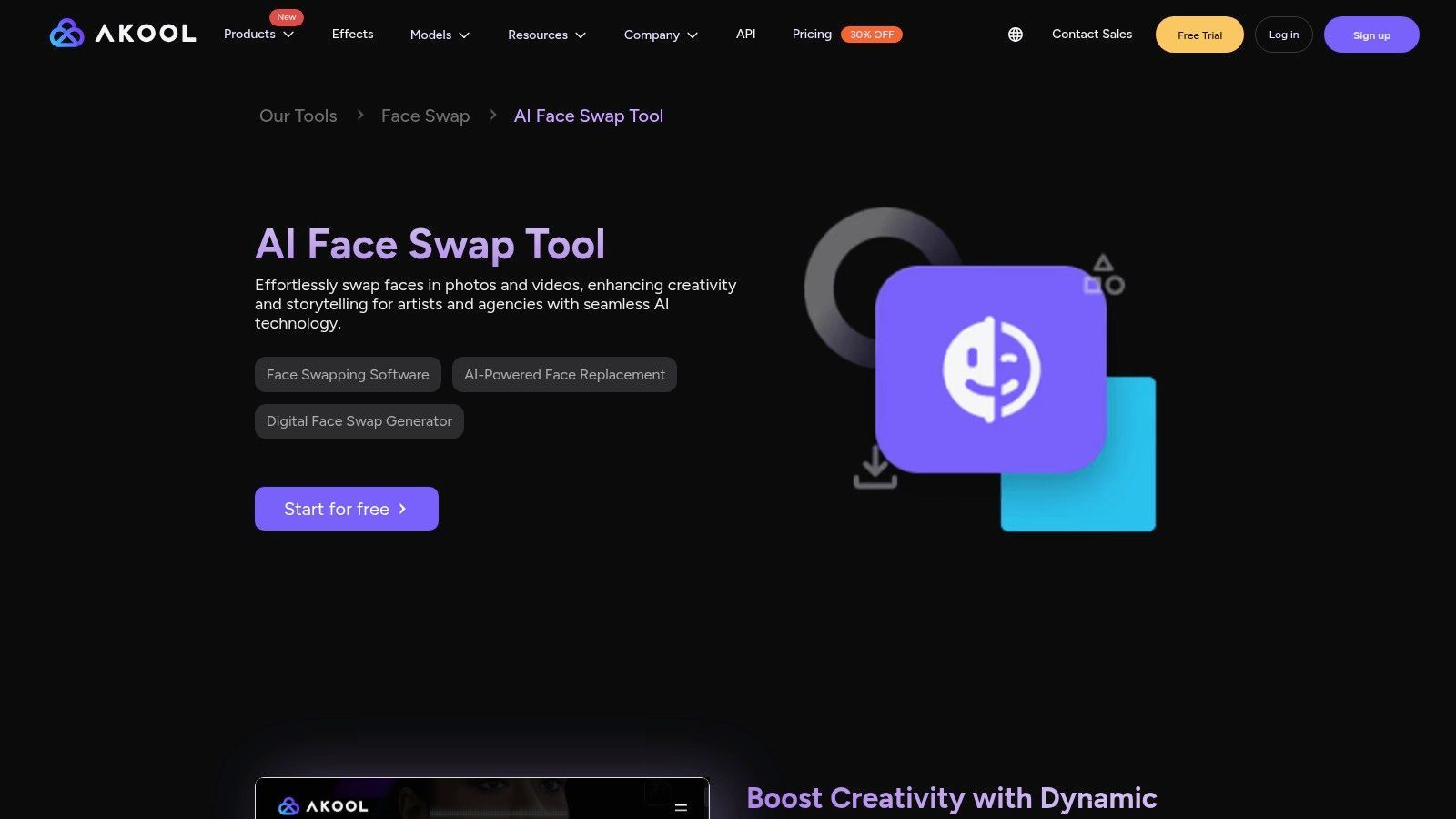
The platform is built with business use in mind, offering higher resolution outputs and API access for developers on its upper-tier plans. The credit-based system allows you to experiment across its different tools, from swapping faces in a group photo for a marketing campaign to generating a completely new background for a product shot.
Akool is the Swiss Army knife of creative AI tools. If you're a marketer, content creator, or small business owner looking to produce diverse AI-generated content beyond simple memes, this platform provides excellent value. Its strength is its breadth of features, making it a solid choice for professional or semi-professional projects where face swapping is just one piece of the creative puzzle.
Pro Tip: The quality and speed can vary between Akool's different tools. Before committing to a large project, use your initial credits to test the specific workflow you need. A face swap might render perfectly, while the image generator could require more tweaking to get the desired result.
Best For: Marketers and teams needing a multi-function AI creative studio. Pros: Broad creative toolkit beyond just face swapping, business-friendly plans, higher-resolution outputs available. Cons: UI and output quality can vary across different modes; some features are gated by credits.
Website:https://landing-fat.akool.io/ai-tools/ai-face-swap-tool
| Product | Core features | UX / Quality ★ | Price & Value 💰 | Target audience 👥 | Unique selling point ✨ |
|---|---|---|---|---|---|
| SendFame 🏆 | Music gen, AI celeb videos, image→video, editor | ★★★★☆ fast & polished | Subscription/credits; Welcome 56% OFF 💰 | Creators, marketers, event planners | ✨ Multimodal one‑click studio (music+video+images) |
| Reface | 1‑tap face swaps, templates, avatars | ★★★★☆ mobile‑fast | Freemium + subs; billing caveats 💰 | Casual creators, meme makers | ✨ Huge template & meme library |
| FaceApp | Advanced portrait edits (aging, makeup, retouch) | ★★★★☆ photoreal stills | Freemium / PRO tiers 💰 | Users wanting polished photo edits | ✨ Best‑in‑class portrait filters |
| D‑ID Creative Reality Studio | Talking‑head avatars, lip‑sync, 120+ languages | ★★★★☆ business‑grade | Tiered plans; entry watermarks 💰 | Businesses, L&D, explainers | ✨ Accurate lip‑sync & multilingual support |
| HeyGen | Face‑swap, digital‑twin avatars, script→video | ★★★★☆ scalable production | Credit/plan tiers; high‑res on upper plans 💰 | Marketers, training teams, creators | ✨ Scalable avatar catalog + brand kit |
| MyHeritage (Deep Nostalgia) | Portrait animation, enhancement, colorization | ★★★☆☆ archival‑quality | Subscription for full features 💰 | Genealogy users, families | ✨ Purpose‑built archival animations |
| Faceswap (open‑source) | Full pipeline: extract, train, convert | ★★★☆☆ powerful but technical | Free (OSS) 💰 | Technical creators, researchers | ✨ Deep control & active community |
| DeepFaceLab | Dataset prep, training, merge (modular) | ★★★☆☆ proven DIY results | Free (community) 💰 | Technical, offline projects | ✨ Flexible, well‑documented pipelines |
| DeepFaceLive | Real‑time webcam/stream face swaps | ★★★☆☆ live low‑latency (GPU req) | Free (OSS) 💰 | Streamers, VTubers, live demos | ✨ Real‑time performance for streaming |
| SwapFaces.ai | Browser image/video swaps; credit packs, up to 4K | ★★★☆☆ quick & simple | One‑time credits (no subs) 💰 | Creators wanting pay‑per‑use | ✨ Predictable pay‑per‑use pricing |
| Fotor Face Swap | Photo & short video swaps + editing tools | ★★★☆☆ browser‑convenient | Credit‑based swaps/downloads 💰 | Casual creators, marketers | ✨ Integrated editor + swap module |
| Akool Face Swap | Face swap, AI image gen, translation, API | ★★★☆☆ multi‑tool studio | Credits & tiered plans 💰 | Marketers, teams, devs | ✨ Broad creative suite + API integration |
And there you have it, a whirlwind tour through the wild, wonderful, and sometimes weird world of deepfake technology. We've journeyed from the one-tap magic of mobile apps like Reface, perfect for a quick laugh, to the heavyweight, code-heavy power of DeepFaceLab, a tool for those who treat video synthesis as a serious craft. You've seen how this technology isn't just for memes; it’s a legitimate tool for marketing, filmmaking, and even connecting with family history through MyHeritage.
The key takeaway? The "best deepfake app" is a myth. The best app is the one that fits your specific mission like a glove. It's about matching the tool to the task, not finding a single piece of software that rules them all. What works for a digital artist creating a surreal music video is entirely different from what a corporate trainer needs to produce multilingual onboarding videos.
So, how do you choose? Let's break it down by your creative goals.
For the Social Media Maverick & Marketer: Your currency is speed, engagement, and virality. You don't have time for a steep learning curve or rendering queues. You need high-impact content, fast. This is where SendFame truly shines. It’s an all-in-one studio designed for this exact purpose, letting you create everything from personalized celebrity messages to fully synthesized music videos with minimal friction. Similarly, apps like Reface offer instant gratification for creating shareable GIFs and short clips. For the Business Professional & Communicator: Your needs revolve around polish, reliability, and professionalism. You're creating content for training, corporate announcements, or targeted advertising. Platforms like D-ID Creative Reality Studio and HeyGen are built for you. They offer a stable environment, a library of professional avatars, and robust text-to-speech capabilities in multiple languages, ensuring your message is always clear and on-brand. For the Technical Hobbyist & Digital Artist: You're not afraid to get your hands dirty. You crave control, precision, and the ability to fine-tune every pixel. The open-source world is your playground. Tools like Faceswap and DeepFaceLab offer immense power, but demand a significant investment in time, learning, and hardware. The results, however, can be breathtakingly realistic and entirely your own. For the Casual Creator & Fun-Seeker: You’re here for a good time! You want to animate an old family photo, see what you'd look like with a different haircut, or just create a hilarious meme to send your friends. FaceApp, MyHeritage's Deep Nostalgia, and the simpler online tools like Fotor Face Swap are your ideal companions. They are intuitive, low-commitment, and deliver delightful results in seconds.
Before you download the first app you see, ask yourself three critical questions:
What's my end goal? Am I making a 10-second TikTok or a 10-minute training module? How much time and effort can I invest? Am I looking for a one-click solution or am I ready to spend a weekend learning new software? What’s my budget? Am I comfortable with a subscription for advanced features, or am I looking for a free or open-source option?
Answering these will instantly narrow your choices from twelve to two or three. From there, take advantage of free trials. Play around. See which interface feels natural to you. The future of personalized and synthetic media isn't some far-off concept; it’s right here, accessible through the very tools we've explored. You now have the map to this exciting new territory. Go create something unforgettable.
Ready to skip the learning curve and jump straight to creating professional-grade AI videos? SendFame is the all-in-one studio designed for creators and marketers who need stunning results without the technical headache. From viral music videos to personalized shout-outs, find out why it’s a top choice among the best deepfake apps for turning ambitious ideas into reality.
Create Epic

SendFame

Create Epic with SendFame!
Questions: info@sendfame.com