Guide: how can i write a good song from Idea to Finished Track

write a good song
Welcome offer — 56% OFF


Discover the 12 best AI video generators of 2026. Create stunning videos from text, images, and music with our comprehensive, hands-on review.
Ever wish you could turn a wild idea into a polished video with just a few clicks? Welcome to the wild, wonderful world of AI video generation. Gone are the days of needing a film crew, expensive software, and years of editing experience. The best AI video generators can now whip up everything from hyper-realistic celebrity messages and full-blown music videos to professional marketing clips and hilarious social media content, all from a simple text prompt or a static image. It’s like having a Hollywood studio in your browser.
But with a flood of new tools hitting the market, how do you separate the game-changers from the gimmicks? We've done the heavy lifting for you. We tested, tinkered, and prompted our way through the top contenders to bring you a definitive, no-fluff guide. This isn't just a list; it's a deep dive into what makes each platform tick, who it's truly for, and where it shines (or falls short). Many businesses are already finding that these tools are revolutionizing their approach to service video production, allowing for the rapid creation of compelling brand stories.
Whether you're a marketer looking to crush your quarterly goals, an influencer crafting your next viral hit, or just someone who wants to send the most epic birthday greeting ever, this list has the perfect tool for you. We’ll show you real-world use cases, pros and cons, and sample workflows, complete with screenshots and direct links to get you started immediately. Let's find your new favorite video creator.
Topping our list of the best AI video generators is SendFame, an incredibly versatile and powerful all-in-one creator platform. It distinguishes itself not just by doing one thing well, but by excelling across multiple creative domains, making it a standout choice for anyone from social media influencers to aspiring musicians. SendFame’s core philosophy is built on speed and accessibility, allowing users to transform a simple idea into a polished video, a stunning image, or even a complete song in seconds, with absolutely no technical expertise required.
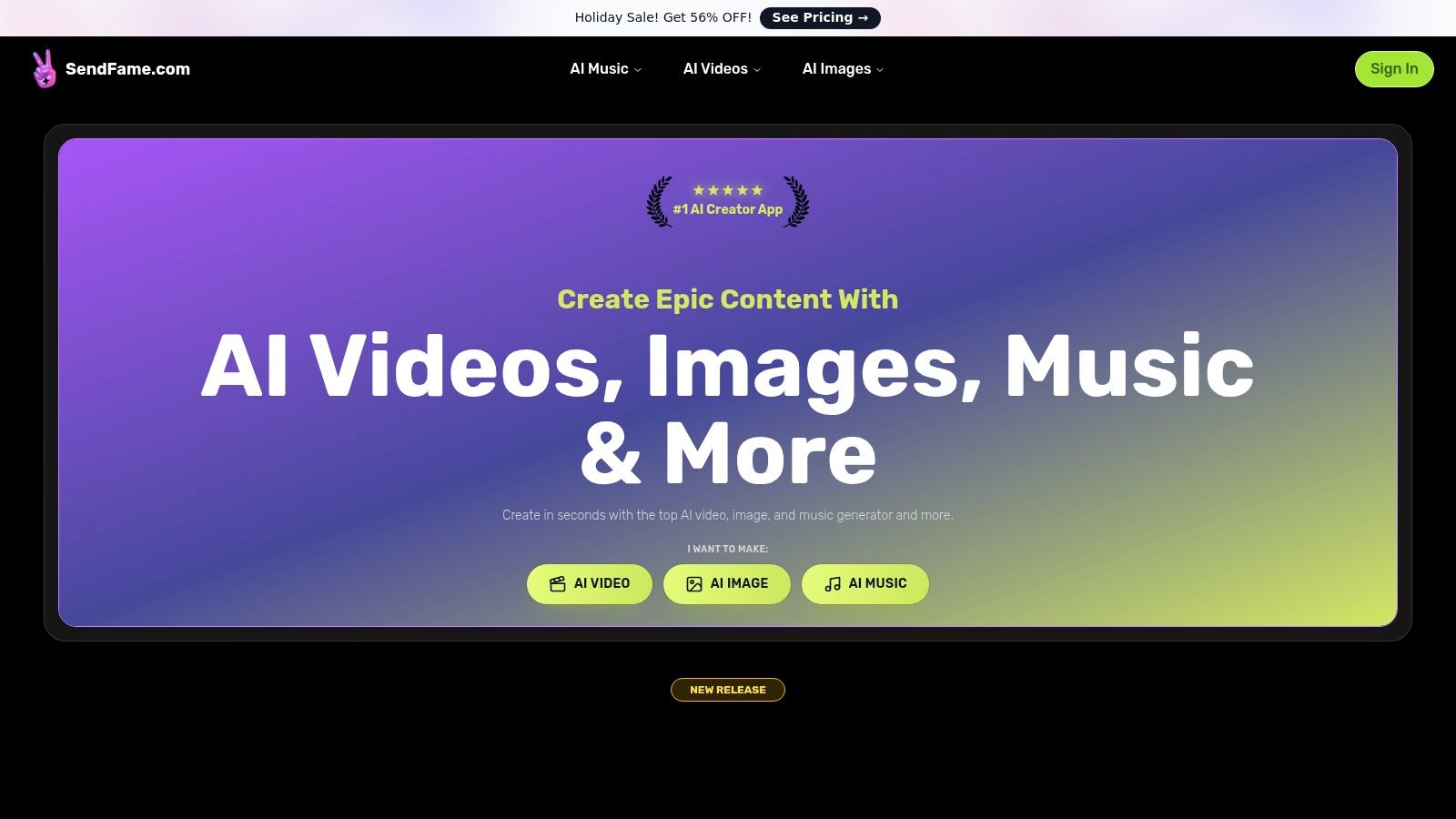
What truly sets SendFame apart is its unique combination of tools housed under one roof. The platform’s one-click workflow is a game-changer, especially its AI Celebrity Video Generator. Users can choose a celebrity persona, input a script, and instantly generate a hyper-realistic video message, perfect for event greetings, personalized shout-outs, or novel marketing campaigns.
SendFame isn't just a video tool; it's a complete creative suite designed for maximum impact with minimal effort.
AI Music & Music Video Generator: This is a killer feature for artists and marketers. You can generate a full, original song from a single prompt and then immediately create a music video to accompany it. Image-to-Video: Breathe life into static images by transforming them into dynamic, engaging video clips. This is an invaluable tool for creating eye-catching social media content from existing assets. Comprehensive Toolset: Beyond video, the platform includes a powerful AI Image Generator and Editor, plus specialized tools for creating lyrics, album covers, and cartoon avatars.
The user experience is exceptionally smooth, backed by a vibrant community and a wealth of tutorials to help you get the most out of the platform. For a deeper dive into its capabilities, SendFame’s blog offers excellent guides; you can learn more about its video creation process from their in-depth tutorial.
While specific plan details require visiting their pricing page, SendFame frequently runs promotions, like a recent Holiday Sale offering a significant 56% discount. This approach encourages users to check for the latest deals directly on the site.
| Pros | Cons |
|---|---|
| Fast, One-Click Workflow: Generate professional-quality content in seconds. | Ethical Considerations: Users must be mindful of the terms surrounding celebrity likenesses for commercial projects. |
| All-in-One Platform: Combines video, music, and image generation in a single interface. | Vague Pricing: Specific costs and limits aren't detailed on the main page, requiring an extra click to view plans. |
| Unique Differentiators: Celebrity personas and full song generation are standout features. | |
| Strong Social Proof: Boasts a large user base with overwhelmingly positive testimonials. |
Website:https://sendfame.com
Synthesia is the reigning champ of corporate and educational AI video creation, and for good reason. Think of it as the PowerPoint of AI video generators: incredibly powerful, professional, and built for scalable production. If you need to crank out dozens of polished training videos, multilingual product explainers, or internal HR announcements without booking a studio, this is your go-to platform. Its massive library of stock avatars and voices makes it a powerhouse for teams.
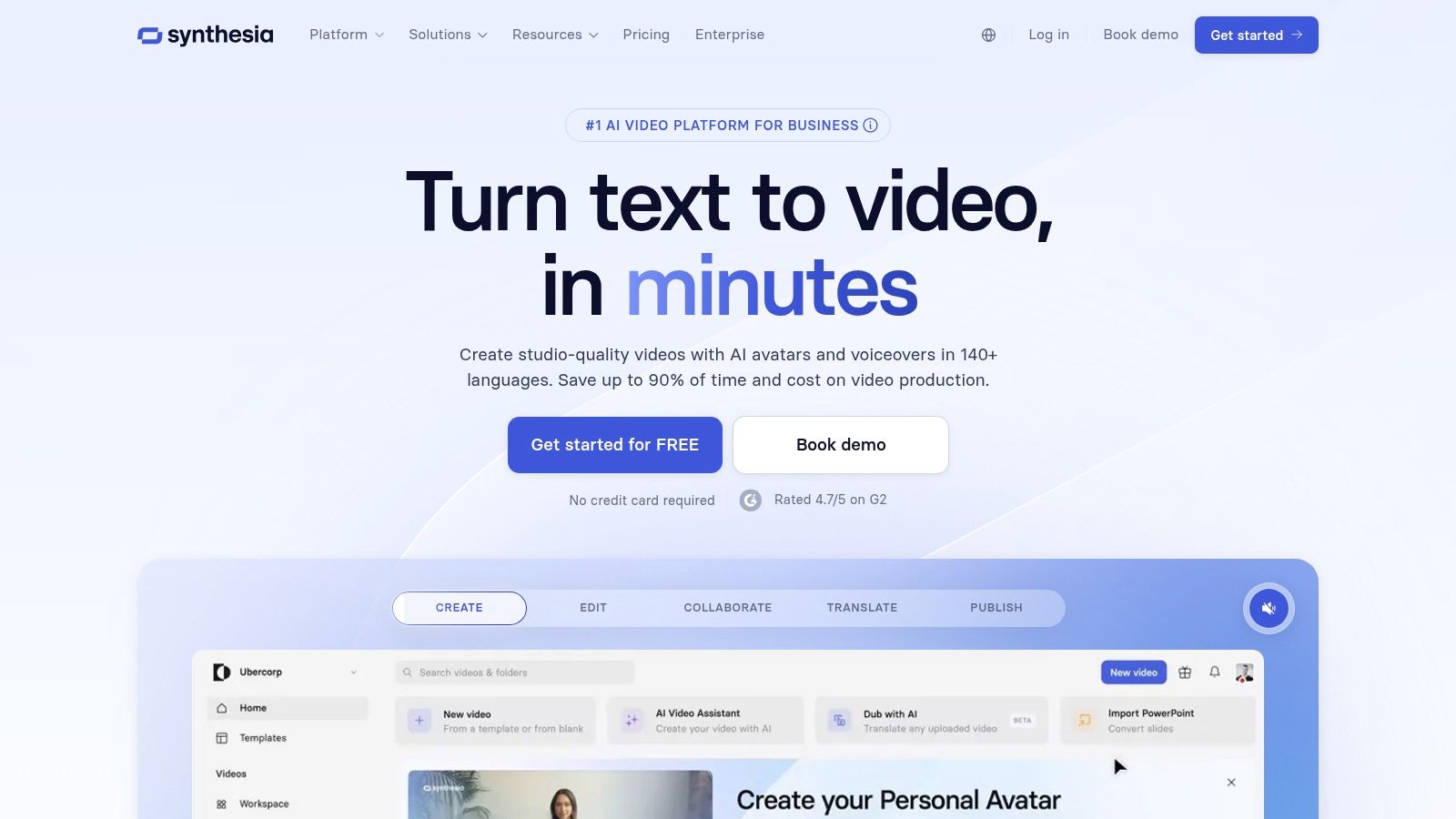
What truly sets Synthesia apart are its enterprise-grade features. It’s not just about making a video; it’s about integrating video creation into a serious business workflow. With features like Single Sign-On (SSO), SCORM compliance for Learning Management Systems, and a robust API, it’s built for corporate environments that demand security and integration. This focus makes it one of the best AI video generators for large organizations looking to replace traditional video production.
Best For: Corporate training, L&D modules, multilingual marketing, and how-to videos. Standout Feature: A library of over 125 diverse stock avatars and support for 80+ languages, including automated dubbing for localization. Practical Tip: Use their templates! Don't start from scratch. Synthesia's templates are well-designed and can cut your creation time in half, ensuring a professional look every time.
| Pros | Cons |
|---|---|
| Enterprise-ready with SSO & SCORM | Avatar style is corporate, not suited for creative/artistic use |
| Excellent for scalable video production | Credit-based system can be complex for new users |
| Strong reputation and a massive user base | Less focus on celebrity or highly personalized avatars |
Synthesia’s pricing starts with a "Personal" plan at $22/month (billed annually), which gives you 10 minutes of video credits. For teams and enterprises, custom pricing is available, unlocking advanced features like branded templates, API access, and more robust collaboration tools. You can get started by visiting their official website.
Website:https://www.synthesia.io
HeyGen has carved out a sweet spot for itself as the go-to AI video generator for marketers and small businesses needing to produce professional-looking, presenter-style videos quickly. It’s like having a digital spokesperson on retainer, ready to deliver a pitch, an update, or a tutorial in over 175 languages at a moment's notice. Where it truly shines is in its blend of user-friendliness and powerful localization features, making global communication accessible without a massive budget.
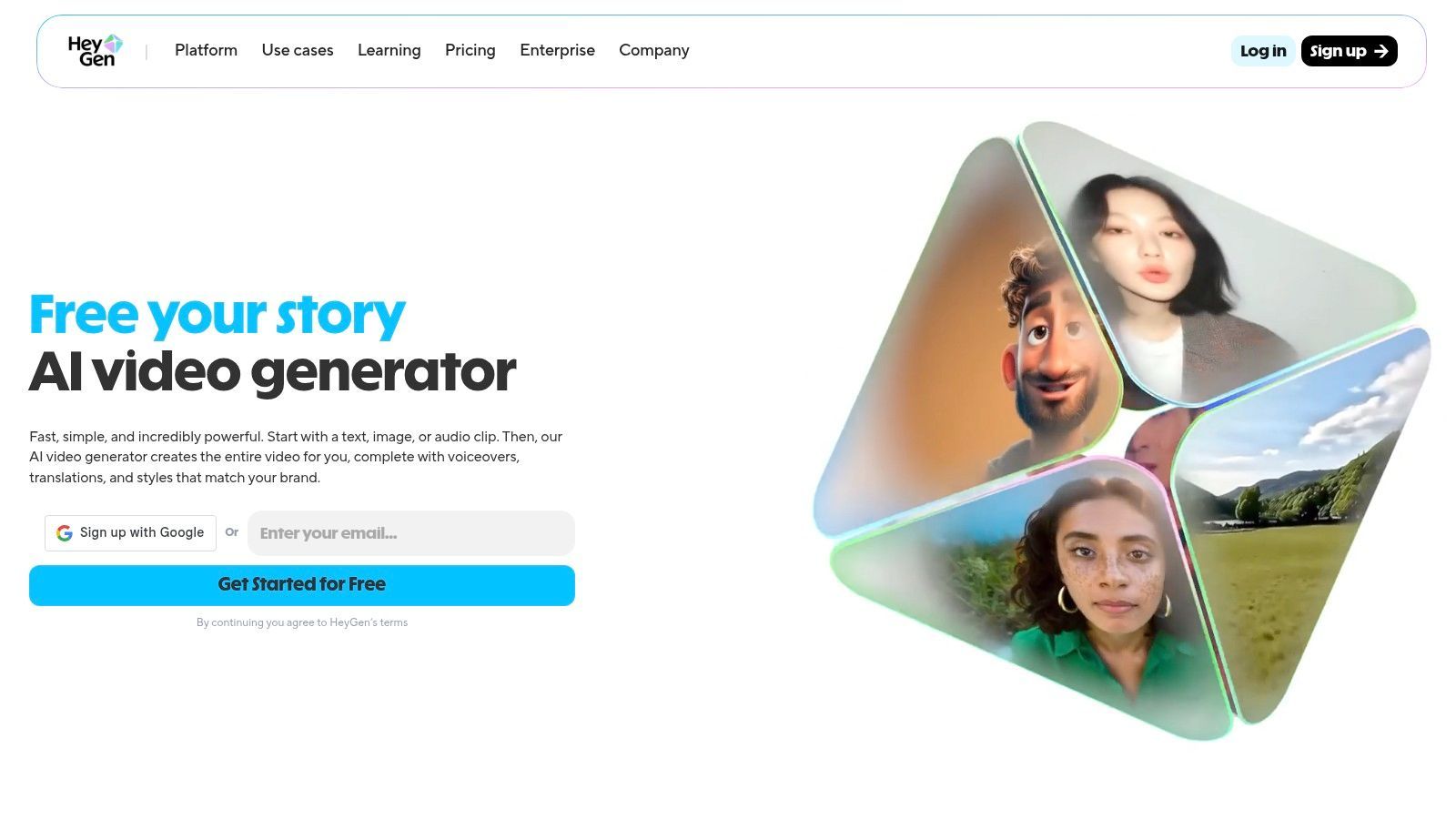
The platform’s strength lies in its extensive avatar library and impressive voice cloning capabilities. This combination allows for rapid video creation that feels personal and authentic, a key differentiator in a crowded market. For teams looking to scale their video content for social media or internal communications, HeyGen offers one of the best AI video generators by balancing high-quality output with an intuitive workflow, making it a favorite for those who value both speed and polish.
Best For: Marketing campaigns, social media content, SMB sales pitches, and multilingual product demos. Standout Feature: Voice cloning combined with a massive library of 500+ stock avatars and support for 175+ languages for hyper-localized content. Practical Tip: Use the voice cloning feature to create a consistent brand voice across all your videos. Record a high-quality clip of your own voice to ensure the AI clone sounds natural and engaging.
| Pros | Cons |
|---|---|
| Generous free tier for testing (3 videos/month) | Best suited for presenter-style content, not creative video |
| Fast processing with up to 4K resolution on team plans | Custom avatars and voice cloning require paid subscriptions |
| Extensive avatar catalog and excellent localization options | Credit system can be slightly confusing for beginners |
HeyGen offers a free plan that includes 3 video credits per month, making it easy to try out. Paid plans start with the "Creator" tier at $24/month (billed annually), which provides more credits and features like 1080p exports. Business and Enterprise plans offer 4K video, voice cloning, and advanced team collaboration tools. You can explore all options on their official website.
Website:https://www.heygen.com
Runway is the mad scientist's laboratory of AI video, a playground for creatives who want to push the boundaries of what's possible. Where others focus on corporate polish, Runway delivers raw, cinematic power. It's less about creating a training module and more about crafting a short film, a mind-bending music video, or a stunning visual effect. It grants direct access to state-of-the-art text-to-video and image-to-video models, making it the top choice for artists, filmmakers, and creators craving advanced control.
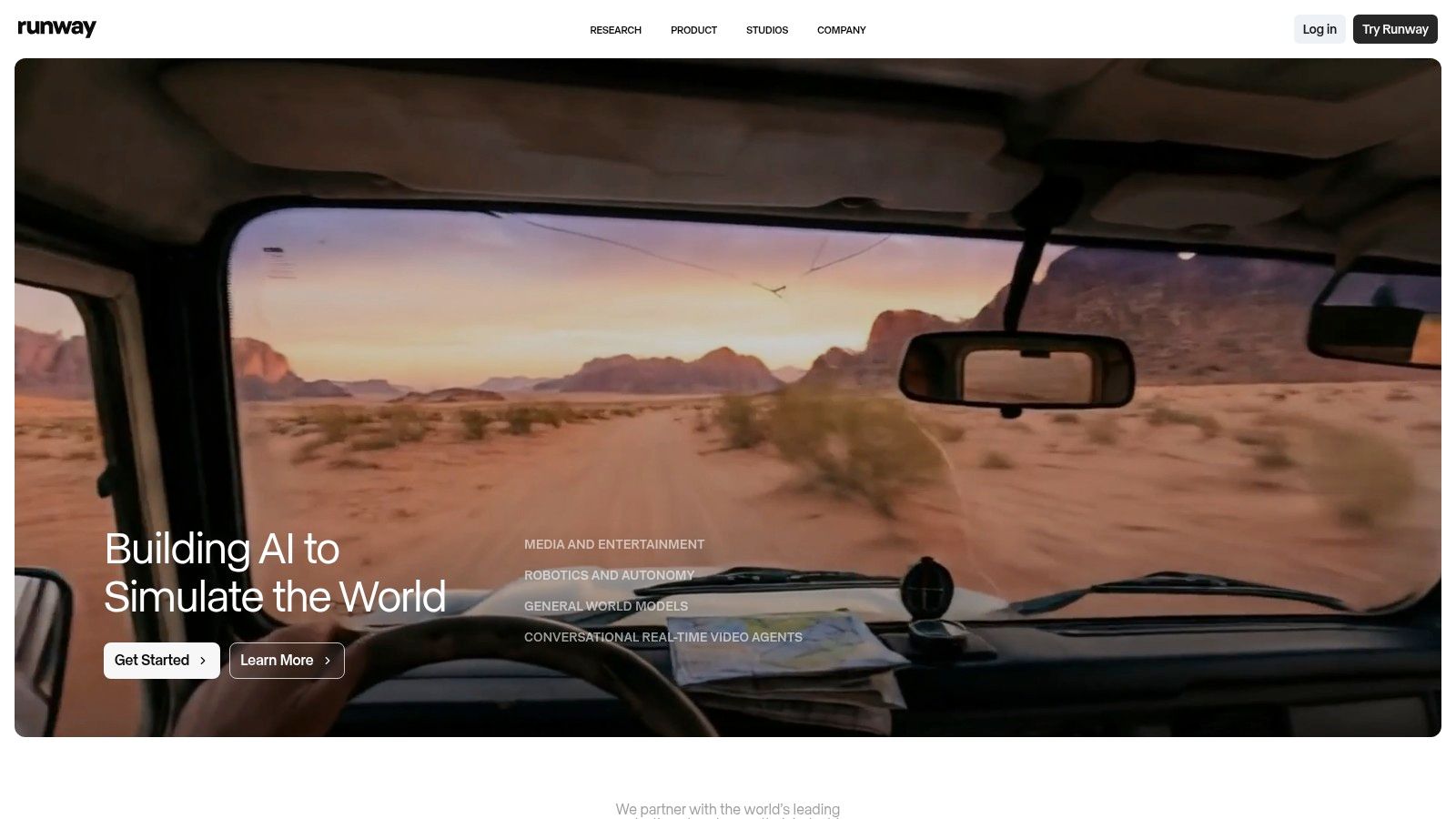
What makes Runway one of the best AI video generators is its fusion of multiple high-end generative models (like Gen-4.5) with a suite of post-production tools. It’s an end-to-end creative workflow. You can generate a clip from a prompt, then take it directly into their editor to add effects, motion tracking, or other enhancements. This focus on artistic and cinematic output, combined with granular export controls, puts professional-grade generative tools directly into the hands of creators. This is where you can explore how to turn an image into a video with AI for truly unique results.
Best For: Creative professionals, filmmakers, music video artists, and anyone creating experimental or cinematic content. Standout Feature: Access to multiple cutting-edge video models (Gen‑4.5, Gen‑4, Veo) and a built-in video editor for post-production work. Practical Tip: Start with a high-quality image prompt instead of just text. The visual foundation often gives the AI a much stronger and more coherent starting point for generating motion.
| Pros | Cons |
|---|---|
| Access to the latest high-quality generative video models | Credit-based system can be confusing to manage at first |
| Strong creative control and advanced export options | Free tier is a one-time grant of credits, not a recurring plan |
| Removes watermarks and allows upscaling on paid plans | Results are more artistic and less predictable than corporate tools |
Runway offers a free tier with a one-time grant of 125 credits to let you experiment. Paid plans start with the "Standard" plan at $12/user/month (billed annually), which includes more credits, removes the Runway watermark, and unlocks higher-resolution exports. They offer additional plans with more credits and team features, as well as the option to purchase extra credits as needed.
Website:https://runwayml.com
Pika has emerged as the creative playground for generative video, capturing the imagination of artists and creators with its text-to-video and image-to-video capabilities. Unlike corporate-focused tools, Pika feels more like a digital canvas, built for experimentation and quick, artistic iteration. If you want to turn a wild idea or a static image into a short, dynamic clip without a steep learning curve, Pika is one of the best AI video generators to get your feet wet.
The platform's strength lies in its accessibility and flexibility. With different generation modes like Pikaframes and Pikascenes, users can balance creative control against credit cost, making it ideal for rapid prototyping. It's built for producing those mesmerizing, short-form video clips you see dominating social feeds, allowing for fast generation and iteration to find the perfect visual hook for your audience. Commercial use on paid plans makes it a viable tool for marketers and indie creators.
Best For: Creating short artistic clips, animated images, social media content, and visual experiments. Standout Feature: Multiple generation modes (text-to-video, image-to-video) that allow users to fine-tune their creative output while managing credit consumption. Practical Tip: Start with a high-quality source image for image-to-video. The more detailed and clear your input, the more compelling and coherent the resulting animation will be.
| Pros | Cons |
|---|---|
| Low entry cost and fast iteration on short clips | Default clip durations are very short |
| Clear credit tables for different generation modes | Features and credit rules evolve; always check latest pricing |
| Multiple modes to balance quality vs. cost | Can require significant tweaking to achieve desired results |
Pika offers a free tier to get started, with paid plans typically starting around $8-$10/month. The model uses a credit system, with à-la-carte credit packs available for purchase. Paid plans unlock watermark-free downloads, commercial use rights, and a larger monthly credit allowance.
Website:https://pika.art
Kapwing is less of a pure AI generator and more of a collaborative online video editor that has been supercharged with a powerful suite of AI tools. It's the Swiss Army knife for social media teams who need to go from an idea to a finished, branded, and subtitled video without juggling five different apps. It seamlessly blends traditional timeline editing with cutting-edge AI features, making it a one-stop-shop for content repurposing and creation.
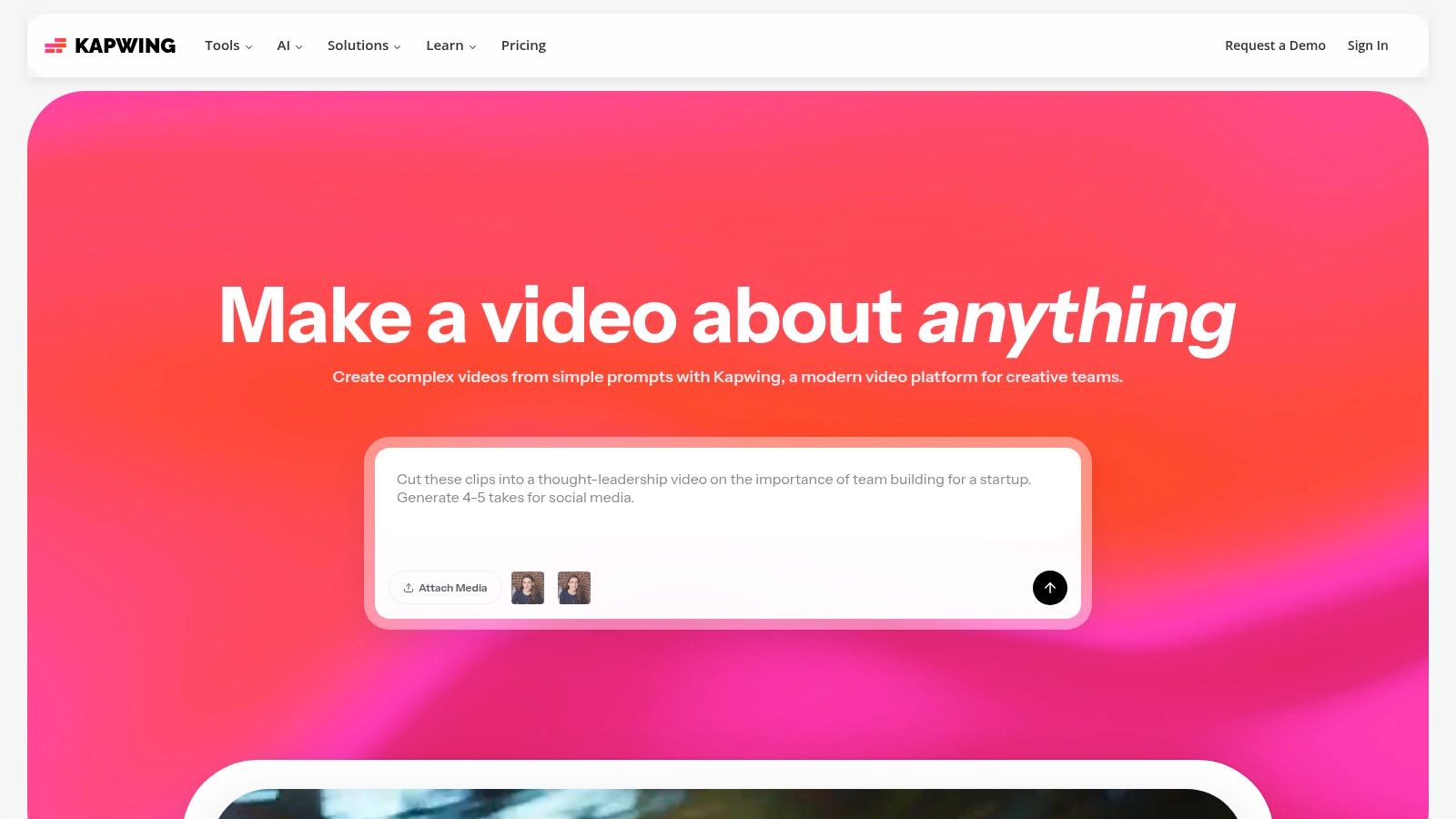
What makes Kapwing a standout choice among the best AI video generators is its focus on the entire content workflow. You can generate a script with AI, turn it into a video, automatically add perfectly timed subtitles, translate them into another language, and then use the robust editor to add your brand kit, B-roll, and final touches. This end-to-end capability in a single browser tab is a massive time-saver for creators and marketers focused on speed and efficiency. For those exploring free tools, you can discover more about Kapwing as an AI video generator free of charge.
Best For: Social media content creation, video repurposing, collaborative team projects, and quick-turnaround marketing videos. Standout Feature: Its all-in-one workspace combines an AI script generator, text-to-video, auto-subtitling, and a full-featured video editor. Practical Tip: Leverage the "Repurpose" tool. You can paste a link to an existing video (like a YouTube clip) and Kapwing's AI will automatically create short, social-ready clips with subtitles, which is perfect for platforms like TikTok and Reels.
| Pros | Cons |
|---|---|
| End-to-end social content workflow | Free plan exports include a watermark and have time limits |
| Robust general editor with integrated stock assets | Some advanced AI features are metered by credits |
| Transparent plan limits with monthly AI credits | Not designed for creating hyper-realistic digital avatars |
Kapwing offers a functional free plan that allows exports up to 4 minutes long with a watermark. The Pro plan is priced at $16/month (billed annually) and removes the watermark, unlocks 4K exports, and provides a generous amount of AI credits. A Team plan with more collaborative features is also available. You can start creating immediately on their website.
Website:https://www.kapwing.com
VEED is less of a standalone AI generator and more of a supercharged online video editor that swallowed an entire suite of AI tools. It excels at a practical "generate-then-edit" workflow, making it perfect for creating branded social media content, UGC-style ads, and snappy short-form clips. If you need to go from a text prompt to a fully edited, subtitled, and branded video in one seamless interface, VEED is a top contender.
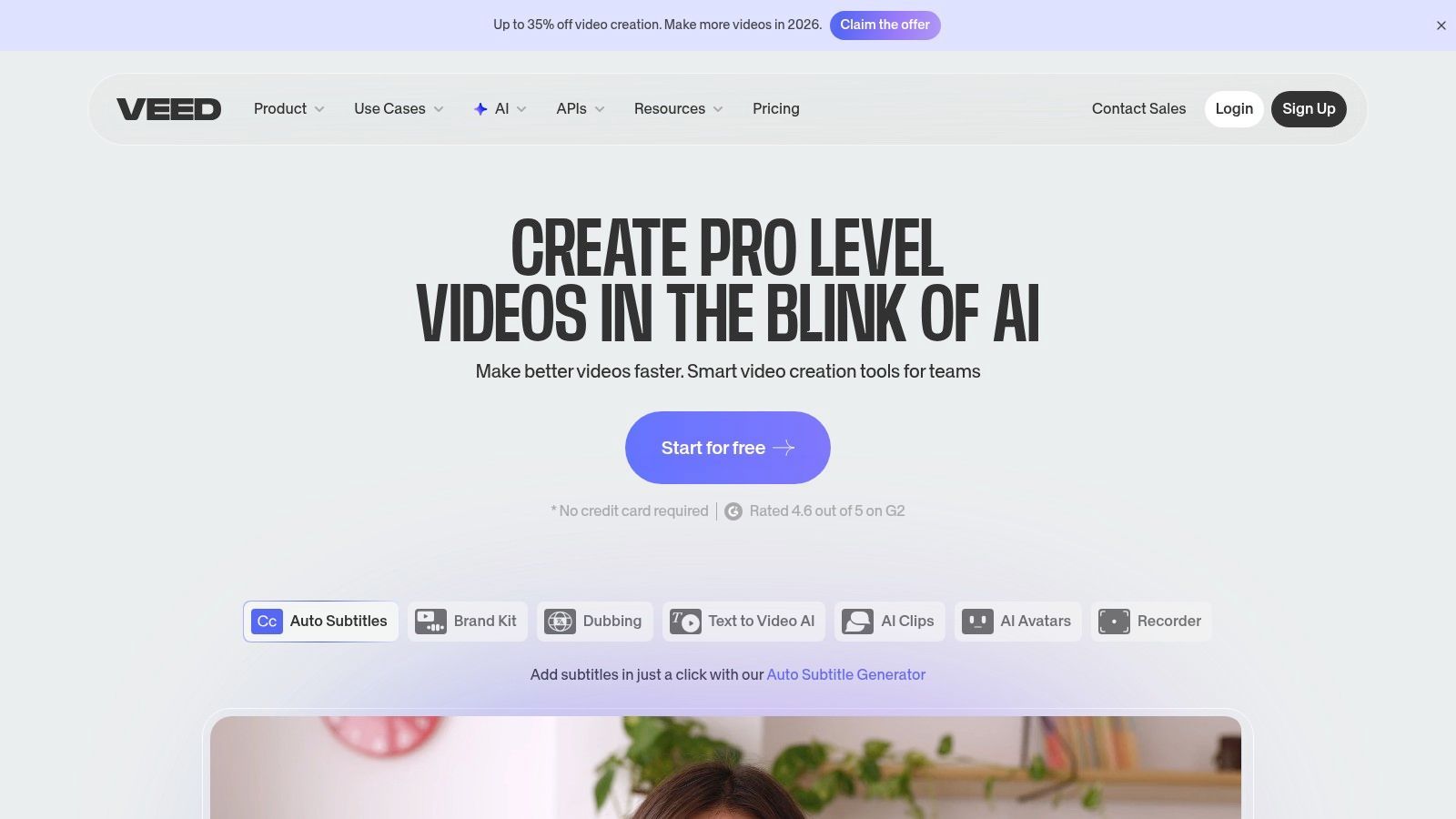
What makes VEED one of the best AI video generators is its integration. You don't just get an AI script or a voiceover; you get a powerful editor to immediately put those assets to work. Its auto-clipping, automatic subtitle generation, and multi-aspect ratio tools are designed for the fast-paced demands of social media marketing. This all-in-one approach streamlines the content creation process, saving you from juggling multiple apps to get the job done.
Best For: Social media managers, content creators, and marketers making quick-turnaround ads. Standout Feature: The integrated generate-then-edit workflow. You can create AI avatars, voiceovers, and scripts and immediately drop them into a full-featured video editor for final polishing. Practical Tip: Use the "Clean Audio" tool. Background noise can ruin a good video, and VEED’s one-click audio enhancement is surprisingly effective at making your voiceovers sound crisp and professional.
| Pros | Cons |
|---|---|
| Rich set of auto-editing tools for ads & social content | Advanced generator features are behind paid tiers |
| Integrated generate-then-edit workflow in one place | Credit/pricing model can be confusing |
| Clear help documentation and tutorials | Occasional user complaints about pricing changes |
VEED offers a free plan with basic features and watermarked exports. Paid plans start with the "Basic" plan at $12/month (billed annually), which removes the watermark and unlocks more features. The "Pro" and "Business" tiers offer more AI credits, stock media access, and advanced tools like auto-subtitling and brand kits.
Website:https://www.veed.io
InVideo AI positions itself as the scrappy, fast-moving creator's tool, perfect for marketers and social media teams who need to generate content quickly. It excels at turning a simple text prompt into a full-fledged video, complete with stock footage, a voiceover, and captions. Think of it as a content engine designed to feed the insatiable algorithms of TikTok, Instagram, and YouTube Shorts with polished, engaging videos. Its workflow is heavily geared toward rapid production for social campaigns.
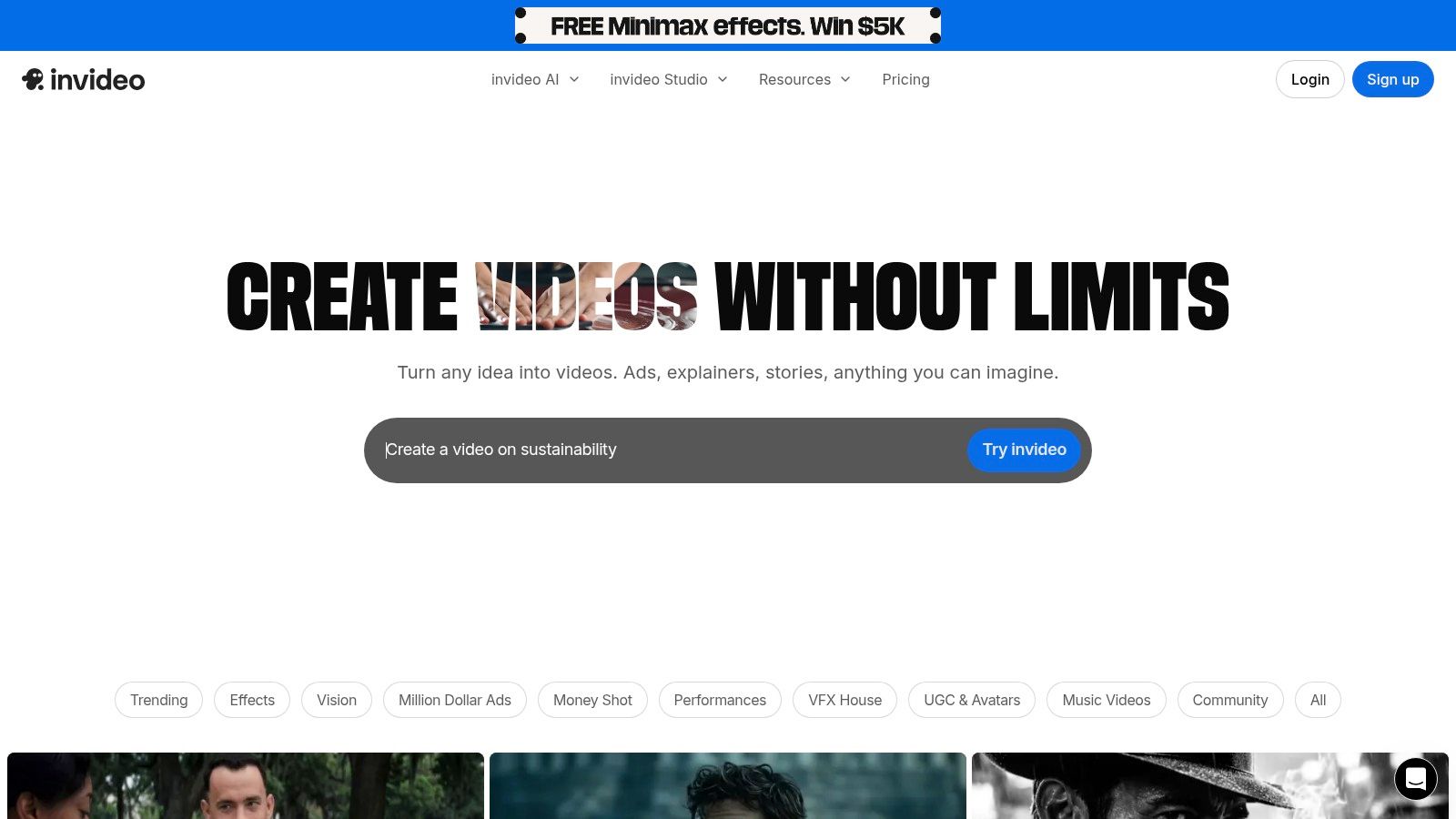
What makes InVideo AI a strong contender among the best AI video generators is its integration of a massive stock media library (including iStock) directly into the generation process. While other tools require you to source B-roll separately, InVideo pulls relevant clips automatically based on your script, saving an immense amount of time. This, combined with its active community and frequent promotional bundles, makes it a go-to for teams that need to produce a high volume of ads and social content without a massive budget.
Best For: Social media ads, YouTube explainers, and marketing content from text prompts. Standout Feature: A powerful text-to-video workflow that sources clips from a huge integrated library (including 8M+ from iStock) to match your script automatically. Practical Tip: Be very specific with your initial prompt. The more context you give the AI about the tone, target audience, and platform (e.g., "an upbeat TikTok ad for a new coffee brand"), the better the initial draft will be.
| Pros | Cons |
|---|---|
| Excellent for rapid social ad production with a supportive community | Plan names and features can change often; verify limits before buying |
| Broad stock integrations and presets simplify the creation process | Generative quotas and AI minutes require close attention to billing |
| Frequent bundles/credits can be very cost-effective for heavy use | AI avatar quality is not as polished as more specialized platforms |
InVideo offers a free plan to get started. Paid plans begin at $20/month (billed annually) for the "Plus" tier, which removes watermarks and provides more AI generation minutes and stock media usage. The "Max" tier offers significantly higher limits. They often run promotions, so it's worth checking their site for current deals.
Website:https://invideo.io
Pictory is the ultimate content repurposing machine, transforming long-form text like blog posts, articles, and scripts into engaging, shareable videos in minutes. It's built for speed and efficiency, making it a favorite among content marketers and faceless YouTube channel creators who need to churn out high-quality videos without ever showing their face or picking up a camera. Its main superpower is automatically selecting relevant stock footage to match your text, turning a dense article into a dynamic visual story.
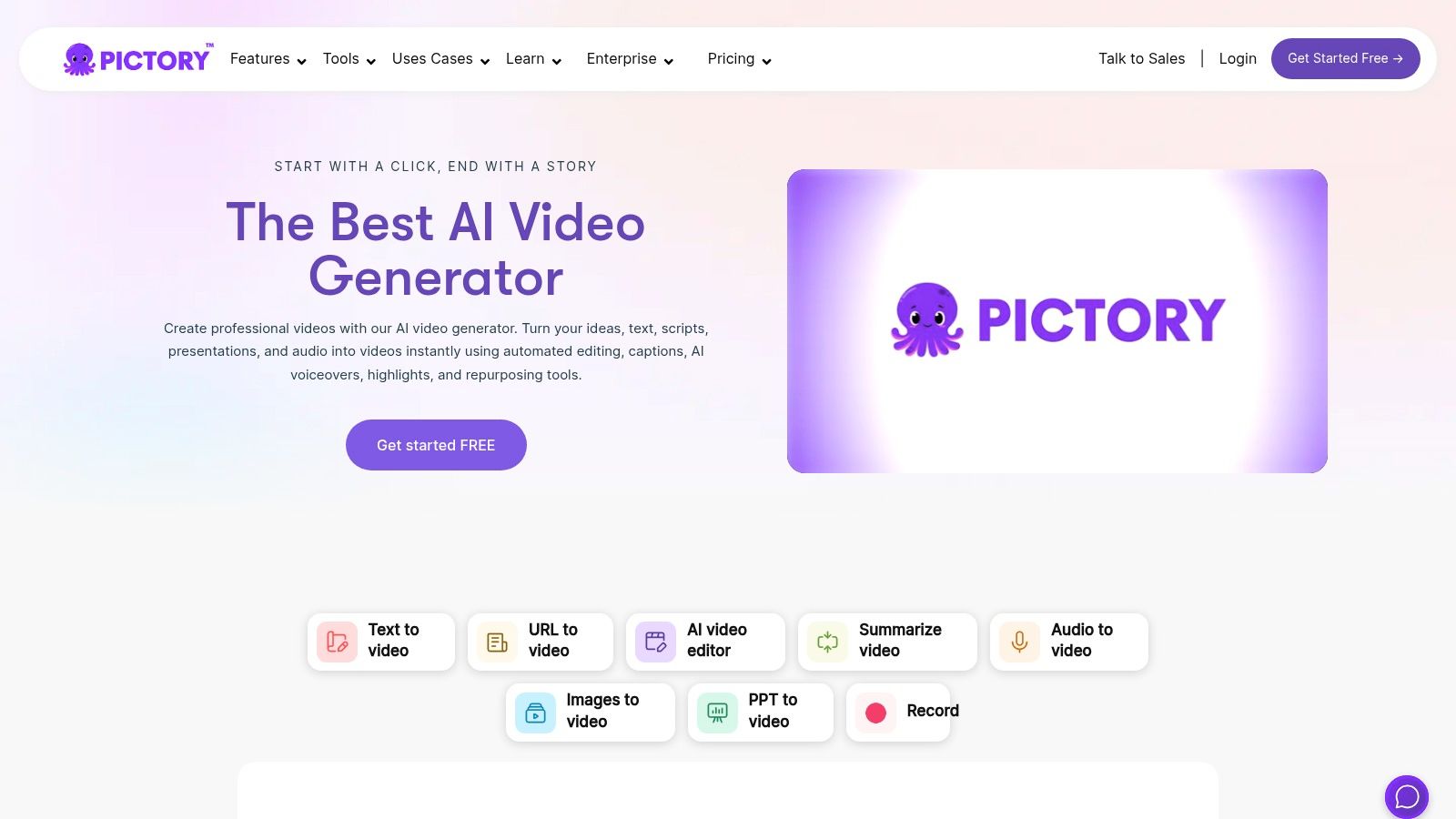
What makes Pictory a powerful contender among the best AI video generators is its deep integration with massive stock media libraries like Getty Images and Storyblocks. This gives users access to millions of premium clips and images, ensuring their videos look polished and professional. Combined with its ability to add AI-generated voiceovers in multiple languages and apply a custom brand kit, it offers a complete workflow for turning written content into branded video assets at scale.
Best For: Content marketers, bloggers turning articles into videos, and faceless YouTube channel creators. Standout Feature: The "Article-to-Video" feature, which intelligently scans a URL or text and builds a video storyboard with matching stock footage automatically. Practical Tip: Before generating, spend a few minutes in the storyboard editor swapping out any automatically selected clips that don't quite fit. A few manual changes can dramatically improve the final video's narrative flow.
| Pros | Cons |
|---|---|
| Exceptionally fast workflow for converting text to video | AI voiceovers can still sound slightly robotic compared to rivals |
| Deep integrations with Getty Images & Storyblocks | Monthly minutes limits may be restrictive for power users |
| Simple, intuitive interface perfect for beginners | Less focus on AI avatars and more on stock media compilations |
Pictory offers a free trial to create up to three 10-minute videos. Paid plans start with the "Standard" plan at around $19/month, providing 30 videos per month. The "Premium" plan offers more videos and features like automatic voiceover synchronization and access to premium stock libraries. Be sure to confirm the pricing in your local currency, as it can sometimes be displayed differently.
Website:https://pictory.ai
Lumen5 is less about creating AI avatars and more about transforming existing content into engaging social videos at scale. Think of it as a content repurposing machine on steroids. It’s designed for marketing teams that need to turn blog posts, whitepapers, or even Zoom call transcripts into snappy, on-brand videos for platforms like LinkedIn, Instagram, and Facebook. Its core strength lies in its ability to quickly assemble scenes from a massive stock library based on your script.

What makes Lumen5 one of the best AI video generators for content marketers is its brand-centric workflow. You can upload your logo, fonts, and color palettes to create a brand kit, ensuring every video maintains a consistent look and feel. The AI assists by suggesting relevant media and text placement, allowing non-editors to produce professional-looking content without ever touching complex video editing software. It’s all about speed, branding, and efficiency.
Best For: Turning articles into videos, social media marketing content, and creating quick, branded video ads. Standout Feature: A massive stock media library (with access to over 500 million assets on higher tiers) and powerful brand kit customization. Practical Tip: Start with the "Transform your text" feature. Paste a link to a blog post and let Lumen5’s AI do the heavy lifting of creating an initial storyboard. You can then refine it, saving hours of manual work.
| Pros | Cons |
|---|---|
| Excellent for repurposing text content into video | AI is assistive, not generative like avatar-based tools |
| Huge stock media library provides endless creative options | Higher-tier features and assets can be costly |
| Strong branding tools ensure consistent output | Pricing can be gated and has changed over time |
Lumen5 offers a free "Community" plan that allows you to create unlimited watermarked videos. Paid plans start with the "Basic" tier at around $29/month, which removes the watermark and provides access to more stock assets. Higher tiers unlock premium media libraries, custom branding features, and team collaboration tools. You can sign up and explore the platform on their website.
Website:https://www.lumen5.com
Colossyan carves out a powerful niche in the AI video space by focusing squarely on workplace learning and development (L&D). While other tools are generalists, Colossyan is a specialist, built to create engaging, interactive training modules that can be deployed at scale. Think of it as the smart tutor of AI video generators, designed not just to present information but to ensure it’s actually absorbed. It’s perfect for L&D teams tired of static presentations and looking to create dynamic, multilingual educational content.
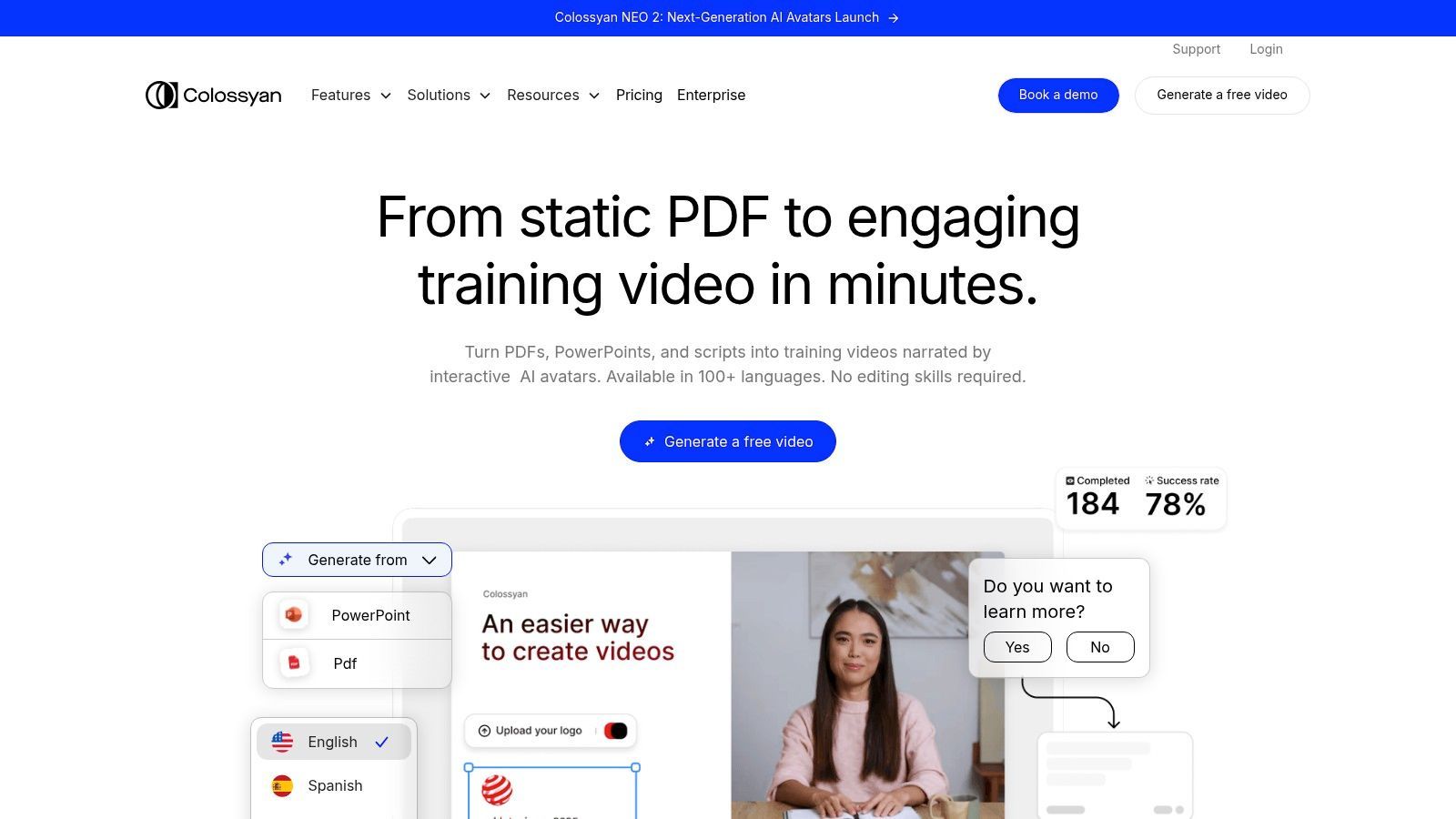
What makes Colossyan one of the best AI video generators for education is its emphasis on interactivity. It’s one of the few platforms that allows you to embed quizzes and create branching scenarios directly within the video, transforming passive viewing into active participation. Coupled with SCORM compatibility for easy integration into Learning Management Systems (LMS), Colossyan delivers a complete toolkit for modern corporate training that is both effective and efficient.
Best For: L&D professionals, corporate trainers, and teams creating educational content. Standout Feature: Interactive elements like in-video quizzes and branching scenarios that boost learner engagement and knowledge retention. Practical Tip: Leverage the auto-translation feature to localize a single training video for a global workforce in minutes. This saves immense time compared to re-recording content for each language.
| Pros | Cons |
|---|---|
| Strong focus on interactive learning (quizzes, branching) | Starter plans have limited video minutes |
| Excellent for localizing training content at scale | Some advanced features are only available as add-ons |
| SCORM and SSO support for seamless LMS integration | Not ideal for creative or marketing-focused video styles |
Colossyan offers a "Starter" plan at $28 per user/month (billed annually), which includes 10 minutes of video generation. The "Pro" plan offers more features and minutes, while the Enterprise plan provides unlimited video generation, custom avatars, and full LMS integration. You can explore the features and start creating by visiting their website.
Website:https://www.colossyan.com
Descript isn't just a generator; it’s an entire AI-powered production studio disguised as a document editor. It revolutionizes the editing process by transcribing your video and letting you edit it simply by deleting text. Made a mistake? Just find the word in the transcript and delete it; the video cuts automatically. This text-based approach makes complex edits feel as simple as correcting a typo, merging the worlds of traditional editing and AI assistance beautifully.
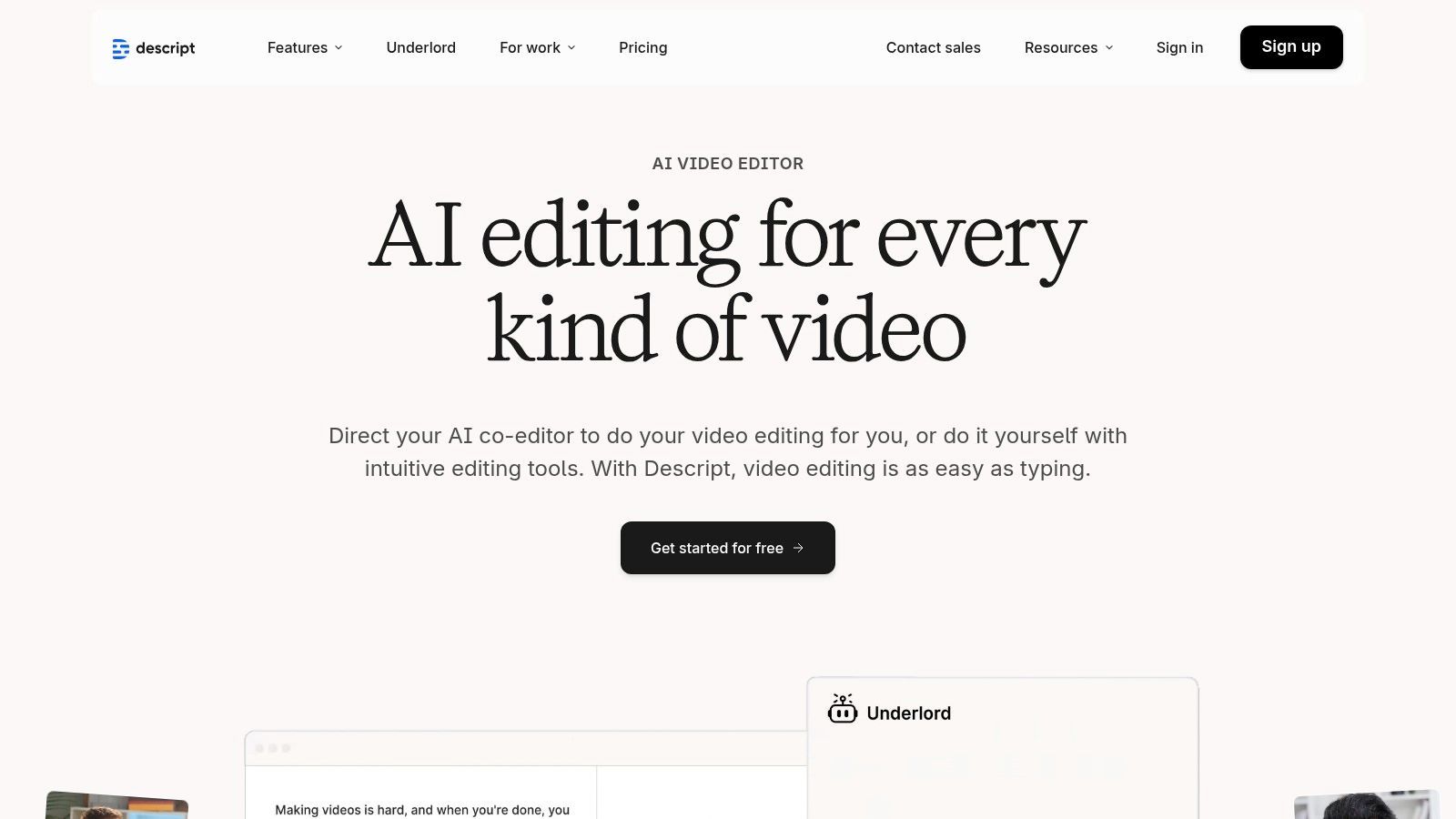
What makes Descript one of the best AI video generators is its hybrid nature. It’s not about creating videos from a single text prompt. Instead, it uses AI to supercharge the entire podcasting and video creation workflow. With features like "Studio Sound" that removes background noise with one click, Overdub for cloning your voice to fix audio errors, and automatic filler-word removal ("uh" and "um" begone!), it's the ultimate tool for creators who value speed and polish.
Best For: Podcasters, YouTubers, course creators, and anyone editing speech-heavy video. Standout Feature: Text-based video editing. The ability to edit video by editing a transcript is a game-changer for speed and ease of use. Practical Tip: Use the "Find filler words" feature immediately after importing your footage. It can instantly find and suggest removing every "uh," "um," and "you know," cleaning up your audio track in seconds.
| Pros | Cons |
|---|---|
| Best-in-class text-based editing paired with modern AI | Not a pure cinematic text-to-video generator |
| Generous media hours on paid plans for creators | Some AI features are limited by monthly credit allowances |
| Hybrid of traditional editing and AI assist in one workflow | Steeper learning curve for those used to traditional timelines |
Descript offers a free plan with one hour of transcription per month. Paid plans start with the "Creator" tier at $12/month (billed annually), which includes 10 hours of transcription and 4K video export. The "Pro" plan offers more transcription hours and unlimited use of premium AI features like Studio Sound.
Website:https://www.descript.com
| Product | Core features | UX / Quality (★) | Pricing & Value (💰) | Target (👥) | Unique selling point (✨) |
|---|---|---|---|---|---|
| SendFame 🏆 | AI Music (songs+videos), Celebrity‑style video, Image→Video, Image editor, one‑click workflow | ★★★★☆ Fast, hyper‑realistic outputs | 💰 Promo available (56% off shown) — contact for plans | 👥 Marketers, influencers, event planners, creators | ✨ Celebrity‑persona messages + full‑song & image→video pipeline |
| Synthesia | 125+ stock avatars, templates, 80+ languages, enterprise API | ★★★★ Polished presenter videos | 💰 Enterprise/credit model | 👥 L&D, enterprises, localization teams | ✨ Large avatar library & robust localization |
| HeyGen | 500–700 avatars, 175+ languages, voice cloning, 1080p–4K exports | ★★★★ Fast, presenter‑style & multilingual | 💰 Free tier; paid for custom avatars/4K | 👥 Marketers, SMBs, localization | ✨ Wide language support + voice cloning |
| Runway | Multiple generative video models, editor, upscaling, post‑production tools | ★★★★☆ Cinematic quality; advanced controls | 💰 Credit‑based; limited free credits | 👥 Filmmakers, advanced creators, VFX artists | ✨ Access to latest high‑quality generative models |
| Pika | Text→video & Image→video (short clips), Pikaframes/Pikascenes | ★★★ Fast iterations for short clips | 💰 Low entry + à‑la‑carte credits | 👥 Consumers, hobbyists, short‑form creators | ✨ Consumer‑friendly pricing for short, quick clips |
| Kapwing | Full editor + AI (text→video, subtitles, TTS), collaboration, brand kit | ★★★★ End‑to‑end social workflow | 💰 Monthly AI credits; free w/ watermark | 👥 Social teams, content repurposers | ✨ Integrated editor + collaborative brand tools |
| VEED | AI generator in editor, avatars, auto‑clipping, subtitles, multi‑ratio | ★★★★ Practical for UGC & social ads | 💰 Paid tiers; some features gated | 👥 Social creators, ad teams, UGC producers | ✨ Generate‑then‑edit flow with strong auto‑tools |
| InVideo AI | Script→video, avatars, voice cloning, stock bundles (iStock) | ★★★ Good for social ad creation | 💰 Tiered minutes + frequent promo bundles | 👥 Marketing teams, ad creators | ✨ Stock integrations & promotional credit packs |
| Pictory | Script/blog→video, auto scene selection, Getty/Storyblocks access | ★★★★ Efficient long→short workflow | 💰 Minutes‑based subscriptions | 👥 Marketers, YouTubers, content repurposers | ✨ Deep stock library for polished marketing clips |
| Lumen5 | AI script composer, templates, brand kits, massive stock library | ★★★ Brand‑consistent, template driven | 💰 Tiered plans; premium assets cost more | 👥 Marketing teams, social publishers | ✨ Strong on‑brand workflows + huge asset library |
| Colossyan | 70–200+ avatars, interactive quizzes, branching, SCORM/SSO | ★★★★ Tailored for learning & scale | 💰 Business tiers; unlimited minutes option | 👥 L&D teams, enterprises, training orgs | ✨ Interactive learning features & LMS export |
| Descript | Text‑based editing, Studio Sound, voice cloning, AI clips | ★★★★ Best‑in‑class editing + AI | 💰 Subscription with media hours & credits | 👥 Podcasters, creators, editors | ✨ Text‑based video/audio edit + studio‑quality audio tools |
And there you have it, a whirlwind tour of the digital wild west where ones and zeros are being spun into video gold. We've navigated a truly diverse landscape, from the polished corporate studios of Synthesia and Colossyan to the avant-garde art houses of Runway and Pika. The journey has made one thing abundantly clear: the quest for the single "best AI video generator" is a bit like searching for the best-tasting food. It's wildly subjective and depends entirely on what you’re cooking up.
The era of one-size-fits-all software is officially over. The digital creator's toolbox is no longer a hammer and a nail; it's a hyper-specialized, multi-gadget kit. The right tool for you isn't the one with the longest feature list or the flashiest marketing. It's the one that feels like a natural extension of your creative brain, the one that removes friction between your idea and the final, glorious video.
Let’s quickly distill this epic showdown into a few key takeaways. The market has splintered into several distinct categories, each serving a unique master.
For the Corporate Communicator & Educator: Your world is one of clarity, consistency, and scale. You need professional, reliable avatars to deliver training modules and internal announcements. Synthesia and Colossyan are your undisputed champions here, offering polished results and enterprise-grade features. They are the dependable sedans of the AI video world. For the Content Repurposing Guru: You’re a wizard of efficiency, turning existing assets into fresh, engaging video content. Your spellbook includes tools like Pictory and Lumen5, which magically transform blog posts and scripts into shareable social media videos in minutes. For the Avant-Garde Artist & Filmmaker: You don't just want to make a video; you want to bend reality. You’re chasing cinematic aesthetics and pushing the boundaries of what's possible. Runway and Pika are your experimental labs, offering the most advanced and artistic text-to-video and video-to-video generation on the market. For the All-in-One Social Media Pro: You need a Swiss Army knife. Your workflow involves editing, adding captions, creating from templates, and maybe dipping a toe into AI features. VEED, Kapwing, and InVideo AI are your go-to platforms, blending traditional editing with powerful AI assistance.
So, how do you choose? Forget the hype and focus on your end goal. Before you even click a "free trial" button, ask yourself a few critical questions:
What's my primary input? Am I starting with a simple text prompt, a full-length article, existing video footage, or just a wild idea? Who is my audience? Am I creating a serious training video for new hires, a hilarious meme for TikTok, or a deeply personal birthday message for my best friend? What’s my budget and time commitment? Am I looking for a free tool for a one-off project, or am I willing to invest in a premium subscription for ongoing professional work?
Your answers will immediately disqualify half the tools on this list and shine a bright spotlight on your top contenders. If you need a corporate avatar, don't waste time trying to tame the artistic chaos of Runway. If you want to create a viral celebrity parody, the structured templates of Lumen5 won't get you there.
This is the new creator paradigm: your mission dictates your tools. The true power lies not in mastering a single platform, but in understanding the landscape and knowing which specialized gadget to grab for the job at hand. The future of video isn't just AI-generated; it's intent-driven. So, define your intent, pick your champion from this list, and step into the director's chair. The digital stage is yours.
Ready to create videos that are not just seen, but are impossible to forget? Dive into the most entertaining and versatile platform on our list. Explore hyper-realistic celebrity personas, generate entire AI music videos, and bring your wildest ideas to life with a single click at SendFame.
Create Epic

SendFame

Create Epic with SendFame!
Questions: info@sendfame.com